 ProMapRanker
Best Flipsnack Free Alternatives in 2026

Key takeaways
- Every tool in this list offers a genuinely free tier, not only a short trial, but page limits, branding and download options vary a lot.
- FlipHTML5 and Heyzine suit most free users, while Flipebooks stands out for a free flipbook without a watermark.
- Issuu suits discovery and magazine style publishing, while Yumpu and AnyFlip suit simple PDF to flipbook conversion.
- Check the free tier limits before you publish a long catalog, since page caps and branding rules are the usual surprise.
Quick comparison
| Pick | Great for | Pricing starts at | Free tier | |
|---|---|---|---|---|
 FlipHTML5 | Free flipbooks with editing | Free | Yes | Visit |
 Issuu | Magazine discovery | Free | Yes | Visit |
 Heyzine | Simple free conversion | Free | Yes | Visit |
 AnyFlip | Quick PDF conversion | Free | Yes | Visit |
 Yumpu | Simple catalog publishing | Free | Yes | Visit |
 Simplebooklet | Small booklets | Free | Yes | Visit |
 Flipebooks | No watermark free tier | Free | Yes | Visit |
 Canva | Design plus flip style sharing | Free | Yes | Visit |
 FlipLink | Low cost flipbook sharing | Free | Yes | Visit |
The best flipsnack free alternatives
We compared official pricing and product pages for tools that publish PDF files as page flipping books and offer a real free tier in October 2026. Flipsnack itself is not listed here, since this article covers free alternatives to it. Tools that offer only a trial, with no ongoing free tier, were left out.
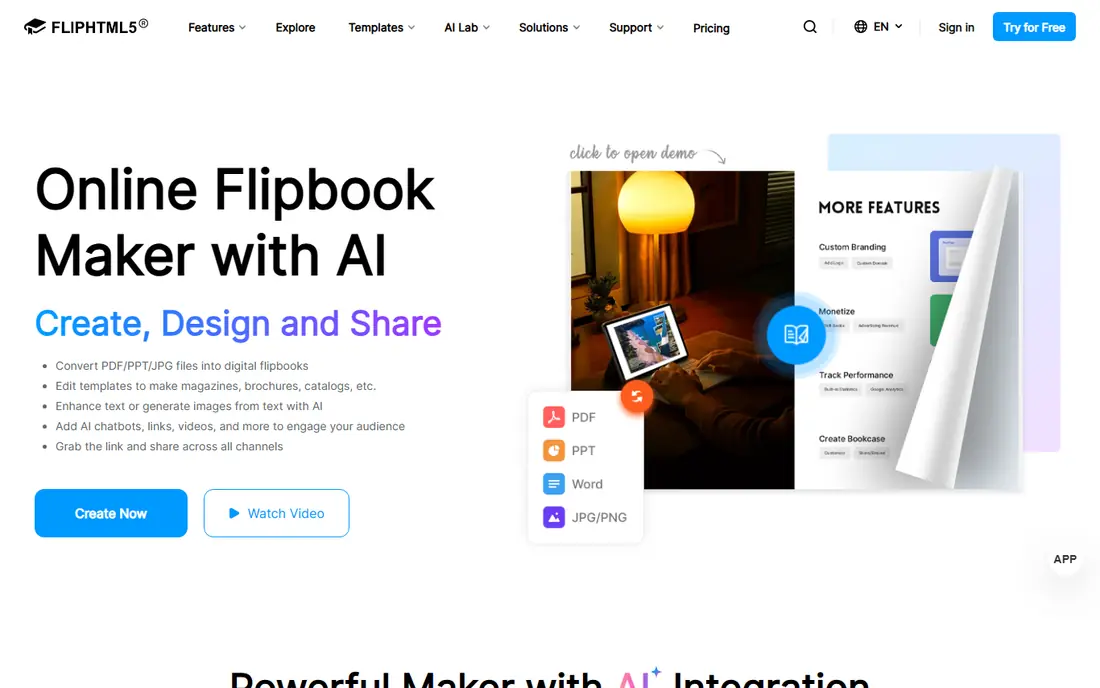
FlipHTML5 is the most complete free starting point for many users. You upload a PDF, it becomes a flipping book, and the page editor lets you add links, video and other interactive elements without rebuilding the document. Sharing by link or embed makes it easy to put a catalog or magazine on a website or send it to a client.
The free tier is not unlimited. Expect platform branding, limits on features and storage, and paid plans for removing branding, raising page limits and adding deeper analytics. For a short catalog or a portfolio, the free tier is often enough. For a long product catalog that needs clean branding, check the paid plan price before you build a large library on the free tier.
- Free publishing from PDF
- Page editor with links and media
- Sharing by link and embed
- Free tier carries branding and limits
- Advanced features need a paid plan
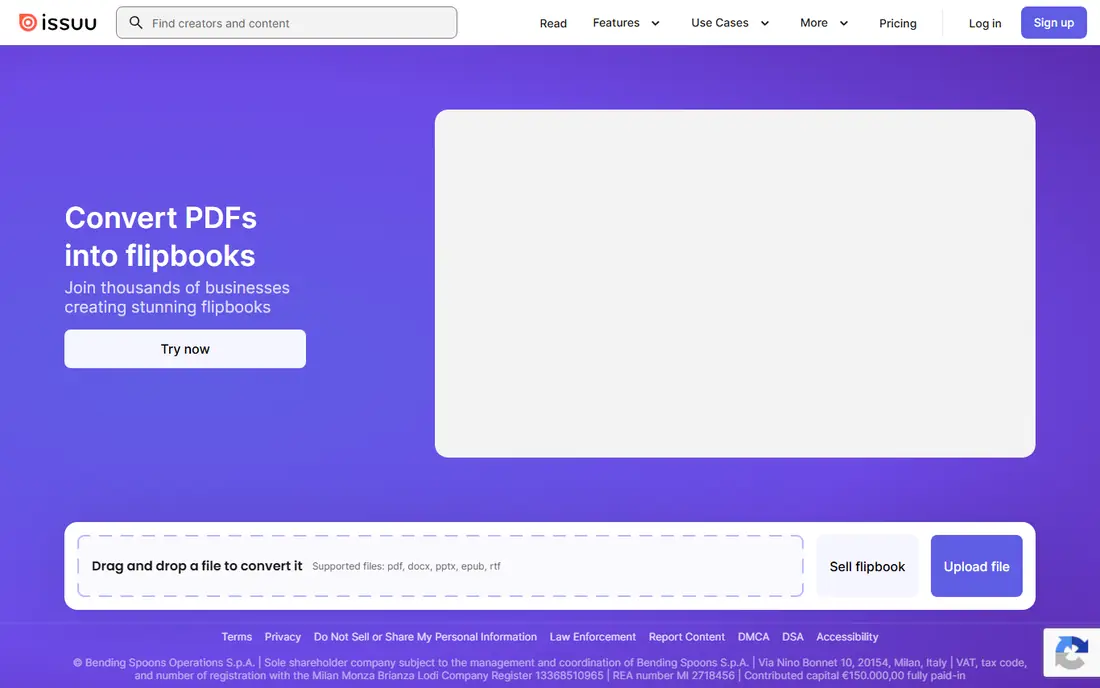
Issuu suits publishers who want readers to find their work, not only open a link they were sent. Magazines, lookbooks and reports sit in a viewer that readers already know, and Issuu discovery can bring extra views beyond your own audience. Embedding on a website is straightforward, which helps small publishers present a professional catalog.
Free publishing comes with trade-offs. Branding control, download options and advanced statistics are limited, and the free experience may include platform elements that a paid plan removes. If discovery matters more than a fully white label viewer, Issuu is a strong free choice. If your catalog must look entirely your own, compare its paid plans with FlipHTML5 and Heyzine.
- Large reader discovery network
- Clean magazine style viewer
- Easy sharing and embedding
- Free publishing has limits and ads in some cases
- Full branding control needs a paid plan
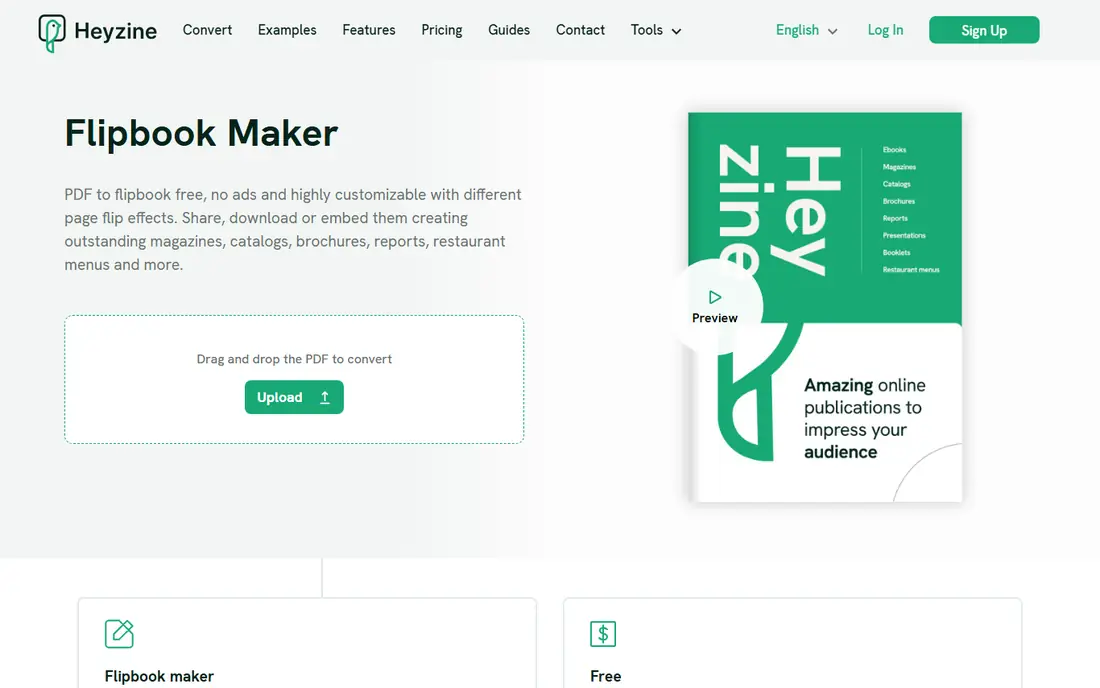
Heyzine is one of the simplest free options. The free basic plan covers several flipbooks, conversion is fast, and the free converter does not add a watermark to your pages. That combination makes it a good test tool for a first catalog, a school project or a short brochure that needs to look clean.
The catch is branding. The Heyzine logo stays on the free viewer, and removing it needs a paid plan. Paid plans start at a low monthly price on annual billing, which makes an upgrade easy if a client facing catalog needs a cleaner look. For internal use or early drafts, the free tier is hard to beat for simplicity.
- Free basic plan for several flipbooks
- No watermark on the free converter
- Simple sharing
- Logo remains on the free viewer
- White label branding needs a paid plan
AnyFlip converts a PDF into a flipping book quickly, with a familiar viewer and sharing options that suit catalogs, brochures and menus. The free version lets you publish without paying first, which is useful when you want to test how a document looks as a flipbook before committing to a platform.
The free version carries a watermark, so it is less suited to client facing work where clean branding matters. Paid plans remove that limit and add more storage, pages and features. Use AnyFlip free to test conversion quality and layout, and upgrade if the catalog will be public and brand sensitive. For private drafts, the free tier is workable.
- Free version for basic publishing
- Easy PDF upload
- Sharing and embedding options
- Free version carries a watermark
- Many features need a paid plan
Yumpu is a straightforward publishing tool for turning PDFs into online magazines and catalogs. Upload, publish and share is the core workflow, and the viewer is easy for readers to use on desktop and mobile. That simplicity suits small businesses that publish a seasonal catalog and do not need a complex editor.
As with most free tiers, branding control and advanced features sit behind paid plans. The free tier is best for testing, for internal sharing or for a catalog where platform branding is acceptable. Check page and storage limits on the current pricing page before publishing a very long catalog, since free limits change over time.
- Free publishing from PDF
- Simple viewer
- Good for catalogs and magazines
- Free tier limits features and branding
- Advanced options need a paid plan
Simplebooklet lives up to its name. It is built for short booklets, guides and brochures rather than huge catalogs, and the free tier covers a small number of active booklets. That focus makes it a good choice for a restaurant menu, a short product guide or a welcome booklet where you do not need a large library.
The limit is the booklet count. Once you need many active publications, or more pages and features, a paid plan is required. Teams that publish one or two booklets at a time may never need to pay. Teams that publish a new catalog every month should compare Simplebooklet paid pricing with FlipHTML5, which suits larger libraries.
- Free tier for a small number of booklets
- Simple creation flow
- Useful for short guides
- Free tier allows only a few active booklets
- Larger use needs a paid plan
Flipebooks stands out because its free tier gives one permanent flipbook with no watermark, no platform branding and no ads, plus accessibility features such as keyboard navigation and screen reader support. For a single important document, such as a portfolio or a key catalog, that clean free presentation is rare among flipbook tools.
The limit is clear: one flipbook on the free tier, with a page cap, and paid features for offline reading, downloads, password protection and detailed analytics. If you need only one polished publication, Flipebooks is our pick. If you need a library of many flipbooks, a tool with a larger free allowance or a low paid plan will fit better.
- Free flipbook with no watermark and no platform branding
- Accessibility features
- Share by link or embed
- Free tier covers only one flipbook
- Downloads and analytics need a paid plan
Canva is included because many free flipbook workflows start in Canva. You design a catalog, magazine or brochure with free templates, export it as a PDF, and then publish it through a flipbook tool. Canva itself also lets you share designs by link, which can serve as a simple flip style presentation for short documents.
Canva is not a dedicated flipbook platform, so it does not replace FlipHTML5 or Heyzine for a true page flipping viewer with analytics and embedding controls. Its strength is design: if your catalog still needs to be created, Canva free covers that step well. Pair it with a free flipbook tool for the final published viewer.
- Free design tools and templates
- Easy PDF export for flipbook tools
- Brand kits on paid plans
- Not a dedicated flipbook platform
- Page flip viewing needs another tool or a published link format
FlipLink is a newer flipbook maker that offers a free tool for creating flipbooks, with paid options that add lead capture, analytics and custom domains without per flipbook feature gates. That approach appeals to small businesses that want to collect reader interest from a catalog without paying for an enterprise plan first.
Because it is smaller than the largest platforms, check current free limits, support and viewer quality on your own document before building a large library there. For a small catalog or a test publication, the free tool is worth trying. For discovery driven magazine publishing, Issuu remains the larger network, while FlipLink suits direct sharing and lead capture.
- Free flipbook maker tool
- Lead capture and analytics on paid tiers
- Custom domain options on paid tiers
- Smaller platform than Issuu or FlipHTML5
- Free tool limits need checking before large use
How we picked these
We compared official pricing pages and product pages, and kept only tools with a genuinely free tier in October 2026, not only a trial. We checked that each tool publishes PDF based flipbooks, and we noted branding, watermark and page limits where vendors publish them. We did not claim hands-on testing, and prices that could not be verified are shown as See website or Free where the vendor states a free tier.
How to choose a free flipbook tool without regrets
Start with the document, not the tool. Count the pages, decide whether branding or a watermark is acceptable, and decide whether you need downloads, analytics or lead capture. A short internal guide has very different needs from a public product catalog, and the free tier that suits one may fail the other.
Test the free tier on your real file
Upload your actual PDF, not a sample, and check page quality, mobile viewing, link behavior and loading speed. Check whether the free viewer shows branding, whether readers can download the file, and whether you can update the document without breaking the share link. Those practical checks matter more than a feature list, and they take less than an hour.
Frequently asked questions
What is the best free Flipsnack alternative?
FlipHTML5 is the best all round free starting point, Heyzine is the simplest free converter, and Flipebooks is the best free choice for a single flipbook without a watermark. The right pick depends on how many flipbooks you need and whether branding matters.
Are there truly free Flipsnack alternatives?
Yes. The tools in this list offer ongoing free tiers, not only trials. Free tiers limit pages, branding, downloads or analytics, so read the current pricing page before you publish a long or client facing catalog.
Which free flipbook maker has no watermark?
Flipebooks states no watermark and no platform branding on its free tier for one flipbook. Heyzine states no watermark on its free converter, although its logo remains on the viewer. FlipHTML5 and AnyFlip state watermarks or branding on their free plans.
Can I publish a catalog for free?
Yes, for short catalogs. FlipHTML5, Heyzine, Issuu, Yumpu and AnyFlip all allow free publishing with limits. For a long catalog with clean branding, expect to pay for a plan that removes branding and raises page and storage limits.
Do free flipbook tools allow downloads?
Some do, some limit downloads to paid plans. Flipebooks, for example, keeps PDF download as a paid feature. Check the download and sharing settings on the tool you choose before promising a downloadable catalog to readers.
What is the difference between a flipbook and a PDF?
A PDF is a document file readers download or view page by page. A flipbook is that document presented online with a page turning viewer, sharing links, embedding and often analytics. Many readers find a flipbook easier to browse on a phone than a raw PDF.
Sources
See where you really rank - block by block
ProMapRanker scans Google Maps across a grid of your service area. Simple monthly plans from $19, white-label on every plan.
Start freeKeep reading
 wpforms alternatives
Best WPForms Alternatives in 2026
We compare 9 wpforms alternatives for WordPress forms, with free and paid options, current pricing notes, and honest limits for small business sites in 2026.
Read → windows task scheduler alternatives
Best Windows Task Scheduler Alternatives in 2026
Looking for Windows Task Scheduler alternatives? We compare 9 schedulers for Windows and cross-platform work, from free tools to enterprise automation.
Read → which ai video service is best
Which AI Video Service Is Best in 2026
which ai video service is best? We compare 10 legitimate AI video services on price, avatars, editing and output quality to help you pick the right tool.
Read →