 ProMapRanker
Eventbrite Alternatives in 2026


Organisers who want low flat fees · Pricing starts at: See website
Key takeaways
- Ticket Tailor and TicketSpice suit organisers who want simple flat fees rather than a percentage of every ticket.
- Humanitix and Zeffy suit cause-led and nonprofit events, with different fee models and payout rules.
- Luma suits community meetups and free events, while Tito suits tech conferences with developer-friendly setup.
- Free events are free on most platforms here, but paid ticket fees and payment processing still differ a lot.
- Always test checkout, check-in and refunds on a small event before you move a large one.
Quick comparison
| Pick | Great for | Pricing starts at | Free tier | |
|---|---|---|---|---|
| Ticket Tailor | Organisers who want low flat fees | See website | Yes | Visit |
 Humanitix | Cause-led events and schools | See website | Yes | Visit |
 TicketSpice | Venues and high-volume ticket sales | See website | No | Visit |
 Eventzilla | Conferences and training with detailed registration | See website | Yes | Visit |
 Whova | Conferences that need an attendee app | See website | No | Visit |
 Zeffy | Nonprofits that want zero platform fees | Free | Yes | Visit |
 Luma | Community meetups and startup events | Free | Yes | Visit |
 Tito | Tech conferences and paid workshops | See website | Yes | Visit |
The best Eventbrite alternatives in 2026
The best alternative is rarely the cheapest headline fee alone. Payout timing, check-in tools, refund handling and how much control you have over the ticket page all shape the real cost. These eight cover flat-fee ticketing, nonprofit fundraising, community events and full conference apps.

Ticket Tailor is a clear first stop if fees are your main reason for leaving. It charges per ticket through prepaid credits or pay-as-you-go, rather than taking a percentage of the ticket price. That structure favours higher-priced tickets, where a flat fee stays small next to the total. You also keep your own payment account, so money flows through a processor you already control. The platform covers ticket types, discount codes, seating options and a free check-in app that works offline. Free events are included up to an annual allowance, which suits regular community organisers. The weakness is discovery. Ticket Tailor does not bring the same built-in audience as a large marketplace, so you need your own email list, social channels or partner promotion to fill seats.
- No subscription and no contracts
- Pay-as-you-go credits from about $0.85 per ticket
- Free events up to a yearly allowance
- Payment processing is separate through your own Stripe, PayPal or Square account
- Marketing reach is smaller than a large marketplace
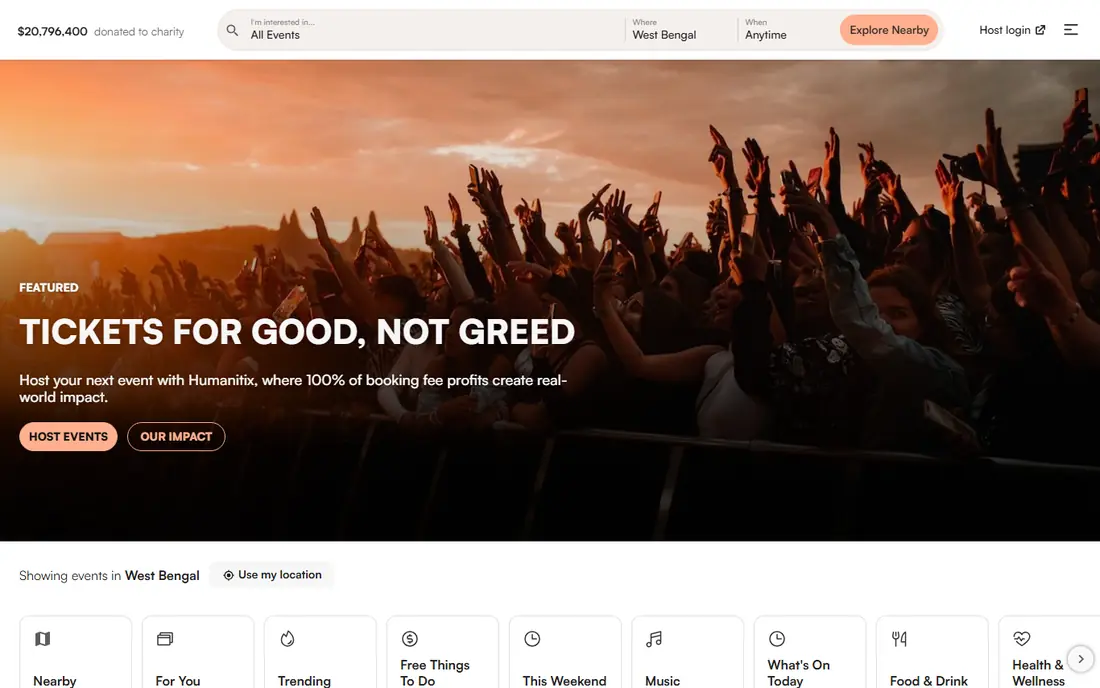
Humanitix turns the fee into part of the story. A share of booking fees goes to education charities, which can help when your audience cares about impact as well as the event itself. The platform handles ticket sales, check-in through its host app, and refunds, with a clean setup that suits charities, schools and community groups. For paid events, Humanitix charges a booking fee plus payment processing, with lower rates for charities and schools. Free events cost nothing to list. The trade-off is the percentage model. On a low-priced community ticket the fee is modest, but on a premium ticket it grows with the price. If your tickets are expensive and volume is high, compare the total against a flat-fee platform before you choose.
- Booking fees help fund education charities
- Free events are free
- Built-in resale at the original price
- Percentage-based fees can add up on expensive tickets
- Payout timing differs from using your own processor
TicketSpice is built for organisers who want control over the page and the checkout. You can design the ticket form, add custom questions, sell merchandise and use reserved seating where it fits. That depth suits attractions, venues and festivals that sell many tickets and need more than a basic listing. The fee model is simple to model: $0.99 per ticket online, with $0.49 for tickets of $5 or less and for box-office sales, plus standard payment processing. There is no subscription in the usual sense, so cost scales with sales. The downside is effort. A highly custom page needs time to build and test, and there is no free tier to lean on for a long trial. Run a small paid test first to check the checkout flow on mobile.
- Flat $0.99 fee per ticket, lower for low-priced and box-office tickets
- Highly custom ticket pages
- Live phone support
- No permanent free plan for paid events
- Processing fees are separate
- Setup takes more time than a simple listing
Eventzilla suits events where registration matters as much as the ticket. Training courses, workshops and conferences often need attendee details, session choices, dietary notes or group bookings. Eventzilla handles those forms well, with discount codes, waitlists and reporting that go beyond a simple ticket sale. Pricing is tiered per registration, starting with a Basic plan and rising through Pro and Plus options, with payment processing separate. Free events are free to list. The weakness is polish. The interface is functional rather than modern, and some organisers will prefer a cleaner builder for a public-facing page. If your priority is data collection and session management, that trade is worth it. If design is the priority, look at Luma or Tito first.
- Deep registration forms and session options
- Tiered per-registration pricing
- Free events are free
- Interface feels dated next to newer rivals
- Processing fees are separate
- Higher tiers add cost for larger events
Whova is different from the ticket-only tools here. It is a conference platform with an attendee app, agenda builder, networking features and sponsor pages, plus registration and ticketing. For a multi-day conference, that bundle can replace several separate tools and give attendees one place for schedules, maps and messages. The trade-off is price and scope. Whova pricing is typically quoted for the event size and feature set, so you need a conversation with sales to get a firm number. That makes it a poor fit for a one-off free meetup, but a strong fit for a paid conference where networking and sponsor value matter. Start content early. An app only helps if the agenda, speaker details and networking prompts are ready before attendees arrive.
- Event app with agenda, networking and sponsor tools
- Registration and ticketing in one system
- Live polling and Q and A
- Pricing is quoted rather than a simple flat fee
- More than a small meetup needs
- Setup takes planning and content
Zeffy is the most direct answer to fee frustration for nonprofits. Eligible organisations pay no platform fee on tickets, donations, raffles and forms. The platform is funded by optional tips that buyers can add at checkout, which they can remove. That model keeps more of each sale with the organisation, which matters for fundraising events. The catch is eligibility. Zeffy is built for registered nonprofits, so a commercial organiser cannot use the same zero-fee terms. It also has less built-in discovery than a large marketplace, so promotion still sits with you. For a charity gala, school fundraiser or community nonprofit event, the saving is real and the setup is straightforward. Check eligibility and payout timing before you announce ticket prices.
- No platform fees for eligible nonprofits
- Ticketing, donations and forms in one place
- Optional buyer tips fund the platform
- Only for registered nonprofits in supported countries
- Optional tips can confuse some buyers
- Fewer marketplace discovery features
Luma has become a default for tech meetups, founder events and community gatherings because the page is clean and the setup is fast. You can create an event, share a link, collect registrations and see who is coming, all without a long form. Recurring events and calendars make it easy for a community to follow a series. The free plan includes a platform fee on paid tickets, with a paid Plus plan that lowers that fee. Stripe processing is separate. That makes Luma best for free or low-priced community events, where simplicity matters more than advanced seating or complex registration. For a paid conference with sessions and sponsors, Tito or Whova will give you more control.
- Free plan with a clean event page and calendar
- Good for recurring meetups
- Simple guest list and check-in
- Platform fee applies on paid tickets on the free plan
- Fewer ticketing controls than a dedicated box office
- Discovery depends on your own audience
Tito is a favourite for developer and design conferences because it stays out of the way. The setup is clean, the checkout is fast, and the fee is a simple percentage per ticket plus gateway fees. Free events are free, and paid events do not need a monthly subscription. That makes budgeting easy for a one-off conference. The weakness is reach and add-ons. Tito does not bring a large marketplace audience, and it does not try to be a full conference app like Whova. You bring the audience and, if needed, pair it with a separate app or site for the agenda. For organisers who already have a community and want a reliable, low-fuss ticket sale, that focus is a strength rather than a gap.
- Simple percentage fee with no subscription
- Free events are free
- Developer-friendly setup and integrations
- Fewer built-in marketing tools than a large marketplace
- Percentage fee grows with ticket price
- Smaller team support options
How we picked these
We compared official pricing pages, fee schedules, feature pages and public reviews, and kept only platforms that still sell tickets in October 2026 and offer a real alternative to a large marketplace. We favoured a mix of fee models, from flat fees to zero-fee nonprofit ticketing, and a mix of event types, from meetups to conferences. Where a platform quotes pricing rather than publishing a flat rate, we say so instead of inventing a number.
What to check before you switch
Start with a total-cost test. Take your real ticket price and volume, add the platform fee and the payment processing fee, and compare the total across two or three platforms. A flat fee wins on expensive tickets, while a percentage fee can win on cheap ones. Next, test the attendee side. Buy a test ticket on mobile, check the confirmation email, and try check-in at the door. Finally, check refunds, transfers and payout timing. Those details cause more stress than the fee itself when an event changes or a buyer needs help.
Frequently asked questions
What is the best free Eventbrite alternative?
For free events, Ticket Tailor, Humanitix, Luma, Tito and Eventzilla all let you list free events without a platform fee, subject to their own limits. Zeffy is free for eligible nonprofits even for paid events. Pick based on check-in tools and page design, not just the free label.
Which alternative has the lowest fees for paid events?
It depends on ticket price. Ticket Tailor and TicketSpice use flat fees, which tend to win on higher-priced tickets. Humanitix and Tito use percentage fees, which can be cheaper on low-priced tickets. Zeffy has no platform fee for eligible nonprofits. Run your own numbers before you choose.
Can I move my existing event and attendee list?
Most platforms here support attendee imports and custom ticket pages, but the exact import format differs. Export your list from your current tool, check the fields each new platform accepts, and test with a small batch first. Do not close the old listing until the new checkout is tested.
Do these platforms handle refunds and transfers?
Yes, in general, but rules and fees differ. Some platforms let buyers transfer tickets, some let organisers issue refunds from the dashboard, and processing fees are often non-refundable. Read the refund policy for the platform you pick and state it clearly on your ticket page.
Is there an alternative with a conference app?
Whova is the strongest pick here for a full conference app with agenda, networking and sponsors. Luma works well for simpler meetups, while Tito pairs well with a separate agenda site if you want a lighter setup.
Do I need my own payment account?
Ticket Tailor and Tito work with your own gateway, while Humanitix and others can process through their own system. Using your own account can speed up payouts but adds setup. Using the platform gateway is simpler but may mean waiting until after the event for payout.
Sources
See where you really rank - block by block
ProMapRanker scans Google Maps across a grid of your service area. Simple monthly plans from $19, white-label on every plan.
Start freeKeep reading
 ebay alternatives
eBay Alternatives in 2026
Find the best eBay alternatives in 2026. We compare 8 marketplaces for sellers on fees, buyer reach, categories, shipping and ease of selling online today.
Read → cursor alternatives
Cursor Alternatives in 2026
Compare the best Cursor alternatives for AI coding, from GitHub Copilot and Windsurf to Zed, Claude Code, Cline, Aider, and Amazon Q Developer in 2026.
Read → constant contact alternatives
Constant Contact Alternatives in 2026
We compared the best Constant Contact alternatives on price, free plans, automation and nonprofit options, so small businesses can switch with confidence.
Read →