 ProMapRanker
Cursor Alternatives in 2026

Key takeaways
- GitHub Copilot is the safest all round switch for developers who want to keep their current editor.
- Devin Desktop, formerly Windsurf, is the closest IDE style replacement for Cursor style agent workflows.
- Zed suits developers who value speed and a light native editor, while Claude Code and Codex suit terminal first work.
- Open source tools such as Cline and Aider cost nothing for the tool itself, but you still pay for model use.
- The right choice depends on editor, model choice, agent depth, and how much heavy agent use will cost each month.
Quick comparison
| Pick | Great for | Pricing starts at | Free tier | |
|---|---|---|---|---|
 GitHub Copilot | Keeping your current editor | $10 per month | Yes | Visit |
 Devin Desktop | Closest Cursor style IDE | $20 per month | Yes | Visit |
 Zed | Fast native editor | $10 per month | Yes | Visit |
 Claude Code | Terminal first agent work | $20 per month | No | Visit |
 OpenAI Codex | ChatGPT subscribers who code | $20 per month | Yes | Visit |
 Cline | Open source VS Code agent | Free | Yes | Visit |
 Aider | Git native terminal pairing | Free | Yes | Visit |
 Amazon Q Developer | AWS centered teams | $19 per user per month | Yes | Visit |
 Tabnine | Enterprise privacy and control | $39 per user per month | No | Visit |
 JetBrains AI | JetBrains IDE workflows | $10 per month | Yes | Visit |
The best cursor alternatives
We compared AI coding tools that can replace Cursor for completions, chat, and agent work, with attention to editor fit, model choice, agent depth, and real monthly cost.
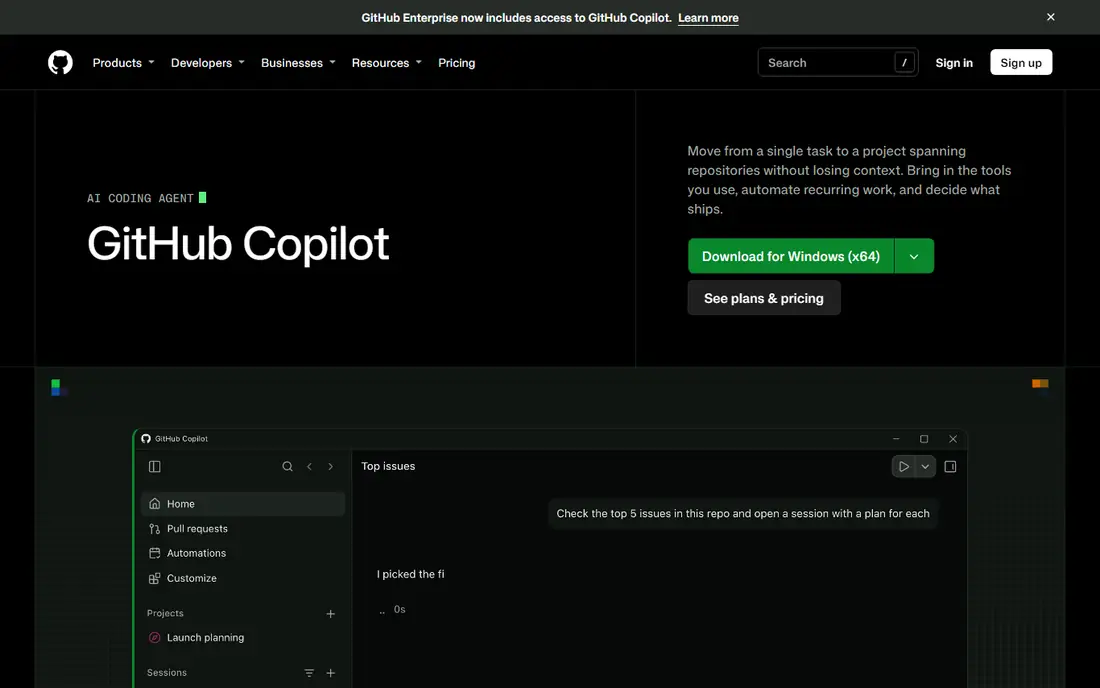
GitHub Copilot is our pick for most developers leaving Cursor, because it does not force an editor change. It runs where most teams already work, and it now covers completions, chat, agent tasks, and pull request review in one subscription. GitHub context from repositories, issues, and pull requests helps suggestions fit the codebase, not just the open file.
The catch is credit based agent use on newer plans. Light use stays predictable at $10 per month for Pro, but heavy agent work can push you to Pro+ or Max. Copilot is still the lowest friction switch, and the free tier lets you test completions and limited chat before paying.
- Works in VS Code, JetBrains, Neovim, and Visual Studio
- Completions, chat, agent mode, and code review
- Deep GitHub context
- Heavy agent use draws down AI credits
- Strongest inside GitHub workflows
- No self hosted option for strict teams
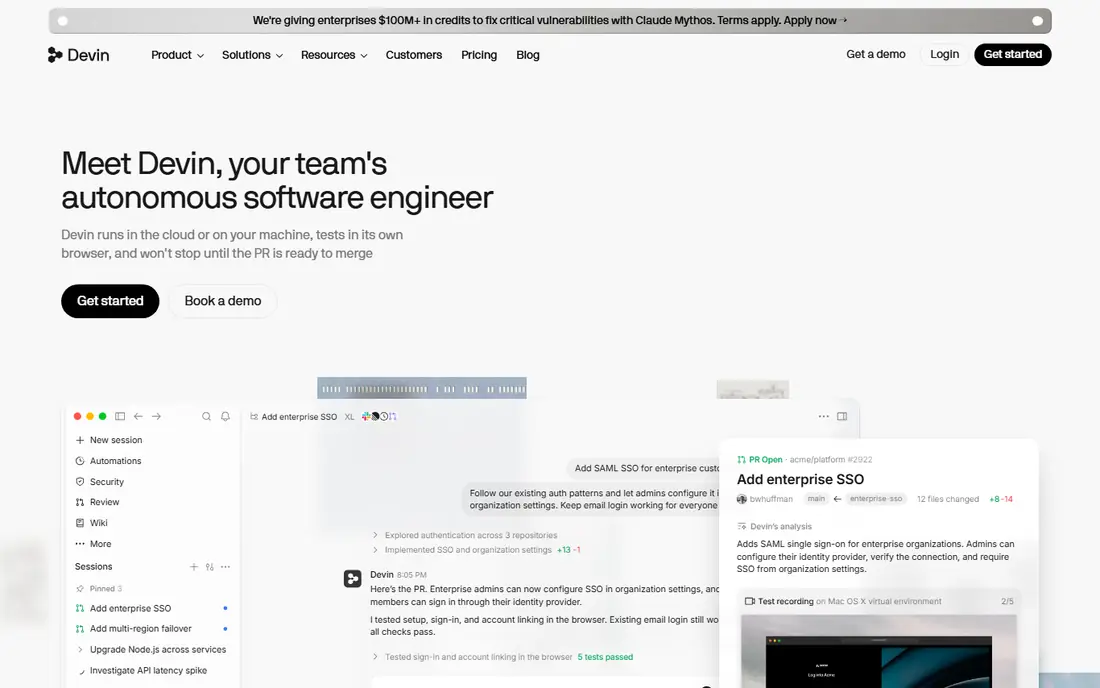
Devin Desktop, formerly Windsurf, is the closest drop in replacement for Cursor users who want an AI first IDE. It offers agent driven editing, multi file changes, and a command center view for tracking agents across tasks. Developers who liked Cursor tab completions and agent chat will find a familiar workflow here, with more emphasis on managing several agents at once.
Free use covers light work with unlimited tab completions in recent plans, but serious agent volume needs Pro at $20 per month or higher. The rename from Windsurf to Devin Desktop in 2026 also means older guides may use the old name. If you want a full IDE swap, start here.
- Full AI IDE with agent workflows
- Agent command center for managing agents
- VS Code compatibility
- Paid tier needed for serious agent volume
- New branding after the Windsurf rename can confuse
- Heavier than a light editor
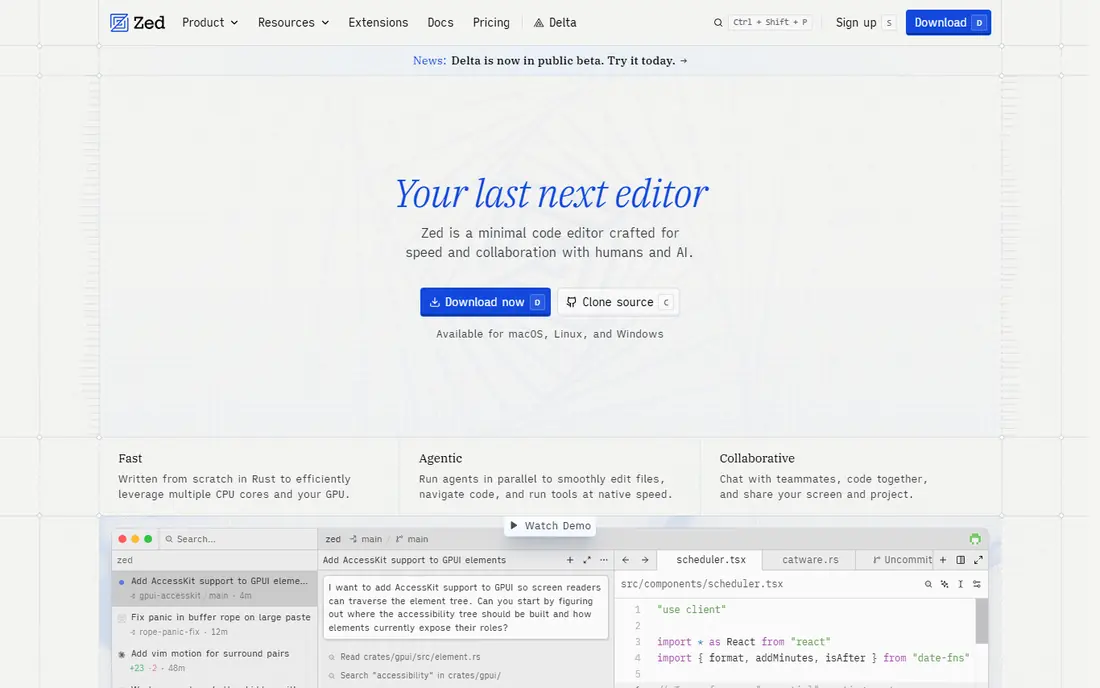
Zed appeals to developers who felt Cursor and VS Code were heavy. It starts fast, handles large files well, and offers a clean editing experience with collaboration built in. AI features include edit predictions and chat, with a Pro plan at $10 per month for more AI use. You can also bring your own model keys, which helps control cost and model choice.
Zed is not the deepest agent IDE in this list, and its extension range is smaller than VS Code. If your priority is speed, a native feel, and solid AI help without a full agent fleet, Zed is a refreshing change. If you need the deepest multi file agent workflows, pair it with a terminal agent or choose Devin Desktop.
- Very fast native editor
- Multiplayer editing
- AI edit predictions and chat
- Bring your own key option
- Smaller extension ecosystem than VS Code
- AI features are less agent heavy than Cursor
- MacOS and Linux focus
Claude Code is the pick for developers who prefer the terminal to a new IDE. It can explore a codebase, plan changes, edit files, run tests, and explain its work, all from a command line session. Because it sits beside your editor, you keep your existing setup and add an agent layer on top. That separation suits experienced developers who review diffs carefully.
The cost is a Claude Pro subscription at $20 per month, with higher Max tiers for heavy use, and there is no free agent tier to test at length. Terminal agents also demand careful prompting and review, since they can change many files at once. For large repo work and agent depth, Claude Code is among the strongest options here.
- Strong agentic coding in the terminal
- Large repo reasoning
- Works beside any editor
- No free tier for the agent itself
- Needs a Claude Pro subscription
- Terminal workflow is not for every developer
OpenAI Codex suits developers who already pay for ChatGPT and want coding help from the same subscription. It brings OpenAI models to terminal and IDE workflows, with agent tasks that can explore code, make changes, and run checks. For ChatGPT Plus users, that makes Codex a low extra cost route into agentic coding.
If you do not already use ChatGPT, the $20 per month Plus price is similar to other paid options, and model choice is narrower than Cline or Copilot. Free access exists inside ChatGPT, but with limits. Choose Codex when OpenAI models and an existing ChatGPT subscription make it the simplest path.
- OpenAI models in CLI and IDE workflows
- Useful if you already pay for ChatGPT Plus
- Cloud and local agent options
- Best value tied to a ChatGPT subscription
- Free access is limited
- Model choice is OpenAI centered
Cline is the best open source agent inside VS Code for developers who want model freedom. It can read files, plan tasks, edit code, and run commands, with plan mode for approval before changes. Because you bring your own keys, you can switch models per task, use cheap models for routine edits, and reserve strong models for hard work.
The trade off is that free means free for the extension, not free for inference. Model bills vary with use, and setup takes more steps than a single subscription. Cline also needs careful review settings, since an agent with terminal access can change a lot quickly. For control and flexibility, it is hard to beat.
- Free open source extension
- Any model via your own keys
- Plan and act modes for careful agent work
- You pay for model use
- Setup needs API keys
- Quality depends on the model you choose
Aider is a Git native pair programmer for the terminal. It edits code with Git awareness, keeps changes in commits you can review, and works with a wide range of models through your own keys. Developers who like a precise, diff driven workflow often prefer Aider to a chatty IDE agent, since every change is visible in Git history.
It is terminal only, so it will not suit developers who want visual agent panels and IDE integration. Model costs apply, and prompt skill matters for good results. For Git focused developers who want a free, flexible agent, Aider remains a strong choice in 2026.
- Free open source terminal tool
- Git aware editing and commits
- Works with many models
- Terminal only
- You pay for model use
- Interface is plain compared with IDE agents
Amazon Q Developer suits teams building on AWS, where its knowledge of AWS services, documentation, and migration patterns adds real value. It can help with code completions, chat, agent tasks, and AWS specific work in IDEs and the command line. For organizations already on AWS, that context can save time on service choices and configuration.
Outside AWS, Q Developer is less distinctive than Copilot or Claude Code, and the Pro tier at $19 per user per month needs a team budget. Free access helps with testing, but serious use is paid. Choose it when AWS is central to your stack.
- Strong AWS context and documentation help
- Works in IDEs and CLI
- Useful for AWS migration and modernization tasks
- Best value inside AWS workflows
- Less compelling outside AWS
- Pro features need a paid seat
Tabnine is built for regulated and enterprise teams that need control over code data. It offers private deployment options, admin controls, and a focus on keeping code inside approved boundaries. That makes it a fit for finance, health, government, and large enterprise teams where data rules decide the purchase.
The price is the barrier for individuals and small teams, at $39 per user per month for the code assistant tier, with agentic features higher. It also lacks a free plan for the main product. When privacy and governance matter more than low cost, Tabnine is a serious enterprise alternative.
- Strong privacy and self hosting options
- Enterprise controls
- Code review and agent features on higher tiers
- High entry price
- No free plan for the main assistant
- Smaller model choice than BYOK tools
JetBrains AI is the natural choice if you already live in IntelliJ IDEA, PyCharm, WebStorm, or another JetBrains IDE. It adds completions, chat, and agent help inside the IDE you know, without forcing a move to VS Code or a new editor. For Java, Python, Kotlin, and web teams on JetBrains tools, that native fit saves setup time.
It is less useful if you switch editors often or want a standalone AI IDE. Agent features also vary by IDE and plan, so check your specific IDE before assuming full parity. For JetBrains loyal teams, it is the lowest friction AI upgrade.
- Native AI in IntelliJ, PyCharm, and other JetBrains IDEs
- Completions, chat, and agent features
- Familiar workflow for JetBrains users
- Best inside JetBrains IDEs
- Agent depth varies by IDE and plan
- Not a standalone editor swap
How we picked these
We compared official feature and pricing pages and recent published pricing checks from October 2026 for AI coding tools that are available and actively sold. We favored tools with a working agent or completion product, a clear editor fit, and a published price or free tier, and we excluded tools that have shut down or stopped active development. Prices marked per month reflect vendor list prices, and model use costs apply on top for bring your own key tools.
Choosing by workflow, not by hype
Start with your editor. VS Code users have the widest choice, including Copilot, Cline, and Devin Desktop, while JetBrains users should test JetBrains AI first and terminal users should test Claude Code, Codex, or Aider. Then check model choice: subscription tools are simpler, while bring your own key tools give control but need budget tracking.
Agent cost and review habits
Set a monthly agent budget and review diffs before merging, since agent tools can change many files in one run. Use plan mode or approval steps for large refactors, run tests after agent changes, and keep commits small enough to revert. Heavy agent users should compare credit allowances, not only headline prices, since a cheap seat can become expensive at scale.
Frequently asked questions
What is the best alternative to Cursor?
GitHub Copilot is the best all round alternative for most developers, Devin Desktop is the closest IDE style replacement, and Zed is best for speed. Terminal users should look at Claude Code, Codex, or Aider, while VS Code users who want model freedom should try Cline.
Is there a free Cursor alternative?
Yes. Cline and Aider are free open source tools, though you pay for model use, and GitHub Copilot, Devin Desktop, Zed, and JetBrains AI offer free tiers. Free tiers usually limit agent use, chat, or completions, so check limits for daily coding.
What is the best Cursor alternative for VS Code?
GitHub Copilot and Cline are the strongest VS Code choices. Copilot offers a polished subscription with GitHub context, while Cline offers open source flexibility and any model via your own keys.
Do Cursor alternatives support different AI models?
Some do more than others. Cline and Aider support many models through your own keys, Copilot and Claude Code offer model choice inside their own systems, and Codex centers on OpenAI models. Check model lists before paying if a specific model matters to you.
Are AI coding tools safe for private code?
It depends on the tool and plan. Enterprise options such as Tabnine offer private deployment and controls, while consumer plans may process code on vendor servers. Read the privacy and data retention terms, and avoid sending secrets or sensitive code to any tool without approval.
Should I switch from Cursor or keep it?
Switch if price, editor, model choice, or agent cost is a real problem for your work. Keep Cursor if its workflow already fits and its cost is acceptable, since switching editors costs time even when the new tool is strong.
Sources
See where you really rank - block by block
ProMapRanker scans Google Maps across a grid of your service area. Simple monthly plans from $19, white-label on every plan.
Start freeKeep reading
 eventbrite alternatives
Eventbrite Alternatives in 2026
Find Eventbrite alternatives in 2026 with lower fees, free events and better check-in, compared by pricing, features, payouts and who each platform suits.
Read → ebay alternatives
eBay Alternatives in 2026
Find the best eBay alternatives in 2026. We compare 8 marketplaces for sellers on fees, buyer reach, categories, shipping and ease of selling online today.
Read → constant contact alternatives
Constant Contact Alternatives in 2026
We compared the best Constant Contact alternatives on price, free plans, automation and nonprofit options, so small businesses can switch with confidence.
Read →