 ProMapRanker
Dropbox Alternatives Free in 2026

Key takeaways
- MEGA gives the largest well-known free allowance in this list, with end-to-end encryption on its free account.
- Google Drive suits people who already use Google Docs, Gmail and Photos, because its free space is shared across those services.
- pCloud, Box and Icedrive suit media and file sharing, while Proton Drive and Sync.com suit private files.
- Dropbox itself is not listed here. Every service below has a genuine free tier, but limits on file size, devices or inactivity still apply.
Quick comparison
| Pick | Great for | Pricing starts at | Free tier | |
|---|---|---|---|---|
 MEGA | Largest free allowance with encryption | Free | Yes | Visit |
 Google Drive | Free storage for Google users | Free | Yes | Visit |
 pCloud | Free media storage and playback | Free | Yes | Visit |
 Box | Free file sharing and collaboration | Free | Yes | Visit |
 Microsoft OneDrive | Free storage for Windows and Office users | Free | Yes | Visit |
 Apple iCloud | Free storage for Apple devices | Free | Yes | Visit |
 Proton Drive | Private free storage with encryption | Free | Yes | Visit |
 Sync.com | Secure sharing with encryption | Free | Yes | Visit |
 Icedrive | Simple free virtual drive | Free | Yes | Visit |
The best free Dropbox alternatives
Dropbox itself is not in this list, because this guide is about free replacements. We only included services with a genuine free tier, not a short trial. Free space, file limits and privacy still differ a lot, so the largest number on a sign-up page is not always the best pick.
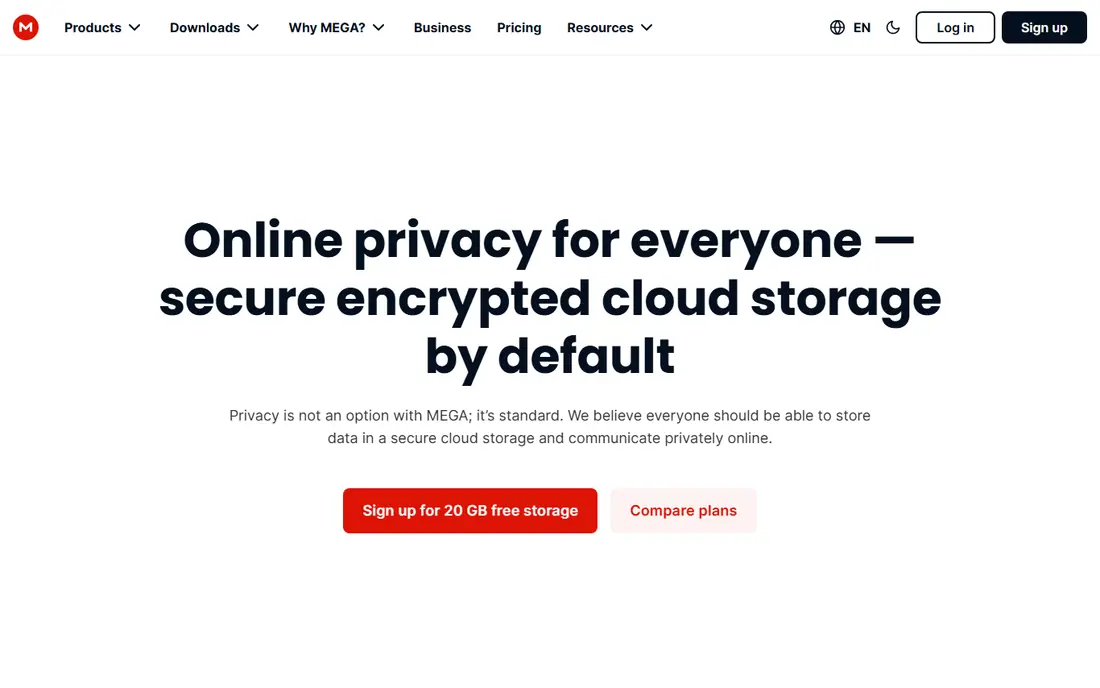
For many readers, MEGA is the first name to check. It fits people who want the most free space with private storage. The largest free allowance paired with encryption, and that is why it earns a place here. We compared it on official feature pages, pricing pages and public comparisons, not on a claim of hands-on use, so check the current plan details before you commit.
The honest catch is that transfer limits and inactivity rules need reading before you rely on it. That does not rule it out, but it does change who should pick it first. If that catch touches your main need, compare the next option before you decide. Ask for a trial or a demo where one is offered, and test it with a real example from your own work before you move a whole team or library to it.
- 20 GB free in comparisons
- End-to-end encryption on free accounts
- Apps for desktop and mobile
- Transfer quotas apply
- Bonus space can expire
- Free accounts may face inactivity rules
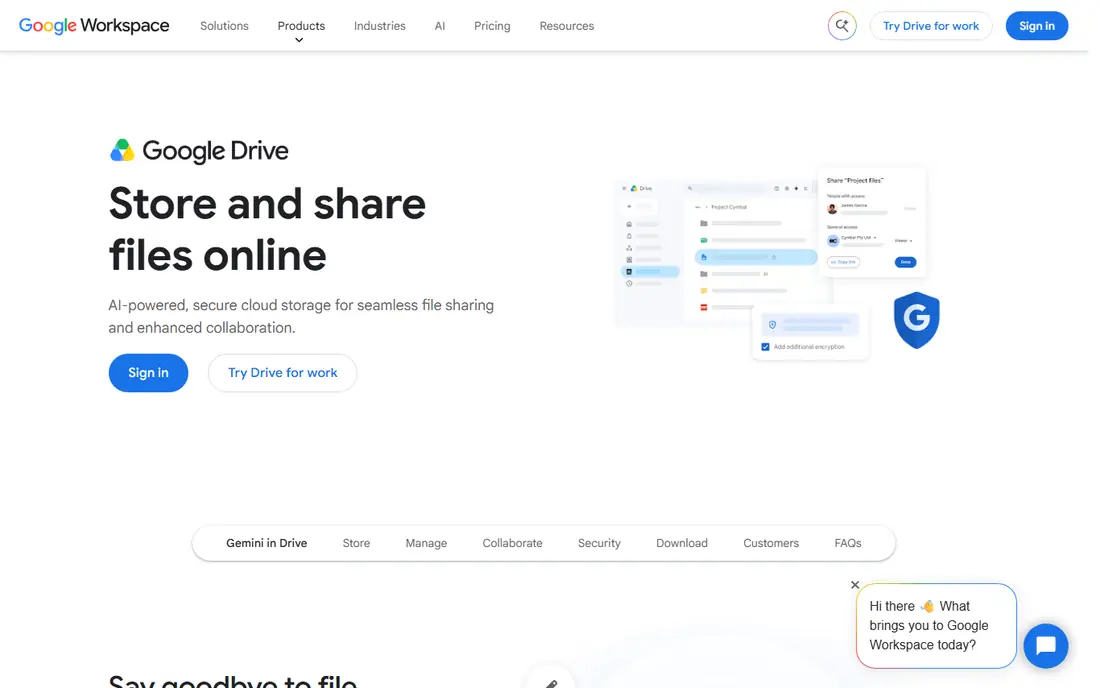
Google Drive takes a different route. It fits Google users who edit documents and share files daily. Built-in document editing and sharing that Dropbox alone does not offer. We compared it on official feature pages, pricing pages and public comparisons, not on a claim of hands-on use, so check the current plan details before you commit.
The catch to weigh is that shared space fills fast if Gmail and Photos are heavy. For readers where that matters less, the strengths above may still win. For readers where it matters more, a different pick in this list will fit better. Ask for a trial or a demo where one is offered, and test it with a real example from your own work before you move a whole team or library to it.
- 15 GB shared across Google services in comparisons
- Docs, Sheets and Slides built in
- Strong sharing and collaboration
- Free space is shared with Gmail and Photos
- No end-to-end encryption model on the free plan
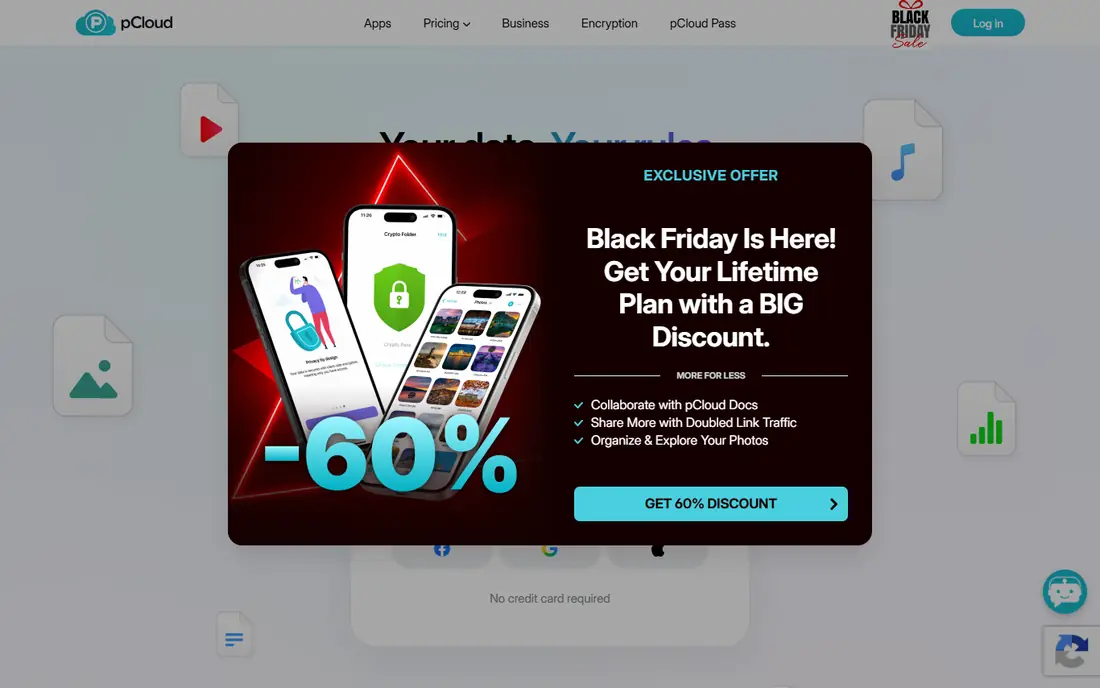
If media users who want playback and a simple drive is your priority, pCloud deserves a close look. Media playback and a clean drive experience. We compared it on official feature pages, pricing pages and public comparisons, not on a claim of hands-on use, so check the current plan details before you commit.
Watch out, though, because free encryption is missing, and the full allowance needs extra steps. Put that against your own priorities, and the choice becomes clearer. A tool can be excellent overall and still be wrong for one specific setup. Ask for a trial or a demo where one is offered, and test it with a real example from your own work before you move a whole team or library to it.
- Up to 10 GB free after setup steps in comparisons
- Good media playback
- Lifetime paid option if you later upgrade
- Full 10 GB needs setup tasks
- Encryption is a paid add-on, not part of the free plan
Box is a practical pick. It fits sharers who need simple collaboration on documents, and Sharing and collaboration tools that suit work files. We compared it on official feature pages, pricing pages and public comparisons, not on a claim of hands-on use, so check the current plan details before you commit.
The honest catch is that the free file size limit rules out large video sharing. That does not rule it out, but it does change who should pick it first. If that catch touches your main need, compare the next option before you decide. Ask for a trial or a demo where one is offered, and test it with a real example from your own work before you move a whole team or library to it.
- 10 GB free in comparisons
- Strong sharing controls
- Business-friendly collaboration tools
- Single-file limit on the free plan in comparisons
- Only one file version on free accounts
Consider Microsoft OneDrive when you want Windows and Office users who want files in the Microsoft flow. Office and Windows integration that feels native. We compared it on official feature pages, pricing pages and public comparisons, not on a claim of hands-on use, so check the current plan details before you commit.
The catch to weigh is that 5 GB is small for photo libraries, and vault limits apply on free plans. For readers where that matters less, the strengths above may still win. For readers where it matters more, a different pick in this list will fit better. Ask for a trial or a demo where one is offered, and test it with a real example from your own work before you move a whole team or library to it.
- 5 GB free in comparisons
- Deep Windows and Office integration
- Personal Vault on paid plans in some cases
- Only 5 GB free
- Best value comes with a Microsoft 365 subscription
Apple iCloud stands out for a clear reason. It fits Apple users who want backups and sync without a new app. Deep Apple integration for backups, photos and files. We compared it on official feature pages, pricing pages and public comparisons, not on a claim of hands-on use, so check the current plan details before you commit.
Watch out, though, because 5 GB fills fast, and non-Apple use is less smooth. Put that against your own priorities, and the choice becomes clearer. A tool can be excellent overall and still be wrong for one specific setup. Ask for a trial or a demo where one is offered, and test it with a real example from your own work before you move a whole team or library to it.
- 5 GB free in comparisons
- Built into iPhone, iPad and Mac
- Backups, Photos and Drive in one place
- Only 5 GB free
- Best experience is on Apple devices
- Windows use is thinner
For privacy-minded users with documents rather than large media libraries, Proton Drive is worth shortlisting. Encryption and a privacy-first design. We compared it on official feature pages, pricing pages and public comparisons, not on a claim of hands-on use, so check the current plan details before you commit.
The honest catch is that space is modest, and sharing is less rich than larger rivals. That does not rule it out, but it does change who should pick it first. If that catch touches your main need, compare the next option before you decide. Ask for a trial or a demo where one is offered, and test it with a real example from your own work before you move a whole team or library to it.
- End-to-end encryption
- Privacy-focused ecosystem with mail and calendar
- Up to 5 GB after setup steps in comparisons
- Smaller free allowance than MEGA
- Collaboration is thinner than Google Drive
Sync.com is not the flashiest pick, but it is a useful one. It fits sharers who want Dropbox-style folders with encryption. Dropbox-style sharing with encryption built in. We compared it on official feature pages, pricing pages and public comparisons, not on a claim of hands-on use, so check the current plan details before you commit.
The catch to weigh is that free limits on links and devices need checking before heavy sharing. For readers where that matters less, the strengths above may still win. For readers where it matters more, a different pick in this list will fit better. Ask for a trial or a demo where one is offered, and test it with a real example from your own work before you move a whole team or library to it.
- 5 GB free in comparisons
- End-to-end encryption
- Shared folders and file requests like Dropbox
- Free plan limits on links, downloads and devices in comparisons
- Only 5 GB
Start with Icedrive if users who want a simple 10 GB drive without complexity matters most to you. A simple drive with a solid free allowance. We compared it on official feature pages, pricing pages and public comparisons, not on a claim of hands-on use, so check the current plan details before you commit.
Watch out, though, because free encryption is limited, and transfer caps apply. Put that against your own priorities, and the choice becomes clearer. A tool can be excellent overall and still be wrong for one specific setup. Ask for a trial or a demo where one is offered, and test it with a real example from your own work before you move a whole team or library to it.
- 10 GB free in comparisons
- Simple virtual drive
- Clean interface
- Encryption on the free plan is limited
- Transfer limits apply
How we picked these
We compared official feature pages, pricing pages, app store listings where relevant, and public comparisons from 2026. We only included products that exist and work now and that truly fit the topic, and we left prices as See website where we could not verify a current figure from the vendor. We did not claim hands-on testing, and we did not invent ratings, counts or awards. We also weighed fit for different readers, not just popularity. A well-known product can still be a poor pick for a small team, a single device, or a tight budget, so each write-up notes who it fits and where it falls short. That trade-off view is what turns a long list into a useful shortlist.
How to pick a free Dropbox replacement
Start with how much space you really use. Check your current Dropbox folder size before you move, and add room for growth. A 5 GB free tier is enough for documents, but photo and video libraries usually need 10 GB or more, or a second free account for archives.
Next, check the limits that matter for your files. Some free tiers cap single file size, limit linked devices, or limit downloads per link. Box, for example, has a small single-file limit on its free plan in comparisons, which matters if you share large videos.
Privacy is the third check. MEGA, Proton Drive and Sync.com encrypt files so the provider cannot read them in the usual sense, while Google Drive and OneDrive do not offer that same model on free plans. If you store sensitive documents, that difference matters more than a few extra gigabytes.
Finally, test sync on your devices before you move everything. Install the app on your phone and computer, upload a test folder, and check that edits sync both ways. Only then move your main folders, and keep a local backup until the new service has run well for a few weeks.
Frequently asked questions
What are the best free Dropbox alternatives?
MEGA is the best free pick for space and privacy, with 20 GB in comparisons. Google Drive is best for Google users, pCloud is best for media playback, and Proton Drive is best for private documents.
Are there free alternatives to Dropbox with no card needed?
Yes. The services in this guide offer free tiers without a paid plan, though some ask you to complete setup steps to gain the full allowance. Never enter card details for a free tier unless you intend to upgrade.
Which free Dropbox alternative has the most storage?
MEGA leads the well-known providers in this list with 20 GB free in comparisons, ahead of Google Drive at 15 GB shared across Google services and pCloud at up to 10 GB. Bonus space may expire, so check the terms.
Is Google Drive a good free Dropbox alternative?
Yes, especially if you use Docs, Sheets and Gmail. Its free space is shared across Google services, so Gmail and Photos can eat into the allowance. It lacks the end-to-end encryption model of MEGA or Proton Drive.
Can I move files from Dropbox to a free alternative?
Yes. Download your Dropbox folders or copy them from the local Dropbox folder into the new service folder, then recreate shared links, because old Dropbox links stop working once files move. Keep a local copy until the move is checked.
Sources
See where you really rank - block by block
ProMapRanker scans Google Maps across a grid of your service area. Simple monthly plans from $19, white-label on every plan.
Start freeKeep reading
 best rank tracking software
Best Rank Tracking Software in 2026
Searching for the best rank tracking software? We compare 8 tools for daily keyword tracking, local rankings, client reports, and competitor checks in 2026.
Read → best platform for ecommerce website
Best Platform for Ecommerce Website in 2026
Find the best platform for ecommerce website builds in 2026. We compare Shopify, WooCommerce, BigCommerce, Wix and more on price, fees and scale for stores.
Read → best math apps
Best Math Apps in 2026: 8 Apps Compared
Find the best math apps for homework, revision, and deeper study in our 2026 comparison of 8 free and paid solvers, courses, and visual tools for students.
Read →