 ProMapRanker
Best Dropbox Alternatives in 2026


Google Workspace users and real time collaboration · Pricing starts at: $1.99 per month
Key takeaways
- Google Drive and OneDrive are the best dropbox alternatives for most people, because they tie storage to tools you already use.
- Privacy focused options such as Proton Drive and Sync.com trade some collaboration features for stronger encryption.
- Free storage ranges from 3 GB to 20 GB, so check the free tier before you move a large library.
- For business use, Box and OneDrive for Business offer stronger admin controls than personal plans.
Quick comparison
| Pick | Great for | Pricing starts at | Free tier | |
|---|---|---|---|---|
| Google Drive | Google Workspace users and real time collaboration | $1.99 per month | Yes | Visit |
 OneDrive OneDrive | Windows and Microsoft 365 users | $1.99 per month | Yes | Visit |
 iCloud Drive iCloud Drive | Apple households and devices | $0.99 per month | Yes | Visit |
 Box Box | Business file management and compliance | $10 per month | Yes | Visit |
 Proton Drive Proton Drive | Privacy focused users who want encryption | $3.99 per month | Yes | Visit |
 pCloud pCloud | Users who want a one time lifetime option | See website | Yes | Visit |
 Sync.com Sync.com | Encrypted sharing for teams and individuals | See website | Yes | Visit |
 MEGA MEGA | Large free tier and encrypted storage | See website | Yes | Visit |
The best dropbox alternatives
Dropbox is known for fast sync, but its free plan is small and personal plans lack end-to-end encryption by default. These alternatives match or beat Dropbox on price, privacy or ecosystem fit. We compared official pricing pages and 2026 cloud storage guides.
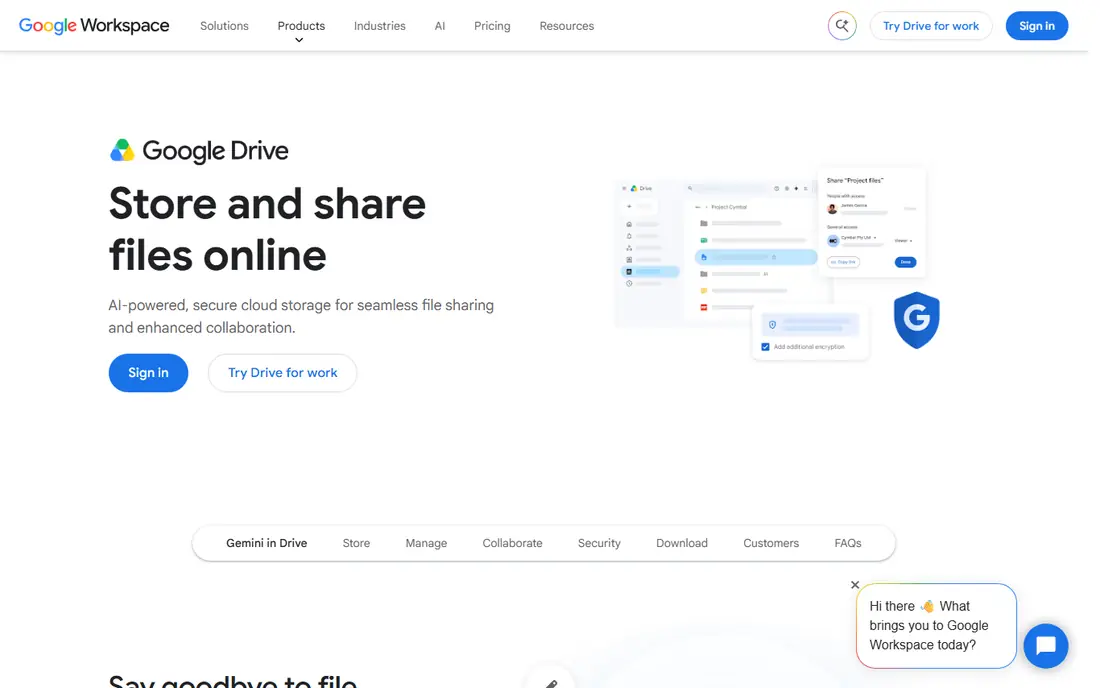
Google Drive is the best alternative to Dropbox for most people, especially if you already use Gmail or Google Workspace. Files open directly in Docs, Sheets and Slides, and several people can edit the same document at once. Search is strong, finding file names and contents quickly, which helps large libraries stay usable.
Privacy is the main trade-off. Consumer Drive files are not end-to-end encrypted by default, and the 15 GB free tier is shared across Gmail, Drive and Photos. If you need strong encryption or a separate account, a privacy focused option below may suit you better. For everyday collaboration, Drive is hard to beat.
- 15 GB free shared with Gmail
- Strong Docs, Sheets and Slides editing
- Good search
- No end-to-end encryption for consumer files by default
- Tied to a Google account
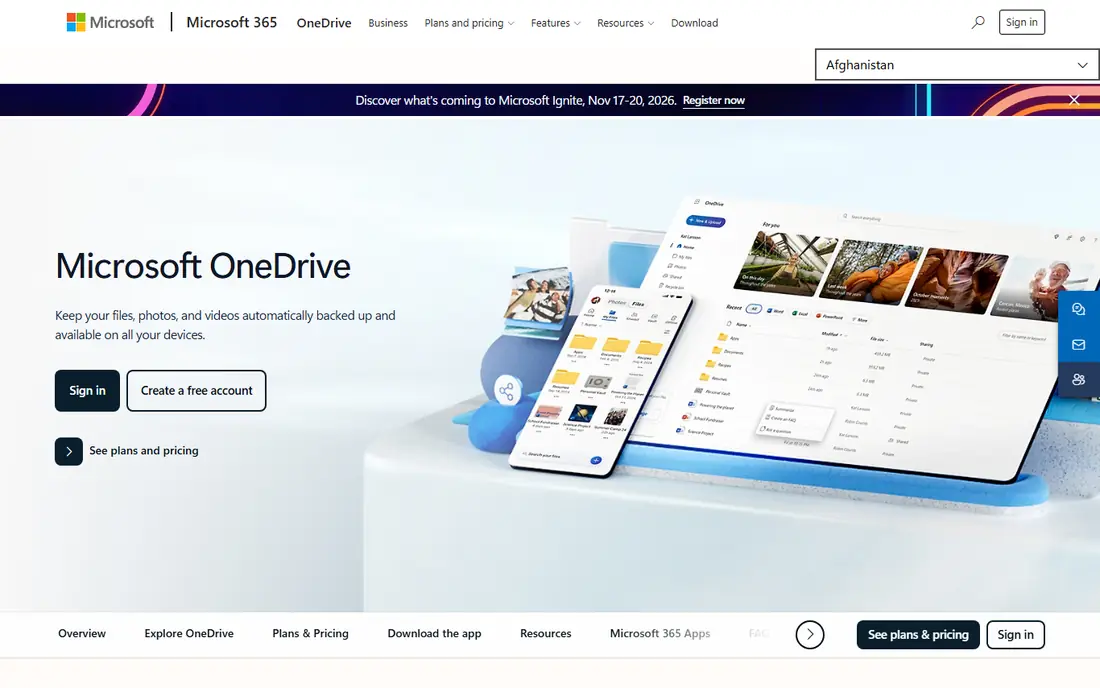
OneDrive is the natural Dropbox alternative for Windows and Office users. Word, Excel and PowerPoint files open and save directly, and Teams and SharePoint links keep business files in one place. Personal Vault adds an extra protected folder for sensitive documents, with extra verification to open it.
The free tier is small at 5 GB, so most users will need a paid plan or a Microsoft 365 subscription. OneDrive also works best if you already live in Microsoft apps. If your team uses Google tools, Drive will feel more natural, but for Office shops OneDrive is the cleaner fit.
- Deep Office integration
- Personal Vault for sensitive files
- Included with Microsoft 365 plans
- Best inside the Microsoft ecosystem
- Free tier is only 5 GB
iCloud Drive is the best drop box alternative for Apple-only households. Files sync across iPhone, iPad and Mac without extra setup, and Photos, backups and documents share the same storage. Paid plans start at $0.99 per month in published guides, and larger plans cover family sharing.
Windows and Android support exists, but it is thinner than on Apple devices. iCloud Drive is also less suited to complex business sharing, with fewer admin controls than Box or OneDrive for Business. For a family or solo user inside Apple, it is simple and affordable.
- Native on iPhone, iPad and Mac
- Affordable paid plans
- Optional Advanced Data Protection
- Cross platform support is weaker
- Not built for heavy business sharing
Box is built for business, not just personal backup. Admins can set granular permissions, track file activity and manage external sharing, which matters for regulated teams. Business plans bundle document signing and collaborative documents, so Box can replace several tools at once.
For personal use, Box is costly compared with Drive or OneDrive, and the free plan is limited. Box makes sense when security, governance and audit trails matter more than the lowest price. Small teams that need those controls will find Box more structured than a consumer drive.
- Strong admin and access controls
- Document signing and collaboration tools
- Compliance features
- Personal plans cost more than Drive or OneDrive
- Free plan is limited to 10 GB
Proton Drive is the best alternative for users who put privacy first. Files are end-to-end encrypted, so only you hold the keys to read them, and Proton operates under Swiss privacy law. It sits inside a wider Proton ecosystem with encrypted mail and calendar, which suits users who want one privacy focused account.
Collaboration is less smooth than Google Drive, since encrypted sharing has limits. The free tier is also small. Proton Drive is best for personal files, sensitive documents and users who accept a simpler editor in exchange for stronger privacy.
- End-to-end encryption
- Swiss privacy law protection
- Links to Proton Mail and Calendar
- Collaboration features are thinner than Drive
- Free tier is only 5 GB
pCloud matches Dropbox on sync speed in published October 2026 tests, and it offers a different pricing model. Alongside monthly plans, it sells lifetime plans, such as a one time payment for 2 TB, which can cost less than four years of a monthly plan. That appeals to users who dislike subscriptions.
Encryption is the catch, since client-side encryption is a paid add-on rather than included. The lifetime price is also high up front, so it only saves money if you stay for years. For speed and a no-subscription option, pCloud is a strong Dropbox alternative.
- Up to 10 GB free
- Fast sync in published tests
- Lifetime plans avoid monthly fees
- End-to-end encryption is a paid add-on
- Lifetime price is high up front
Sync.com offers zero-knowledge encryption, meaning the company cannot read your files, while still supporting team folders and sharing. File history and version recovery help when a file is changed or deleted by mistake. That combination suits lawyers, health workers and other teams handling sensitive files.
Real time document editing is not as strong as Google Docs or Office online, so teams that co-edit daily may need a second tool. Sync.com is best when secure storage and sharing matter more than live co-editing, and when you want encryption without a complex setup.
- End-to-end encryption on all files
- Long file history
- Unlimited transfers in published guides
- Collaboration editing is thinner than Drive
- Paid plans start higher than Drive for small storage
MEGA stands out for its free tier, offering 20 GB free in published guides, far more than Dropbox at 2 GB. All files are end-to-end encrypted by default, and paid plans offer large storage at competitive prices. That makes MEGA a good pick for users who need a lot of free space or encrypted backup.
Collaboration and business admin features are thinner than Drive, OneDrive or Box. MEGA is best for personal storage, backup and sharing, rather than as a full business document platform. If free space and encryption matter most, it is hard to beat.
- 20 GB free in published guides
- End-to-end encryption by default
- Large paid plans
- Collaboration tools are thinner
- Interface can feel busy for new users
How we picked these
We compared official pricing pages and 2026 cloud storage guides that tested sync speed, free tiers and encryption. We favored services that are still offered, have a clear free or paid plan, and truly replace Dropbox for sync and sharing. We left out self hosted tools that need your own server, since most Dropbox users want a hosted service.
How to move from Dropbox without losing files
Start by listing what Dropbox does for you today. Note shared folders, linked apps, file sizes and who else needs access. A solo user with 50 GB of photos needs a different service from a team sharing client folders with outside partners. That list decides whether ecosystem, privacy or business controls matter most.
Next, test the new service with a small folder before you move everything. Upload a shared folder, invite one colleague, and check sync on phone and desktop. Confirm that links, permissions and version history work as expected. Only then move the full library, keeping a local backup until the new sync is complete.
Finally, check the total cost for your storage, not just the entry price. A $1.99 plan for 100 GB is cheap until you need 2 TB, and a lifetime plan only saves money over years. Compare 2 TB prices across services, since that is the tier many Dropbox Plus users actually need.
Frequently asked questions
What are the best dropbox alternatives?
Google Drive and OneDrive are the best dropbox alternatives for most users, because they tie storage to Google Workspace or Microsoft 365. For privacy, Proton Drive, Sync.com and MEGA are stronger, while Box suits business teams. The best alternative depends on ecosystem, privacy and budget.
Are there free alternatives to Dropbox?
Yes, Google Drive offers 15 GB free, MEGA offers 20 GB free in published guides, and Box, OneDrive, Proton Drive and pCloud offer smaller free tiers. Free tiers are enough for documents and small photo libraries, but large video or backup libraries will need a paid plan. Check whether the free tier covers all your files, not just one folder.
What is the best dropbox alternative for business?
Box and OneDrive for Business are the strongest business picks, with admin controls, permissions and compliance features. Google Drive through Google Workspace is also strong for collaboration. Choose Box for governance, OneDrive for Office shops, and Drive for Google shops.
Is there a dropbox alternative with end-to-end encryption?
Yes, Proton Drive, Sync.com and MEGA offer end-to-end encryption, with pCloud offering it as a paid add-on. Dropbox personal plans do not offer end-to-end encryption by default. If encryption matters, pick a service where it is included, not an add-on you might forget to buy.
How do I move files from Dropbox to another service?
Most services let you drag files from a Dropbox folder to the new sync folder, or use an import tool where offered. Keep a local backup, move one folder at a time, and re-share folders after the move, since permissions do not always carry over. Test a shared folder with a colleague before you delete Dropbox.
Sources
See where you really rank - block by block
ProMapRanker scans Google Maps across a grid of your service area. Simple monthly plans from $19, white-label on every plan.
Start freeKeep reading
 zoom alternatives
Best Zoom Alternatives in 2026
Compare Zoom alternatives in 2026, with free meeting limits and prices, so you can pick the best alternative to Zoom for your team, class, or community.
Read → which software is best for remote work
Which Software Is Best for Remote Work in 2026
Answering which software is best for remote work, we compare Slack, Zoom, Asana, Notion, Teams and more, with pricing and honest tradeoffs in 2026 now.
Read → which ai tool is best for content writing
Which AI Tool Is Best for Content Writing in 2026
Wondering which ai tool is best for content writing? We compare ChatGPT, Claude, Jasper, Grammarly, and more on price, quality, and best use in 2026 now.
Read →