 ProMapRanker
Doodle Poll Alternatives in 2026

Key takeaways
- Poll tools and grid tools solve different problems, so pick by whether you have candidate times or need full availability first.
- Rallly and When2meet are the lowest-friction free options, because guests can vote without an account.
- Calendly, SavvyCal, YouCanBookMe, and Cal.com suit people who also need booking links, not just polls.
- Check guest sign-up, ads, and time zone handling before you send a link to a large group.
Quick comparison
| Pick | Great for | Pricing starts at | Free tier | |
|---|---|---|---|---|
 Rallly | Simple polls with no account needed | Free | Yes | Visit |
 When2meet | Free availability grids for large groups | Free | Yes | Visit |
 Calendly | Booking links plus meeting polls | Free | Yes | Visit |
 SavvyCal | Polished booking pages for client-facing work | See website | No | Visit |
 YouCanBookMe | Custom booking pages with polls | Free | Yes | Visit |
 Cal.com | Open source booking links | Free | Yes | Visit |
 Xoyondo | Polls beyond scheduling, including location votes | Free | Yes | Visit |
 LettuceMeet | Modern availability grids for calendar users | Free | Yes | Visit |
 WhenIsGood | Simple grids with full time zone support | Free | Yes | Visit |
The best doodle poll alternatives
We looked for tools that let a group vote on times without long email threads. Some keep the classic poll format, some use a grid where people mark when they are free, and some replace polls with booking links. The right choice depends on whether you already know a few candidate times or you need the whole group to show its availability first.
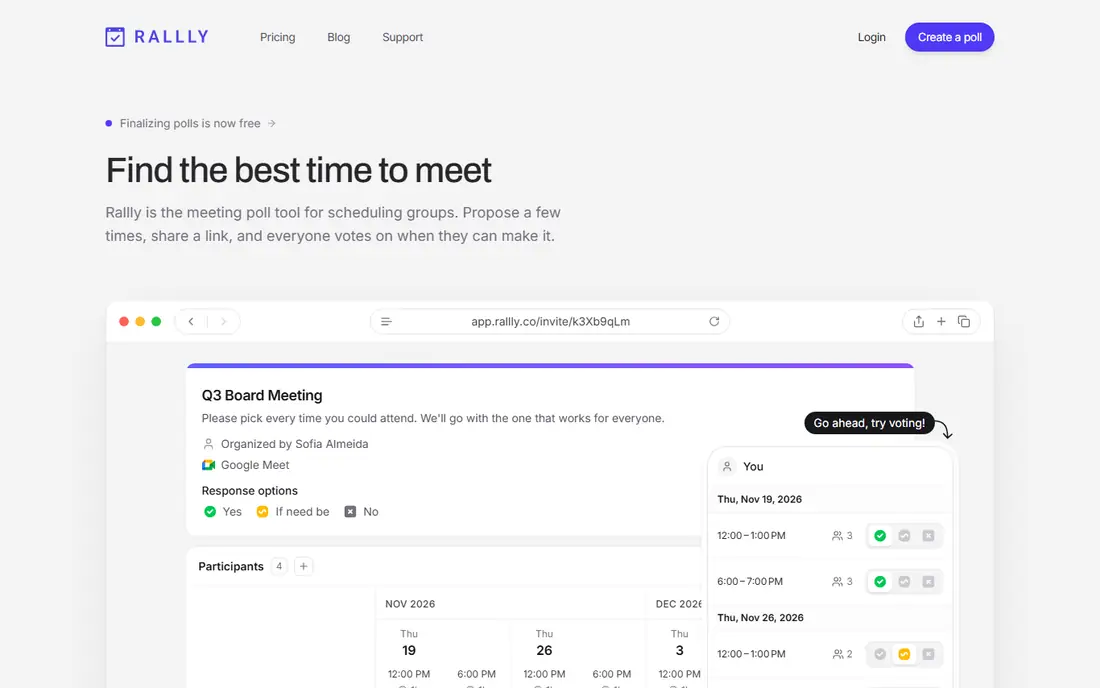
Rallly is the closest simple replacement for a classic scheduling poll. You propose dates and times, share a link, and participants vote on what works. Guests do not need to create an account, which matters when you are polling people outside your team who will not tolerate a sign-up form just to pick a time.
The hosted version is free and free of ads, and the open source code gives technical teams a self-hosted path if they want full control of their data. The trade-off is depth: Rallly does not try to be a full booking platform, so teams that also need round-robin booking, payments, or deep calendar automation will need a second tool.
- No ads on the hosted version
- Participants vote without an account
- Open source option for self-hosting
- Fewer calendar integrations than larger booking tools
- Paid features are limited in scope
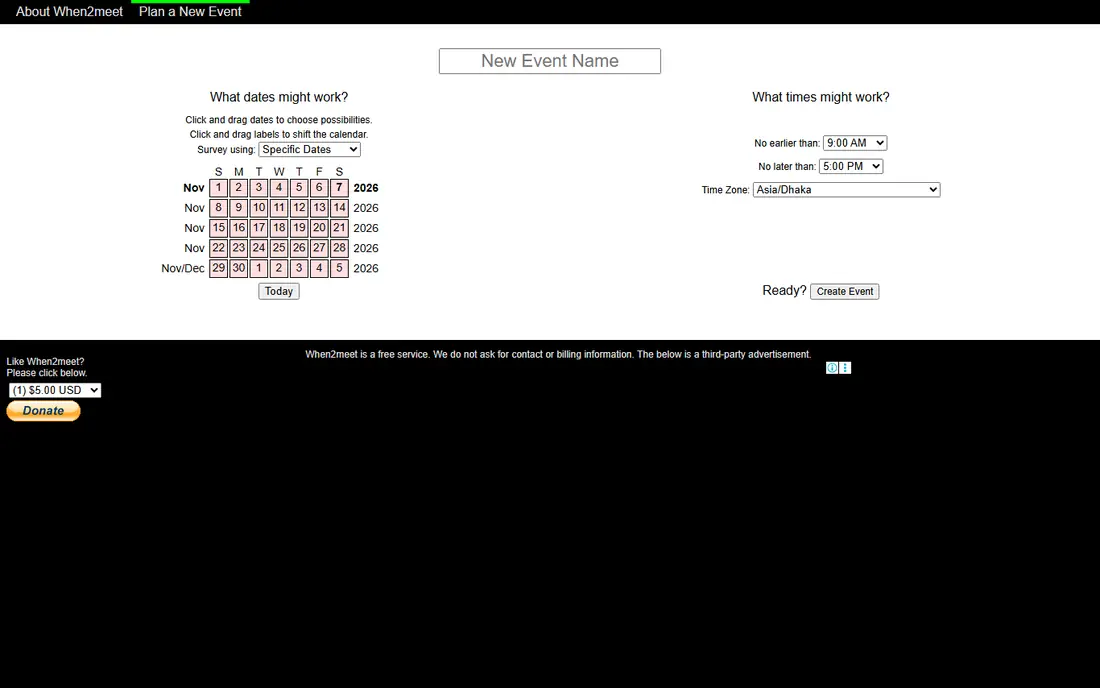
When2meet takes a different approach from a slot poll. Instead of proposing times, you set a date range and everyone paints the times they are free on a grid. The result is a heat map, so the best meeting window stands out at a glance even when twenty people have answered.
That simplicity is also its limit. The interface looks dated and it is awkward on a phone, and it does not connect to calendars to block busy times automatically. Still, for a one-off group decision where cost and friction matter more than polish, it remains hard to beat because nobody has to pay or sign up.
- No sign-up for participants
- Heat map makes overlap easy to spot
- Works for large groups
- Dated design
- Weak mobile experience
- No calendar sync
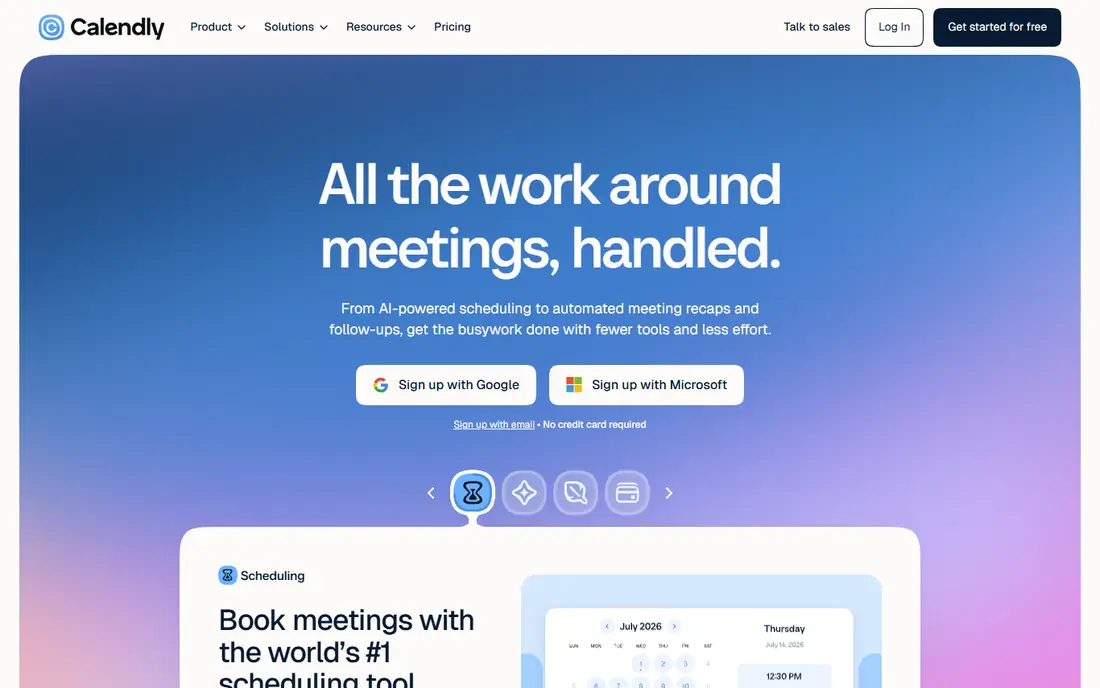
Calendly suits people who schedule both one-to-one meetings and group decisions. Its booking links let someone pick a time from your calendar, while its meeting polls let a group vote on proposed times. That combination saves you from keeping two separate tools for the same job.
The catch is the free plan. It covers one event type and one calendar connection, which is fine for a single kind of meeting but tight for anyone with several meeting formats. Paid plans start at 10 dollars per seat per month billed yearly, and they add unlimited event types, automations, and team scheduling.
- Widely recognised booking pages
- Meeting polls for groups
- Strong calendar and video integrations
- Group polls need a paid plan
- Free plan allows only one event type
SavvyCal is built for people who care how a booking page looks to a client. Invitees can overlay their own calendar while they choose a time, which cuts down on the back-and-forth that happens when someone picks a slot that clashes with their own plans.
It is less of a direct poll replacement than Rallly or When2meet, because its strength is one-to-one and small-group booking rather than large group voting. There is no free plan, so check the current pricing page before you commit. For consultants and freelancers who book clients all week, the polished experience can be worth that cost.
- Recipient calendar overlay
- Clean booking pages
- Good for personalised scheduling links
- No free plan
- Poll features are part of a booking product, not a standalone poll tool
YouCanBookMe gives you a booking page you can shape to match your brand, with colours, questions, and meeting types that fit how you actually work. It also offers scheduling polls, so a group can vote on times before a booking is confirmed.
The free plan is a useful starting point, but the fuller set of reminders, customisation, and team controls sits behind paid plans. If you schedule regularly and you want the page to look professional rather than generic, that upgrade path is straightforward. For a single quick poll, a simpler tool will be faster.
- Customisable booking pages
- Scheduling polls
- Reminders and follow-ups included on paid plans
- Free plan has limits on features
- Interface takes time to learn
Cal.com is the open source answer to booking links. You can use the hosted version or run it yourself, which appeals to teams that want control over data and branding without paying per-seat fees for basic scheduling.
The important distinction is that Cal.com is not a poll tool in the Doodle sense. It excels when people book time with you, rather than when a large group votes on several candidate times. If your main problem is one-to-one booking, it is a strong pick. If you need polls first, pair it with Rallly or When2meet.
- Open source and self-hostable
- Booking pages for individuals and teams
- Calendar integrations
- Built for booking links, not classic polls
- Self-hosting needs technical setup
Xoyondo covers the cases that a plain date poll misses. Alongside scheduling polls, it offers polls for locations and other choices, which helps when a group must agree on both a time and a place.
Participants can vote without an account, which keeps response rates up. The downside is that the free version shows ads, and the design is not as clean as newer tools. If you only need a date poll, Rallly feels tidier. If your group decision has more than one question, Xoyondo earns its place.
- Poll types beyond dates, including location polls
- No account needed for participants
- Free version shows ads
- Design feels older than newer rivals
LettuceMeet is a modern take on the When2meet grid. It keeps the drag-to-mark availability idea, but with an interface that works properly on a phone and a layout that is easier to read at a glance.
Google Calendar users get an extra benefit, since the tool can overlay calendar events on the grid. It does not aim to replace a booking platform, and it has no deep team workflow features. For students, clubs, and informal teams that just need to find a shared window, that focus is a strength rather than a gap.
- Clean mobile-friendly grid
- Calendar overlay for Google Calendar users
- No login required
- Smaller feature set than full booking platforms
- Best for simple availability checks
WhenIsGood suits groups spread across time zones. Everyone marks availability on a grid, and the tool handles time zone differences so nobody has to convert times by hand before voting.
The free version shows ads, and removing them plus opening the full feature set costs 20 dollars per year according to recent listings, so check the current page if that matters to you. For a small distributed team or a class group, the low cost and clear grid make it a practical pick.
- Time zone support
- Simple grid voting
- Free version available
- Free version shows ads
- Full features need a paid plan
How we picked these
We compared official feature pages, pricing pages, and app store listings, and we checked public reviews for recurring complaints. We kept only tools that are available in October 2026 and that fit the topic directly, and we left out tools that only partly match the job. Where a price could not be confirmed on the vendor site during our checks, we wrote See website rather than guessing a figure.
Our pick for most people is the option that covers the common case well without forcing a paid plan for basic use. That does not mean it suits every group, budget, or workflow, so use the comparison table to match the best fit to your own needs before you sign up.
How to choose without annoying your guests
Start with the guest experience. If participants must create an account, answer a long form, or wade through ads before they can vote, some of them will not finish. Simple tools win for one-off polls, even if they look plain, because a poll that gets answered beats a polished tool that gets ignored.
Next, match the format to the question. Use a slot poll when you already have two or three likely times. Use a grid when the group is large or spread out and you have no idea when people are free. Use a booking link when one person is offering time and others just need to claim a slot.
Finally, check the details that cause trouble later. Confirm time zone handling if anyone is in another region, confirm whether votes can be changed after they are cast, and confirm what happens after a time is chosen, such as a calendar invite or an export file. Those small points decide whether the tool saves time or creates a second round of messages.
Frequently asked questions
What are the best free alternatives to Doodle poll?
Rallly and When2meet are strong free starting points, because guests can vote without paying or signing up. LettuceMeet is another free grid option with a cleaner mobile design. If you also need booking pages, Calendly has a free plan, but its group polls need a paid plan, so read the plan limits first.
Are there free alternatives to Doodle poll that show no ads?
Rallly is the best-known ad-free free option among the poll tools listed here. When2meet is also free, though its design is dated. Xoyondo and WhenIsGood have free versions that show ads, so they suit groups that do not mind that trade-off.
What is the difference between a poll and an availability grid?
A poll asks people to vote yes, no, or maybe on specific times you propose. A grid asks people to mark all the times they are free, and the tool then shows where everyone overlaps. Polls suit small groups with a few candidate times, while grids suit larger groups with no obvious window.
Which Doodle scheduling alternative is best for clients?
SavvyCal and YouCanBookMe suit client-facing booking, because their pages look professional and handle time zones and reminders well. Calendly is the most widely recognised option, which helps when clients already know how it works. For pure internal polls, a simpler free tool is usually enough.
Do participants need an account to vote?
It depends on the tool. Rallly, When2meet, LettuceMeet, and Xoyondo let guests vote without an account. Booking tools usually require the organiser to have an account, but invitees generally do not need one to book or vote, so check the guest flow for the tool you choose.
Sources
See where you really rank - block by block
ProMapRanker scans Google Maps across a grid of your service area. Simple monthly plans from $19, white-label on every plan.
Start freeKeep reading
 free alternatives to grok imagine
Free Alternatives to Grok Imagine in 2026
We compared the best free alternatives to grok imagine for image generation, from fast daily credits to design tools, so you can create without paying.
Read → best tools for instagram content creation
Best Tools for Instagram Content Creation in 2026
Compare the best tools for Instagram content creation, from Canva and CapCut to Later and Buffer, on design, video, planning, scheduling, and price in 2026.
Read → best tool to split pdf files
Best Tool to Split PDF Files in 2026
We compared the best tool to split pdf files on split modes, file limits, privacy and price, so you can split a PDF cleanly and keep every page in one go.
Read →