 ProMapRanker
DocuSign Alternatives in 2026


Simple signing with a free tier · Pricing starts at: See website
Key takeaways
- Dropbox Sign is our pick for simple, reliable signing with a free tier for light use.
- SignWell and BoldSign give small teams the lowest-cost paid plans on this list.
- PandaDoc suits sales teams that need proposals, quotes, and signing in one tool.
- Adobe Acrobat Sign fits teams that already live in PDF and Adobe workflows.
- DocuSign has no permanent free plan, so most alternatives win on free-tier value alone.
Quick comparison
| Pick | Great for | Pricing starts at | Free tier | |
|---|---|---|---|---|
| Dropbox Sign | Simple signing with a free tier | See website | Yes | Visit |
 PandaDoc PandaDoc | Proposals, quotes, and sales contracts | See website | Yes | Visit |
 Adobe Acrobat Sign Adobe Acrobat Sign | PDF and Adobe workflows | See website | Free trial | Visit |
 SignNow SignNow | Low-cost team signing | $8 per month | Free trial | Visit |
 SignWell SignWell | Small teams on a tight budget | See website | Yes | Visit |
 Zoho Sign Zoho Sign | Zoho users and low-volume signing | See website | Yes | Visit |
 BoldSign BoldSign | High free monthly volume | See website | Yes | Visit |
 Documenso Documenso | Self-hosted and open-source signing | See website | Yes | Visit |
The best docusign alternatives
DocuSign is a strong enterprise tool, but many small teams pay for features they never use and get no permanent free plan. The alternatives below cover simple signing, sales documents, PDF workflows, and self-hosted options, with free tiers that suit light use and paid plans that stay below DocuSign pricing for most small teams.
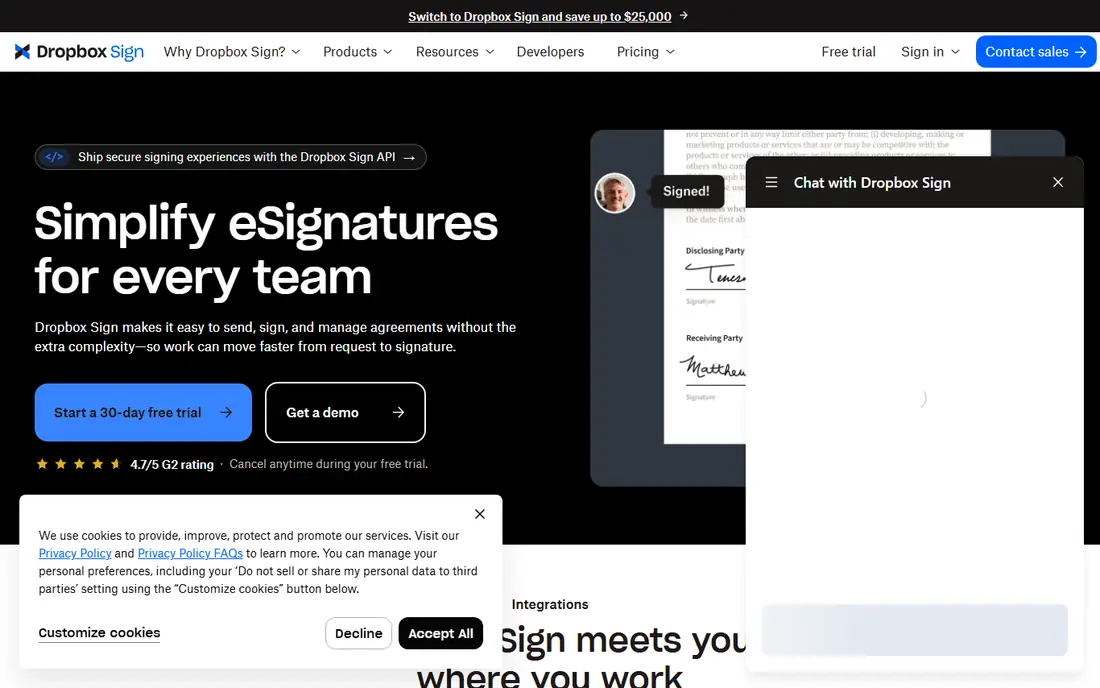
Dropbox Sign, formerly HelloSign, is the easiest recommendation for teams that just want documents signed without a long setup. The signing experience is clean for recipients, templates and reminders cover routine contracts, and the audit trail gives you a record of who signed and when. Its free tier covers a small number of signature requests each month, which is enough for occasional use.
The catch is price at scale. Paid plans are not the cheapest here, so high-volume teams should compare SignWell or BoldSign before committing. For a small team that signs a few documents a month and values simplicity, Dropbox Sign is a reliable, low-friction alternative.
- Easy signing flow
- Audit trail and reminders
- Works well with Dropbox files
- Paid plans cost more than the cheapest rivals
- Larger teams may need higher tiers
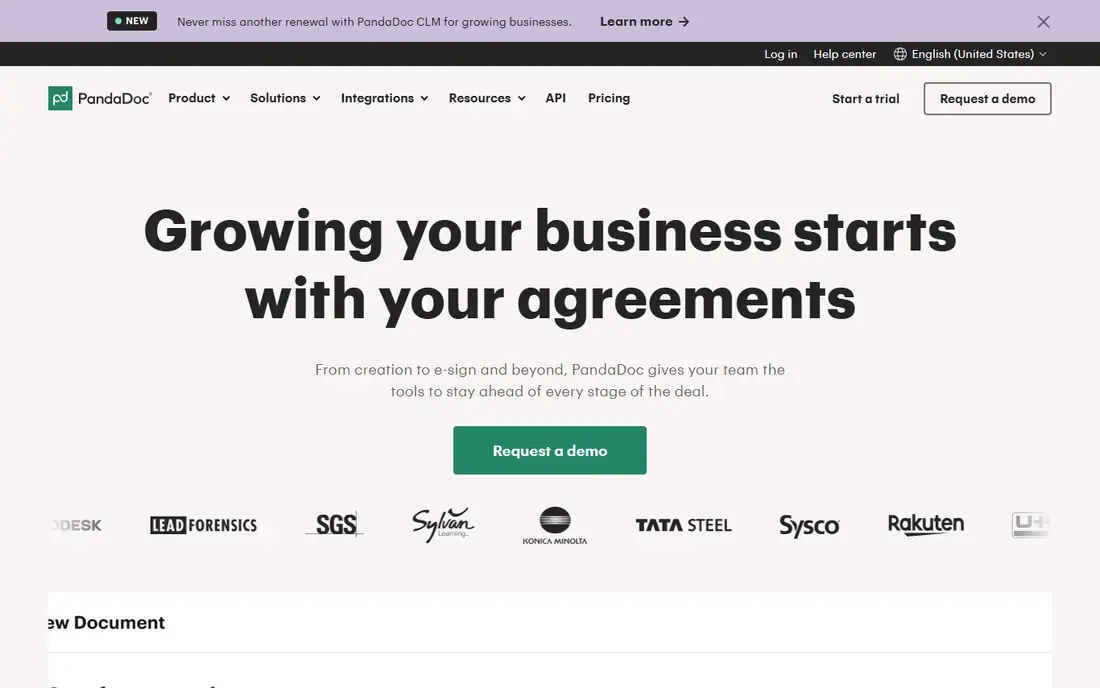
PandaDoc is the right alternative when signing is only the last step. Sales teams can build a proposal with pricing tables, send it for approval, track when it is opened, and collect a signature in the same document. That workflow saves the back-and-forth of building a proposal in one tool and signing it in another.
If you only need to sign a PDF a few times a month, PandaDoc is more than you need, and its paid plans reflect the extra document features. For sales-led teams, though, the combination of proposals and signing justifies the cost, and the free e-signing tier lets you test the signing flow first.
- Document creation plus signing
- Pricing tables and templates
- CRM connections
- Best features sit on paid plans
- More tool than a team that only needs signatures
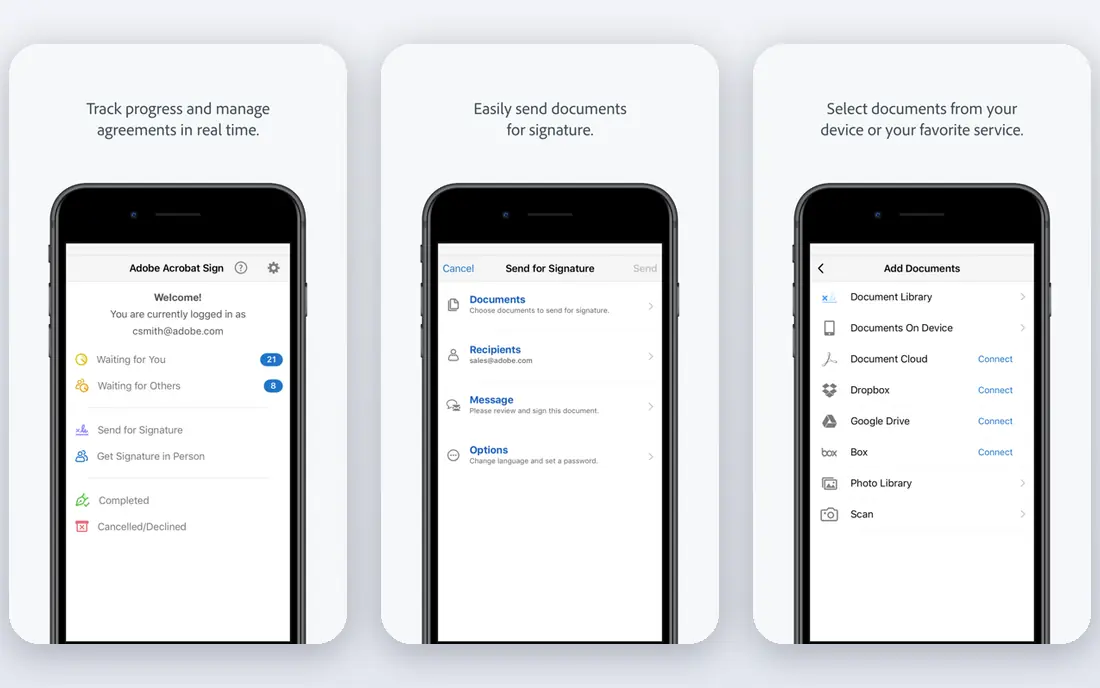
Adobe Acrobat Sign suits teams that already work in PDF all day. It integrates with Acrobat and Microsoft tools, handles form fields and PDF workflows cleanly, and offers the compliance and admin controls larger organizations expect. For a team that already pays for Acrobat, adding Sign keeps signing inside a familiar workflow.
The downside is cost and the lack of a free tier. Budget teams will find cheaper signing elsewhere, and casual users may not need the enterprise depth. If your documents start and end as PDFs and your team already uses Adobe, Acrobat Sign is the most natural DocuSign alternative.
- Strong PDF handling
- Enterprise security and compliance options
- Integrates with Acrobat
- No permanent free plan
- Pricing is higher than budget rivals
SignNow is often cited as the cheapest paid alternative for teams, and its starting price reflects that position. It covers templates, signing roles, reminders, and team management without the enterprise extras that push DocuSign pricing up. For a small business that signs regularly and wants a predictable monthly cost, that simplicity is appealing.
The interface is more functional than polished, and there is no permanent free plan, only a trial. Teams that sign rarely may prefer a free-tier tool such as Dropbox Sign or SignWell. Teams that sign often and want low cost per user will find SignNow hard to beat.
- Low starting price
- Unlimited users on some plans
- Templates and team features
- Interface is plainer than PandaDoc or Adobe
- Free trial only, no permanent free tier
SignWell is built for small teams that want signing to just work. Setup is quick, the signing flow is simple for recipients, and the free tier covers a few documents a month with one template. Paid plans stay low-cost while adding more documents, templates, and team features, which makes it easy to grow without jumping to enterprise pricing.
The limit is scope. SignWell does not try to be a proposal or document automation platform, so sales teams that need pricing tables and CRM workflows should look at PandaDoc instead. For straightforward contracts, NDAs, and agreements, SignWell gives excellent value.
- Free tier for light use
- Low-cost paid plans
- Simple setup
- Fewer advanced document features than PandaDoc
- Template limits on the free plan
Zoho Sign is the natural alternative for businesses already using Zoho CRM, Books, or other Zoho apps. Documents can flow from those tools into signing without extra exports, and the free tier covers a small monthly volume for occasional use. Paid plans remain affordable for small teams that sign regularly.
Outside Zoho, the appeal is weaker, since larger rivals offer broader integrations and more polished templates. If your business already runs on Zoho, though, Zoho Sign keeps signing in the same system and avoids paying for a separate platform.
- Free tier for light use
- Connects with other Zoho apps
- Low-cost paid plans
- Best value only inside the Zoho ecosystem
- Fewer standalone integrations than larger rivals
BoldSign stands out for its free plan, which allows a larger number of envelopes each month than most rivals. That makes it a strong pick for a solo founder, freelancer, or small team member who signs regularly but does not yet want a subscription. Templates, signing fields, and audit trails cover the core job well.
The free plan is single-user, so a team that needs several senders will need to pay. Paid plans remain low-cost, though, and the jump from free to paid is smaller than with enterprise tools. If free volume matters most, BoldSign is the first alternative to test.
- Generous free monthly allowance
- Simple signing and templates
- Low-cost paid plans
- Free plan is limited to one user
- Team features need a paid plan
Documenso is different from every other tool here because you can run it yourself. The open-source code lets a technical team host signing on its own servers, which appeals to organizations with strict data control needs or developers building signing into a product. A cloud plan also offers a free tier for light use without self-hosting.
The catch is maintenance. Self-hosting means you handle updates, backups, and security, which is not a job for a non-technical small team. For teams that can run it, Documenso gives control and low cost. For everyone else, a hosted tool such as Dropbox Sign or SignWell is simpler.
- Open-source code you can self-host
- Cloud free tier for light use
- Data control
- Self-hosting needs technical setup and maintenance
- Fewer polished templates than commercial rivals
How we picked these
We compared e-signature tools that are available now and that genuinely replace DocuSign for sending, signing, and tracking documents. We checked vendor pricing pages and recent vendor-linked comparisons, and we favored tools with free tiers, clear paid pricing, and an audit trail. Where pricing varied by billing period or source, we wrote See website instead of publishing a disputed figure.
How to choose a DocuSign alternative
Start with monthly volume, because free tiers suit light use while paid plans suit regular signing. Next, check whether recipients need an account, whether templates and reminders are included, and whether the audit trail meets your legal and business needs. If you sell with proposals, choose a tool that builds documents as well as signs them. If you handle sensitive contracts, check security, data residency, and compliance options before price. Finally, test the recipient experience with a real document, since a confusing signing flow can delay deals more than any feature gap.
Frequently asked questions
What are the best DocuSign alternatives?
Dropbox Sign is our pick for simple signing, PandaDoc for sales proposals, Adobe Acrobat Sign for PDF workflows, and SignWell or BoldSign for low-cost plans. The best choice depends on volume, document type, and whether you need free signing.
What are the best free DocuSign alternatives?
BoldSign, Dropbox Sign, SignWell, Zoho Sign, and PandaDoc all offer free tiers for light use, though each caps monthly documents or users. BoldSign offers the largest free monthly allowance on this list, while Dropbox Sign and SignWell suit occasional signing.
Are free alternatives to DocuSign legally binding?
Yes, in general, electronic signatures from these tools are legally binding in the US under ESIGN and in the EU under eIDAS for most ordinary contracts, provided the signing process records consent and an audit trail. Regulated or high-risk contracts may need advanced signature types, so check requirements for your specific document.
What is the cheapest DocuSign alternative?
SignNow and SignWell are among the cheapest paid options for small teams, with starting prices below DocuSign. BoldSign is also worth testing first because its free plan covers more monthly documents than most rivals.
Can I use a DocuSign alternative without recipients creating an account?
Yes, most tools on this list let recipients sign through a secure link without creating an account. That keeps the signing experience simple and reduces delays when you send documents to clients or partners.
Sources
See where you really rank - block by block
ProMapRanker scans Google Maps across a grid of your service area. Simple monthly plans from $19, white-label on every plan.
Start freeKeep reading
 zoom alternatives
Best Zoom Alternatives in 2026
Compare Zoom alternatives in 2026, with free meeting limits and prices, so you can pick the best alternative to Zoom for your team, class, or community.
Read → which software is best for remote work
Which Software Is Best for Remote Work in 2026
Answering which software is best for remote work, we compare Slack, Zoom, Asana, Notion, Teams and more, with pricing and honest tradeoffs in 2026 now.
Read → which ai tool is best for content writing
Which AI Tool Is Best for Content Writing in 2026
Wondering which ai tool is best for content writing? We compare ChatGPT, Claude, Jasper, Grammarly, and more on price, quality, and best use in 2026 now.
Read →