 ProMapRanker
Best Discord Alternatives for Gaming in 2026

Key takeaways
- TeamSpeak and Mumble are the best self hosted style voice options for competitive and tactical groups.
- Element and Revolt suit communities that want open, privacy focused chat without a single company controlling the server.
- Steam Chat, Xbox Party Chat, PlayStation Party Chat and Blizzard Voice Chat are best when your group already plays on one platform.
- Telegram works well for large gaming groups that need channels, voice chats and file sharing in one app.
- Guilded is not on this list because it shut down on 19 December 2025, so do not build a new community on it.
Quick comparison
| Pick | Great for | Pricing starts at | Free tier | |
|---|---|---|---|---|
 TeamSpeak | Competitive team voice | Free | Yes | Visit |
 Mumble | Low latency tactical voice | Free | Yes | Visit |
 Element | Privacy focused community chat | Free | Yes | Visit |
 Revolt | Open community servers | Free | Yes | Visit |
 Steam Chat | Steam friends and groups | Free | Yes | Visit |
 Xbox Party Chat | Xbox players | Free | Yes | Visit |
 PlayStation Party Chat | PlayStation players | Free | Yes | Visit |
 Telegram | Large gaming groups | Free | Yes | Visit |
 Blizzard Voice Chat | Blizzard game groups | Free | Yes | Visit |
The best discord alternatives for gaming
Discord is hard to replace with one tool, because it mixes voice, text, community servers and streaming. The tools below each replace part of that mix well. Pick by how your group actually plays: a competitive squad needs low latency voice, a large community needs channels and roles, and a console group may need nothing more than built in party chat.
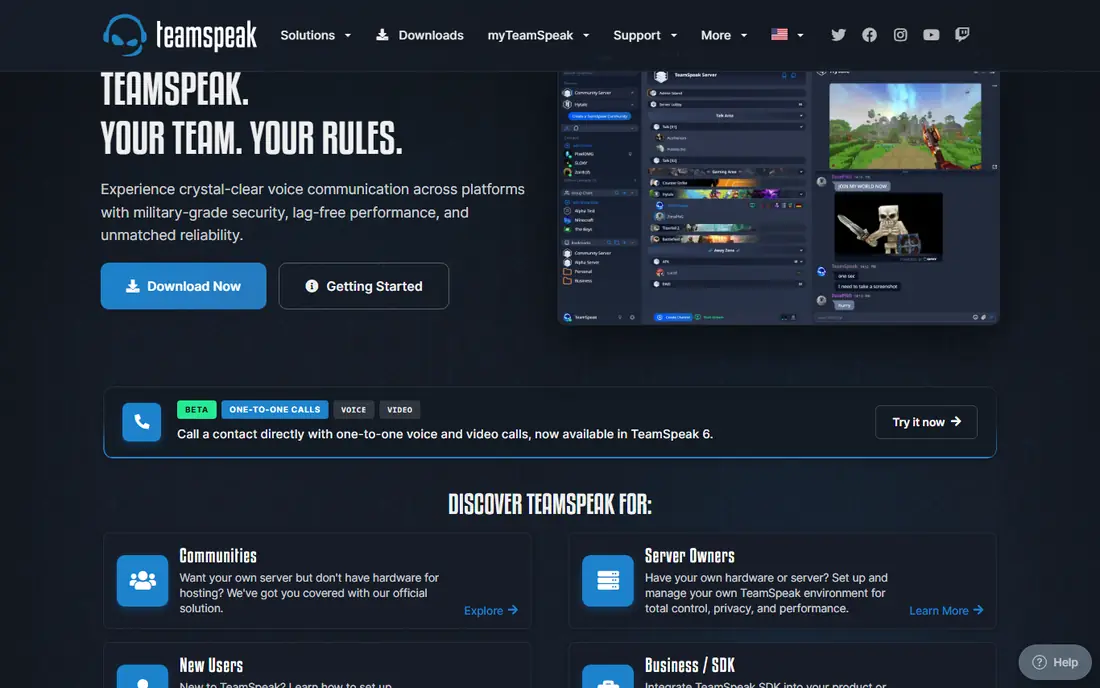
TeamSpeak has been the competitive voice standard for years for a simple reason: voice quality and latency are prioritised over social extras. You set up channels, permissions and talk power, and players join a server that stays stable during a match. The client is free, and small servers can be free as well, with paid hosting for larger groups.
The trade off is community features. TeamSpeak does not offer the same server discovery, rich media feeds or bot ecosystem as Discord, so it suits a team that already knows each other and mainly needs reliable voice. If you run a clan with regular scrims, TeamSpeak is still one of the safest picks.
- Low latency voice with strong permissions
- Self hosted server option
- Clear channel hierarchy
- No built in community server discovery
- Interface feels dated next to modern chat apps
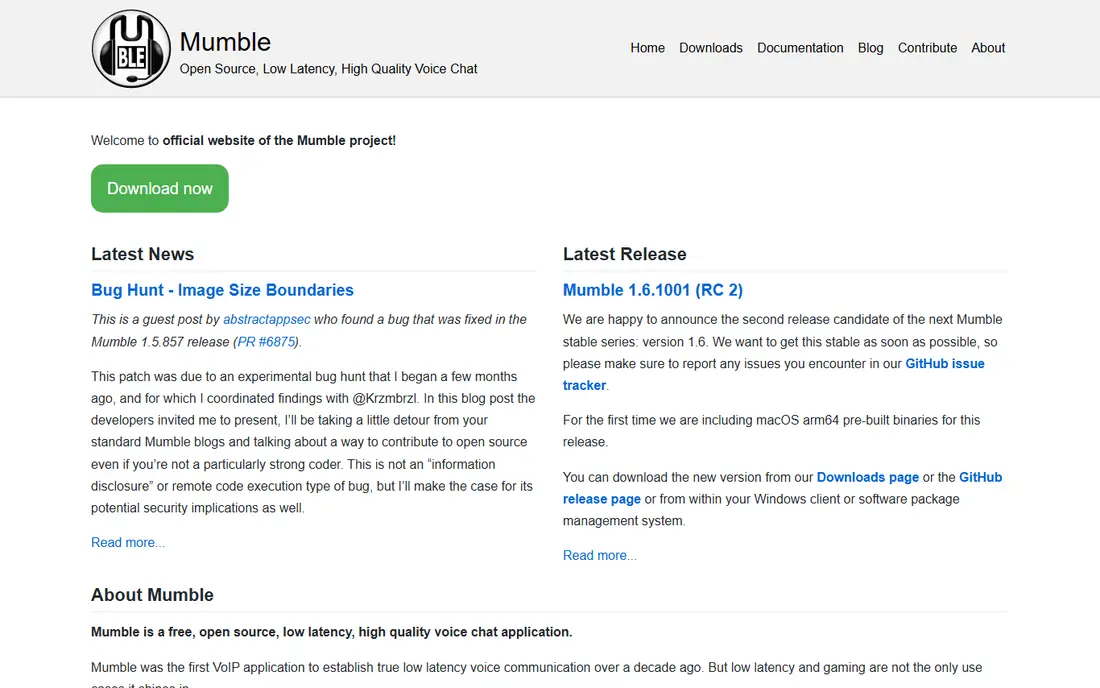
Mumble is the open source answer to TeamSpeak, and it is often the lowest latency option of the two. It is popular with tactical, simulation and roleplay groups, in part because positional audio can place voices in game space in supported titles. You can self host a server for free, or pay a host for a managed server if you do not want to run one yourself.
Mumble is not a community platform in the Discord sense. Text chat, media sharing and discovery are basic, so it works best as a voice layer alongside a forum, a group chat or a game community site. If voice speed and control matter more than social features, Mumble is hard to beat for the price.
- Open source and free to self host
- Very low latency
- Positional audio support in some games
- Needs server setup or paid hosting
- Text and community tools are basic
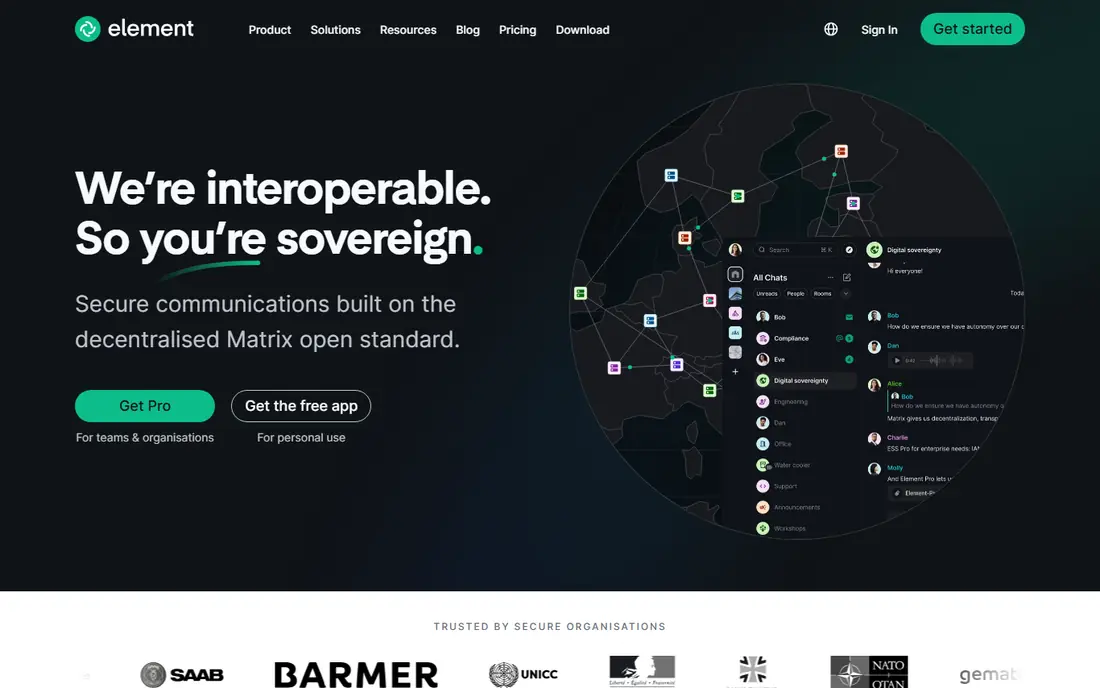
Element is the main client for Matrix, an open and federated chat protocol. That means a community can run its own server, join other servers, and avoid being locked to one company. Rooms support text, voice and video, with end to end encryption in encrypted rooms, which appeals to privacy focused groups.
The gaming trade off is polish. Voice rooms work, but they do not yet match Discord for large, always on voice channels with rich controls. Element suits a community that values openness and control, and that is willing to learn a slightly different model in exchange for independence from a single platform.
- Open Matrix protocol with federation
- End to end encrypted rooms
- Clients on all major platforms
- Voice rooms are less polished than Discord
- Setup can confuse new users
Revolt is the closest open source lookalike to Discord in structure, with servers, text channels, voice channels and roles. It is free to use, its code is open, and communities can self host if they want full control. For a gaming group that wants a Discord style layout without Discord itself, Revolt is the most direct match.
The main limit is scale. Fewer friends will already have an account, and some integrations and bots that Discord users take for granted are still catching up. If your group is willing to move together, Revolt can work well. If you need to reach a large public audience, a platform with a bigger existing user base may be easier.
- Open source platform with servers, channels and voice
- Free core features
- Self hosting option
- Smaller user base than Discord
- Some features are still maturing
Steam Chat is the simplest replacement when your whole group plays on Steam. Text and voice are built into the Steam client and mobile app, friends lists are already in place, and group chats can be tied to a game or a community. There is no extra account or server to manage, which lowers the barrier for casual groups.
The limit is scope. Steam Chat does not cover console only friends, and it lacks the server structure of Discord for a large public community. For a small to medium Steam group, however, it is often enough, and it costs nothing beyond the Steam account you already use.
- Free with a Steam account
- Voice and text built into the Steam client
- Group chats for games
- Limited to the Steam ecosystem
- Voice quality varies by connection
Xbox Party Chat is built into Xbox consoles, Windows and the Xbox app, so a console group can start a party in seconds. Voice is prioritised over game audio, invites are simple, and parties can include friends on console and PC through the Xbox app. That convenience is hard to beat for a group that already plays on Xbox.
Cross platform groups will hit limits, since PlayStation and Steam friends are not part of the same party system. If your group is Xbox only, party chat may replace Discord entirely for voice. If your group spans platforms, use it for Xbox sessions and pair it with a cross platform text tool.
- Built into Xbox consoles and app
- System level voice with game audio control
- Easy party invites
- Best for Xbox players
- Cross platform use is limited
PlayStation Party Chat works the same way for PlayStation players. You create a party, invite friends, talk while you play, and use the PlayStation app to stay in touch away from the console. Screen share and game help features add value for co operative play, and there is no extra app to install for console players.
Like Xbox Party Chat, it is not a cross platform community platform. Text channels, roles and public servers are not the focus, so a large community will still need a separate home for announcements and discussion. For a PlayStation only squad, it is simple, stable and free.
- Built into PlayStation consoles and app
- Easy voice parties
- Game sharing and screen share options
- Limited to PlayStation ecosystem
- Text community tools are basic
Telegram is not a gaming app, but many gaming communities use it because large groups, broadcast channels and voice chats work well in one app that almost everyone already has. Admins can pin announcements, share mods and clips, run polls and start a voice chat for a session, all without asking members to install a niche tool.
The gap is persistent voice. Telegram voice chats are session based rather than always on channels, so a competitive squad may still prefer TeamSpeak or Mumble for match voice. Use Telegram as the community hub, and pair it with a dedicated voice tool when a match needs low latency.
- Large groups and channels
- Voice chats in groups
- Fast file sharing
- Not built for always on voice channels
- Moderation tools need setup for large public groups
Blizzard Voice Chat is built into Battle.net and Blizzard games such as Overwatch and World of Warcraft. If your group plays Blizzard titles together, voice is already there, with no extra server, account or app to manage. Party voice and group chat cover the core need for co operative and competitive play in those games.
The scope is narrow by design. It does not replace Discord for a multi game community, since friends outside Blizzard games are not part of the same system. For a Blizzard focused guild or team, however, it is a clean, free option that removes one more tool from the stack.
- Built into Battle.net and Blizzard games
- No extra setup for Blizzard players
- Party voice in game
- Limited to Blizzard titles and friends
- No public community servers
How we picked these
We compared official product pages, current availability and gaming use cases for voice and community tools. We kept only tools that are live in October 2026 and that a gaming group can actually use today for voice, text or community chat. We excluded Guilded, which shut down on 19 December 2025, and we excluded tools that only work inside one non gaming app. Prices here are for the core voice or chat use; paid server hosting for TeamSpeak and Mumble varies by host and slot count, so check a host page before budgeting for a large server.
How to move a gaming group without losing members
Moving a group is a people problem more than a software problem. Pick one primary voice tool and one primary text home, and keep both simple for the first month. If you ask members to install three new apps and learn three new systems, many will stay on the old one by default.
Start with voice, then add community tools
Voice is the daily need. Get the squad into TeamSpeak, Mumble, Steam Chat or console party chat first, and prove that match nights work. Add channels, roles and bots later, once the core group has moved. A community server with no one in voice is a sign that the move happened in the wrong order.
Set clear rules and roles early
Large groups need moderation, even among friends. Set who can create channels, who can mute or move players, and how new members join. Open tools such as Element and Revolt give you control, but that control only helps if someone actually owns moderation and stays active.
Keep a fallback for cross platform nights
No single tool here covers every platform perfectly. Keep a simple fallback, such as Telegram or Steam Chat, for nights when the group spans console and PC. A fallback that everyone already has will save a session when a primary tool has a problem.
Frequently asked questions
What is the best Discord alternative for competitive gaming?
TeamSpeak and Mumble are the strongest picks for competitive play, thanks to low latency voice, clear permissions and stable servers. TeamSpeak is easier for mixed experience groups, while Mumble suits tactical groups that want open source control and positional audio in supported games.
Is there a free Discord alternative with servers and voice?
Yes. Revolt offers servers, channels and voice for free, and Element offers federated rooms with voice and encryption for free. Both have smaller user bases than Discord, so the move works best when your whole group agrees to switch together.
Why is Guilded not on this list?
Guilded shut down on 19 December 2025 after its owner consolidated it into Roblox Communities. It is no longer available as a standalone gaming community platform, so we did not list it as a live alternative. Groups that used Guilded should export any important content they can still access and move to a live platform.
Can I use console party chat with PC friends?
Xbox Party Chat can include PC players through the Xbox app, and PlayStation Party Chat is mainly for PlayStation players. For a mixed console and PC group, a cross platform tool such as TeamSpeak, Mumble, Element, Revolt or Telegram will work better as the main voice and text home.
Do I need to self host TeamSpeak or Mumble?
No. You can self host either tool for free if you have a server, or pay a hosting provider for a managed server. Self hosting gives the most control and the lowest cash cost, but it also means you handle updates, security and uptime. Managed hosting costs more and removes that work.
Sources
See where you really rank - block by block
ProMapRanker scans Google Maps across a grid of your service area. Simple monthly plans from $19, white-label on every plan.
Start freeKeep reading
 wpforms alternatives
Best WPForms Alternatives in 2026
We compare 9 wpforms alternatives for WordPress forms, with free and paid options, current pricing notes, and honest limits for small business sites in 2026.
Read → windows task scheduler alternatives
Best Windows Task Scheduler Alternatives in 2026
Looking for Windows Task Scheduler alternatives? We compare 9 schedulers for Windows and cross-platform work, from free tools to enterprise automation.
Read → which ai video service is best
Which AI Video Service Is Best in 2026
which ai video service is best? We compare 10 legitimate AI video services on price, avatars, editing and output quality to help you pick the right tool.
Read →