 ProMapRanker
Best Confluence Alternatives in 2026


Flexible docs, databases and projects · Pricing starts at: $10 per user per month
Key takeaways
- Notion is the most flexible alternative, combining docs, databases and projects, but it needs structure to stay tidy as a wiki.
- Slite and Slab suit teams that want a clean, focused wiki without the extra project tools that can distract from documentation.
- Nuclino and BookStack suit teams that want simplicity, with Nuclino hosted and BookStack self-hosted and free.
- GitBook suits developer documentation, while Document360 suits customer-facing help centers as well as internal docs.
- Migration matters: check import tools, permissions and search before moving a large wiki, since a messy import can bury good content.
Quick comparison
| Pick | Great for | Pricing starts at | Free tier | |
|---|---|---|---|---|
| Notion | Flexible docs, databases and projects | $10 per user per month | Yes | Visit |
 Slite | Clean team knowledge base | $10 per user per month | Free trial | Visit |
 Nuclino | Lightweight team wiki | $6 per user per month | Yes | Visit |
 GitBook | Developer and product documentation | See website | Yes | Visit |
 Slab | Focused internal wiki | $6.67 per user per month | Yes | Visit |
 Guru | Verified answers across tools | See website | No | Visit |
 Document360 | Structured knowledge bases | See website | No | Visit |
 BookStack | Self-hosted structured docs | Free | Yes | Visit |
 Coda | Docs that act like apps | See website | Yes | Visit |
 Outline | Markdown-first team wiki | See website | Free trial | Visit |
The best Confluence alternatives
This list contains alternatives to Confluence only, not Confluence itself. We compared official pricing pages, feature pages, help documentation and public reviews for tools that are live in October 2026. Teams leave Confluence for different reasons, such as price, complexity, search quality or a need for developer docs, so each pick below fits a different reason to move.
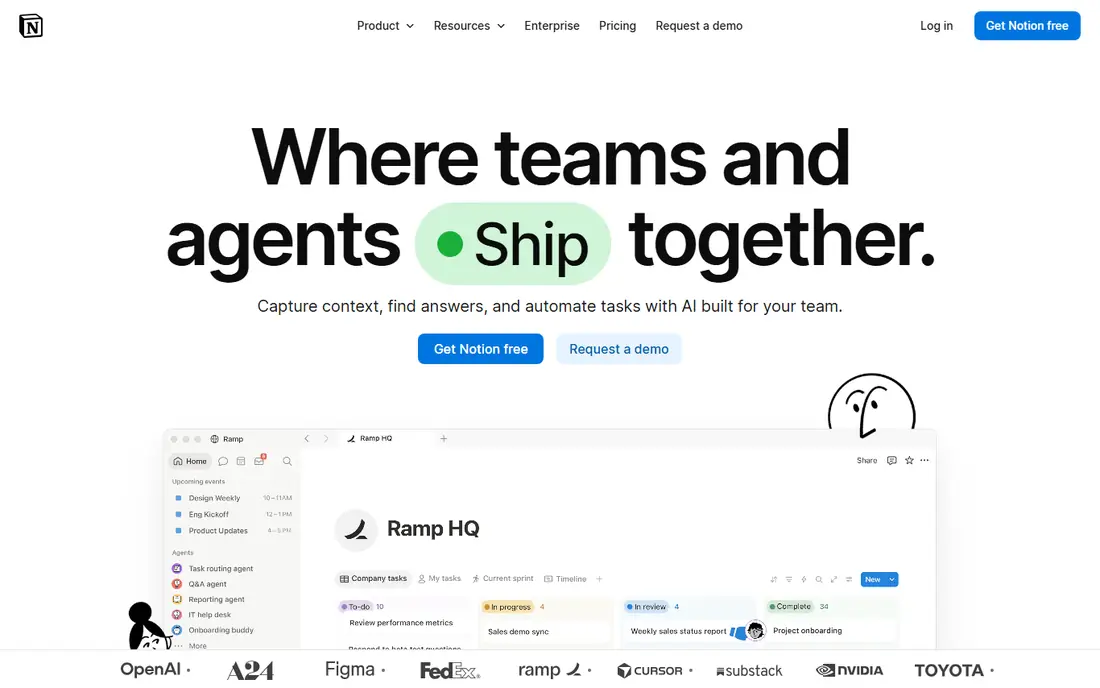
Notion is the most common first alternative teams try, because it covers more than a wiki. Pages can hold docs, tables, task boards and calendars, so a team can keep meeting notes, project plans and a handbook in one workspace. The free plan suits small teams, and Plus at $10 per member per month on annual billing adds larger uploads and version history.
That flexibility is also the risk. Notion does not force a wiki structure, so a workspace can drift into a maze of pages unless someone owns the structure. Search is good, but there is no built-in way to ask every reader to confirm they read a policy. For a team that wants one flexible workspace and is willing to set rules for it, Notion is the strongest all-round Atlassian alternative here.
- Docs, databases and tasks in one workspace
- Large template library
- Free plan for small teams
- Wiki structure is up to the team, so it can drift
- Full AI features need a higher plan
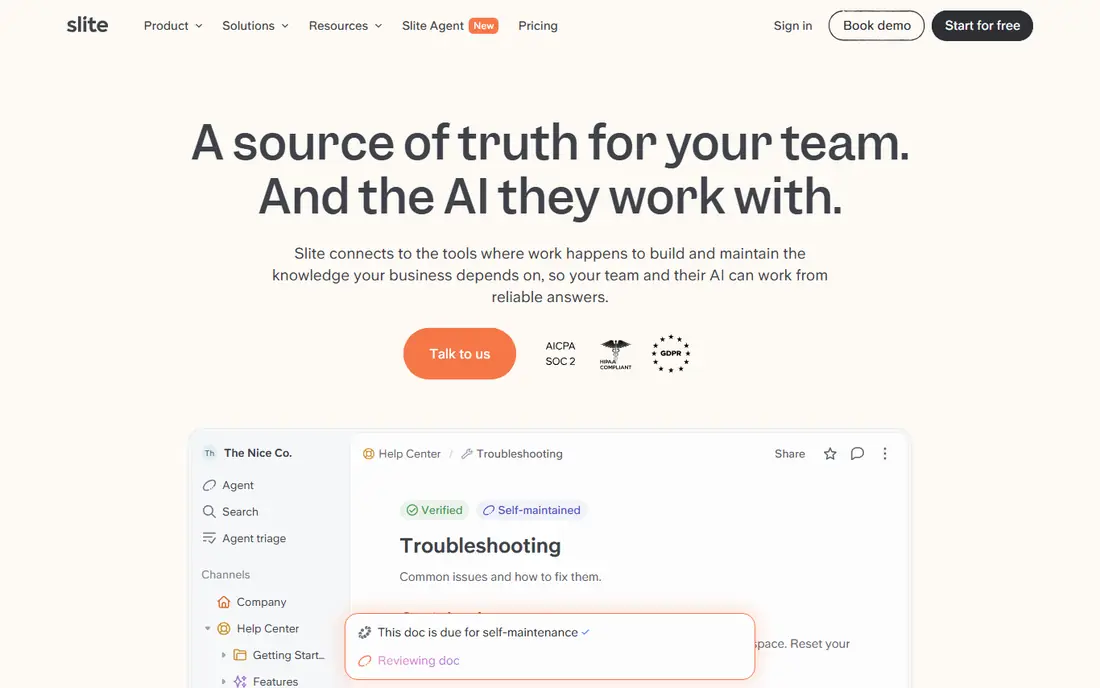
Slite is built to be a knowledge base first, not a project tool with docs added on. Its editor is clean, its structure is simple, and its AI features can answer questions from your own documentation, which helps new hires find answers without asking a colleague. Basic pricing at $10 per user per month on annual billing includes AI search, with higher tiers adding an AI agent and more credits.
There is no standing free plan, only a trial, so you need to test quickly. Slite also has a smaller template and integration ecosystem than Notion. For a team that wants docs to stay accurate and easy to find, and that does not need databases and task boards in the same tool, Slite is one of the best Confluence alternatives on focus alone.
- Clean editor focused on docs
- AI answers from your own docs
- Verification and freshness tools
- No standing free plan
- Smaller ecosystem than Notion
- Price rises on higher tiers
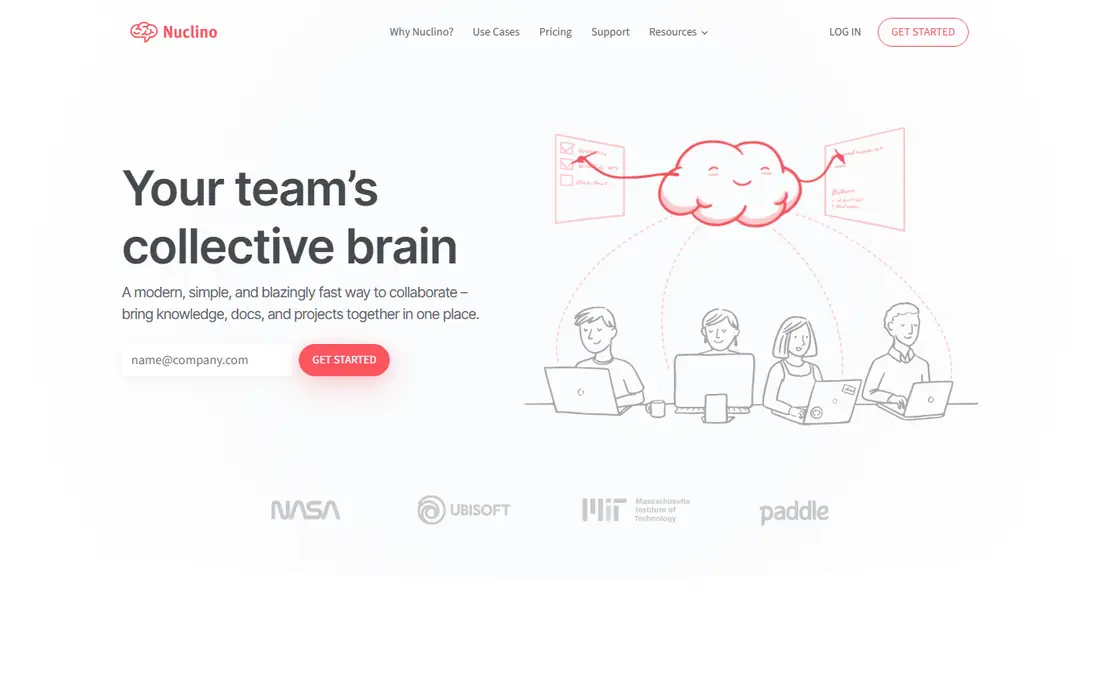
Nuclino is the lightweight option that teams adopt when a wiki has become too heavy. Pages load fast, editing is simple, and a graph view shows how pages connect, which helps a new team member grasp a topic quickly. Starter pricing at $6 per user per month on annual billing, with a free plan capped at 50 items, makes it cheap to start and easy to justify.
Advanced needs are the limit. Permissions, automations and AI assistance are thinner than in Notion or Slite, and the free cap means a growing wiki will need a paid plan soon. For a small team that wants a wiki people actually update, because it is fast and uncluttered, Nuclino is a strong pick among alternatives to Confluence.
- Very fast and simple
- Visual graph of connected pages
- Free plan for small wikis
- Free plan caps items
- Fewer advanced features than larger tools
- AI features need a higher plan
GitBook started in developer documentation, and that heritage still shows. It handles technical guides, API references and product docs with versioning, Git sync and clean public sites, while also supporting internal docs for a team. A free plan lets small projects start, and paid plans add seats, permissions and advanced publishing features.
General business documentation is possible, but GitBook feels most at home with technical content. Teams that mainly write HR policies or sales playbooks may prefer Slite or Notion. For an engineering-led team that needs docs developers will actually maintain, GitBook is one of the best Atlassian Confluence alternatives, because it meets developers where they already work.
- Excellent for technical and API docs
- Git-based workflows
- Public and private docs in one tool
- Less suited to general HR or sales docs
- Pricing varies by seats and features
Slab is a focused internal wiki with a clean editor and a simple structure that teams can learn in an afternoon. Its free plan covers up to 10 users, and Startup pricing at $6.67 per user per month on annual billing adds more features for a growing team. Search, topics and collections keep docs organized without a separate project system getting in the way.
AI answers sit on the Business tier, so a team that wants AI search across docs will pay more. Slab also lacks the databases and task tools of Notion, which is a virtue for a pure wiki and a limit for a team that wants one tool for everything. For a team that wants a wiki, and only a wiki, done well, Slab is a reliable choice.
- Clean, focused wiki
- Free plan up to 10 users
- Good search and organization
- AI answers need a higher plan
- Fewer project features than Notion or Coda
Guru solves a different problem from a plain wiki: keeping answers trustworthy. Knowledge cards have owners and verification dates, so an answer that goes stale is flagged rather than left to mislead new hires. Its browser extension and integrations surface verified answers inside Slack, email and other tools, so people get answers where they already work.
Pricing is by quote, so we wrote See website rather than guessing a per-user figure, and the platform is heavier than Nuclino or Slab for a tiny team. For a support, sales or operations team where a wrong answer costs money, Guru is one of the best Confluence alternatives on trust grounds, because verification is built into the workflow.
- Verified knowledge with expiry and owners
- Answers inside Slack, browsers and other tools
- Strong enterprise search
- Pricing is by quote, not published
- Heavier than a simple wiki for small teams
Document360 is a dedicated knowledge base platform for teams that publish structured documentation for staff, customers or both. It offers categories, versioning, analytics on which articles actually help, and AI tools for writing and search, including an AI agent in current plans. That structure suits SaaS companies, support teams and technical writers who treat docs as a product.
Pricing is by quote based on editors, workspaces and features, so we wrote See website. The formality that makes Document360 strong for a help center can feel heavy for a small team that just needs a shared notebook. For a company where documentation is customer-facing as well as internal, Document360 is a strong alternative to Confluence.
- Strong structure for internal and customer docs
- Versioning and analytics
- AI writing and search tools
- Pricing is by quote
- More formal than a lightweight wiki
- Learning curve for casual editors
BookStack organizes docs the way a library does: shelves hold books, books hold chapters, and chapters hold pages. That predictable structure makes it easy to guess where a document belongs, and full-text search, revisions, permissions and exports to HTML, PDF and Markdown cover the core wiki needs. The software itself is free under an open source licence, with no per-user SaaS fee.
Self-hosting is the trade-off. Your team handles installation, updates, backups and security, and there is no simultaneous co-editing, though the tool warns when someone else is editing a page. For a technical team that wants control and no subscription, BookStack is the best free Confluence alternative here, and one of the few where you truly own the data.
- Free and open source
- Clear books, chapters and pages structure
- Full-text search and exports
- Self-hosted, so your team handles updates and backups
- No simultaneous co-editing
Coda blends documents, tables and automations into docs that can act like small apps. A handbook page can hold a live table, a button that triggers an action, and a formula that calculates a value, all in one place. The free plan offers unlimited docs, and paid plans charge per Doc Maker rather than per viewer, which can work out cheaper for teams with many read-only members.
The learning curve is real, and Coda can feel as complex as the tool a team is leaving. Pricing has also shifted over time, so we wrote See website and suggest checking the current Doc Maker rates for your team size. For an operations or product team whose docs are really tables and workflows, Coda is a powerful alternative to Confluence.
- Docs combined with tables, formulas and automations
- Packs connect other tools
- Free plan with unlimited docs
- Learning curve similar to Notion
- Pricing counts Doc Makers, which needs a careful read
Outline is a Markdown-first wiki that appeals to technical teams who write in Markdown and want a fast, clean docs site. Collections organize pages by team or topic, search is strong, and the tool can be hosted in the cloud or self-hosted, with a free self-hosted option for small teams in current comparisons. Cloud pricing starts with a monthly fee for a small workspace, rising with member count.
The ecosystem is smaller than Notion's, and non-technical editors may prefer a visual editor like Slite or Slab. For a team that already writes in Markdown, uses Git habits, and wants a wiki that stays fast and simple, Outline is a neat and credible Confluence alternative to close this list.
- Fast Markdown wiki
- Hosted or self-hosted options
- Good search and collections
- Smaller ecosystem than Notion
- Cloud pricing is per workspace size, not per user alone
How we picked these
We compared official pricing pages, feature pages, help documentation and public reviews, and we kept only tools that are live in October 2026 and that offer a real wiki or knowledge base, not just a notes app. We did not claim hands-on testing that did not happen, and where pricing was by quote or varied by seat model, we wrote See website rather than guessing a figure.
How to move a wiki without losing good content
Audit before you migrate
List which spaces are still used, which are stale, and who owns each section. Migrating everything, including years of dead pages, buries the useful content under clutter in the new tool too.
Test search and permissions on real pages
Import a sample space and test search, permissions and links before a full move. A tool that imports pages but breaks internal links or flattens structure will cost more in cleanup than a slower, cleaner import.
Assign owners and review dates
A wiki stays useful only if someone owns each section and reviews it on a schedule. Tools with verification, like Guru and Slite, help, but the habit matters more than the feature. Set a review date when a page is created.
Keep the old wiki read-only for a while
Do not delete the old wiki on migration day. Keep it read-only for a month or two, so a missing page or broken link can be recovered, and so teams can check the new tool against the old one.
Frequently asked questions
What are the best Confluence alternatives for a small team?
Nuclino, Slab and Notion suit small teams best, with free plans or low entry prices and simple editors. BookStack suits a technical small team that wants a free self-hosted wiki, while Slite suits a team that wants a focused knowledge base.
What are the alternatives to Confluence for developer documentation?
GitBook leads for developer and API docs, with Outline strong for Markdown-first teams and BookStack a solid self-hosted option. These tools fit Git workflows and technical content better than a general business wiki.
What are Atlassian alternatives beyond Confluence?
Teams that leave the Atlassian ecosystem often pair a wiki from this list with a separate project tool, such as Notion or Coda for docs plus tasks, or a dedicated tracker. Check whether the wiki integrates with your issue tracker before committing, since that link is often the reason teams stay.
Is Notion a good Confluence alternative?
Yes, for teams that want docs, databases and projects in one workspace and are willing to set structure rules. Notion is less focused as a pure wiki than Slite or Slab, so a team that only needs a handbook may prefer a simpler tool.
Can I migrate from Confluence to another wiki?
Most tools on this list offer import from Confluence, Markdown or HTML, though the quality varies by tool and by space size. Test an import on a sample space first, check links and permissions, and keep the old wiki read-only until the new one is verified.
Are there free Confluence alternatives?
Yes. Notion, Nuclino, Slab, GitBook, BookStack and Coda all offer a free plan or a free self-hosted option, though each limits users, items or features. A free plan suits a small team, while a larger team usually needs a paid plan for permissions, history and support.
Sources
See where you really rank - block by block
ProMapRanker scans Google Maps across a grid of your service area. Simple monthly plans from $19, white-label on every plan.
Start freeKeep reading
 free alternatives to grok imagine
Free Alternatives to Grok Imagine in 2026
We compared the best free alternatives to grok imagine for image generation, from fast daily credits to design tools, so you can create without paying.
Read → best tools for instagram content creation
Best Tools for Instagram Content Creation in 2026
Compare the best tools for Instagram content creation, from Canva and CapCut to Later and Buffer, on design, video, planning, scheduling, and price in 2026.
Read → best tool to split pdf files
Best Tool to Split PDF Files in 2026
We compared the best tool to split pdf files on split modes, file limits, privacy and price, so you can split a PDF cleanly and keep every page in one go.
Read →