 ProMapRanker
Best Composio Alternatives in 2026


Code-first teams building production integrations · Pricing starts at: See website
Key takeaways
- Composio is built for fast agent prototyping, but production teams often want tighter control over permissions, tenant data, and audit trails.
- Nango and Pipedream suit code-first teams that want to own integration logic, while Arcade suits teams that need strict governance for agent actions.
- Zapier, Make, and n8n are better picks when the work is workflow automation first and agent tool calling second.
- Workato, Paragon, and Truto fit companies that ship integrations to their own customers and need managed auth at scale.
- Start with a small proof of concept on two tools, and check auth handling, token refresh, and cost per active user before you commit.
Quick comparison
| Pick | Great for | Pricing starts at | Free tier | |
|---|---|---|---|---|
| Nango | Code-first teams building production integrations | See website | Yes | Visit |
 Arcade | Enterprise teams that must govern agent actions | See website | Yes | Visit |
 Pipedream | Developers who want hosted per-user auth | See website | Yes | Visit |
 Zapier | No-code teams that want the widest app coverage | See website | Yes | Visit |
 Make | Visual automation on a tighter budget | See website | Yes | Visit |
 n8n | Teams that want to self-host automation | See website | Yes | Visit |
 Workato | Large companies with governed enterprise automation | See website | No | Visit |
 Paragon | SaaS products that embed integrations for customers | See website | No | Visit |
 Truto | Unified APIs with native LLM toolsets | See website | Yes | Visit |
The best composio alternatives
Composio gives AI agents a large catalog of ready tools, managed auth, and a simple way to call outside apps. The tools below cover the same job from different angles, and the right pick depends on who builds the agent, who uses it, and how much control you need over credentials and actions.
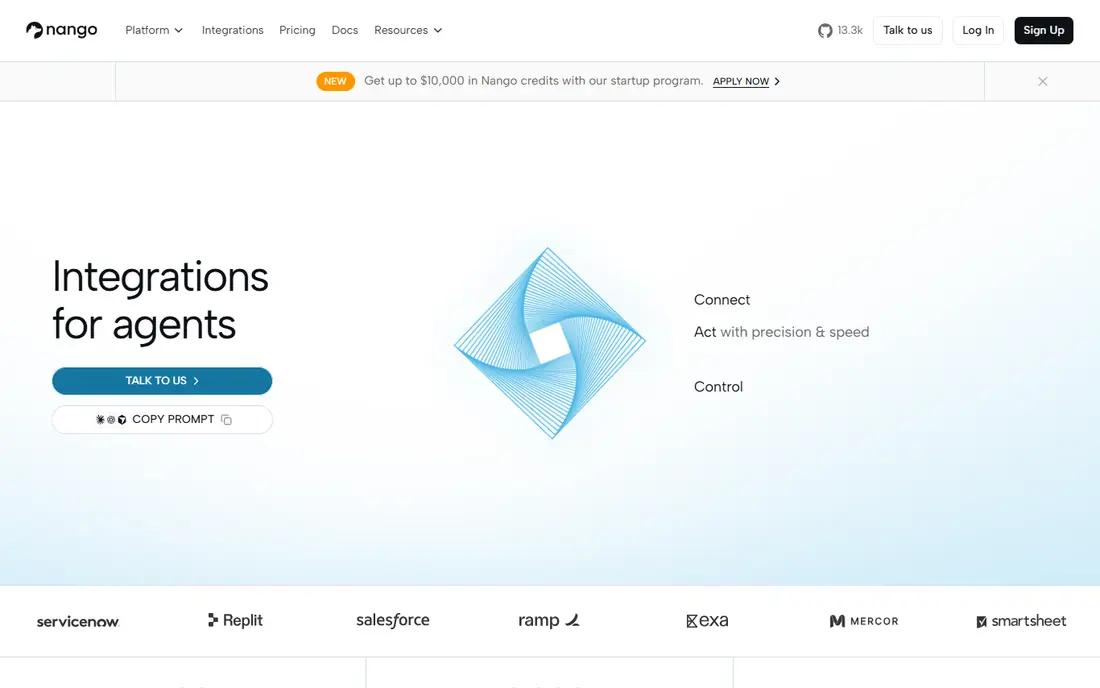
Nango is a strong pick when your team wants to build integrations in code and keep full control over how each one behaves. Its catalog covers more than 1,000 APIs, and the platform handles OAuth, credential storage, and token refresh so your agent does not break when a token expires. That combination matters for customer-facing products, where one failed refresh can block a whole workflow.
The trade-off is effort. Nango is not a drag-and-drop builder for non-technical users, and you will still write and maintain integration code. For teams that already work in TypeScript and want observability, syncs, and tool calls from the same system, that effort buys a cleaner production setup than a prototype-only tool.
- Integrations written as code
- Managed OAuth and token refresh
- Data syncs, webhooks, and MCP support in one platform
- Needs developer time
- Smaller no-code surface than Zapier or Make
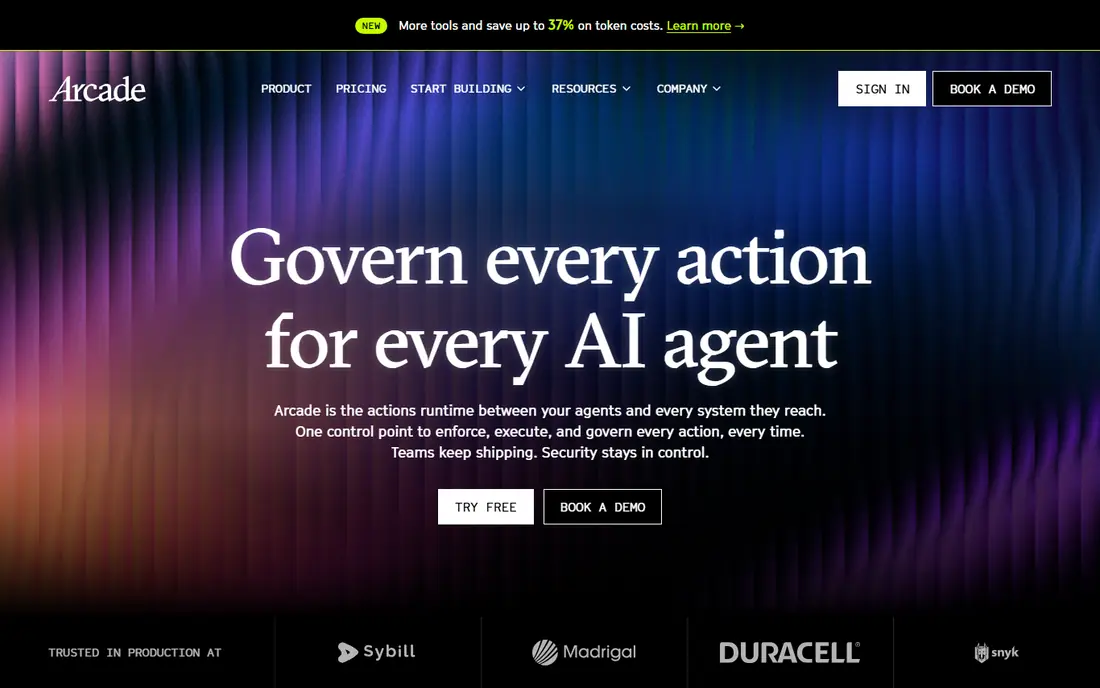
Arcade is built around one idea: an agent should act only with the permissions of the user it serves, and every action should be logged and governed. It enforces authorization in the path of each tool call, supports single sign-on and role controls, and can run in your own cloud, in a virtual private cloud, or in an air-gapped setup. That makes it a natural fit for regulated work and for teams whose security review will ask hard questions.
The cost of that control is scope. Arcade is a runtime for agent actions, not a general workflow builder with thousands of consumer apps. If your main need is simple automation between two apps, it will feel heavy. If your main risk is an agent doing too much with the wrong credentials, Arcade directly addresses that risk.
- User-delegated authorization
- Policy enforcement and audit logs
- Deployment in your own cloud or on premises
- Smaller app catalog than broad integration platforms
- Enterprise focus means more setup for small projects
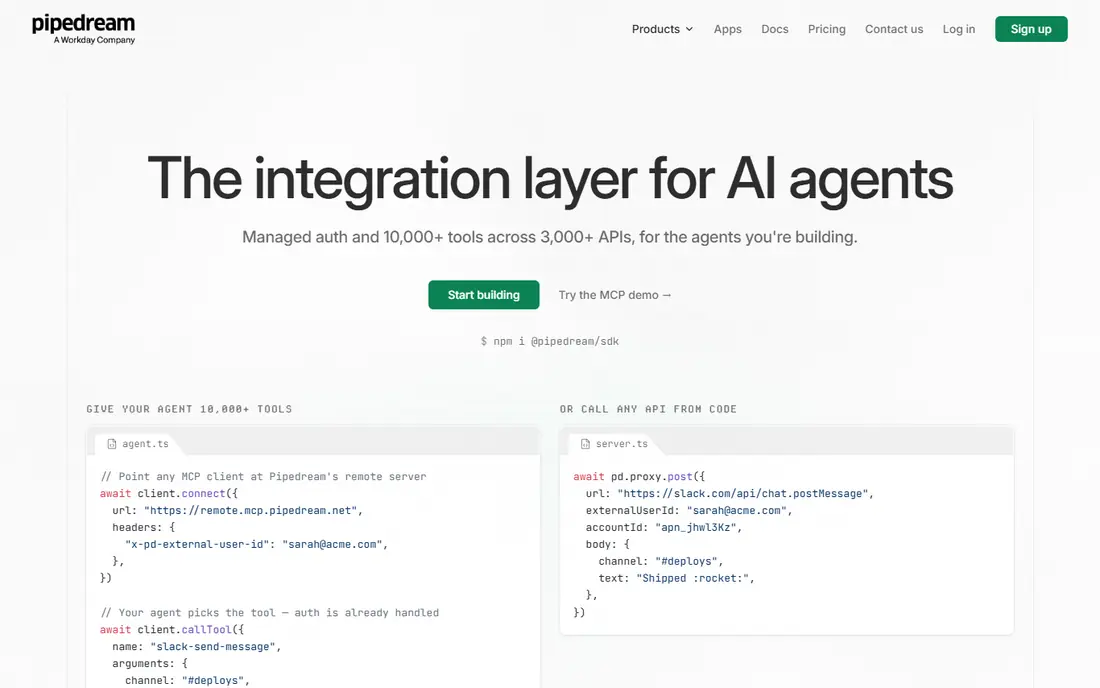
Pipedream started as a developer workflow platform and has grown into a solid option for agent tool calling through its Connect offering. You can write code where code helps, use prebuilt components where it does not, and let Pipedream host OAuth for your end users. That hosted auth piece is the part many teams underestimate until they have to build it themselves.
Pipedream works best for teams that are comfortable with code and event-driven work. Non-technical users may find the interface less friendly than Zapier, and heavy usage needs careful watching. For a small engineering team that wants a broad catalog without building auth infrastructure from scratch, it is a practical middle ground.
- Large app catalog
- Code steps in Node.js and Python
- Hosted auth for end users
- Workflow model takes learning
- Pricing can grow with usage
Zapier is the easiest tool on this list for a non-technical team to start with. Its catalog covers thousands of apps, its builder is plain to follow, and its MCP offering lets agents use Zapier actions as tools. For internal automation and for agents that need to read or update common business apps, that breadth saves a lot of setup time.
The catch is price and control. Task-based pricing can climb fast when an agent runs many small actions, and you cannot tune integration code the way you can in a code-first platform. Zapier is our pick when speed and coverage matter more than deep customization, and when the agent work sits alongside ordinary business automation.
- Very large app catalog
- Simple trigger and action builder
- MCP support for agent access
- Costs rise with task volume
- Less control over integration code than Nango or Pipedream
Make gives you a visual canvas where you can see data flow from one module to the next, which helps when a workflow has branches, filters, and data mapping. It covers many popular apps, and its pricing is often kinder than Zapier for the same volume of work. Small teams that automate marketing, sales, and operations tasks will find it easy to justify.
Make is less purpose-built for AI agents than the tools at the top of this list. You can still connect agents to Make scenarios, but the governance, per-user auth, and tool definition story is thinner. Choose Make when workflow automation is the main job and agent access is a useful extra, not the core requirement.
- Visual scenario builder
- Generous free tier for testing
- Strong value on paid plans
- Agent tool calling is less native than Nango or Arcade
- Complex scenarios need care
n8n appeals to teams that want to own their automation stack. You can run it on your own servers, keep data inside your network, and mix visual nodes with JavaScript code. That control is valuable for privacy-sensitive work and for teams that already run infrastructure. Its community also produces many nodes and templates.
Self-hosting is also the main drawback. You take on updates, backups, and security patching, and support for the hosted cloud version follows paid plans. If your team has no one to run a server, the cloud version or a managed alternative will be simpler. If control matters most, n8n is hard to beat for the price.
- Self-hosting option
- Code and no-code steps in one canvas
- Fair-code model with a free self-hosted path
- You manage hosting, updates, and security
- Enterprise features are paid
Workato is an enterprise integration platform that now supports agent access through MCP, which lets agents use governed Workato recipes as tools. It is designed for internal, employee-facing use cases at scale, with controls that large IT teams expect. If your company already standardizes on Workato, adding agent tools on top of it can be smoother than adopting a separate platform.
The downside is cost and fit. Workato is priced for enterprises, and it is not the best choice for a small startup or a customer-facing product that needs per-customer auth at low cost. It also leans low-code, so teams that want code-level control over every integration may prefer Nango. Pick Workato when governance, scale, and existing enterprise contracts matter most.
- Broad enterprise connector library
- Strong governance and audit features
- MCP support for agents
- Enterprise pricing
- Low-code focus rather than code-first integration building
Paragon, through its ActionKit offering, lets SaaS companies ship integrations to their own customers without building each connector from scratch. Customers connect their apps inside your product, and Paragon handles auth and workflow execution behind the scenes. That embedded angle is different from internal automation, and it matters if integrations are part of what you sell.
Paragon is not a cheap general automation tool, and it is overkill for a team that only needs a few internal workflows. Its value shows when you have many customers, each with their own accounts in tools like Salesforce, HubSpot, or Slack, and you need those connections to work reliably. For that product-led case, it is one of the cleaner options here.
- Embedded integration experience under your brand
- Visual workflow builder for customers
- Managed auth
- Priced for SaaS vendors
- Less suited to one-off internal automation
Truto takes a unified API approach: instead of learning each app API separately, you work with a common model for categories like CRM, HR, or accounting, and Truto maps it to each provider. It also offers native LLM toolsets, which makes it a direct fit for agent builders who want tool calling without writing a wrapper for every app. Setup can be quick for supported categories.
The risk is coverage. Unified APIs are only as good as the categories and providers they cover, and edge cases in a heavily customized customer system may still need custom work. Truto is worth testing when your agent works across a few standard business categories and you want fast setup with less code. Run your hardest customer case through it before you rely on it in production.
- Unified API model for common categories
- Native LLM toolsets
- Zero-code setup for many integrations
- Newer and smaller than Workato or Zapier
- Catalog depth varies by category
How we picked these
We compared official product pages, pricing pages, documentation, and public integration catalogs for tools that give AI agents authenticated access to outside apps. We favored tools that handle OAuth and token refresh, offer tool definitions or MCP support, and are actively maintained in October 2026. We left out tools that only add a chat step to a workflow builder without a real agent tool story, and we did not list Composio itself, since this is an alternatives list.
What to check before you choose
Start with auth, not with the catalog size. Ask how each platform stores credentials, how it refreshes tokens, and how it scopes an action to one user or one customer. A catalog of thousands of apps means little if a token failure or a permission mistake can affect other users. Check the audit log too, and confirm you can see which agent, which user, and which action ran.
Next, test your real workload. Build the two or three tool calls your agent will use most, and run them with real accounts, not demo data. Watch for rate limits, error handling, and how the platform surfaces failures to your code. Finally, model cost per active user, not just the headline plan price. Some platforms charge by task, some by seat, and some by API call, and the cheapest starter plan can become the most expensive one at scale.
Frequently asked questions
What is the best alternative to Composio?
It depends on your team. Nango is our pick for code-first production work, Arcade is our pick for governed enterprise agents, and Zapier is our pick for fast no-code coverage. Test two of them on your actual agent workload before you decide, since auth and cost differ more than marketing pages suggest.
Are there free alternatives to Composio?
Yes. Nango, Arcade, Pipedream, Zapier, Make, n8n, and Truto all offer a free tier or a free self-hosted path, with limits on usage or features. Free tiers are good for prototyping and small internal tools, but production use with many users usually needs a paid plan.
What is the difference between an agent integration platform and Zapier?
A workflow tool like Zapier automates steps between apps, often on a schedule or a trigger. An agent integration platform adds per-user auth, tool definitions a model can call, and governance over what the agent may do. Some tools now do both, but the governance and auth model is what separates a prototype from a production agent system.
Do I need MCP support to build an agent?
No, but it helps. MCP gives agents a standard way to discover and call tools, which reduces custom glue code. If your agent framework already uses MCP, favor platforms with MCP support. If it does not, a clean API and good SDK matter more than the MCP label alone.
Can I self-host a Composio alternative?
Yes, n8n is the clearest self-hosted option on this list, and Arcade and Nango offer deployment options that keep more infrastructure under your control. Self-hosting adds work for updates and security, so weigh that cost against the control you gain.
Which alternative is best for customer-facing SaaS integrations?
Paragon and Truto are built for that case, with embedded experiences and managed auth for your customers. Nango also fits when you want code-level control and data syncs alongside tool calls. Compare how each handles one customer with a customized CRM setup, since that is where many integrations break.
Sources
See where you really rank - block by block
ProMapRanker scans Google Maps across a grid of your service area. Simple monthly plans from $19, white-label on every plan.
Start freeKeep reading
 wpforms alternatives
Best WPForms Alternatives in 2026
We compare 9 wpforms alternatives for WordPress forms, with free and paid options, current pricing notes, and honest limits for small business sites in 2026.
Read → windows task scheduler alternatives
Best Windows Task Scheduler Alternatives in 2026
Looking for Windows Task Scheduler alternatives? We compare 9 schedulers for Windows and cross-platform work, from free tools to enterprise automation.
Read → which ai video service is best
Which AI Video Service Is Best in 2026
which ai video service is best? We compare 10 legitimate AI video services on price, avatars, editing and output quality to help you pick the right tool.
Read →