 ProMapRanker
Best Coda Alternatives in 2026


Docs, wikis, and databases in one workspace · Pricing starts at: $10 per member per month
Key takeaways
- Notion is the closest match for teams that want docs, wikis, and databases in one workspace.
- Airtable and Smartsheet suit structured data, while ClickUp, Asana, and Monday.com suit task-led work.
- Confluence fits teams that already use Atlassian tools and need a formal knowledge base.
- Fibery and Nuclino are smaller options worth a trial when a large suite feels like too much.
- Test with a real project, not a blank page, because templates can hide limits on permissions and automation.
Quick comparison
| Pick | Great for | Pricing starts at | Free tier | |
|---|---|---|---|---|
| Notion | Docs, wikis, and databases in one workspace | $10 per member per month | Yes | Visit |
 Airtable | Structured records with linked tables | $20 per seat per month | Yes | Visit |
 ClickUp | Tasks, docs, and goals in one app | $7 per user per month | Yes | Visit |
 Monday.com | Visual boards for team workflows | $9 per seat per month | Yes | Visit |
 Asana | Structured projects with timelines and goals | $10.99 per user per month | Yes | Visit |
 Confluence | Team knowledge base for Atlassian users | See website | Yes | Visit |
 Fibery | Connected workspaces for product teams | See website | Free trial | Visit |
 Nuclino | Fast, simple team wiki | See website | Yes | Visit |
 Smartsheet | Spreadsheet-style project tracking | $9 per member per month | Free trial | Visit |
The best Coda alternatives
Coda blends docs, tables, and apps, so a good replacement depends on which part you use most. Some tools here lead on writing, others on structured data, and others on task delivery. We compared them on that balance, plus pricing and plan limits.

Notion fits teams that want a shared wiki and light project tracking in one workspace. Notion combines writing, tables, and project views in one place, so a team can keep specs, meeting notes, and task lists without switching tools. That combination is the reason we kept it on this list, and it also explains who should look elsewhere if the fit is not right.
The honest catch is automation and reporting are lighter than in dedicated project tools, and large workspaces need care with structure. We suggest checking the current pricing page and the plan limits before you sign up, because the cheapest tier may not include the feature you need most. If that feature is included, Notion is a practical choice that most small teams can set up without a long project.
- Flexible pages and databases
- Strong templates
- Real-time collaboration
- Large databases can feel slow
- Advanced automation is limited
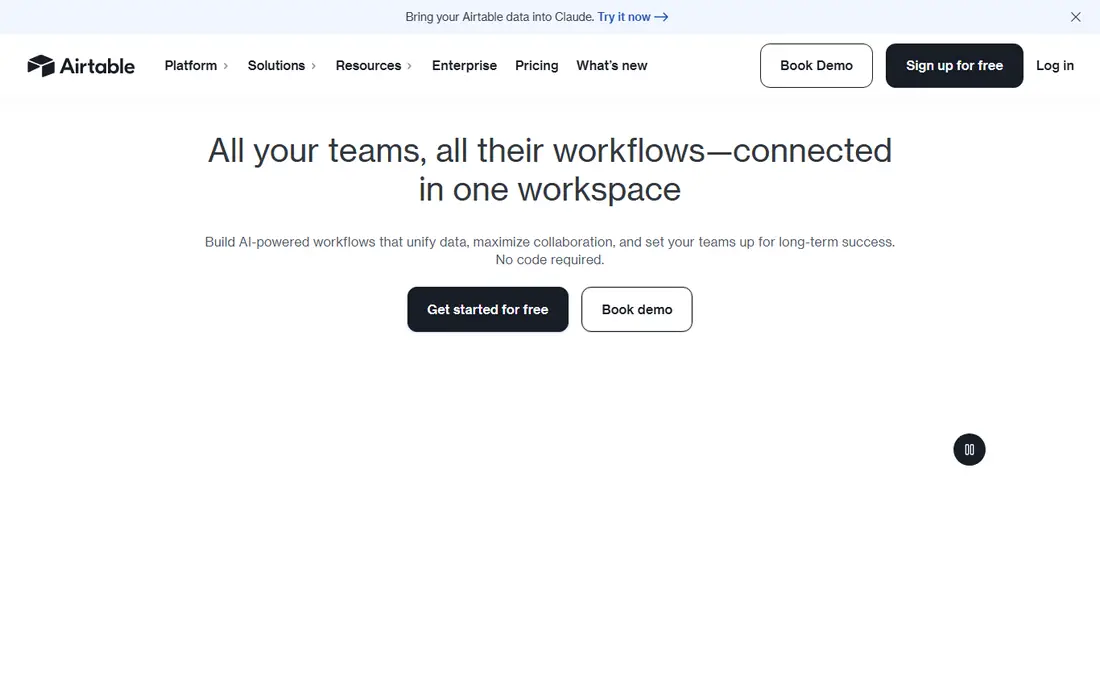
Airtable fits operations teams that track inventory, content, leads, or projects as records. Airtable treats work as structured data, with linked records, filtered views, and forms that feed directly into a base. That combination is the reason we kept it on this list, and it also explains who should look elsewhere if the fit is not right.
The honest catch is teams that mainly need long-form writing may find the doc experience thinner than a dedicated wiki. We suggest checking the current pricing page and the plan limits before you sign up, because the cheapest tier may not include the feature you need most. If that feature is included, Airtable is a practical choice that most small teams can set up without a long project.
- Linked records and filtered views
- Interface designer
- Strong integrations
- Writing long docs feels weaker than in Notion
- Costs rise with seats
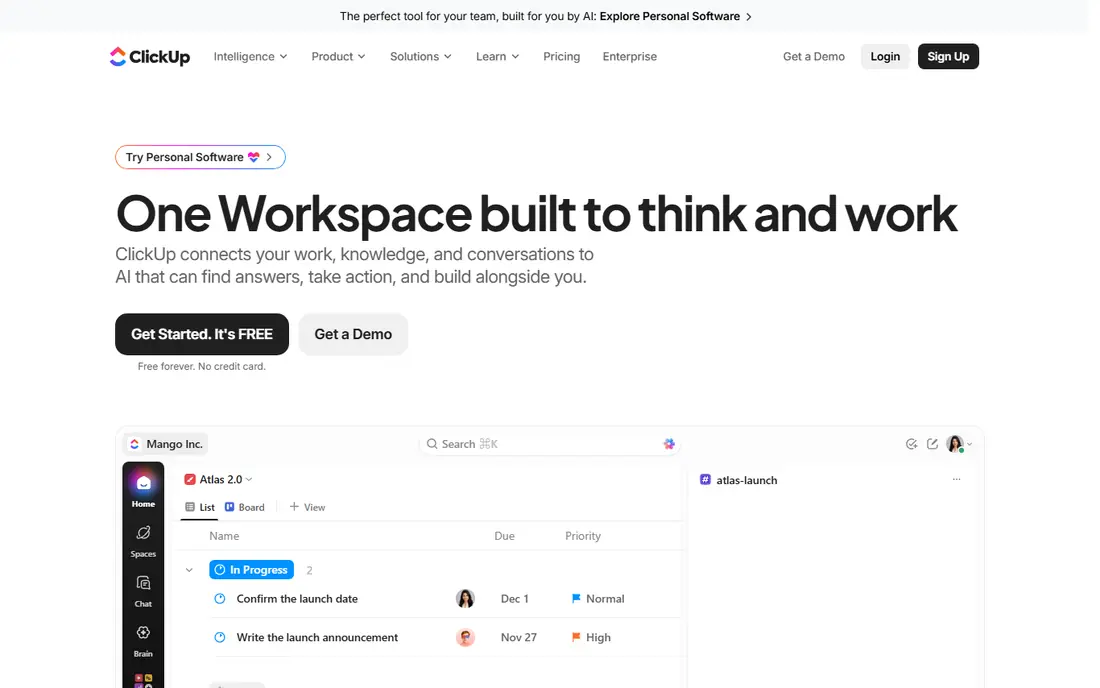
ClickUp fits teams that want task execution first and docs second. ClickUp packs tasks, docs, whiteboards, and goals into one workspace, which suits teams that want to cut down on separate apps. That combination is the reason we kept it on this list, and it also explains who should look elsewhere if the fit is not right.
The honest catch is the wide feature set can slow new users, so start with one workflow and add views only when needed. We suggest checking the current pricing page and the plan limits before you sign up, because the cheapest tier may not include the feature you need most. If that feature is included, ClickUp is a practical choice that most small teams can set up without a long project.
- Many task views
- Docs and goals in the same workspace
- Generous free plan
- Feature breadth can feel busy at first
- Setup takes time
Monday.com fits teams that plan work on visual boards and want simple automations. Monday.com makes work visible, with boards, timelines, and dashboards that managers can read at a glance. That combination is the reason we kept it on this list, and it also explains who should look elsewhere if the fit is not right.
The honest catch is small teams should check the seat minimum and which plan includes the automations they need. We suggest checking the current pricing page and the plan limits before you sign up, because the cheapest tier may not include the feature you need most. If that feature is included, Monday.com is a practical choice that most small teams can set up without a long project.
- Clear visual boards
- Automations
- Dashboards
- Free plan is limited to two seats
- Costs rise with seats and features
Asana fits teams that manage projects with deadlines, owners, and dependencies. Asana keeps projects, dependencies, and goals in one structured view, which helps teams that run many linked projects at once. That combination is the reason we kept it on this list, and it also explains who should look elsewhere if the fit is not right.
The honest catch is teams that need deep docs may still need a separate wiki next to Asana. We suggest checking the current pricing page and the plan limits before you sign up, because the cheapest tier may not include the feature you need most. If that feature is included, Asana is a practical choice that most small teams can set up without a long project.
- Timelines, dependencies, and portfolios
- Clear task ownership
- Doc and wiki features are lighter than in Notion or Confluence
Confluence fits teams already using Jira who need a formal knowledge base. Confluence is built as a team knowledge base, with spaces, page trees, and templates that suit documented processes. That combination is the reason we kept it on this list, and it also explains who should look elsewhere if the fit is not right.
The honest catch is smaller teams outside Atlassian may find the setup heavier than a simple wiki tool. We suggest checking the current pricing page and the plan limits before you sign up, because the cheapest tier may not include the feature you need most. If that feature is included, Confluence is a practical choice that most small teams can set up without a long project.
- Strong page organisation
- Jira integration
- Permissions and templates
- Setup can feel formal for very small teams
- Best value sits inside Atlassian
Fibery fits product and operations teams that want custom linked workspaces. Fibery lets teams link work, docs, and product data in custom views, which suits product teams that outgrow fixed templates. That combination is the reason we kept it on this list, and it also explains who should look elsewhere if the fit is not right.
The honest catch is the flexibility means someone needs to design the workspace before the whole team adopts it. We suggest checking the current pricing page and the plan limits before you sign up, because the cheapest tier may not include the feature you need most. If that feature is included, Fibery is a practical choice that most small teams can set up without a long project.
- Linked databases and custom views
- Whiteboards and docs together
- Smaller template library
- Learning curve for custom setup
Nuclino fits small teams that want a wiki everyone will actually update. Nuclino keeps the wiki simple and fast, with a visual graph that shows how pages connect. That combination is the reason we kept it on this list, and it also explains who should look elsewhere if the fit is not right.
The honest catch is teams that need heavy databases, forms, or automations will likely need another tool alongside it. We suggest checking the current pricing page and the plan limits before you sign up, because the cheapest tier may not include the feature you need most. If that feature is included, Nuclino is a practical choice that most small teams can set up without a long project.
- Fast and simple wiki
- Visual graph view
- Easy onboarding
- Fewer database and automation features than larger suites
Smartsheet fits operations teams that already think in spreadsheets and need project controls. Smartsheet gives spreadsheet users a familiar grid with project features layered on top, including dashboards, forms, and automation. That combination is the reason we kept it on this list, and it also explains who should look elsewhere if the fit is not right.
The honest catch is the grid-first design can feel dense for teams that prefer boards or docs as the main view. We suggest checking the current pricing page and the plan limits before you sign up, because the cheapest tier may not include the feature you need most. If that feature is included, Smartsheet is a practical choice that most small teams can set up without a long project.
- Familiar grid view
- Dashboards and reports
- Automation rules
- Interface can feel dense
- Free plan is not a full free tier
How we picked these
We compared official pricing pages, feature lists, and public documentation for workspace tools that cover docs, databases, or project work in October 2026. We kept only tools that are live and that offer a real path from Coda style docs and tables to a working team workspace. We did not claim hands-on testing, and we focused on plan limits, permissions, and the trade-off between writing, data, and task features.
How to choose a Coda alternative
Decide which job matters most. If docs and a wiki come first, start with Notion, Confluence, or Nuclino. If structured records come first, start with Airtable or Smartsheet. If task delivery comes first, start with ClickUp, Asana, or Monday.com. Then test permissions, because a tool that looks open in a trial can restrict guest access or page-level control on lower plans. Import a real project, invite two colleagues, and check search, mobile access, and export before you move a whole workspace.
Frequently asked questions
What are the best Coda alternatives?
Notion, Airtable, ClickUp, Asana, and Monday.com are the most common best Coda alternatives, with Confluence, Fibery, Nuclino, and Smartsheet covering more focused needs. The best pick depends on whether docs, data, or task delivery matters most.
Is there a free alternative to Coda?
Yes. Notion, Airtable, ClickUp, Monday.com, Asana, Confluence, and Nuclino all offer a free plan or trial, with limits on seats, storage, or features. Free plans suit small teams, while larger teams usually need a paid plan for permissions and history.
Which alternative is best for docs and wikis?
Notion and Confluence are the strongest doc-first picks here, with Nuclino as a simpler and faster wiki option. Choose Confluence if your team already uses Jira, and Notion if you want docs and databases in one flexible workspace.
Can I move Coda docs to another tool?
Most tools support import from common formats, but tables, formulas, and automations rarely move across without rework. Export a test doc first, check what survives the import, and plan time to rebuild formulas and views.
Which Coda alternative is best for project management?
ClickUp, Asana, and Monday.com lead for project management, with timelines, dependencies, and workload views. Airtable and Smartsheet suit data-heavy projects, while Notion suits lighter project tracking next to docs.
Sources
See where you really rank - block by block
ProMapRanker scans Google Maps across a grid of your service area. Simple monthly plans from $19, white-label on every plan.
Start freeKeep reading
 wpforms alternatives
Best WPForms Alternatives in 2026
We compare 9 wpforms alternatives for WordPress forms, with free and paid options, current pricing notes, and honest limits for small business sites in 2026.
Read → windows task scheduler alternatives
Best Windows Task Scheduler Alternatives in 2026
Looking for Windows Task Scheduler alternatives? We compare 9 schedulers for Windows and cross-platform work, from free tools to enterprise automation.
Read → which ai video service is best
Which AI Video Service Is Best in 2026
which ai video service is best? We compare 10 legitimate AI video services on price, avatars, editing and output quality to help you pick the right tool.
Read →