 ProMapRanker
Best Cloud Storage Alternatives in 2026

Key takeaways
- There is no single best cloud storage service, since price, privacy, and device fit pull in different directions.
- Dropbox and Google Drive win on sync and app support, while OneDrive and iCloud win inside Microsoft and Apple setups.
- pCloud, Sync.com, Proton Drive, and MEGA suit privacy-focused users, with different trade-offs on encryption and price per terabyte.
- Box suits teams that need admin controls and compliance features, while Tresorit suits regulated work with strict data rules.
- Check free storage, file size limits, and how each service handles photos and shared folders before you move files.
Quick comparison
| Pick | Great for | Pricing starts at | Free tier | |
|---|---|---|---|---|
 Dropbox | Reliable sync across any device | See website | Yes | Visit |
 Google Drive | Google Workspace and Android users | See website | Yes | Visit |
 OneDrive | Microsoft 365 homes and offices | See website | Yes | Visit |
 iCloud Drive | iPhone, iPad, and Mac owners | See website | Yes | Visit |
 pCloud | Lifetime plans and media streaming | See website | Yes | Visit |
 Sync.com | Private file sharing by default | See website | Yes | Visit |
 Proton Drive | Privacy inside the Proton suite | See website | Yes | Visit |
 MEGA | Generous free storage with encryption | See website | Yes | Visit |
 Box | Teams needing admin controls | See website | Yes | Visit |
The best cloud storage alternatives
Cloud storage is now a utility, but providers still differ a lot on privacy, price, and how well they work on your devices. The services below all store and sync files across devices, and each one has a clear reason to pick it. The best choice follows your phone, your computer, and how sensitive your files are.
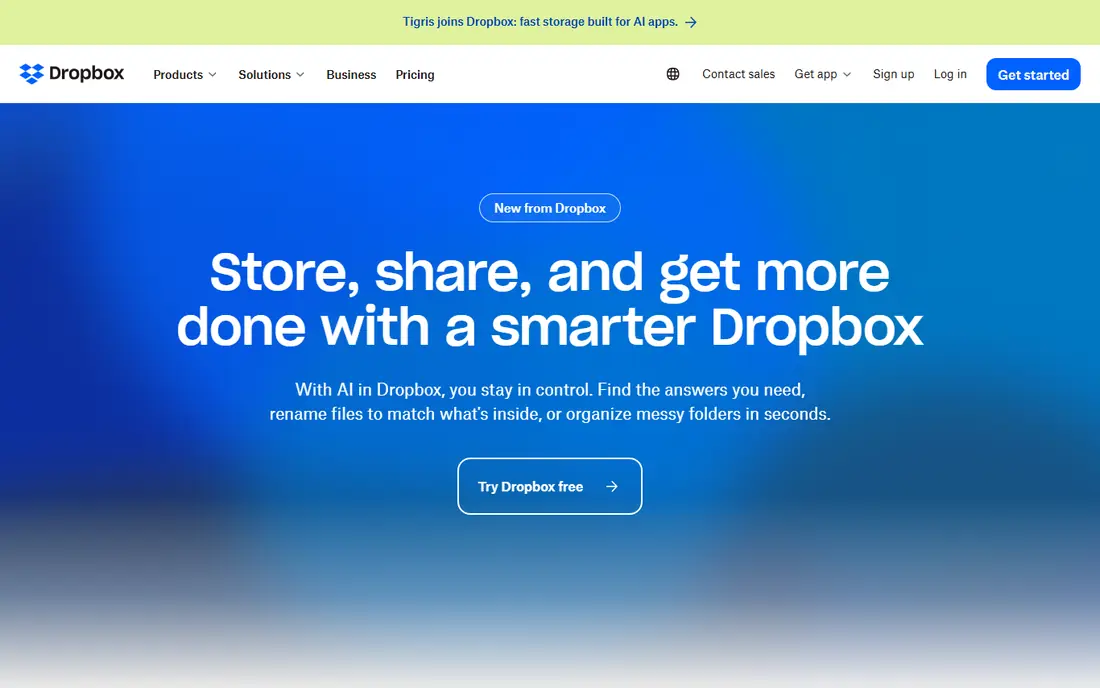
Dropbox remains the reference point for sync that just works. Its delta sync sends only changed parts of files, which speeds up large documents, and its apps cover Windows, Mac, iOS, Android, and the web with a consistent feel. Sharing, file requests, and version history are plain to use, and many other apps integrate with Dropbox by default.
The main drawback is value. The free plan is small, and paid plans cost more per terabyte than pCloud or Sync.com for the same storage. Dropbox is our pick when you share files with many different people and apps, and when sync reliability matters more than getting the lowest price per gigabyte.
- Fast and reliable sync
- Broad third-party app support
- Simple sharing and file requests
- Free plan is small at 2 GB
- Paid plans cost more per terabyte than some rivals
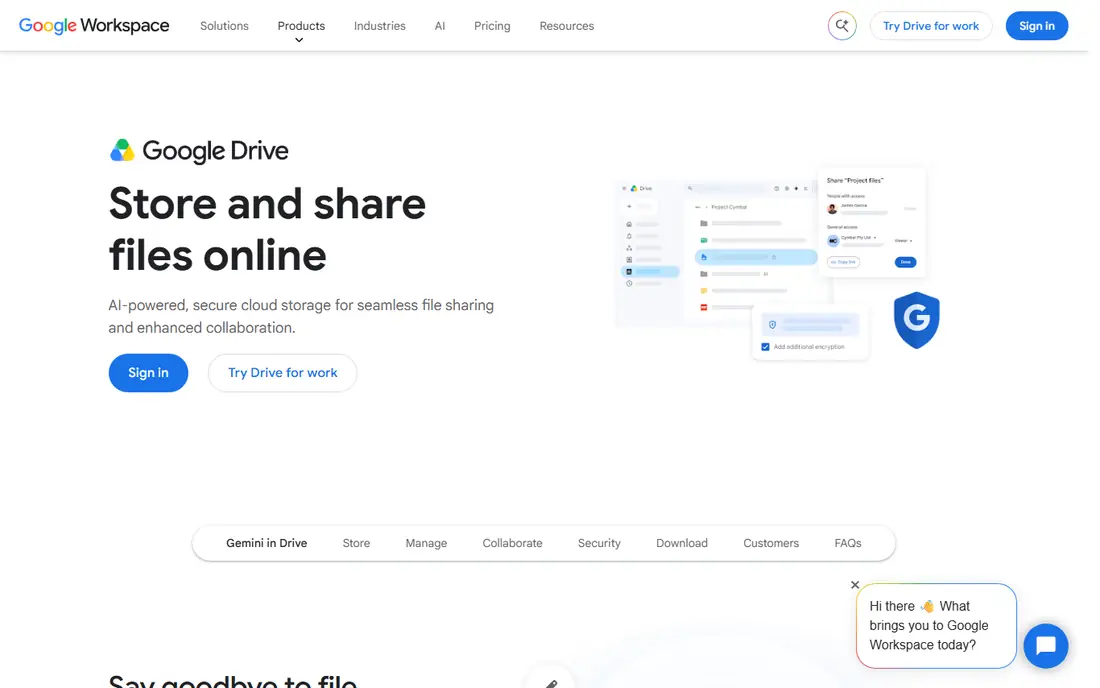
Google Drive is the natural pick if you already live in Gmail, Google Docs, and Android. Files open directly in Google editors, Photos backup ties in cleanly, and search across file names and content is strong. The free tier covers everyday documents and photos for many users, and Google One plans add storage across Drive, Gmail, and Photos in one bundle.
Privacy is the honest catch. Google encrypts data in transit and at rest, but it holds the keys, so Drive is not a zero-knowledge service. If you store sensitive client files and want the provider unable to read them, Sync.com or Proton Drive will fit better. For everyday work inside Google tools, Drive is still the most convenient option.
- Deep Google Docs, Sheets, and Photos integration
- Generous free tier
- Strong search
- Privacy depends on Google account settings
- Desktop sync can feel heavy on large libraries
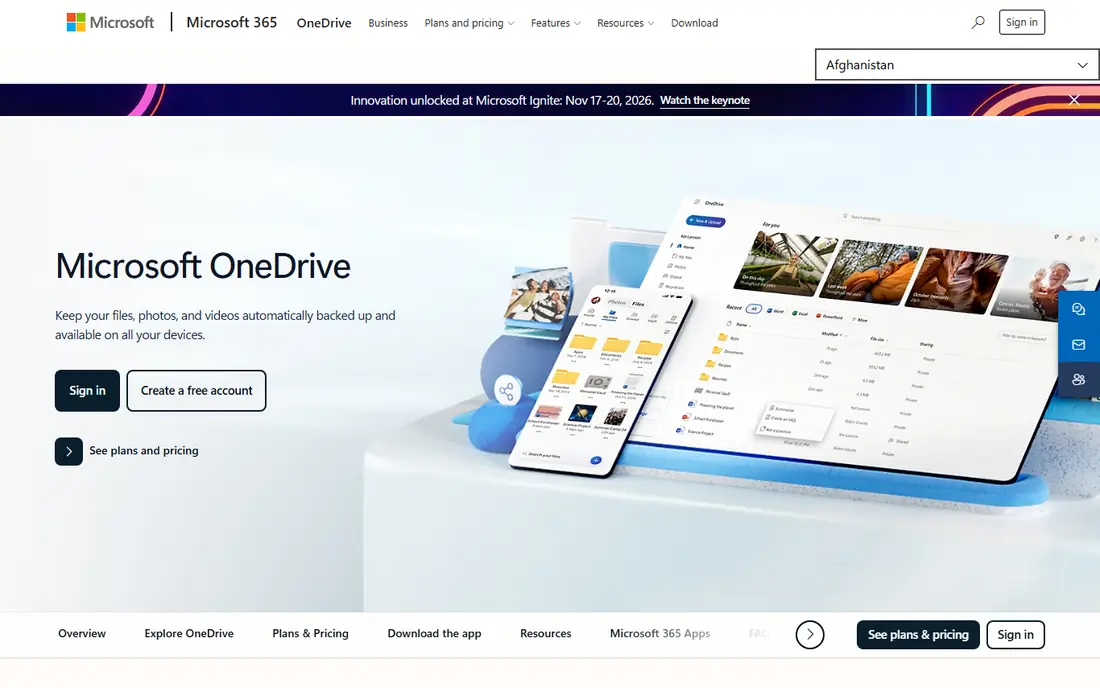
OneDrive makes most sense as part of Microsoft 365, where storage comes bundled with Word, Excel, Outlook, and Teams. Files On-Demand lets you see a full library without downloading every file, and Office documents co-edit cleanly from OneDrive. For a household or office already paying for Microsoft 365, the extra storage value is hard to beat.
Outside that setup, OneDrive is less compelling, and its free plan is small. It also lacks the zero-knowledge privacy model of the encrypted providers below. Choose OneDrive when Microsoft tools are already your daily work, and treat it as a bundle benefit rather than a standalone privacy choice.
- Included with Microsoft 365 plans
- Files On-Demand saves disk space
- Strong Office integration
- Less useful outside Microsoft tools
- Free plan is only 5 GB
iCloud Drive is the simplest storage for an all-Apple household. It backs up iPhones and iPads, syncs files across Macs, and keeps Photos, Notes, and app data in one place without extra setup. Advanced Data Protection can extend end-to-end encryption to more iCloud data categories for users who turn it on, which is a real privacy improvement over the default setup.
The limit is platform. There is no native Android app, and Windows use runs through a separate app and the web. If your household mixes iPhone and Android, or if you share files with Windows users often, a cross-platform service will cause less friction. For Apple-only users, iCloud is the lowest-friction pick.
- Built into Apple devices
- Automatic device backup
- Advanced Data Protection option for encryption
- No native Android app
- Windows support is thinner than Apple device support
pCloud appeals to buyers who dislike another monthly bill. Its lifetime plans let you pay once for a set amount of storage, which can beat years of subscriptions if you keep the account for a long time. Media playback, file versioning, and a clean set of apps round out a service that feels polished for everyday files and photos.
Encryption needs a note. pCloud encrypts data in transit and at rest, but full client-side encryption for a private Crypto folder is a paid extra, not the default for all files. If you want every file encrypted by default at no extra cost, Sync.com or Proton Drive will fit better. If lifetime value and media use matter most, pCloud is a strong pick.
- Lifetime purchase option
- Built-in media playback
- Up to 10 GB free with bonuses
- Full client-side encryption is a paid add-on
- Lifetime value depends on long-term use
Sync.com is the privacy pick for people who want encryption without paying extra or changing how they share files. Every plan uses end-to-end encryption, so Sync.com cannot read your files, and sharing links support passwords, expiry dates, and download limits. Teams get admin controls, and the service is often used for client deliverables and sensitive documents.
The trade-off is ecosystem. Fewer third-party apps integrate directly with Sync.com than with Dropbox or Google Drive, and heavy users sometimes report slower sync on very large libraries. For most personal and small-business use, that gap is minor. If private sharing is your top need, Sync.com gives you that protection from the first file you upload.
- End-to-end encryption on all plans
- Simple sharing with password and expiry controls
- Good team features
- Third-party app support is thinner than Dropbox
- Sync speed can vary on very large libraries
Proton Drive suits users who already trust Proton Mail or Proton VPN and want storage under the same privacy model. Files are end-to-end encrypted by default, the company is based in Switzerland, and the apps cover the main platforms with photo backup on mobile. For journalists, lawyers, and anyone handling sensitive personal files, that model is a clear draw.
Price per terabyte is higher than pCloud or MEGA, and the free tier is modest. Proton Drive is not the value pick for bulk media storage. It is the pick when privacy, jurisdiction, and a single trusted provider for mail, calendar, and storage matter more than squeezing the lowest cost per gigabyte.
- End-to-end encryption by default
- Swiss jurisdiction
- Ties into Proton Mail, Calendar, and VPN
- Higher price per terabyte than value rivals
- Smaller free tier than MEGA
MEGA stands out first on its free tier, which at 20 GB is larger than most rivals, and on encryption that applies by default rather than as an add-on. You can store, share, and sync files with the provider unable to read them, and its apps cover desktop and mobile. For a student or a small user who needs real free storage with privacy, MEGA is an easy starting point.
Business controls and third-party integrations are thinner than Box or Dropbox, so larger teams may find it less suited to managed work. MEGA is our pick for personal use where free space and default encryption matter, and where you do not need enterprise admin features or deep app integrations.
- 20 GB free tier
- End-to-end encryption by default
- Chat and sharing features built in
- Business features are thinner than Box
- Support and app polish vary by platform
Box is built for teams rather than for personal photo backup. Admins get granular permissions, audit trails, retention rules, and integrations with tools like Microsoft 365, Google Workspace, Salesforce, and Slack. That control set suits companies that must show who accessed a file, when, and under what policy, which is why Box appears in regulated and enterprise work.
For personal use, Box is less appealing on price and on media features than pCloud or Google Drive. Its interface also feels business-first. Choose Box when your team needs managed sharing, compliance features, and admin oversight, and when personal media streaming is not the main job.
- Strong admin, permission, and compliance controls
- Good integrations with business apps
- File versioning
- Personal value is weaker than consumer rivals
- Interface is business-focused
How we picked these
We compared official product pages, pricing pages, and security documentation for cloud storage services that are actively available in October 2026. We checked free storage, encryption models, platform apps, and sharing controls, and we favored services with a clear, current pricing page. We left out backup-only tools that do not offer everyday file sync and sharing, since this list is about cloud storage you use daily.
What to check before you choose
Start with your devices and your files. If you use Apple devices only, iCloud will be simplest. If you use Microsoft 365, OneDrive will be cheapest as a bundle. If you share files with people on many platforms, Dropbox or Google Drive will cause the least friction. If your files are sensitive, check whether encryption is default or an add-on, and whether the provider can read your files at all.
Next, test sync on your real library before you move everything. Upload a mix of large and small files, check how the desktop app handles selective sync, and confirm shared folders work for the people you share with. Also check photo backup, file size limits, and version history, since those details decide whether a service stays useful after the first month.
Frequently asked questions
What is the best cloud storage service?
It depends on your setup. For cloud alternatives, Dropbox is our pick for reliable cross-platform sync, Google Drive is our pick for Google users, OneDrive is our pick for Microsoft 365 users, and iCloud is our pick for Apple-only users. For privacy, Sync.com and Proton Drive lead, and for lifetime value, pCloud leads.
What are the best alternatives to cloud storage in general?
If you mean alternatives to a single provider, the services here are the main options, and they differ on price and privacy. If you want to avoid cloud storage entirely, a local network drive or an external drive gives you full control, but you lose off-site backup and easy sharing. Many users combine a local drive for bulk files with a cloud service for sharing and backup.
Which cloud storage is most private?
Sync.com, Proton Drive, and MEGA use end-to-end encryption by default, so the provider cannot read your files. pCloud offers client-side encryption as a paid add-on. Dropbox, Google Drive, OneDrive, and iCloud encrypt data in transit and at rest but hold the keys, unless you turn on an extra protection option where offered.
How much free cloud storage can I get?
MEGA offers 20 GB free, pCloud offers up to 10 GB with bonuses, and Google Drive, OneDrive, iCloud, and Sync.com offer smaller free tiers. Free tiers are good for documents and a modest photo library, but large photo and video collections usually need a paid plan.
Is a lifetime cloud storage plan worth it?
A lifetime plan can save money if you use the account for many years, but it depends on the provider staying in business and on your storage needs staying stable. Check what the lifetime plan includes, whether encryption or extra features cost more, and whether you can get a refund or transfer the plan before you pay once.
Which service is best for sharing files with clients?
Sync.com and Box are strong for client sharing, with password, expiry, and permission controls. Dropbox is also strong for sharing with people who already use it. Choose based on whether you need default encryption, admin audit trails, or simply the widest familiarity among your clients.
Sources
See where you really rank - block by block
ProMapRanker scans Google Maps across a grid of your service area. Simple monthly plans from $19, white-label on every plan.
Start freeKeep reading
 wpforms alternatives
Best WPForms Alternatives in 2026
We compare 9 wpforms alternatives for WordPress forms, with free and paid options, current pricing notes, and honest limits for small business sites in 2026.
Read → windows task scheduler alternatives
Best Windows Task Scheduler Alternatives in 2026
Looking for Windows Task Scheduler alternatives? We compare 9 schedulers for Windows and cross-platform work, from free tools to enterprise automation.
Read → which ai video service is best
Which AI Video Service Is Best in 2026
which ai video service is best? We compare 10 legitimate AI video services on price, avatars, editing and output quality to help you pick the right tool.
Read →