 ProMapRanker
Best ClipGrab Alternatives in 2026

Key takeaways
- yt-dlp is our pick for most people who want a free, flexible downloader, provided they are comfortable with a command line.
- 4K Video Downloader Plus is the simplest paid-style option for playlists and channels, with a free tier for basic use.
- JDownloader covers far more than video sites, which makes it a good second tool for file hosting links.
- Only download videos you own or have permission to use, and check the terms of each site before you save anything.
Quick comparison
| Pick | Great for | Pricing starts at | Free tier | |
|---|---|---|---|---|
 yt-dlp | Free, flexible command-line downloads | Free | Yes | Visit |
 4K Video Downloader Plus | Easy playlists and channels | $15 per year | Yes | Visit |
 JDownloader | File hosts plus video sites | Free | Yes | Visit |
 VideoProc Converter AI | Downloading plus conversion | See website | Free trial | Visit |
 Downie | Simple Mac downloads | See website | Free trial | Visit |
 SnapDownloader | High-resolution downloads | See website | Free trial | Visit |
 MediaHuman YouTube to MP3 Converter | Audio-only downloads | Free | Yes | Visit |
 Allavsoft | Batch downloads and conversion | See website | Free trial | Visit |
 WinX YouTube Downloader | Straightforward Windows downloads | Free | Yes | Visit |
The best ClipGrab alternatives
ClipGrab made video saving simple, but its pace of updates and site coverage can leave gaps. The tools below cover the same core job in different ways, from a free command-line workhorse to polished desktop apps.
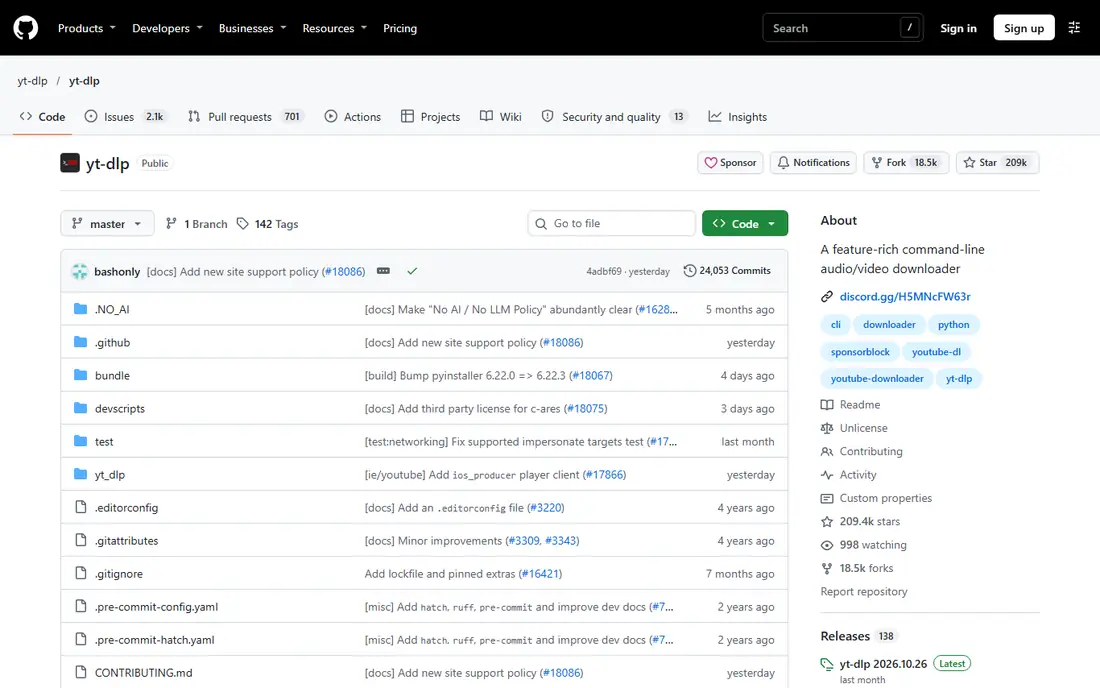
yt-dlp is a free, open-source command-line tool, and it is the option we would start with if cost and control matter most. You type a command, pick a format or quality, and it can save single videos, playlists, channels, subtitles and audio tracks. It runs on Windows, macOS and Linux, and its active development means broken sites often get fixed quickly.
The catch is the interface. There is no big download button or built-in browser, so new users may need a short guide or a third-party front end to feel at home. If you are happy with a terminal, or willing to learn a few commands, nothing else on this list gives you this much control for no money.
- Supports a very large number of sites
- Fine control over format, quality and subtitles
- Fast, frequent updates
- No built-in graphical interface
- Setup takes more effort for beginners
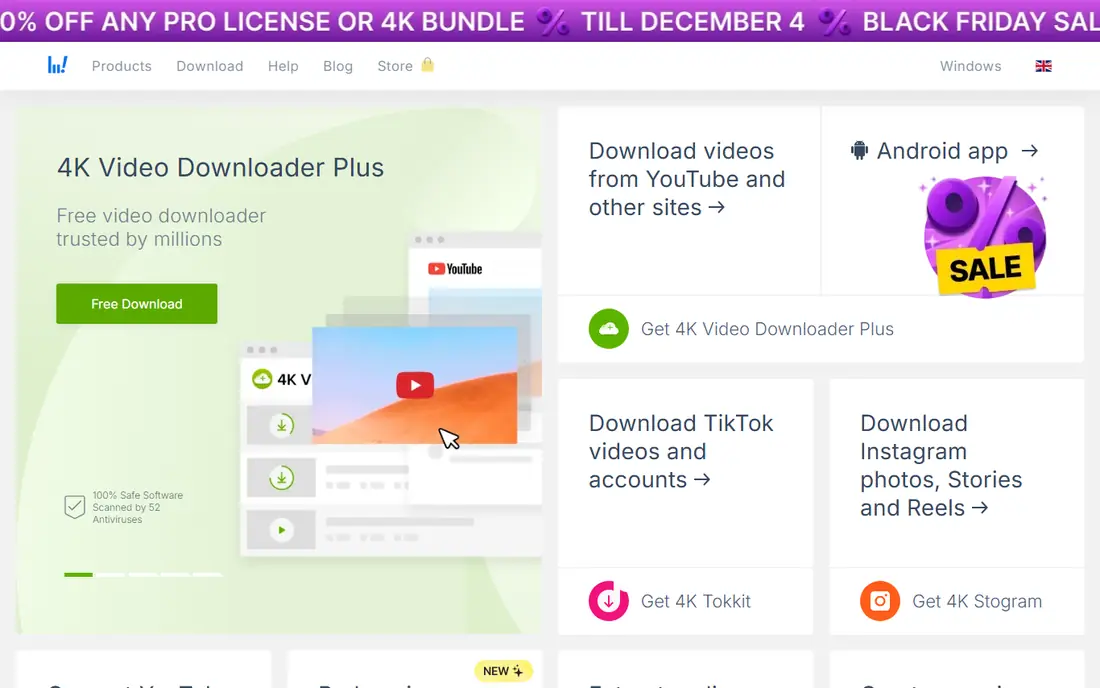
4K Video Downloader Plus feels closest to ClipGrab in spirit, because the main job is pasting a link and choosing a format. It handles YouTube, Vimeo, TikTok and other sites, and it can save whole playlists or channels in higher resolutions, with subtitles where the site provides them. That makes it a strong choice for building an offline library.
The free tier is useful for trying the workflow, but it caps some features, so heavy playlist users will likely need a paid plan. Check the current plan page before buying, since the vendor has changed its product line in the past, and older lifetime licenses did not always carry over to the Plus version.
- Simple paste-and-download workflow
- Playlist and channel downloads
- Subtitles and quality choices
- Free tier limits some features
- Paid tiers are needed for the full set of options
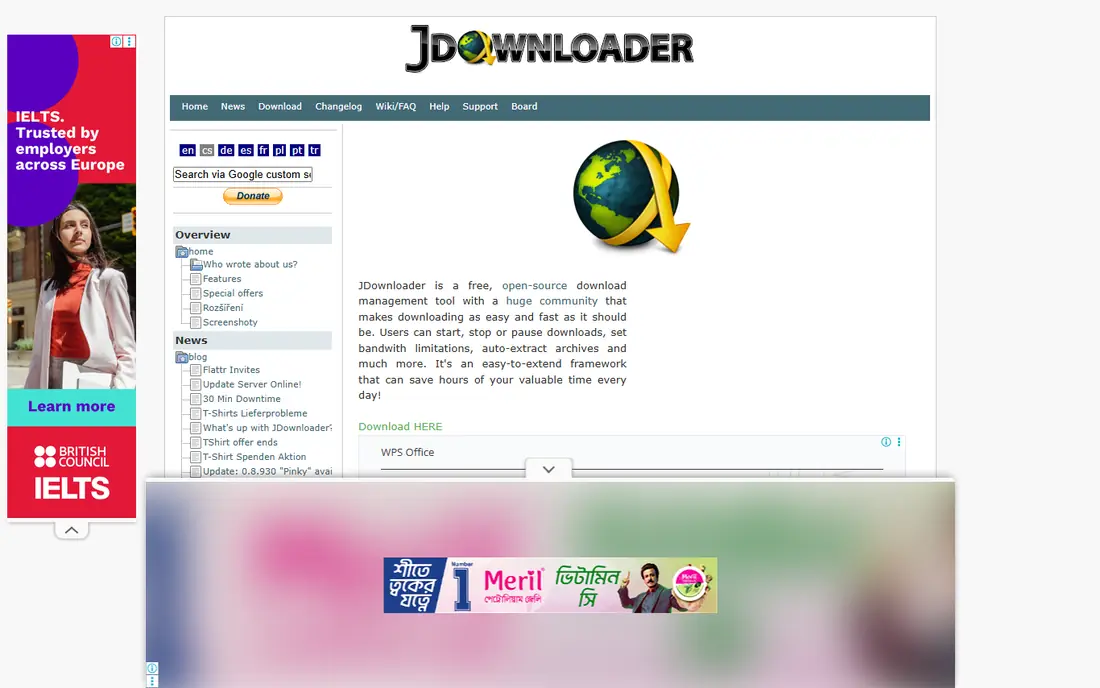
JDownloader is less pretty than the video-first apps here, and that is part of its appeal for people who download from many places. It can grab links from a clipboard or a page, queue large batches, resume interrupted downloads and work with a wide range of hosting sites. For video work, it is a solid backup when a dedicated video app fails on a particular page.
The trade-off is polish. The settings are deep, the main window shows a lot at once, and first-time setup takes longer than a simple paste-and-go app. If you only want occasional YouTube clips, a simpler tool will feel faster. If you manage large queues, JDownloader earns its place.
- Free and open source
- Handles many file hosting sites
- Queue, scheduling and link-grabbing tools
- Interface looks dated
- Setup can feel busy for casual users
VideoProc Converter AI suits people who want to download a clip and then change its format, trim it or prepare it for another device without opening a second app. It covers popular video sites and gives you conversion options in the same window, which saves time for creators who repurpose footage they have rights to use.
That breadth comes with a price and a larger install than a single-purpose downloader. If you only save a video now and then, the extra editing tools may sit unused. For regular creators, the combined workflow is the reason to pay.
- Combines downloading with video conversion and editing
- Supports high resolutions
- Clear desktop interface
- Paid software for full use
- More tool than a casual downloader needs
Downie is a Mac-only app built around one idea: drop a link in, get the file out. It supports a large number of sites, picks sensible defaults, and keeps a tidy record of what you have saved. For Mac users who found ClipGrab fiddly, Downie is often the easiest switch.
The obvious limit is platform. Windows and Linux users need another pick from this list, and the trial eventually asks you to pay. Within the Mac world, though, its simplicity is hard to beat, and it stays out of your way once it is set up.
- Very simple drag-and-drop workflow on Mac
- Supports many sites
- Clean history of past downloads
- Mac only
- Paid after the trial period
SnapDownloader aims at viewers who care about resolution and audio quality, and it can save video in up to 8K where the source offers it. It also handles playlists, channels and audio-only output, and it includes scheduling and proxy settings that power users may appreciate. The main window makes the job clear: paste a link, pick a format, start the download.
Its price and settings depth mean casual users may prefer a simpler free tool. If you archive high-quality copies of your own videos or licensed material, the quality options and batch tools give SnapDownloader a clear reason to exist.
- Supports up to 8K video where available
- Playlist and channel downloads
- Proxy and scheduling options
- Paid for ongoing use
- Interface packs in many settings
MediaHuman YouTube to MP3 Converter does one job well, and it does not pretend to do more. Paste a video or playlist link, choose an audio format, and save the sound for offline listening to material you own or have permission to keep. That focus keeps the interface light and the learning curve short.
If you want video files, look elsewhere on this list, since this tool is built for audio. For podcasts, lectures, music you have rights to, and other audio-first material, its narrow scope is a strength rather than a weakness.
- Focused on audio extraction
- Playlist support
- Simple interface
- Not a general video downloader
- Best only for audio needs
Allavsoft covers video, music and subtitle downloads from a wide set of sites, and it adds conversion so saved files can fit phones, tablets or editing software. Batch mode is the main draw: queue a set of links, set a format, and let it work through the list. That suits people who save series of tutorials or their own published videos.
The interface is functional rather than fresh, and the trial limits ongoing use. If a modern look matters more than batch handling, 4K Video Downloader Plus may feel nicer. If batch work matters most, Allavsoft deserves a trial.
- Batch downloading from many sites
- Built-in conversion
- Subtitle download support
- Paid for full use
- Design feels less modern than newer apps
WinX YouTube Downloader is a plain, free Windows option for people who want ClipGrab-style simplicity without a command line. Paste a link, pick a resolution or audio format, and download. Playlist support and common output formats cover most everyday needs, and the price makes it easy to try.
Advanced users will miss the fine-grained format and subtitle controls found in yt-dlp, and Mac or Linux users need a different pick. For a no-cost Windows starter tool, though, it is a sensible and low-risk choice.
- Free for basic use
- Simple paste-and-go workflow
- Supports playlists and common formats
- Windows focus
- Fewer advanced controls than yt-dlp
How we picked these
We compared official feature pages, pricing pages and app listings, and public documentation for each tool, and we kept only tools that exist and work now. We looked for real video downloading, playlist or channel support where claimed, honest pricing, and a clear fit for the ClipGrab use case. Tools that were discontinued, bundled with unrelated software claims, or unable to show a working homepage were left out.
What to check before you download
Start with the source and your rights to the file. Downloading your own uploads, public domain material, or content you have licensed is a different matter from saving someone else's work against a site's terms. Read the terms of the site you use, and do not use a downloader to bypass paid access or to repost other people's work as your own.
Next, match the tool to your machine and your patience level. Command-line tools give the most control and cost nothing, while paid desktop apps trade money for a simpler window and support. Try the free tier or trial first, test one playlist and one subtitle file, and check that the output plays on the device you actually use.
Finally, get the app from its official site only. Copycat download pages are a common source of bundled extras, so check the domain, avoid third-party installers, and keep the app updated, since video sites change often and older versions break first.
Frequently asked questions
What is the best ClipGrab alternative for free?
yt-dlp is the strongest free option, because it costs nothing, supports many sites and gives fine control over format and quality. JDownloader is another free choice, especially if you also download from file hosting sites. Both need more setup than a simple desktop app.
Are ClipGrab alternatives safe to use?
Tools from their official sites, such as the ones listed here, are widely used, but safety depends on where you download the installer and what you download with it. Get software only from the vendor's own homepage, keep it updated, and respect copyright and site terms.
Which alternative is best for downloading playlists?
4K Video Downloader Plus, SnapDownloader and Allavsoft all handle playlists and channels well, with format and quality choices. yt-dlp also handles playlists from the command line, and it is free. Try a short playlist first to check speed and subtitle support.
Can I download videos in 4K or 8K?
Yes, where the source video offers that resolution. SnapDownloader lists up to 8K support, and several other tools here support 4K. The result still depends on the original upload, your connection, and the format you choose.
Do these tools work on Mac and Windows?
Most do, but not all. Downie is Mac only, WinX YouTube Downloader is Windows focused, and yt-dlp, JDownloader and 4K Video Downloader Plus cover Windows, macOS and Linux. Check the system requirements on the vendor page before you install.
Is it legal to download YouTube videos?
It depends on the video, its license, and the terms of the site. Downloading your own content or material you have permission to keep is generally fine, while saving copyrighted work without permission can break the law and site terms. When in doubt, ask the rights holder or use an official offline option.
Sources
See where you really rank - block by block
ProMapRanker scans Google Maps across a grid of your service area. Simple monthly plans from $19, white-label on every plan.
Start freeKeep reading
 wpforms alternatives
Best WPForms Alternatives in 2026
We compare 9 wpforms alternatives for WordPress forms, with free and paid options, current pricing notes, and honest limits for small business sites in 2026.
Read → windows task scheduler alternatives
Best Windows Task Scheduler Alternatives in 2026
Looking for Windows Task Scheduler alternatives? We compare 9 schedulers for Windows and cross-platform work, from free tools to enterprise automation.
Read → which ai video service is best
Which AI Video Service Is Best in 2026
which ai video service is best? We compare 10 legitimate AI video services on price, avatars, editing and output quality to help you pick the right tool.
Read →