 ProMapRanker
Best Claude Alternatives in 2026

Key takeaways
- ChatGPT is our pick for most people, because it pairs a free tier with a broad set of writing, coding and image tools.
- DeepSeek and Meta AI cost nothing for everyday chat, which makes them strong first stops if you want to avoid a subscription.
- Gemini fits Google users best, while Microsoft Copilot fits people who already live in Word, Excel and Outlook.
- Perplexity is the strongest choice when cited answers matter more than long creative writing.
- Paid plans cluster near 20 dollars a month, so the deciding factor is usually the app you already use, not the price alone.
Quick comparison
| Pick | Great for | Pricing starts at | Free tier | |
|---|---|---|---|---|
 ChatGPT | Everyday chat, writing and coding | $20 per month | Yes | Visit |
 Google Gemini | People who use Gmail, Docs and Drive | $19.99 per month | Yes | Visit |
 Microsoft Copilot | Word, Excel, Outlook and Windows users | $19.99 per month | Yes | Visit |
 Perplexity | Research answers with citations | $20 per month | Yes | Visit |
 Grok | Real-time discussion and X topics | $8 per month | Yes | Visit |
 DeepSeek | Free reasoning, maths and coding help | Free | Yes | Visit |
 Mistral Le Chat | A cheaper paid plan with European hosting | $14.99 per month | Yes | Visit |
 Meta AI | Free chat inside apps you already open | Free | Yes | Visit |
The best claude alternatives
This list covers alternatives only. Each assistant below is a separate product with its own models, limits and pricing, and we compared official feature pages, pricing pages, app store listings and public reviews.
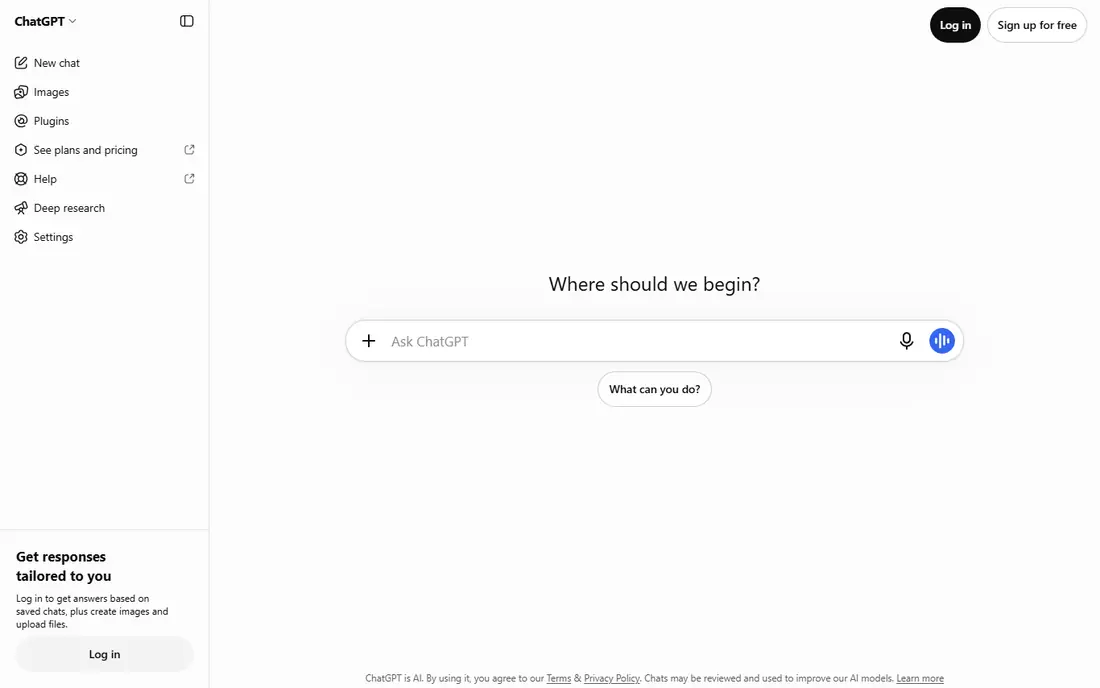
ChatGPT is the most complete general assistant on this list. It handles drafting, planning, spreadsheet help, image creation and code, and it keeps those tools in one place instead of asking you to switch apps. For a small business owner, that breadth matters, because one subscription can cover a lot of daily jobs.
The catch is that the free tier is limited on advanced models, uploads and deep research. Plus, at 20 dollars a month, opens up the stronger reasoning models and higher limits. If you hit coding limits often, check the plan details before paying, since heavy use is measured in windows rather than a simple message count.
- Broad tool set
- Custom GPTs
- Strong coding help through Codex
- Plus is monthly only
- Heavy coding use is metered in time windows
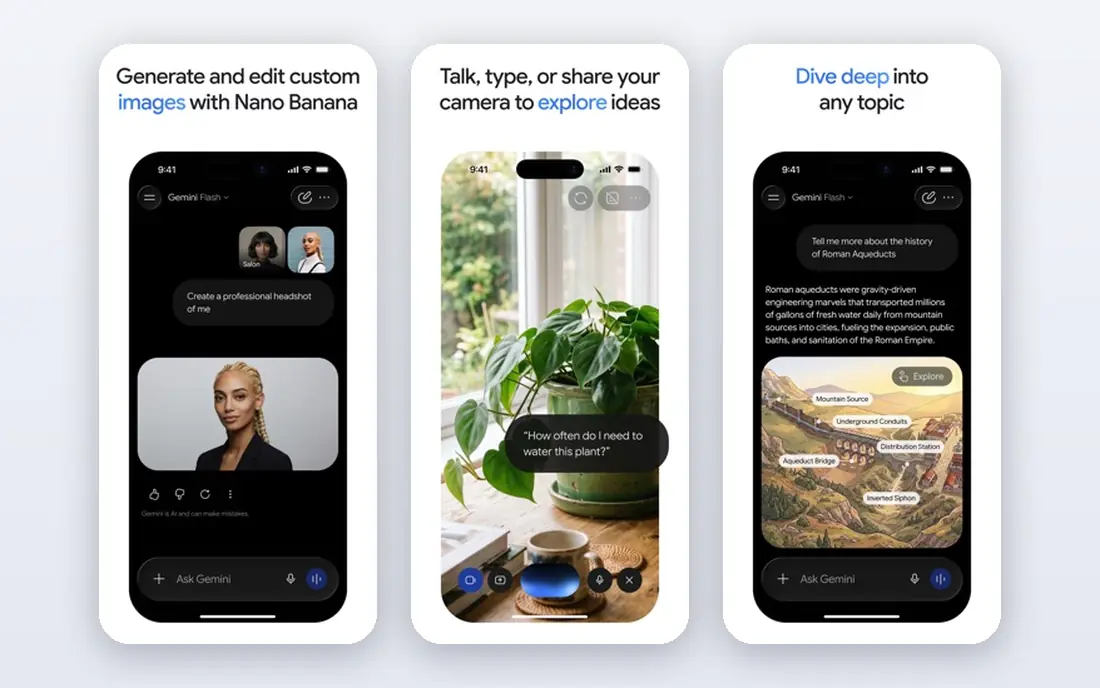
Gemini makes the most sense if your work already sits in Google apps. It can pull context from Gmail, Docs and Drive when you allow it, and that saves the copy-and-paste step that other assistants require. The free tier is usable for everyday questions, and the paid tier adds stronger models and more storage.
The downside is the bundle itself. You need to check what your plan includes, because storage, model access and workspace features are packaged together. If you do not use Google apps much, that bundle adds less value, and a simpler assistant may suit you better.
- Deep Google app integration
- Large context window on paid plans
- Bundled storage on Pro
- Plan names and bundles have changed
- API access is billed separately
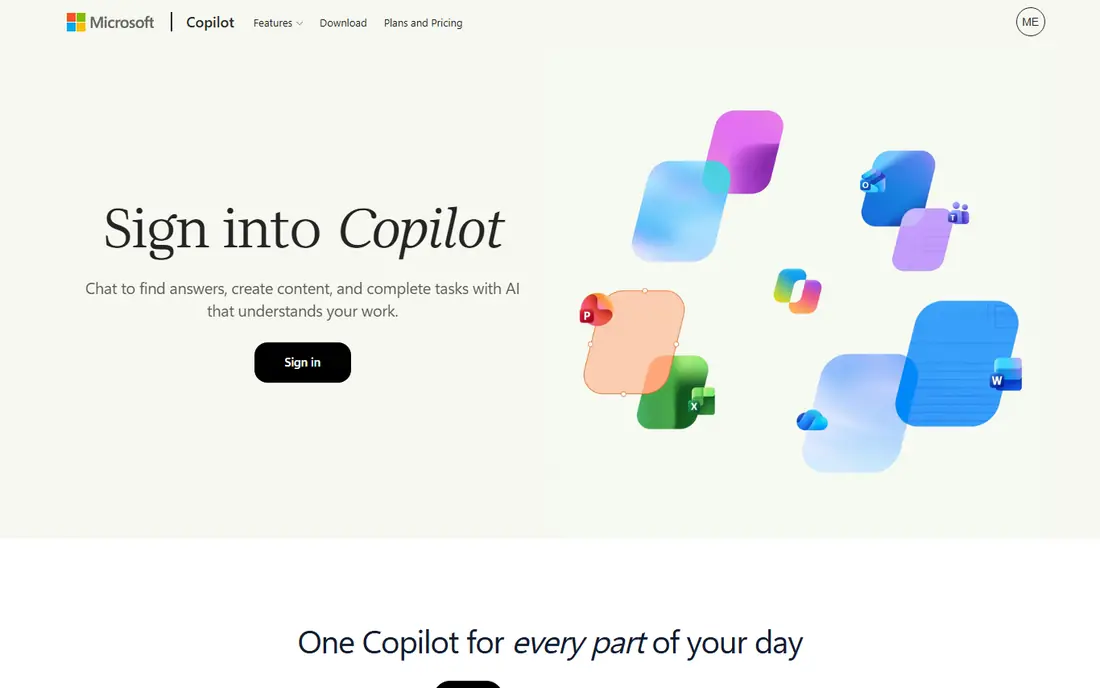
Copilot is the natural pick for a Microsoft household or office. Basic chat is free in Windows, Edge and the mobile apps, and it handles everyday questions and web search without a subscription. Paid access through Microsoft 365 Premium adds Copilot inside Word, Excel, PowerPoint and Outlook, plus Office apps and shared storage.
That bundle is both the strength and the limit. If you already pay for Microsoft 365, the extra value is clear. If you do not use Office apps, you are paying for software you may not need, and a standalone assistant is a cleaner buy.
- Built into Windows, Edge and Office apps
- Useful drafting and summarising inside documents
- Standalone Copilot Pro is closed to new subscribers
- Paid access now runs through Microsoft 365 bundles
Perplexity answers a different question from most assistants here. Instead of asking you to trust a polished paragraph, it shows sources you can open and check. That makes it useful for market research, competitor checks and fact-heavy work, where a wrong detail costs real money.
The free plan covers basic cited search with a small daily allowance of Pro searches. Pro, at 20 dollars a month, adds model choice, file uploads, deeper research and image generation. If your main need is drafting long documents, pair it with a general assistant rather than forcing it to do that job alone.
- Citations on answers
- Focus modes for academic, social and finance topics
- Model picker on Pro
- Weaker as a long-form writing editor
- Free Pro searches are limited each day
Grok stands out when the topic is happening right now. Because it draws on live discussion on X, it can catch fast-moving stories, reactions and trending claims sooner than assistants that rely mainly on web search. The standalone app and the X integration keep that material close at hand.
Pricing needs care, because xAI replaced the older SuperGrok lineup for new sign-ups with a new subscription bundle in October 2026. The entry paid tier starts at 8 dollars a month, while higher tiers cost more and mainly raise usage limits. Check the current pricing page before you subscribe, and start free if you only need occasional use.
- Access to live X discussion
- Voice and image tools
- Free tier for casual use
- Pricing changed in October 2026 and can confuse new buyers
- Usage is described in multiples, not message counts
DeepSeek is the simplest value story here. The web chat and mobile app are free for individual users, with no Plus or Pro tier to upsell you into. That makes it an easy second assistant to keep alongside a paid one, especially for coding, maths and step-by-step reasoning.
The trade is capacity. During peak hours, replies can be throttled, and you may see server-busy messages. Developers who call the API pay per token, which is a separate bill from the free chat. For everyday chat, though, the free tier is genuinely usable, and that is rare among leading assistants.
- No paid consumer subscription
- Strong reasoning and coding for the price
- Open model weights
- Peak-hour throttling can slow replies
- Data residency may matter for some businesses
Mistral Le Chat, now presented under the Vibe name in some places, is the budget paid option on this list. Pro costs 14.99 dollars a month, which undercuts the usual 20 dollar tier, and it includes image generation, deep research and coding sessions. For a solo worker who wants a paid plan without the top price, that gap adds up over a year.
The smaller reach shows in the ecosystem. You will find fewer third-party integrations and templates than you get with the largest assistants, and some coding features sit behind the paid plan. If you value European hosting and open model weights, those points may matter more than the size of the app library.
- Pro costs less than most rivals
- Image generation and connectors included
- Coding help through Vibe
- Smaller ecosystem than the big three
- Free message limits are not published as a fixed number
Meta AI wins on access. Most people do not need to download anything new, because the assistant already sits inside WhatsApp, Instagram, Facebook and Messenger. For quick questions, image creation and everyday help, that zero-friction start is hard to beat, and the price is zero for most users.
The limit is depth. Meta AI does not offer a consumer coding tier comparable to dedicated coding assistants, and its paid plans were still rolling out in limited regions in October 2026. Treat it as a capable everyday assistant, not as a replacement for a specialist coding or research tool.
- Free for everyday use
- Available inside WhatsApp, Instagram, Facebook and Messenger
- Image creation included
- No standalone coding tier for consumers
- Paid Meta One plans were still limited in rollout in October 2026
How we picked these
We compared official feature pages, pricing pages, app store listings, privacy policies and public reviews for each assistant. We only included assistants that exist and work in October 2026, and we left out the product this article is meant to replace. Prices are US list prices where published, and we wrote See website in other articles where a vendor did not publish a clear figure.
What to check before you pay
Start with the job, not the model name. Write down the three tasks you will use an assistant for most often, then test those exact tasks on the free tier. A model that writes a lovely poem may still struggle with your spreadsheet, your code base or your research workflow, and only a real task shows that gap.
Check limits in plain language before subscribing. Some plans measure usage in messages, some in time windows, and some in multiples of a base allowance. If you cannot explain the limit to a colleague in one sentence, ask support or stay on the free tier until you hit a limit you understand.
Check privacy and data use next. Read whether your chats are used for training, whether you can opt out, and whether a business plan offers different terms from a personal plan. For work that involves customer data, contracts or unpublished material, a business or enterprise tier may be worth the extra cost for its controls alone.
Finally, avoid paying for two similar assistants at once. Most people need one general assistant, plus at most one specialist for research or coding. Run a single paid plan for a month, note which features you actually used, and cancel anything that only looked good on the pricing page.
Frequently asked questions
What are the best claude alternatives for everyday use?
ChatGPT and Google Gemini are the safest everyday picks, because both offer free tiers, broad tool sets and strong mobile apps. DeepSeek and Meta AI are strong free options if you want to avoid a subscription. Choose based on the apps you already use, since integration saves more time than a small model difference.
Which claude code alternatives are best for developers?
ChatGPT, DeepSeek and Mistral Le Chat are the strongest coding options in this list. ChatGPT adds Codex for coding sessions, DeepSeek offers free reasoning and coding chat, and Mistral adds coding through Vibe on paid plans. For large code bases, also check whether the assistant can read your repository, since context matters more than raw chat quality.
Are there good free claude alternatives?
Yes. DeepSeek chat is free, Meta AI is free for everyday use, and ChatGPT, Gemini, Copilot, Perplexity, Grok and Mistral all offer free tiers. Free tiers differ in limits, so test your real tasks before deciding that a free plan is enough for daily work.
Is Perplexity a good alternative if I need sources?
Yes, Perplexity is built around cited answers, and it shows sources you can open and verify. It is weaker than ChatGPT or Gemini for long creative drafting, but for research, pricing checks and fact-heavy work, its citations give it a clear edge.
Should I pay 20 dollars a month for an AI assistant?
Pay only if you hit a free limit that blocks real work, such as advanced models, uploads, deep research or higher message allowances. For casual use a few times a week, the free tiers on this list are enough. For daily work, a paid plan usually pays for itself in saved time within the first month.
Sources
See where you really rank - block by block
ProMapRanker scans Google Maps across a grid of your service area. Simple monthly plans from $19, white-label on every plan.
Start freeKeep reading
 best resource management software
Best Resource Management Software in 2026
We compared the best resource management software for scheduling, capacity and utilization, with current pricing and free trials, to help teams choose well.
Read → best reporting tools
Best Reporting Tools in 2026
Compare the best reporting tools for dashboards, scheduled reports, and business insights, from Power BI and Tableau to Looker Studio for every team size.
Read → best remote support software
Best Remote Support Software in 2026
Looking for the best remote support software? We compare 9 tools on price, security, session controls, and fit for helpdesks, MSPs, and small teams in 2026.
Read →