 ProMapRanker
Best Cinema HD Alternatives in 2026

Key takeaways
- This list includes only legal, licensed streaming services and discovery tools. We do not recommend piracy sites, mirrors, clones or unofficial streaming apps.
- Tubi and Pluto TV are the closest free replacements for casual browsing, with ads instead of a monthly fee.
- Netflix, Hulu, Disney+ and Prime Video cover the broadest mix of films and series for most households.
- Max, Peacock, Paramount+ and Apple TV+ are best as a second service for a specific type of show or film.
- Use a discovery tool before you subscribe, since titles move between services and a show may already be on a service you pay for.
Quick comparison
| Pick | Great for | Pricing starts at | Free tier | |
|---|---|---|---|---|
 Netflix | Broad originals and series | $8.99 per month | No | Visit |
 Hulu | Current TV and FX originals | $12.49 per month | No | Visit |
 Disney+ | Family and franchise films | $12.49 per month | No | Visit |
 Prime Video | Included with Prime value | $8.99 per month | No | Visit |
 Max | Prestige series and films | $10.99 per month | No | Visit |
 Peacock | NBC shows and live events | $8.99 per month | No | Visit |
 Paramount+ | CBS shows and films | $8.99 per month | No | Visit |
 Apple TV+ | Original series and films | $14.99 per month | Free trial | Visit |
 Tubi | Free films and series | Free | Yes | Visit |
 Pluto TV | Free live channels and films | Free | Yes | Visit |
The best cinema hd alternatives
Cinema HD is known as an unofficial app linked to unlicensed streaming, and that model carries legal risk, malware risk and unreliable streams. The services below are a safer replacement. They are licensed, they work on major devices, and they offer a mix of paid and free options. If a title is not on one service, check a legal discovery tool before turning to an unofficial source.
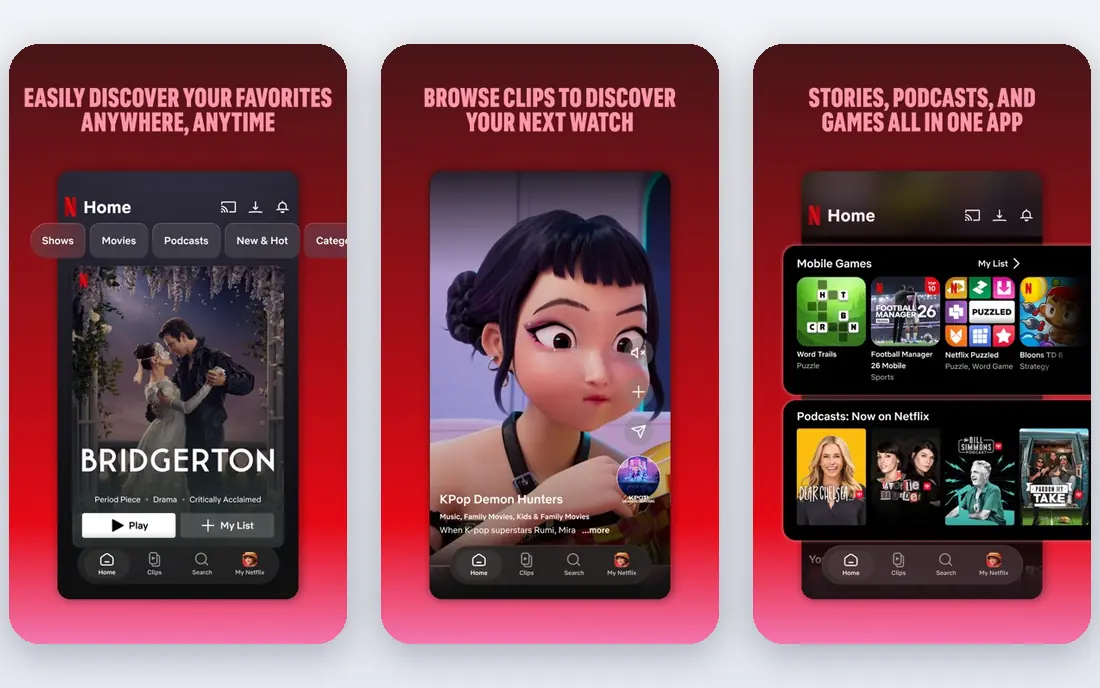
Netflix remains the default paid service for many households because its library covers drama, comedy, documentaries, reality and a large set of original films and series. The app works well on phones, tablets, smart TVs and game consoles, and downloads help for travel or poor connectivity. Standard with Ads starts at $8.99 per month in the US, with higher tiers for ad free viewing and 4K.
The main downside is cost when stacked with other services. Netflix alone will not cover live sports or current broadcast shows, and its catalogue changes as licences expire. Start with the ad supported plan if budget matters, and cancel or rotate when you have watched the shows you joined for.
- Large original library
- Consistent apps on most devices
- Downloads on paid plans
- No live TV
- Top tier price is high
- Catalogue varies by region
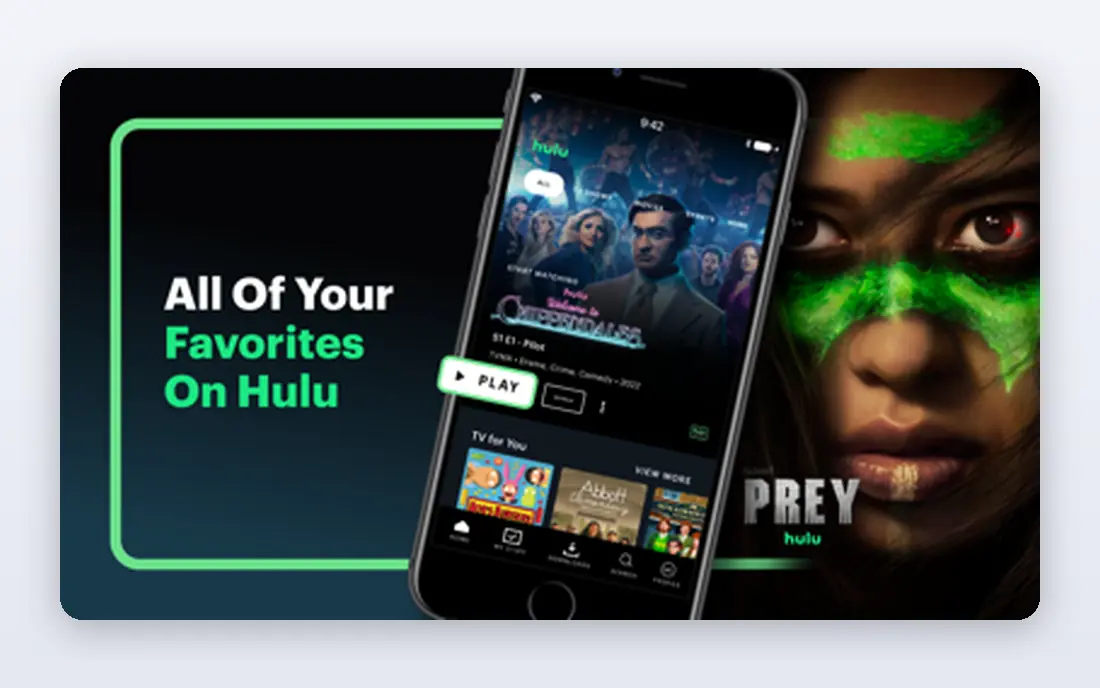
Hulu is a strong pick for viewers who follow current US television. Many shows from ABC, NBC and Fox appear the next day, and FX originals give it a distinct set of dramas and comedies. The with ads plan starts at $12.49 per month, and the no ads plan starts at $21.49 per month, based on prices reported in October 2026.
Hulu works best when paired with a film heavy service, since its film library is thinner than Netflix. Bundles with Disney+ can lower the combined cost if you would pay for both anyway. Check the bundle terms, since ad supported and ad free bundles differ in price and in which apps are included.
- Next day episodes from major networks
- Strong FX originals
- Bundle options with Disney+
- Ad supported plan has frequent breaks
- No ads plan costs much more
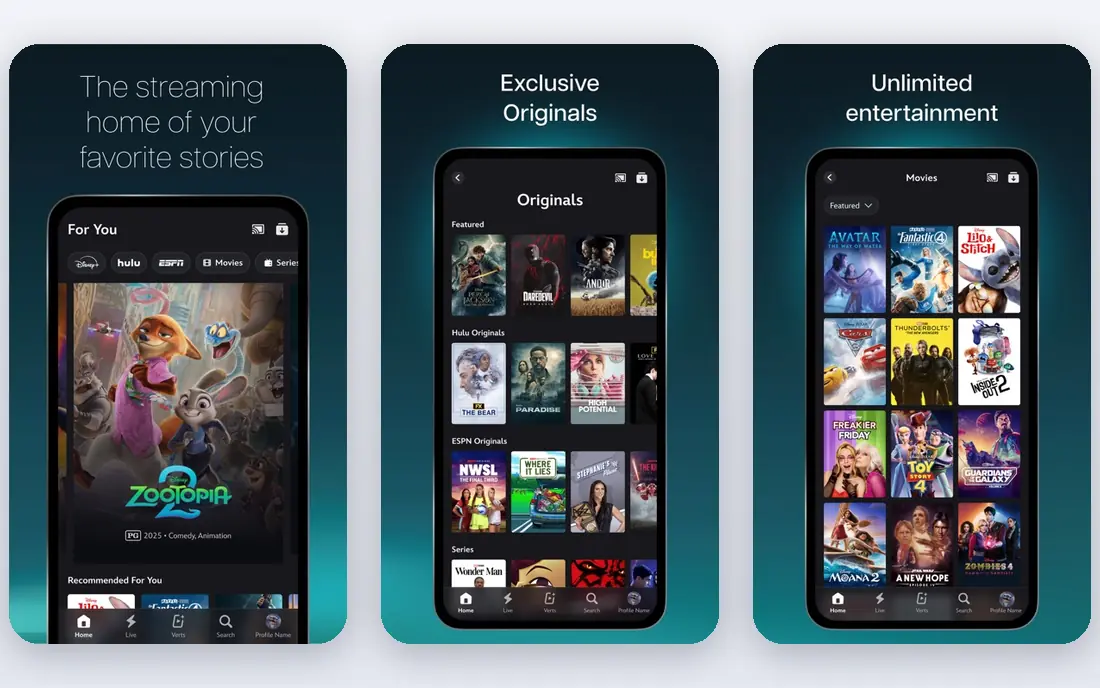
Disney+ is the clearest family pick on this list, and it also serves adult fans of Marvel, Star Wars and Pixar. Profiles and parental controls are easy to set up, and 4K viewing is included on both the with ads plan at $12.49 per month and the premium plan at $21.49 per month, based on October 2026 prices. The Hulu integration in 2026 also makes it easier to move between the two libraries for bundle subscribers.
The limit is range. If you want a broad mix of independent films, adult dramas and reality shows, Disney+ alone will feel narrow. It works best as a family or franchise service alongside a broader service such as Netflix or Hulu.
- Marvel, Star Wars, Pixar and National Geographic in one app
- Strong parental controls
- 4K on both plans
- Smaller adult drama library outside its franchises
- Some titles rotate out
Prime Video is good value if you already pay for Amazon Prime, since the service is included in that membership. A standalone Prime Video plan starts at $8.99 per month with ads in the US, and an ad free add on costs extra. The rental and purchase store is useful for new releases that are not yet included with any subscription.
The app itself is the weak point. Browsing can mix included titles with paid rentals in a way that is easy to misread, so check whether a title shows as included before you press play. If you do not use other Prime benefits, compare Prime Video on its own against a cheaper free service plus one paid service.
- Included with a Prime membership
- Standalone plan available
- Large rental and purchase store
- Interface can feel cluttered
- Ad free viewing costs extra
Max, the home of HBO content, is the best second service for viewers who care about prestige drama and high quality films. Its basic with ads plan starts at $10.99 per month, the standard plan at $18.49 per month, and the premium plan at $22.99 per month, based on October 2026 prices. Premium is the tier that includes 4K, so check that detail if you watch on a large TV.
Max is not a replacement for a broad library on its own. It shines when you subscribe for a specific series or film run, watch it, and then rotate to another service. That rotation habit is the simplest way to keep Max affordable.
- HBO series and Warner films
- Strong documentary and prestige catalogue
- 4K on premium tier
- Price has risen
- Standard tier is limited to 1080p
Peacock is a practical pick for fans of NBC, Bravo and Universal films, plus live events that other on demand services do not carry. The Select plan starts at $8.99 per month, Premium at $12.99 per month, and Premium Plus, which removes most ads, at $19.99 per month, based on October 2026 prices. That range makes it easier to start cheap and upgrade only for a live event season.
The catalogue is narrower than Netflix, so Peacock works best as a second service rather than your only subscription. Check whether the show or event you want is on Premium or Premium Plus before you pay, since the difference matters for live coverage.
- NBC and Bravo shows
- Live sports and events on higher plans
- Lower entry price than some rivals
- Ad load on lower plans
- Some content needs the higher tier
Paramount+ covers CBS series, reality shows, news and a growing film library, with Showtime content included on the Premium tier. The Essential plan starts at $8.99 per month with ads, and Premium starts at $13.99 per month, based on October 2026 prices. Live sports and local CBS access depend on the plan and your location, so confirm those details if sports are the reason you subscribe.
It is a good fit for viewers who follow CBS shows or a specific Paramount franchise. As a sole service, it will feel thinner than Netflix or Hulu, so treat it as a targeted addition and rotate it when you have caught up.
- CBS shows and live sports on premium
- Paramount films
- Showtime content on premium tier
- App experience varies by device
- Film library is smaller than Netflix
Apple TV+ takes a quality over quantity approach. Its library is smaller, but its original series and films are consistently well made, and the single plan at $14.99 per month includes 4K with no ad supported tier, based on October 2026 prices. A free trial is often available, which makes it easy to test with one or two series before paying.
The limit is depth. You will run through the headline shows faster than on Netflix, so Apple TV+ works best as a rotating service. Subscribe for a season, watch the shows you want, cancel, and return when new originals arrive.
- High quality originals with no ad tier
- 4K included
- Family sharing options
- Small library compared with Netflix
- Fewer back catalogue titles
Tubi is the closest free, legal answer to casual film browsing. It offers a large catalogue of films and series, supported by ads, with no monthly fee. You can start watching with little setup, and the app is available on smart TVs, phones, tablets and streaming sticks. Ad breaks are generally lighter than on some free rivals, which helps for longer films.
New releases and current season shows are not the strength here. Tubi is best for back catalogue films, older series and discovery, when you do not mind ads in exchange for a zero bill. Pair it with one paid service for new originals, and you can cover most viewing without stacking several subscriptions.
- Large free catalogue
- No account needed for much viewing
- Works on most devices
- Ads interrupt viewing
- Newer releases are limited
Pluto TV recreates channel surfing in a free app. You can flip through live channels by genre, news, sports highlights and themed film channels, or pick on demand films and series. That format suits background viewing and viewers who like to discover something without choosing a title first.
The trade off is control and ads. Live channels start on a schedule, and ad breaks are more frequent than on Tubi. If you want a specific film at a specific time, Tubi or a paid service will suit you better. If you enjoy browsing channels, Pluto TV is a strong free companion.
- Live channel style browsing
- Free films and series
- No subscription needed
- Heavier ad load than Tubi
- Scheduled channels mean less control over start times
How we picked these
We compared official pricing pages and recent October 2026 price summaries for licensed US streaming services. We kept only services that are licensed, active in the US, and available on major devices. We excluded any unofficial app, mirror, clone or site that streams content without a licence, even when it is widely mentioned online. Prices change often in streaming, so check the vendor page before you subscribe, and use the starting price here as a guide to the cheapest plan, not a promise that every tier costs that amount.
How to build a legal streaming stack without overspending
Start free, then add one paid service at a time. Tubi and Pluto TV cover a surprising amount of casual viewing for no fee. Add Netflix or Hulu for current shows and originals, then add a second service only for a specific show, sport or film run. Rotate that second service each month instead of keeping four or five subscriptions active all year.
Check where a title lives first
Titles move between services as licences change, and a film you want may already be on a service you pay for, or on a free service. Search the title on the service apps you already use, or use a legal guide, before you pay for a new subscription or a rental. That single check saves more money than any bundle trick.
Watch the ad tier details
Ad supported plans are much cheaper, but they differ on ad frequency, 4K access, downloads and simultaneous streams. If you watch on a large TV, check whether 4K needs a higher tier. If you travel, check whether downloads are included. A cheap plan that blocks downloads or 4K may be a poor fit, even if the headline price looks good.
Set a cancel reminder
Most services bill monthly and allow cancellation at any time, with access continuing to the end of the billing period. When you subscribe for one show, set a reminder for a week before the next billing date. That habit keeps a short term subscription short term, and it is the easiest way to control a streaming bill.
Frequently asked questions
Are Cinema HD alternatives legal?
The services on this list are legal and licensed. Cinema HD itself is associated with unlicensed streaming, so we do not list it as a recommended product and we do not recommend mirrors, clones or unofficial apps that offer the same type of streams. Stick to licensed services, free ad supported services and library services for a safe option.
What is the best free alternative to Cinema HD?
Tubi is the best free starting point for films and series on demand, while Pluto TV is best for free live channel browsing. Both are ad supported and legal in the US. If you have a library card, also check Kanopy or Hoopla through your local library for ad free films, since availability depends on your library.
Can I watch new releases on free services?
Sometimes, but not reliably. Free services focus on back catalogue titles and older films, while new releases usually appear first on paid services or as rentals. For a new film, check paid services you already use, then check rental prices, before you assume it is free anywhere.
Why do titles disappear from streaming services?
Streaming services licence most titles for a set period. When a licence ends, a title can move to another service, become rental only, or leave streaming for a time. That is why a show you watched last year may not be on the same service today, and why checking availability before you subscribe matters.
Do I need a VPN to use these services?
No. The services on this list work in the US without a VPN, and using a VPN to access another region catalogue can break the terms of the service. If a title is not available in the US, check other licensed US services or a rental store instead.
Sources
See where you really rank - block by block
ProMapRanker scans Google Maps across a grid of your service area. Simple monthly plans from $19, white-label on every plan.
Start freeKeep reading
 wpforms alternatives
Best WPForms Alternatives in 2026
We compare 9 wpforms alternatives for WordPress forms, with free and paid options, current pricing notes, and honest limits for small business sites in 2026.
Read → windows task scheduler alternatives
Best Windows Task Scheduler Alternatives in 2026
Looking for Windows Task Scheduler alternatives? We compare 9 schedulers for Windows and cross-platform work, from free tools to enterprise automation.
Read → which ai video service is best
Which AI Video Service Is Best in 2026
which ai video service is best? We compare 10 legitimate AI video services on price, avatars, editing and output quality to help you pick the right tool.
Read →