 ProMapRanker
Chrome Alternatives in 2026

Key takeaways
- Brave is the easiest switch for a Chrome user, since it keeps extension compatibility while blocking ads and trackers by default.
- Firefox is the strongest non-Chromium choice, with its own engine and privacy protections from Mozilla.
- Edge, Safari, and Opera suit users already inside Microsoft, Apple, or a feature-packed browser ecosystem.
- Vivaldi, Tor, and DuckDuckGo suit customization fans, anonymity needs, and simple private browsing in that order.
Quick comparison
| Pick | Great for | Pricing starts at | Free tier | |
|---|---|---|---|---|
 Brave | Privacy without losing extensions | Free | Yes | Visit |
 Mozilla Firefox | Non-Chromium privacy | Free | Yes | Visit |
 Microsoft Edge | Windows and Microsoft 365 users | Free | Yes | Visit |
 Safari | Apple devices and battery life | Free | Yes | Visit |
 Opera | Built-in extras and sidebar tools | Free | Yes | Visit |
 Vivaldi | Deep customization | Free | Yes | Visit |
 Tor Browser | Anonymity | Free | Yes | Visit |
 DuckDuckGo Browser | Simple private browsing | Free | Yes | Visit |
The best Chrome alternatives
We compared browsers that can replace Chrome for daily browsing, without listing Chrome itself. All eight are free to download and use, so the choice turns on privacy, engine, customization, and ecosystem fit. Extension support and sync differ, so test your key sites before switching fully.
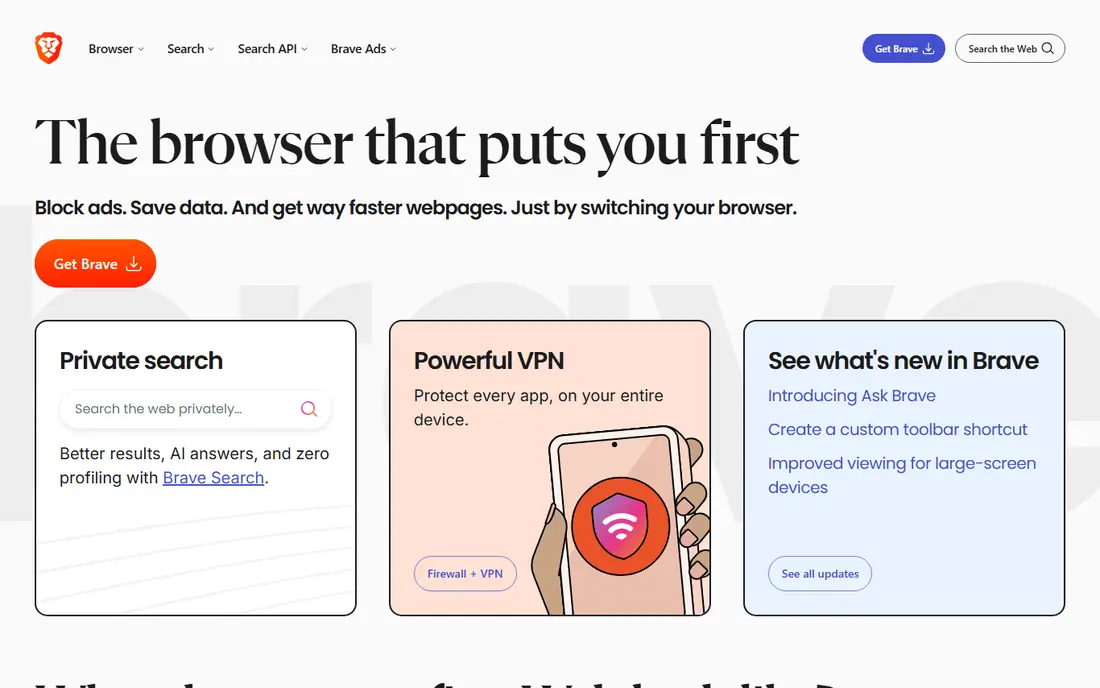
Brave is the lowest-friction switch for a Chrome user who wants better privacy defaults. Shields block ads, trackers, and third-party cookies out of the box, which also speeds up many pages. Since Brave is Chromium-based, most Chrome extensions work, so your password manager and work tools should carry over.
Optional crypto rewards and wallet features add clutter for users who only want a browser, though they can be ignored or turned off. The Chromium base also means Brave still follows many engine decisions from Google. If you want Chrome familiarity with stronger privacy, Brave is the first browser to try.
- Blocks ads and trackers by default
- Chrome Web Store extensions work
- Fast page loads
- Crypto and wallet features feel extra to some users
- Chromium base still relies on Google engine decisions
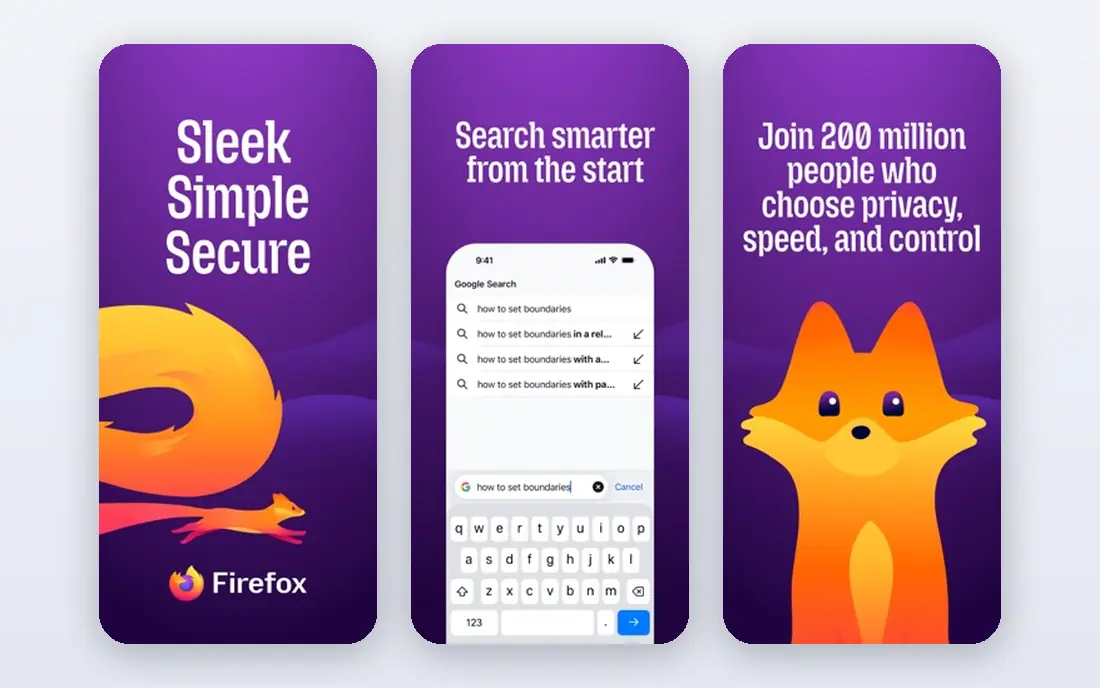
Firefox is the main independent-engine alternative, which matters if you want a web that is not shaped by one engine. Its Gecko engine, Enhanced Tracking Protection, and container-style tab isolation give privacy tools that do not depend on Chromium. Extension support is broad, and the browser runs well on Windows, macOS, Linux, and mobile.
A few sites still optimize for Chromium first, so rare compatibility quirks can appear. Sync also needs a Mozilla account, which is a small setup step. If engine diversity and nonprofit-backed privacy matter to you, Firefox is the principled pick that still works for daily use.
- Independent Gecko engine
- Strong privacy protections
- Broad extension support
- Some sites optimize for Chromium first
- Sync needs a Mozilla account
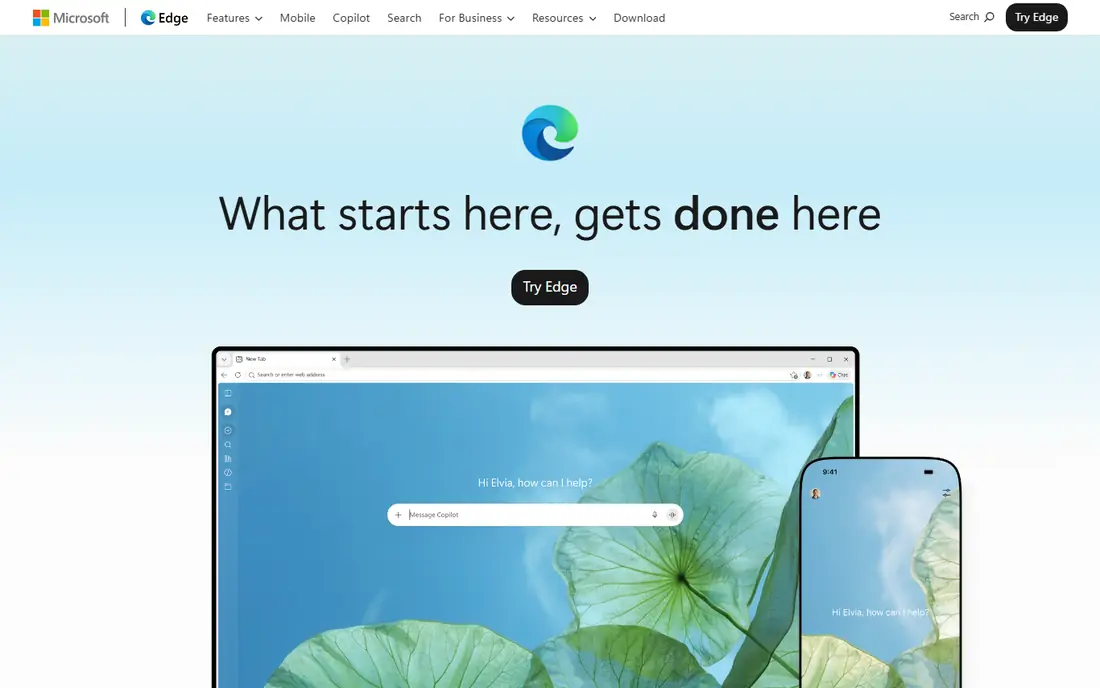
Edge suits a Windows user who lives in Microsoft 365, since mail, documents, and browser profiles connect smoothly. Chromium compatibility keeps Chrome extensions working, while sleeping tabs reduce memory use from idle tabs. Built-in AI features help with page summaries and multi-tab research for some users.
Microsoft prompts to set Edge as default and use Microsoft services can feel pushy, and privacy defaults are lighter than Brave. If you already use Windows and Microsoft 365 daily, Edge is a convenient, capable alternative with little learning curve.
- Chromium compatibility
- Sleeping tabs save resources
- Microsoft 365 and Copilot integration
- Microsoft service prompts can feel pushy
- Fewer privacy defaults than Brave
Safari is the natural choice for a person who uses a Mac, iPhone, and iPad together. Battery life on MacBooks is a real advantage, and sync across Apple devices works without a third-party account. Privacy protections, including tracker prevention, are built in and kept simple.
The limit is platform: Safari runs on Apple devices only, so a Windows or Linux user cannot switch to it as a main browser. Extension choice is also smaller than on Chromium or Firefox. If your devices are all Apple, Safari is fast, efficient, and easy to live with.
- Strong battery life on MacBooks
- Fast on Apple devices
- Privacy protections built in
- Apple devices only
- Extension range is smaller than Chromium or Firefox
Opera appeals to a user who wants extras without installing extensions for every job. A sidebar holds messengers, a built-in ad blocker cuts clutter, and tab grouping helps manage many open pages. Chromium compatibility keeps most Chrome extensions working, so switching costs stay low.
The extras can feel busy if you prefer a minimal browser, and the built-in VPN works as a browser proxy rather than a full device VPN, so it does not protect other apps. If you like an all-in-one browser with sidebar tools, Opera is a feature-packed pick.
- Built-in VPN, ad blocker, and sidebar messengers
- Tab grouping
- Chromium extensions
- Built-in extras can feel busy
- VPN is a browser proxy, not a full device VPN
Vivaldi is the browser for a power user who wants the interface shaped to their habits. Tab stacks, tiling, workspaces, and side panels let you arrange research, mail, and social feeds in one window. Customization runs deep, from keyboard shortcuts to themes, without forcing AI features on you.
That depth can overwhelm a first-time user, since the settings menu is large. Sync needs a Vivaldi account, which is a small setup step. If you manage dozens of tabs and want control over every part of the browser, Vivaldi rewards the setup time.
- Tab stacks, tiling, and workspaces
- Deep interface customization
- No built-in generative AI push
- Many settings can overwhelm a new user
- Sync needs a Vivaldi account
Tor Browser is the right tool when anonymity matters more than speed, such as for a journalist, researcher, or activist. It routes traffic through the Tor network and resists fingerprinting, which makes tracking far harder than in a normal browser. The nonprofit model and open code add trust for privacy-critical work.
Speed is slower, and some sites block Tor traffic or demand extra checks, so it is not a good daily driver for streaming or shopping. Use Tor for sensitive browsing and a normal browser for everyday tasks. For anonymity, no other browser here matches it.
- Strong anonymity protections
- Fingerprint resistance
- Nonprofit and donation funded
- Slower browsing
- Some sites block Tor traffic
- Not for streaming or daily speed
DuckDuckGo Browser suits a user who wants private browsing without settings to learn. Tracker blocking runs by default, and the fire button clears tabs and data in one tap. The mobile apps are especially simple, which helps a phone-first user.
Desktop features and extension support are thinner than in Firefox or Brave, so a power user may miss tools. If you want a calm, private browser for everyday search and reading, DuckDuckGo is a clean and simple choice.
- Simple privacy by default
- Tracker blocking
- Fire button clears data fast
- Extension support is limited
- Desktop features are thinner than Firefox or Brave
How we picked these
We compared browsers that are still available in October 2026, run on current desktop or mobile systems, and can replace Chrome for daily use. We favored free browsers with clear privacy, customization, or ecosystem strengths, and we left Chrome itself out as required for an alternatives list. All prices are free, since none of these browsers charges for basic browsing. We also checked that each browser offers sync or import tools, since a switch fails when bookmarks and passwords do not carry over. That practical check matters as much as privacy claims for a daily browser.
How to switch without losing your setup
Export bookmarks and passwords from Chrome first, then import them into the new browser and test your top ten sites. Check that your password manager, work extensions, and video sites all behave as expected. Run both browsers for a week, then set the new one as default once the daily routine feels normal.
Pick by your main priority
Privacy with Chrome familiarity points to Brave, engine independence points to Firefox, and Microsoft or Apple integration points to Edge or Safari. Customization points to Vivaldi, extras point to Opera, anonymity points to Tor, and simplicity points to DuckDuckGo. One priority, clearly chosen, makes the switch easier.
Frequently asked questions
What are the best alternatives to Chrome?
The best alternatives to Chrome are Brave for privacy with extension compatibility, Firefox for a non-Chromium engine, and Edge for Windows users. Safari suits Apple users, Opera suits feature fans, and Vivaldi suits customization fans. All are free, so test two before you settle.
What is the best Chrome alternative for privacy?
Brave offers the strongest privacy defaults for most Chrome switchers, while Firefox offers strong privacy on an independent engine. Tor Browser offers the strongest anonymity, but it is slower and best for sensitive tasks rather than daily browsing. Choose Brave or Firefox for everyday privacy.
Are Chrome alternatives free?
Yes, all eight browsers in this list are free to download and use for basic browsing. Some offer paid extras, such as VPN services, but browsing itself costs nothing. Check the vendor site for any optional paid service before you assume it is included.
Can I use Chrome extensions in another browser?
Chromium-based browsers such as Brave, Edge, Opera, and Vivaldi support most Chrome Web Store extensions. Firefox uses its own extension store, though many popular extensions have Firefox versions. Test your must-have extensions in the new browser before you switch fully.
Will I lose my bookmarks if I switch browsers?
No, if you export bookmarks from Chrome and import them into the new browser, or use sync during setup. Passwords can also be imported or carried over through a password manager. Keep Chrome installed until the import is checked, so nothing is lost.
Sources
See where you really rank - block by block
ProMapRanker scans Google Maps across a grid of your service area. Simple monthly plans from $19, white-label on every plan.
Start freeKeep reading
 free alternatives to grok imagine
Free Alternatives to Grok Imagine in 2026
We compared the best free alternatives to grok imagine for image generation, from fast daily credits to design tools, so you can create without paying.
Read → best tools for instagram content creation
Best Tools for Instagram Content Creation in 2026
Compare the best tools for Instagram content creation, from Canva and CapCut to Later and Buffer, on design, video, planning, scheduling, and price in 2026.
Read → best tool to split pdf files
Best Tool to Split PDF Files in 2026
We compared the best tool to split pdf files on split modes, file limits, privacy and price, so you can split a PDF cleanly and keep every page in one go.
Read →