 ProMapRanker
Best Caspio Alternatives in 2026

Key takeaways
- Caspio is strong for database-driven apps, but its starting price and DataPage model push many small teams to look elsewhere.
- Knack, Zoho Creator, and Tadabase are the closest database-app replacements, with clearer per-user or per-app pricing.
- Bubble and Glide sit at opposite ends of custom design and speed: Bubble for custom web apps, Glide for fast apps from spreadsheets.
- Retool and Microsoft Power Apps fit internal tools, especially where teams already use developer or Microsoft systems.
- Our pick for most small teams is Knack for database apps, or Zoho Creator for teams already using Zoho.
Quick comparison
| Pick | Great for | Pricing starts at | Free tier | |
|---|---|---|---|---|
 Knack | Database apps without code | $49 per month | Free trial | Visit |
 Zoho Creator | Low-code apps inside Zoho | $12 per user per month | Yes | Visit |
 Bubble | Fully custom web apps | $32 per month | Yes | Visit |
 Glide | Fast apps from spreadsheets | $25 per month | Yes | Visit |
 Retool | Internal tools for technical teams | See website | Yes | Visit |
 Microsoft Power Apps | Internal apps in Microsoft 365 | $20 per user per month | No | Visit |
 Quickbase | Operations and workflow apps | See website | Free trial | Visit |
 Softr | Portals on existing data | $25 per month | Yes | Visit |
 Tadabase | Flexible database apps and portals | See website | Free trial | Visit |
The best caspio alternatives
Caspio helps teams build database-driven web apps without writing much code. The tools below cover the same job in different ways, from simple portals to fully custom web products. Match the tool to the app you need to build, not just to the price.

Knack is the most direct Caspio replacement for many teams. It centers on tables, fields, and relationships, so a team that thinks in database terms will feel at home quickly. You can build forms, views, and portals, set who sees what, and publish a working app without a developer. That structure suits order tracking, membership lists, and client portals.
The design ceiling is lower than a visual web builder. If a polished, fully custom public site matters most, Knack may feel plain. For internal and portal apps where data structure matters more than visual flair, it is a strong, honest choice.
- Clear database structure with tables and relationships
- User roles and permissions
- Good for customer portals and internal apps
- Design options are more limited than Bubble
- Pricing rises with records and features
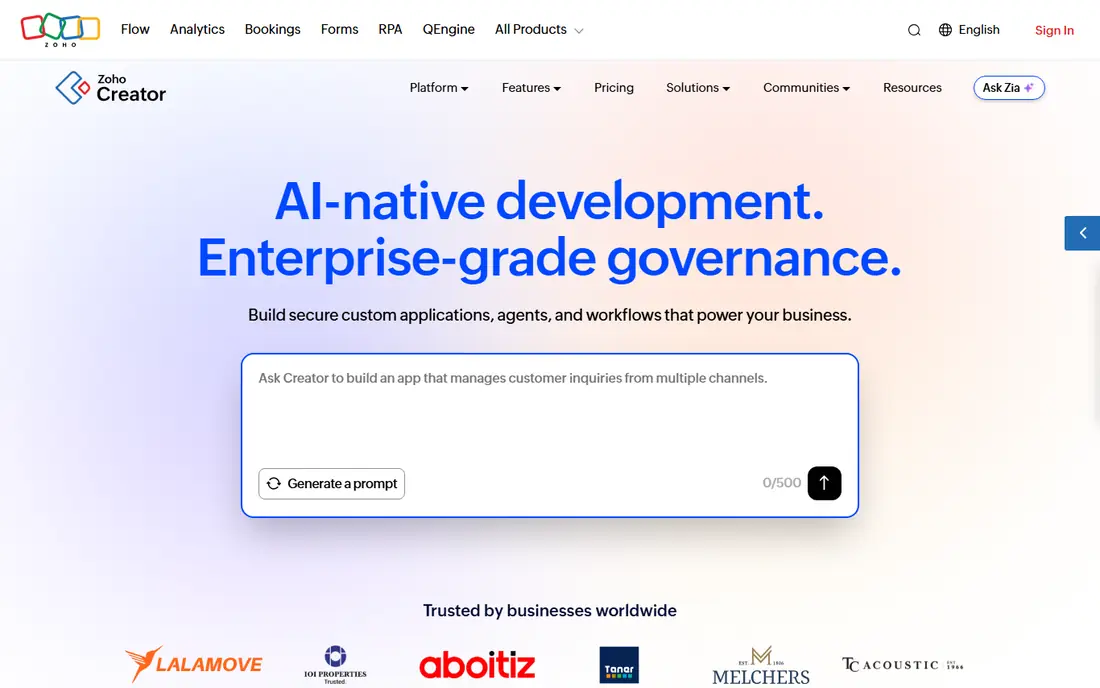
Zoho Creator fits teams that already run on Zoho for email, CRM, or books. Apps built in Creator can pull from and push to other Zoho apps, which saves the integration work that a standalone builder would need. The free edition lets a small team test a single app before paying, and mobile support helps field teams.
The pricing catch is per-user licensing. A team with many internal users will pay more than the headline figure suggests, and the one-app limit on the entry plan pushes a second app to a higher tier. Count users and apps before you compare it with a flat monthly tool.
- Free edition with one app
- Deep Zoho app integration
- Mobile apps and offline form support
- Per-user pricing grows with team size
- The entry plan allows only one app
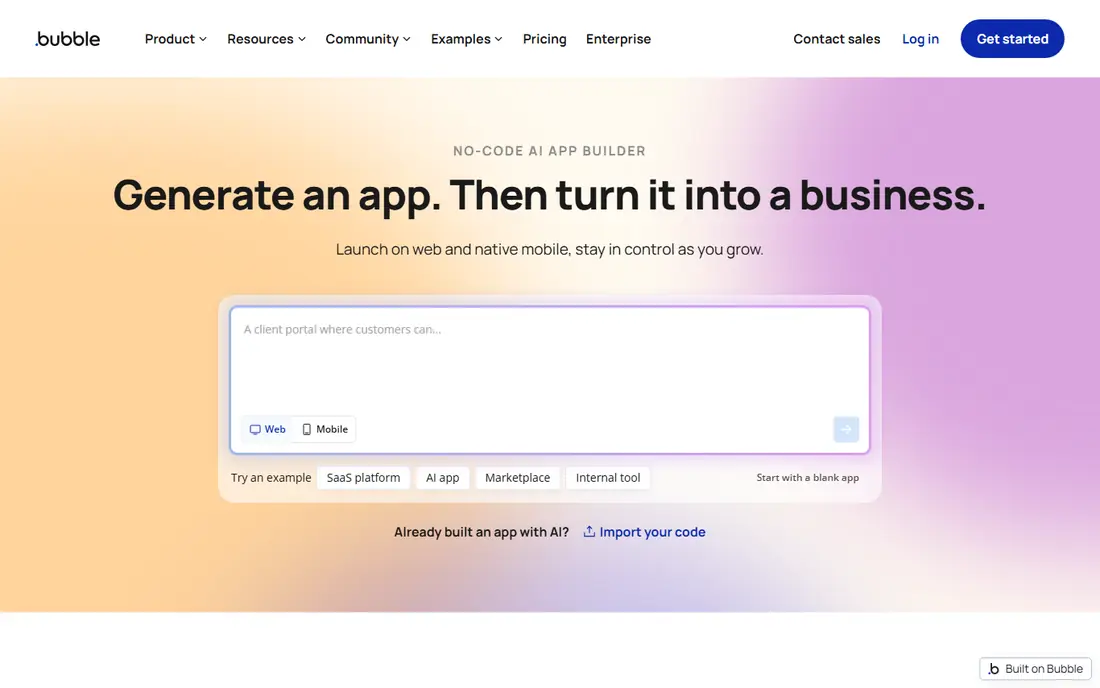
Bubble suits teams that want a real web product, not just a database front end. You control page design, workflows, and data logic in a visual editor, and you can build marketplaces, dashboards, and customer-facing products. The free tier is useful for learning, since you can build before you pay for a live app.
That freedom comes with a learning curve. Bubble rewards teams that invest time in its logic and database design, and it can frustrate a team that wants a working portal in an afternoon. If custom design is the priority, though, no database-first tool on this list matches it.
- Deep visual control over design and workflows
- Large plugin and template range
- Free tier for learning and building
- Learning curve is steeper than a database builder
- Performance and scaling need care
Glide is the speed pick. If your data already lives in a spreadsheet, Glide can turn it into a usable mobile or web app in hours, not weeks. That speed suits directories, trackers, field checklists, and simple customer apps. The free tier lets you test the idea before paying.
Complex apps with deep relationships, heavy workflows, or strict permissions will hit limits sooner than with Knack or Caspio. Glide is best when the data model is simple and speed matters more than depth.
- Very fast to build from a spreadsheet or database
- Clean mobile apps
- Free tier for basic apps
- Less suited to complex relational logic
- Paid plans are needed to publish and scale
Retool fits teams that need internal dashboards, admin panels, and operations tools quickly. Developers and technical staff can connect a database, drag in tables and forms, and add code where a visual part falls short. That mix makes it strong for support tools, approval queues, and data cleanup apps.
Retool is not the right pick for a public customer product. Its strength is internal speed, and its pricing model needs a careful read, since builders and end users are priced differently. For internal work, though, it often beats a general app builder on speed.
- Fast internal tool building with drag-and-drop parts
- Connects to databases and APIs
- Code options when visual parts are not enough
- Built for internal tools, not public products
- Pricing mixes builder and end-user seats
Microsoft Power Apps fits organizations that already pay for Microsoft 365 and use SharePoint, Teams, or Dynamics. Apps can read Microsoft data sources directly, and enterprise controls for security and governance are a real advantage in larger companies. Copilot features can also speed up early building.
The cost model needs attention. Per-user pricing means a widely used app can become expensive, and teams outside Microsoft will get less value. For a Microsoft shop with governance needs, it is still often the simplest internal choice.
- Deep Microsoft 365 and Dataverse integration
- Copilot help for building
- Strong enterprise controls
- Per-user pricing adds up
- Best value stays inside Microsoft shops
Quickbase suits operations teams that need custom workflow apps with approvals, notifications, and reporting. It has long served teams that track projects, field work, and operational processes, and its automation tools help replace spreadsheet handoffs. Governance and permissions support larger, regulated teams.
Pricing is less transparent than Knack or Zoho Creator, so budget planning needs a sales conversation. Small teams may also find Quickbase more platform than they need. Operations-heavy teams that will use workflows daily are the best fit.
- Strong workflow and automation tools
- Good for operations teams
- Governed, enterprise-ready platform
- Pricing is quoted for many plans
- Learning curve for complex workflows
Softr fits teams that already keep data in Airtable or Google Sheets and want a portal on top of it. Client portals, member directories, and internal hubs can be built from templates without rebuilding the database. The free tier makes it easy to test a portal idea before paying.
The limit is dependence on that external source. If your data model grows complex, or if you need deep workflow logic inside the app, a database-first builder such as Knack or Tadabase will serve you better. Softr wins when the data already exists elsewhere and the portal is the missing piece.
- Fast portals from Airtable or Google Sheets
- Clean templates for client and member portals
- Free tier for testing
- Depends on an external data source
- Less suited to deep, custom database logic
Tadabase is a useful middle option for teams that want database depth with more design control than a basic builder offers. It supports custom apps, portals, and workflows, and it gives admins solid control over who sees each part of an app. That mix suits small businesses building a tailored operations system.
The trade-off is ecosystem size. Fewer templates and community resources mean a team may need to build more from scratch. If you value flexibility over a large template library, Tadabase is worth a trial alongside Knack.
- Flexible database builder with portals and forms
- Good control over user access
- Suited to custom business apps
- Smaller community than Bubble or Zoho Creator
- Pricing needs a check on the vendor site
How we picked these
We compared official product pages, pricing pages, and documentation, plus public comparison guides, and we kept only builders that are live in October 2026 and that build database-driven or internal apps. We favored tools with a free tier or trial, clear database or portal features, and a reachable official site. Prices are shown where vendors publish a clear starting figure, and as See website where pricing is quoted or varies by seats, because we do not invent numbers.
How to choose the right Caspio replacement
Start by writing down the app you need, not the tool you want. List the tables, the user roles, and the workflows that matter in the first version. A portal with two roles and simple forms needs a different tool than a custom public product with payments and complex logic. That short spec will rule out half this list in minutes.
Test the data model first
Build the core tables and one form in each shortlisted tool before you judge design. If the data model feels awkward at this stage, it will only get worse as the app grows. Check relationships, record limits, and permission rules during the trial, since those limits are harder to fix after launch.
Count users, records, and apps before you compare prices
Low-code pricing varies by users, records, apps, and sometimes by builders versus end users. A low headline price can become a high bill once your whole team is added. Model your real numbers for each shortlisted tool, and include the cost of any external database, such as Airtable, where the tool needs one.
Plan the exit before you commit
Ask how you export data, and whether you can leave with your records in a usable form. Every platform here involves some lock-in, but a clean data export reduces the risk. Avoid building a business-critical app on a tool that cannot export its core tables.
Frequently asked questions
What are alternatives to caspio?
Alternatives to Caspio are low-code and no-code builders that create database-driven apps, portals, and internal tools without heavy coding. Knack, Zoho Creator, and Tadabase are the closest database replacements, while Bubble suits custom web products and Glide suits fast apps from spreadsheets.
Is there a free alternative to Caspio?
Yes. Zoho Creator, Bubble, Glide, Softr, and Retool offer free tiers, though free plans limit apps, publishing, or features. Knack, Quickbase, and Tadabase offer free trials rather than a lasting free plan. Test on a free tier, but check the paid plan you would actually need before committing.
Which Caspio alternative is cheapest for a small team?
For a very small team, Zoho Creator free edition or Glide free tier can cover a single simple app at no cost. For a paid database app, Knack from $49 per month is a clear, flat starting point, while Zoho Creator from $12 per user per month can be cheaper for one or two users and more expensive for a larger team.
Can I move my Caspio data to another tool?
In most cases, yes for the data itself. Export your Caspio tables to a spreadsheet or CSV format, then import them into the new tool and rebuild forms, views, and workflows. The app logic does not transfer directly, so budget time to rebuild screens and permissions in the new builder.
Is Bubble better than Caspio?
Bubble is better for fully custom, public-facing web products where design control matters most. Caspio is better for database-driven internal apps and portals where data structure and permissions matter more than custom design. Choose based on the app type, not on which tool looks more powerful in general.
Do I need coding skills for these tools?
No, for the core apps on this list, though database thinking helps a lot. Knack, Glide, and Softr are usable without code for simple apps. Bubble and Retool reward some technical skill for complex logic, and all tools benefit from a clear data model before building starts.
Sources
See where you really rank - block by block
ProMapRanker scans Google Maps across a grid of your service area. Simple monthly plans from $19, white-label on every plan.
Start freeKeep reading
 wpforms alternatives
Best WPForms Alternatives in 2026
We compare 9 wpforms alternatives for WordPress forms, with free and paid options, current pricing notes, and honest limits for small business sites in 2026.
Read → windows task scheduler alternatives
Best Windows Task Scheduler Alternatives in 2026
Looking for Windows Task Scheduler alternatives? We compare 9 schedulers for Windows and cross-platform work, from free tools to enterprise automation.
Read → which ai video service is best
Which AI Video Service Is Best in 2026
which ai video service is best? We compare 10 legitimate AI video services on price, avatars, editing and output quality to help you pick the right tool.
Read →