 ProMapRanker
Best Browser Stack Alternatives in 2026

Key takeaways
- LambdaTest and Sauce Labs are the closest direct replacements, with large browser and device grids and strong automation support.
- Playwright and Cypress cost nothing to run locally and suit code-first teams that do not need a hosted device cloud.
- Browserling and TestingBot are simpler and cheaper for manual checks, screenshots, and small test suites.
- AWS Device Farm fits teams already on AWS, while Kobiton fits teams focused mainly on real mobile devices.
- Check parallel limits and minute caps before you pay, since those limits shape the real monthly cost more than the headline price.
Quick comparison
| Pick | Great for | Pricing starts at | Free tier | |
|---|---|---|---|---|
 LambdaTest | Direct hosted replacement | $15 per month | Yes | Visit |
 Sauce Labs | Enterprise test grids | $39 per month | Free trial | Visit |
 TestingBot | Small hosted grids | See website | Free trial | Visit |
 Browserling | Quick manual browser checks | $19 per month | Free trial | Visit |
 Kobiton | Real mobile device testing | See website | Free trial | Visit |
 CrossBrowserTesting | Manual and automated web tests | See website | Free trial | Visit |
 AWS Device Farm | Pay per use device testing | See website | Free trial | Visit |
 Playwright | Free local automation | Free | Yes | Visit |
 Cypress | Developer friendly web testing | Free | Yes | Visit |
The best browser stack alternatives
We compared hosted grids, device clouds, and free frameworks on browser coverage, automation support, pricing clarity, and how easy each one is to start with. The list below mixes full cloud platforms with free tools, so you can match the choice to your team size and test load.
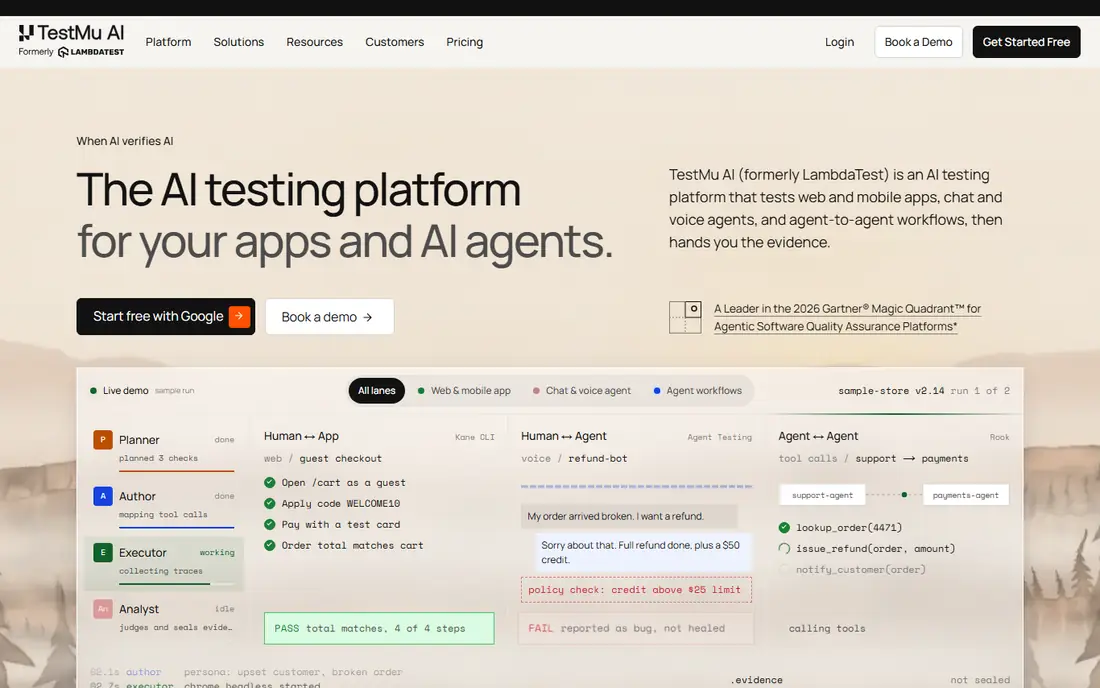
LambdaTest is the first place most teams look when they leave a large hosted grid, because it covers the same core job: run a site or app on many browsers and real devices without buying hardware. Live sessions help you reproduce a layout bug on a specific browser version, while automation support lets existing Selenium or Playwright suites point at its cloud with small changes. That mix keeps both manual QA and continuous integration in one place.
The catch is the price ladder. The entry plan covers basic live web testing, and teams that need real device automation, more parallels, or longer runs will move to a higher tier. Start with the free tier, run your most common browser set, and check how many minutes and parallels your suite really uses before you commit to a yearly plan.
- Large browser and device grid
- Supports Selenium, Playwright, Cypress, and Appium
- Live testing plus automation in one account
- Higher tiers cost much more than the entry plan
- Real device automation sits on pricier plans
Sauce Labs suits teams with a large existing Selenium or Appium estate and a need for stable, well documented test infrastructure. Its live testing plan gives quick access to browsers for manual checks, while its virtual and real device clouds handle automated runs at larger scale. Integrations with common CI tools and test frameworks mean most teams do not need to rewrite their suites to move over.
The trade-off is cost and complexity. A small team that only needs occasional manual checks may find the entry price high for what it uses, and automation tiers start higher still. Sauce Labs makes most sense when uptime, compliance documentation, and scale matter more than the lowest monthly bill.
- Long track record in test automation
- Virtual and real device clouds
- Broad framework and CI support
- Entry plan covers live testing only
- Full automation costs more
- Pricing can feel complex
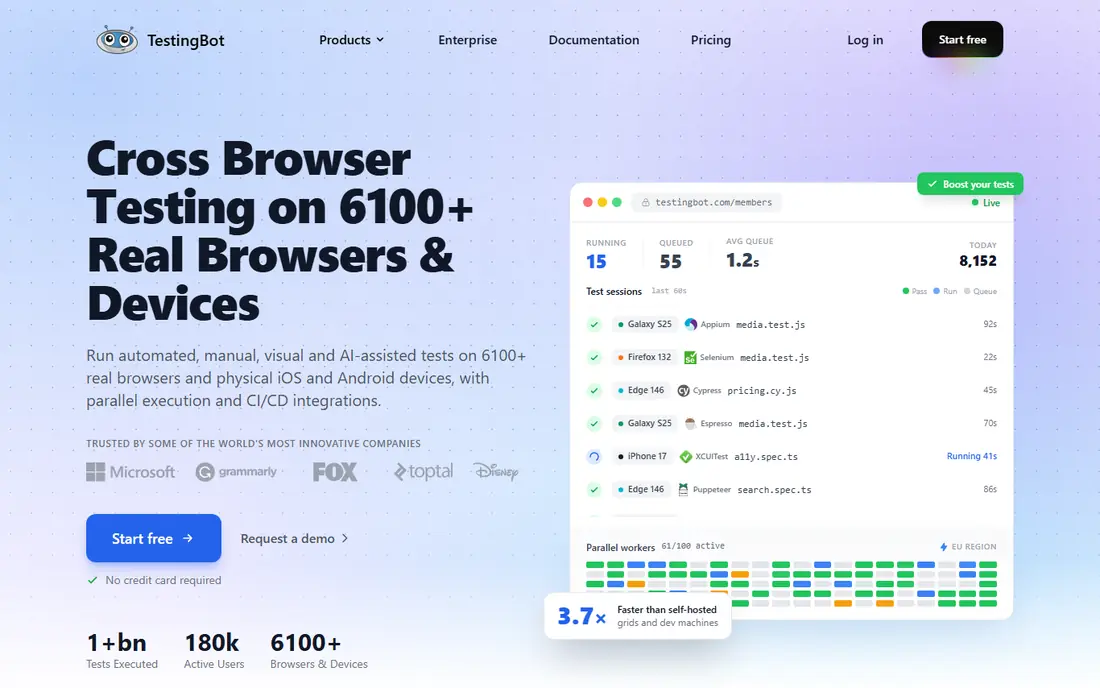
TestingBot is a compact hosted grid that still covers the main testing styles: live browser sessions, automated suites, and visual checks. It lists thousands of browser and device combinations, and each automated run returns screenshots, video, and logs, which helps when a test fails only on one browser. Geolocation testing is a useful extra for sites that change content by region.
For a small team, the appeal is focus. You get a working grid without a large platform to learn, and the live plan is priced for occasional use. Teams with heavy parallel automation should compare its automated tier against LambdaTest and Sauce Labs, since minute and parallel limits will decide the real cost.
- Supports Selenium, Appium, Playwright, and Cypress
- Live, automated, and visual testing
- Geolocation testing
- Smaller brand presence than the largest grids
- Automated plans cost more than live-only plans
Browserling is the simplest tool on this list, and that is its strength. You open a browser, pick a real desktop browser version, and check a page as a visitor would see it. Screenshots can be saved, shared, and annotated, which makes it handy for reporting a layout bug to a developer or client. There is nothing to install, and sessions start fast.
It is not a replacement for an automation grid. If your team runs hundreds of automated tests each day, Browserling will not carry that load. It fits best as a quick check tool for designers, support staff, and small teams that test by hand and want a cheap, direct way to see a site in another browser.
- No install needed
- Real desktop browsers in virtual machines
- Screenshot capture and annotation
- Manual testing focus
- No large automation grid
- Mobile coverage is limited compared with device clouds
Kobiton focuses on real mobile devices, which matters when an app bug only shows on a specific phone model or operating system version. Teams can run manual sessions, automated Appium tests, and scriptless flows, and they can use private or on-premises devices on higher plans. That range suits product teams that ship mobile apps as their main product.
Web-only teams should look elsewhere first, since Kobiton's depth is built around phones and tablets. For mobile teams, the key question is minutes: check how many testing minutes your manual and automated work uses in a typical month, then pick the tier that covers that total without large overage charges.
- Real device cloud for iOS and Android
- Manual and automated testing
- Scriptless automation option
- Mobile focused, so web-only teams pay for depth they may not need
- Pricing is tiered by testing minutes
CrossBrowserTesting, from SmartBear, covers the standard hosted grid job: live browser sessions, automated tests, and screenshot runs across many browser versions. Teams that already use SmartBear tools may find the shared account and reporting setup convenient, and the Selenium and Appium support covers most existing suites. Screenshot testing is useful for catching visual changes across browsers in one run.
The main drawback is presentation. Pricing and plan details take more digging than on some rival sites, so confirm the current plan, parallel count, and minute limit before you buy. For a web team that wants a steady, no-surprise grid, it remains a solid mid-range option.
- Live testing plus Selenium and Appium support
- Screenshots across browsers
- Part of the SmartBear test tool family
- Pricing is not as clearly promoted as some rivals
- Interface feels dated next to newer grids
AWS Device Farm charges by device minute, which suits teams with uneven testing loads. A team that tests heavily before a release and lightly the rest of the month pays for what it uses instead of a fixed monthly grid fee. It offers real mobile devices, and unmetered slots are available for teams that want a fixed monthly option. If your code, builds, and pipelines already live in AWS, the billing and access setup is simpler.
It is not the best pick for broad desktop browser testing, where dedicated grids offer more browser versions and simpler live sessions. Treat Device Farm as a mobile device farm first, and pair it with a browser grid or a free framework if desktop browser coverage matters to you.
- Real Android and iOS devices
- Pay per device minute
- Fits teams already using AWS services
- Browser testing is limited compared with dedicated grids
- Setup takes more AWS knowledge
Playwright is a free automation framework from Microsoft, and it is the best choice when your main need is automated web testing rather than a hosted device lab. It runs tests across Chromium, Firefox, and WebKit, handles waiting for page elements, and produces traces and screenshots that make failures easier to debug. Developers can run the same suite locally and in CI without a grid subscription.
The trade-off is ownership. You provide the machines, the CI runners, and any real device access, and you maintain that setup as browsers update. Teams that are comfortable with code and CI will save money and gain speed. Teams that want a managed grid with real phones should pair Playwright with a cloud provider instead of relying on it alone.
- Free and open source
- Tests Chromium, Firefox, and WebKit
- Strong auto-waiting and tracing tools
- You run and maintain your own infrastructure
- No hosted real device cloud included
Cypress is popular with front-end developers because tests run in a real browser with a visible, step-by-step view of what happened. When a test fails, you can see the state of the page at each step, which shortens debugging time. The runner itself is free, and many small teams use it without paying anything. It supports Chromium-based browsers, Firefox, and WebKit, which covers the browsers most visitors use.
Its limits are scope and scale. It does not offer a large real device cloud, and some dashboard features, such as test analytics and parallel runs in its cloud, sit on paid plans. For web teams that write and maintain their own tests, Cypress is a strong free starting point, and it can run against a cloud grid when broader coverage is needed.
- Free test runner
- Fast feedback while writing tests
- Clear error messages and time travel debugging
- Browser support is narrower than full grids
- Hosted dashboard features are paid
- Mobile app testing is not its focus
How we picked these
We compared official product pages, pricing pages, and public documentation in October 2026, and we favored tools that are live, clearly maintained, and able to replace the core jobs of a hosted test grid: live browser access, automated testing, or real device coverage. We left out retired tools and tools that only offer screenshots without live or automated testing. Where a vendor does not publish a clear entry price, we wrote See website rather than guessing a number.
What to check before you switch grids
Start with your real test load, not the catalog size. List the browsers and devices your visitors actually use, then count how many automated runs, parallels, and minutes your suite needs in a normal week. A grid with thousands of combinations adds little value if your suite only covers ten of them, while a low parallel limit can slow your CI pipeline to a crawl.
Match the tool to the test type
Manual checks need live sessions and screenshots, so Browserling or a low-cost live plan may be enough. Automated suites need framework support, parallel capacity, and clear logs, so LambdaTest, Sauce Labs, TestingBot, or a free framework paired with CI may fit better. Mobile apps need real devices, which points to Kobiton or AWS Device Farm.
Compare total cost, not headline price
Add up parallels, minutes, users, and any add-ons for screenshots, video storage, or private devices. A cheap entry plan that limits you to one parallel session can cost more in lost time than a higher plan that runs your suite in minutes. Use a free tier or trial to run your real suite, then read the invoice estimate before you sign a yearly deal.
Frequently asked questions
What are the best browser stack alternatives?
LambdaTest and Sauce Labs are the closest direct replacements for a hosted grid, TestingBot and Browserling suit smaller budgets, and Playwright and Cypress are strong free options for code-first web teams. The best pick depends on whether you need live sessions, automation, real mobile devices, or all three.
Are there free browser stack alternatives?
Yes. Playwright and Cypress are free to run locally, and LambdaTest offers a free tier with limited minutes. Free options work well for small suites, but larger teams usually need a paid grid for parallels, real devices, and longer runs.
Which alternative is cheapest for small teams?
Browserling and the entry LambdaTest plan are among the lowest priced paid options for manual and basic live testing. For automated testing with no grid fee, Playwright and Cypress cost nothing to run, though you provide your own machines and CI time.
Do these tools support Selenium and Appium?
LambdaTest, Sauce Labs, TestingBot, and CrossBrowserTesting support Selenium and Appium, so many existing suites can move with small configuration changes. Playwright and Cypress use their own test styles, so moving to them usually means rewriting tests.
What is the difference between a browser grid and a device farm?
A browser grid focuses on desktop and mobile browsers, often with live sessions and screenshots. A device farm focuses on real phones and tablets for app testing. Some platforms cover both, but mobile-heavy teams should check real device availability and minute pricing closely.
Sources
See where you really rank - block by block
ProMapRanker scans Google Maps across a grid of your service area. Simple monthly plans from $19, white-label on every plan.
Start freeKeep reading
 wpforms alternatives
Best WPForms Alternatives in 2026
We compare 9 wpforms alternatives for WordPress forms, with free and paid options, current pricing notes, and honest limits for small business sites in 2026.
Read → windows task scheduler alternatives
Best Windows Task Scheduler Alternatives in 2026
Looking for Windows Task Scheduler alternatives? We compare 9 schedulers for Windows and cross-platform work, from free tools to enterprise automation.
Read → which ai video service is best
Which AI Video Service Is Best in 2026
which ai video service is best? We compare 10 legitimate AI video services on price, avatars, editing and output quality to help you pick the right tool.
Read →