 ProMapRanker
Best Bootstrap Alternatives in 2026

Key takeaways
- Tailwind CSS is our pick for most new projects that need a custom design, thanks to its utility classes and large ecosystem.
- Bulma is the best low-friction choice for teams that want clean components with no build step and no JavaScript.
- Foundation still suits large, enterprise-style sites, though its release pace is slower than newer rivals.
- DaisyUI and Flowbite give Tailwind users ready-made components without giving up utility-first styling.
- Chakra UI and MUI suit React teams that want accessible, themeable components rather than plain CSS classes.
Quick comparison
| Pick | Great for | Pricing starts at | Free tier | |
|---|---|---|---|---|
 Tailwind CSS | Custom designs with utilities | Free | Yes | Visit |
 Bulma | Simple CSS-only layouts | Free | Yes | Visit |
 Foundation | Large, structured sites | Free | Yes | Visit |
 Materialize | Material Design components | Free | Yes | Visit |
 UIkit | Full component library with JavaScript | Free | Yes | Visit |
 Pico.css | Minimal, semantic HTML styling | Free | Yes | Visit |
 DaisyUI | Tailwind component classes | Free | Yes | Visit |
 Flowbite | Tailwind components and templates | Free | Yes | Visit |
 Chakra UI | Accessible React components | Free | Yes | Visit |
 MUI | React Material Design system | Free | Yes | Visit |
The best bootstrap alternatives
Bootstrap gives you a grid, ready components, and JavaScript plugins in one package. The tools below split that job in different ways: some give you utilities, some give you components, and some are tied to React. Pick by workflow first, then by component count.
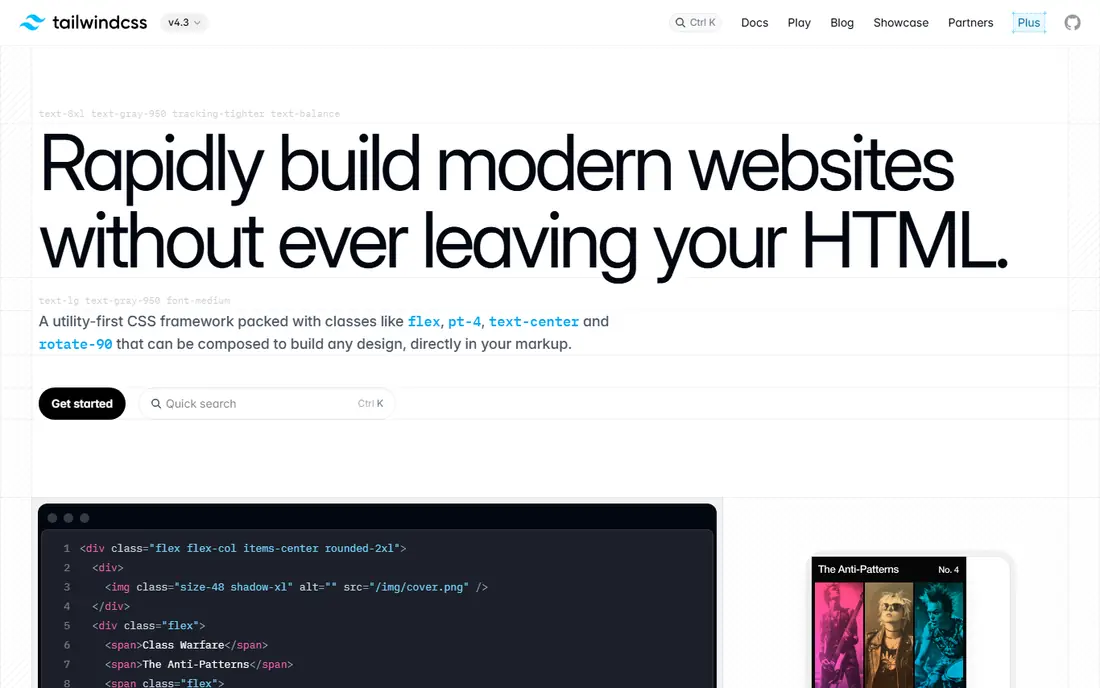
Tailwind CSS takes a different path from Bootstrap. Instead of ready-made button and card classes, it gives you small utility classes that map to single CSS properties, so you build your own components from those pieces. That control is why so many new projects choose it, especially when a site must not look like a default template.
The trade-off is markup. A complex component can carry many classes, and teams used to Bootstrap may need a week or two to feel fast. A build step also helps Tailwind remove unused styles and keep production CSS small. If you want a custom look and are willing to learn utilities, Tailwind is the strongest general pick.
- Utility-first classes for precise control
- Small production CSS with build tools
- Huge plugin and template ecosystem
- HTML can look crowded with classes
- Needs a build step for full use
- Learning curve for teams used to components
Bulma is a CSS-only framework with readable classes such as button and is-primary, and no JavaScript in the package. Version 1 rebuilt theming around CSS variables, added dark mode support, and kept the no-build-step option that makes it easy to drop into a page. That simplicity suits prototypes, marketing sites, and teams that want their own JavaScript.
The limit is that interactive parts such as dropdowns and modals need your own code or a small script. Bulma also has a smaller ecosystem than Tailwind, so you will find fewer ready templates. If you want clean, modern styling without a build pipeline, Bulma is a calm and capable choice.
- Pure CSS with no JavaScript
- Readable class names
- Easy to theme with CSS variables
- No JavaScript components included
- Smaller ecosystem than Tailwind
- Fewer ready templates
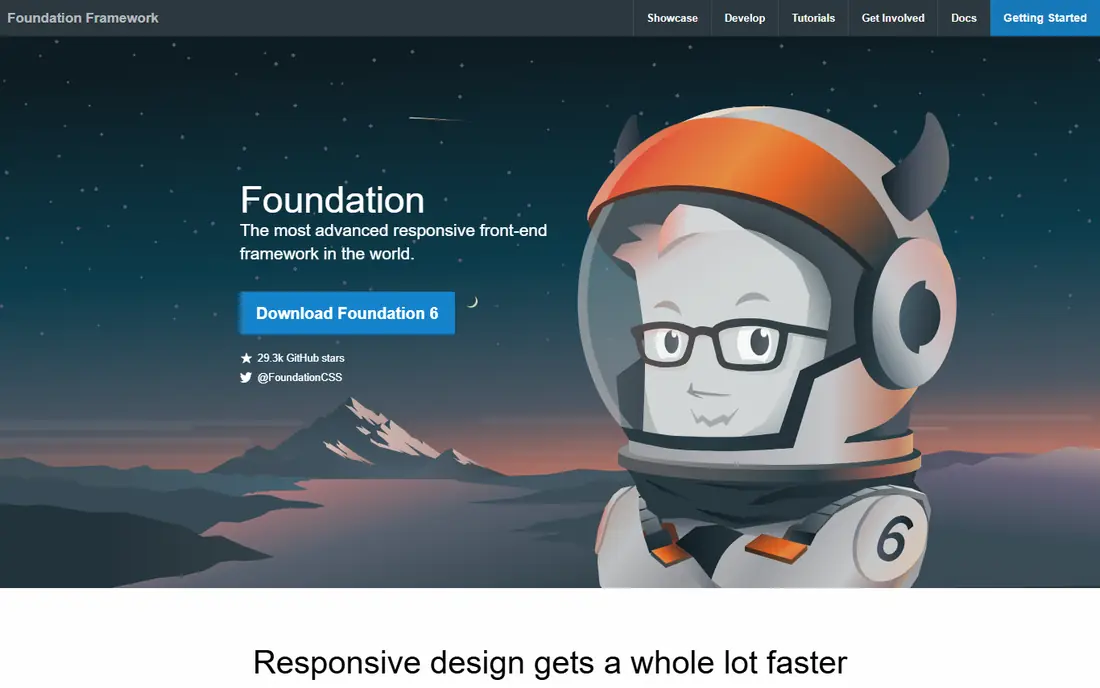
Foundation is one of the older frameworks in this list, with a mature grid, a wide component set, and Sass theming for large sites. It suits teams that need a structured, documented system for enterprise pages, email templates, and long-lived sites. Its grid and responsive tools are well tested, and its component range covers most common layouts.
The pace has slowed, with no major release since 2024 in recent checks, and its JavaScript bundle is heavier than CSS-only rivals. New projects may prefer Tailwind or Bulma for momentum, but existing Foundation teams have little reason to rush a move. For large, stable sites, it remains a workable option.
- Mature grid and components
- Good for enterprise layouts
- Sass-based theming
- Slower release pace in recent years
- Heavier JavaScript than CSS-only options
- Smaller community than before
Materialize gives you a Material Design look out of the box, with cards, buttons, forms, and navigation that follow Google design patterns. It is easy to start, since you add the CSS and JavaScript and use familiar component classes. That ready look suits admin panels and internal tools that need a clean, consistent design fast.
The Material style can feel dated next to newer custom designs, and community activity is lower than Tailwind or Bulma. Customizing away from the default look also takes more effort. If you like Material Design and want components without a build step, Materialize still does the job.
- Ready Material Design look
- Components with JavaScript
- Easy to start
- Material look can feel dated
- Community activity is lower than top rivals
- Customization takes work
UIkit is a modular framework with a wide component range and built-in JavaScript for dropdowns, modals, sliders, and more. You can import only the parts you need, which helps keep bundles smaller than a full import. Its documentation is clear, and its components cover many layouts without extra plugins.
The JavaScript bundle is larger than a CSS-only option, and the default look needs theming if you want a distinct brand. Teams that already use a lot of JavaScript may not mind that cost, while static sites may prefer Bulma or Pico.css. For feature-rich sites that want components and interactions together, UIkit is a strong pick.
- Wide component range
- JavaScript interactions included
- Modular imports
- JavaScript bundle is larger than CSS-only frameworks
- Look needs theming to feel custom
- Learning curve for full use
Pico.css styles semantic HTML with minimal classes, so a plain form, table, or article looks good with almost no extra markup. That makes it ideal for documentation, blogs, and simple tools where speed and clarity matter more than a large component library. It also supports dark mode and keeps file size small.
The trade-off is scope. Pico.css does not offer the component range of Bootstrap or UIkit, and complex layouts need custom CSS. It is best for small sites and prototypes, not for a large design system with many custom components. If minimal markup appeals to you, it is a refreshing change.
- Styles plain HTML with little extra markup
- Very small and fast
- Good dark mode support
- Fewer components than Bootstrap
- Less control for complex layouts
- Not suited to large design systems
DaisyUI adds component classes to Tailwind CSS, so you get button, card, and modal classes while keeping Tailwind utilities for custom work. It includes themes, which makes it quick to change a color scheme across a whole site. That mix suits teams that like Tailwind but miss Bootstrap-style components.
DaisyUI requires Tailwind, so it is not a standalone replacement on its own. Component updates also need care, since a Tailwind or DaisyUI upgrade can change class behavior. If your team already uses Tailwind, DaisyUI is an easy way to speed up common components.
- Component classes on top of Tailwind
- Themes included
- Keeps Tailwind utility control
- Requires Tailwind CSS
- Component styles need care with updates
- Fewer templates than Flowbite
Flowbite is a Tailwind component library with more than 500 components, plus templates for dashboards, ecommerce pages, and marketing sites. It offers versions for React, Vue, and Svelte, which helps teams that work across frameworks. The free range covers many common components, while Pro licenses start at $129 and rise by license type.
The catch is that Flowbite needs Tailwind, and the full template range sits behind paid licenses. Free users still get a useful set, but they should check which components are Pro before planning a project around them. For Tailwind teams that want ready components fast, Flowbite is a practical choice.
- Large Tailwind component range
- React, Vue, and Svelte versions
- Templates for dashboards and stores
- Pro components and templates cost extra
- Tailwind required
- Free range is smaller than the full library
Chakra UI is a React component library with accessibility built into its components, plus a theme system for colors, spacing, and typography. It suits product teams that build React apps and want consistent, keyboard-friendly components without writing every interaction from scratch. Its documentation and community are strong for React work.
It is React only, so it does not help plain HTML or Vue projects, and it adds JavaScript bundle size compared with CSS-only frameworks. The styling API also takes time to learn, though it becomes fast once the pattern clicks. For React teams, Chakra UI is a polished alternative to hand-built components.
- Accessible components by default
- Themeable design system
- Good React integration
- React only
- Adds JavaScript bundle size
- Styling API takes time to learn
MUI, formerly Material-UI, is a large React component system based on Material Design, with data grids, date pickers, and many other complex components in its wider range. Its core is free and open source, and its documentation covers theming, customization, and accessibility in depth. That depth suits product teams building full React applications.
Like Chakra UI, MUI is React only, and its default Material look needs theming to feel distinct. Large apps also need care with bundle size, since importing many components adds weight. For React teams that want a complete, tested system, MUI is one of the most complete options in this list.
- Large React component system
- Material Design plus custom themes
- Strong documentation
- React only
- Material look needs theming for a custom brand
- Bundle size for large apps
How we picked these
We compared official documentation, licensing, and current release activity, and we favored frameworks that are live and maintained in October 2026. We included utility-first tools, CSS-only frameworks, Tailwind component libraries, and React systems, since Bootstrap users move in all those directions. We used Free for open source frameworks, and we noted where Pro licenses add cost.
How to choose the right framework
Start with your stack, not your favorite demo. A React team will get more from Chakra UI or MUI than from a CSS-only framework, while a plain HTML site will get more from Bulma or Pico.css. A team that wants full design control will likely prefer Tailwind, even with its learning curve.
Test with a real page
Build one real page, such as a pricing page or a dashboard card, in your top two choices. Check how long it takes, how large the output CSS or JavaScript is, and how easy it is to change colors and spacing. A demo page hides the theming work that matters on a real project.
Plan for maintenance
Check release activity, documentation quality, and community size before committing. A framework with slow releases can still be fine for a stable site, but a fast-moving product team may prefer an active project with frequent updates. Keep custom CSS separate from framework files, so upgrades stay simpler.
Frequently asked questions
What are the best free alternatives to Bootstrap?
Tailwind CSS, Bulma, Foundation, Materialize, UIkit, and Pico.css are all free and open source. Tailwind suits custom designs, Bulma suits simple CSS-only sites, and Pico.css suits minimal pages. Chakra UI and MUI are also free at their core for React projects.
Which Bootstrap alternative is easiest to learn?
Bulma and Pico.css are the easiest starting points, since they use readable classes and need no build step for basic use. Tailwind takes longer at first, but many developers find it faster once utility classes become familiar. React developers may find Chakra UI easier than a CSS-only tool.
Is Tailwind CSS better than Bootstrap?
It depends on the goal. Tailwind gives more design control and smaller production CSS, while Bootstrap gives ready components and faster starts for standard layouts. Teams that want a custom look often prefer Tailwind, while teams that want standard components fast may stay with Bootstrap or pick Bulma.
Do these frameworks need JavaScript?
Bulma and Pico.css are CSS only, so interactive parts need your own code. UIkit, Materialize, and Foundation include JavaScript for components. Tailwind itself is build-time CSS, while Chakra UI and MUI are React libraries with JavaScript components.
Can I mix frameworks?
You can, but it often causes style conflicts and larger bundles. It is usually better to pick one main framework and add small, focused libraries for specific needs. If you mix, keep each framework scoped to a clear part of the site and test for conflicts early.
Sources
See where you really rank - block by block
ProMapRanker scans Google Maps across a grid of your service area. Simple monthly plans from $19, white-label on every plan.
Start freeKeep reading
 wpforms alternatives
Best WPForms Alternatives in 2026
We compare 9 wpforms alternatives for WordPress forms, with free and paid options, current pricing notes, and honest limits for small business sites in 2026.
Read → windows task scheduler alternatives
Best Windows Task Scheduler Alternatives in 2026
Looking for Windows Task Scheduler alternatives? We compare 9 schedulers for Windows and cross-platform work, from free tools to enterprise automation.
Read → which ai video service is best
Which AI Video Service Is Best in 2026
which ai video service is best? We compare 10 legitimate AI video services on price, avatars, editing and output quality to help you pick the right tool.
Read →