 ProMapRanker
Best WorkWave Alternatives in 2026

Key takeaways
- WorkWave serves field service and route-heavy teams, so the best alternative depends on crew size, trade type and how much dispatch control you need.
- Jobber and Housecall Pro are the most common picks for small residential crews, while ServiceTitan suits larger shops with office staff.
- FieldEdge, Service Fusion and Workiz suit mid-size teams that need inventory, dispatch depth or lead tools.
- Kickserv, ServiceM8 and Fergus suit smaller or solo teams that want a lower bill and a simpler setup.
- Price the full stack, including seats, GPS, marketing and payment processing, since add-ons change the monthly total more than the base plan.
Quick comparison
| Pick | Great for | Pricing starts at | Free tier | |
|---|---|---|---|---|
 Jobber | Small residential trade crews | See website | Free trial | Visit |
 Housecall Pro | Residential service and reviews | See website | Free trial | Visit |
 ServiceTitan | Large trade operations | See website | Free trial | Visit |
 FieldEdge | HVAC and trade dispatch | See website | Free trial | Visit |
 Service Fusion | Mid-size field service teams | See website | Free trial | Visit |
 Workiz | Lead and dispatch management | See website | Free trial | Visit |
 Kickserv | Small and solo service teams | See website | Free trial | Visit |
 ServiceM8 | Small trade and service firms | See website | Free trial | Visit |
 Fergus | Trade job costing and invoicing | See website | Free trial | Visit |
 mHelpDesk | Workflow automation for service teams | See website | Free trial | Visit |
The best workwave alternatives
WorkWave offers field service software for scheduling, dispatch, routing and customer management, often for pest control, lawn care, delivery and trade services. The tools below cover the same work, from solo operators to large multi-crew firms.
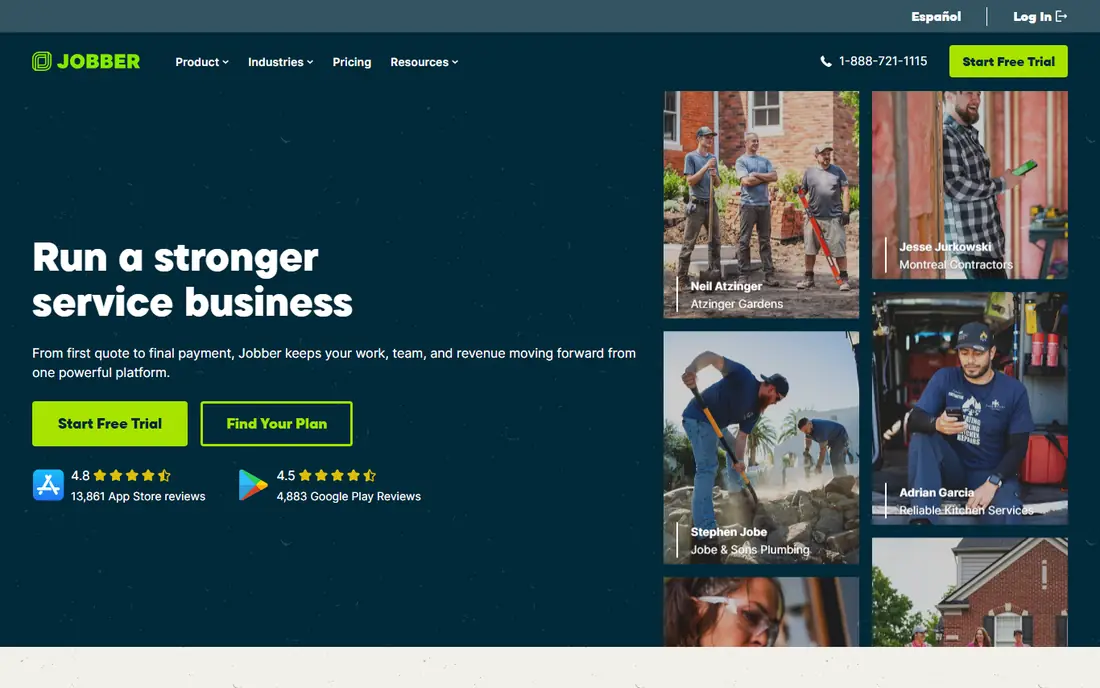
Jobber is a popular choice for lawn care, cleaning, plumbing, HVAC and other residential trades. It covers quotes, scheduling, invoicing, payments and customer reminders in one system, with a mobile app for field staff. Small crews like that setup is quick and the daily board is easy to read.
The limits appear when a firm grows. Marketing, advanced reporting and extra users move costs up, and very large dispatch operations may want deeper fleet tools. For crews of one to ten, Jobber remains a balanced WorkWave alternative.
- Easy scheduling and quoting
- Client hub for approvals and payments
- QuickBooks sync
- Marketing tools cost extra on lower plans
- Larger fleets may need higher tiers
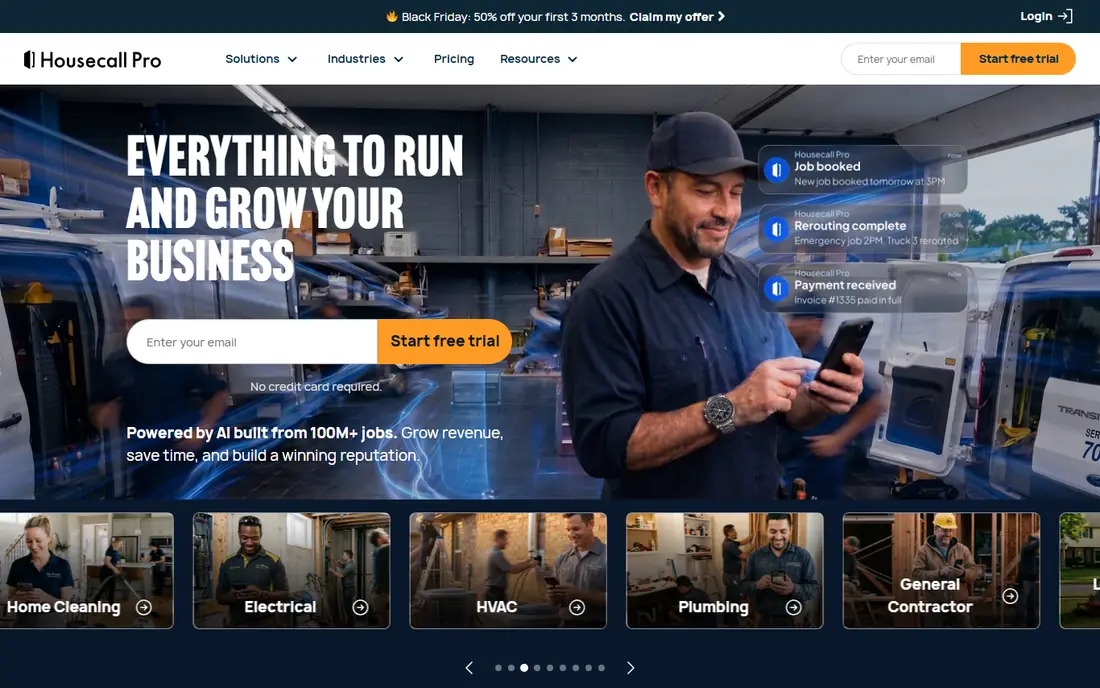
Housecall Pro suits residential service firms that win work through online booking and reviews. Customers can book, receive reminders, pay online and leave a review, while office staff manage dispatch from a visual board. That customer-facing polish helps smaller firms look larger than they are.
Costs need care. GPS tracking, price book tools and marketing bundles can sit outside the base plan, so price your full setup. If booking and reviews drive your growth, Housecall Pro is worth that closer look.
- Strong online booking and review tools
- Dispatch board and GPS options
- Payment processing
- Key features sit in higher plans or add-ons
- Pricing rises with seats and bundles
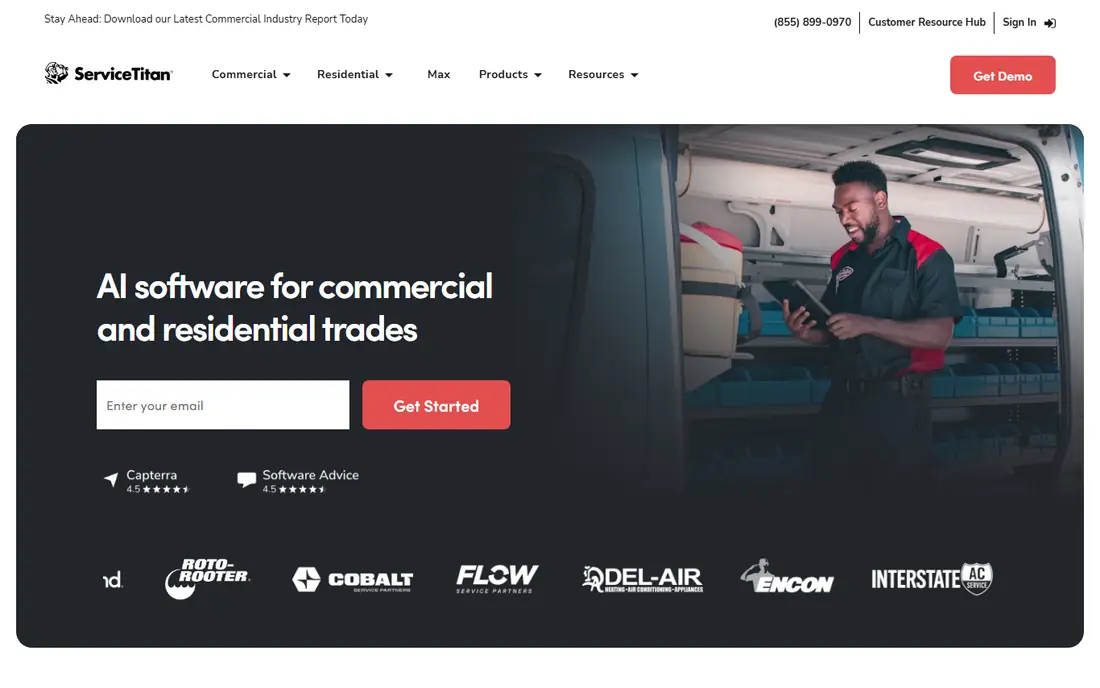
ServiceTitan is built for larger HVAC, plumbing, electrical and pest firms with office staff and many technicians. It covers dispatch capacity, technician performance, price books, service agreements, marketing and payments in one platform. Firms that need that depth often accept the higher cost and setup time.
Solo operators and small crews should be cautious. Pricing is quote based, implementation takes time, and the system assumes dedicated admin help. For a growing mid-size or large shop, it is the most complete WorkWave alternative here.
- Deep dispatch, price book and reporting
- Marketing and call tools
- Built for scale
- Quote-based pricing
- Longer setup and training
- Overkill for solo operators
FieldEdge, formerly FieldEdge by Xplor, serves HVAC, plumbing, electrical and appliance repair teams. It handles scheduling, dispatch, invoicing, payments and inventory, with QuickBooks integration for accounting. Teams that track parts and price books closely will find its depth useful.
Pricing is not published as a simple monthly rate, so get a quote for your tech count. The design is practical rather than flashy, which suits office teams that value function over looks.
- Strong dispatch and QuickBooks links
- Inventory and price book tools
- Mobile app for techs
- Quote-based pricing
- Interface feels more traditional than some rivals
Service Fusion covers scheduling, dispatch, estimates, invoicing, payments and customer communication for mid-size service firms. It suits teams that dislike per-seat math and want a system that grows with job volume rather than headcount alone. A customer portal lets clients approve work and pay online.
The main drawback is pricing clarity, since plans are quote based. Ask what is included for your user count and whether inventory or GPS tools cost extra. For mid-size crews, it is a steady WorkWave alternative.
- Flat-style pricing approach for teams
- Dispatch and customer portal
- Inventory and payments
- Quote-based pricing
- Some features need higher tiers or setup help
Workiz combines scheduling, dispatch, invoicing and lead management, with tools for online booking, calls and payments. It suits firms that get many leads by phone and web and need to track each one from first call to paid invoice. The dispatch board keeps jobs, techs and status in view.
Teams that only need basic scheduling may find the lead tools more than they use, and some features cost extra. For growth-focused service firms, Workiz offers a useful mix of sales and operations in one place.
- Lead tracking and dispatch board
- Online booking and payments
- Phone system options
- Some tools are add-ons
- Smaller firms may not use the full lead suite
Kickserv is aimed at solo operators and small crews that need scheduling, estimates, invoicing and payments without a large monthly bill. Setup is straightforward, and the mobile tools cover the daily job flow. It suits startups and small trade firms that are moving from spreadsheets.
Larger firms with complex dispatch, inventory or marketing needs may outgrow it. For a team of one to five, Kickserv is a practical, lower-cost WorkWave alternative.
- Lower entry cost for small teams
- Simple scheduling and invoicing
- QuickBooks sync
- Fewer advanced dispatch features
- Less suited to very large fleets
ServiceM8 is popular with small trade, cleaning, pest and maintenance firms, especially in Australia, New Zealand, the UK and the US. It covers job cards, scheduling, quoting, invoicing and client communication, with a field app for photos, notes and signatures. Add-ons extend it to payments, forms and accounting links.
Costs depend on staff count and add-ons, so map your team before you compare plans. For small firms that want a tidy job system rather than a large enterprise suite, ServiceM8 fits well.
- Strong job and staff scheduling
- Mobile app for field work
- Add-ons for payments and forms
- Some features need paid add-ons
- Pricing varies by staff count and add-ons
Fergus is built for trade businesses such as plumbing, electrical, HVAC and building services. It helps teams quote jobs, track costs, schedule work, invoice and get paid, with links to accounting tools. Job costing is the standout: you can see materials, labor and margins per job, not just total revenue.
It is less of a delivery or large fleet dispatch system, so route-heavy firms should compare it with Route4Me style tools or ServiceTitan. For trade firms where margin per job matters, Fergus is a strong WorkWave alternative.
- Strong job costing and quoting
- Scheduling and invoicing for trades
- Accounting links
- Less focused on large fleet dispatch
- Best for trade firms rather than delivery teams
mHelpDesk, now part of the Workiz family in some listings, offers field service management with a focus on custom workflows. Teams can automate job steps, reminders, follow-ups and billing rules, which suits firms with repeat service plans or multi-step jobs. Scheduling, invoicing and payments cover the core daily work.
The trade-off is setup time. Custom workflows pay off only when a team takes time to build them, and the design feels less modern than Jobber or Housecall Pro. For firms that want automation control at a mid-size scale, it remains worth a trial.
- Custom workflows and automation
- Scheduling, invoicing and payments
- Customer portal
- Setup takes care for custom workflows
- Interface feels dated in places
How we picked these
We compared official product pages, pricing pages and public feature lists for field service tools that still work in October 2026. We focused on scheduling, dispatch, quoting, invoicing, payments and mobile field apps, since those are the core WorkWave jobs. We mixed solo, small, mid-size and large options, and we left out tools that only handle one piece, such as invoicing alone.
What to check before you choose
Start with crew size and job type. A solo cleaner needs a different tool than a 30-tech HVAC firm, even though both do field service. List your must-have features, such as GPS tracking, inventory, online booking or job costing, and score each trial against that list rather than a marketing page.
Test the mobile app with a real tech for a week. Check how jobs, photos, signatures and payments work when signal is weak, and how office staff see job status. Also confirm payment processing fees, since those sit on top of subscription costs and vary by provider.
Migration and training
Ask each vendor how customer records, job history and price books move across, and how long training takes for office and field staff. A tool that saves office time but slows techs in the field will not pay off. Plan a short pilot with one crew before rolling it out to the whole firm.
Frequently asked questions
What is WorkWave?
WorkWave is a field service software provider for scheduling, dispatch, routing and customer management, used by pest control, lawn care, delivery and trade service teams. The tools here offer similar field service work with different pricing and depth.
Which WorkWave alternative is best for small businesses?
Jobber and Housecall Pro are common picks for small residential crews, while Kickserv and ServiceM8 suit solo and very small teams. The best pick depends on whether booking, reviews, job costing or low cost matters most.
Which WorkWave alternative is best for large teams?
ServiceTitan suits larger trade operations with office staff and many technicians, thanks to its dispatch, price book and reporting depth. FieldEdge and Service Fusion also suit mid-size to larger teams.
Do these tools include payment processing?
Most do, either built in or through a payment partner, but processing fees sit on top of the subscription. Confirm card and bank fees, payout timing and whether customers can pay from an invoice link or portal.
Can I use these tools on a phone in the field?
Yes. All the tools here offer mobile apps or mobile-friendly field tools for jobs, photos, signatures and payments, though depth varies. Test the app on your own devices before you buy.
How long does it take to switch field service software?
Small crews can often switch in days, while larger firms may need weeks for data migration, price books and training. A pilot with one crew, plus a clear data import plan, keeps the switch safer.
Sources
See where you really rank - block by block
ProMapRanker scans Google Maps across a grid of your service area. Simple monthly plans from $19, white-label on every plan.
Start freeKeep reading
 wpforms alternatives
Best WPForms Alternatives in 2026
We compare 9 wpforms alternatives for WordPress forms, with free and paid options, current pricing notes, and honest limits for small business sites in 2026.
Read → windows task scheduler alternatives
Best Windows Task Scheduler Alternatives in 2026
Looking for Windows Task Scheduler alternatives? We compare 9 schedulers for Windows and cross-platform work, from free tools to enterprise automation.
Read → which ai video service is best
Which AI Video Service Is Best in 2026
which ai video service is best? We compare 10 legitimate AI video services on price, avatars, editing and output quality to help you pick the right tool.
Read →