 ProMapRanker
Best Workflow Software in 2026

Key takeaways
- monday.com and Asana are the easiest starting points for teams that want workflows inside a familiar project tool.
- Pipefy and Process Street suit repeatable processes, with Pipefy focused on intake and approvals and Process Street on checklists.
- Kissflow suits larger companies that need governance and audit trails, but its price is high for small teams.
- Map one real process before buying, because a tool that cannot model your approval steps will not help, however many features it lists.
Quick comparison
| Pick | Great for | Pricing starts at | Free tier | |
|---|---|---|---|---|
 monday.com | Visual team workflows | $9 per user per month | Yes | Visit |
 Asana | Cross-team work management | $10.99 per user per month | Yes | Visit |
 ClickUp | All-in-one work platform | $7 per user per month | Yes | Visit |
 Wrike | Enterprise project workflows | $10 per user per month | Yes | Visit |
 Pipefy | Intake and approvals | See website | Yes | Visit |
 Process Street | Repeatable checklists | $25 per user per month | No | Visit |
 Kissflow | Governed process automation | See website | No | Visit |
 Smartsheet | Spreadsheet-style workflows | $9 per user per month | No | Visit |
The best workflow software
Workflow software turns a repeatable process into steps, owners, approvals and deadlines, so work does not depend on memory or chat messages. The tools below range from visual project boards to governed process platforms, and the right one depends on how formal your processes need to be.
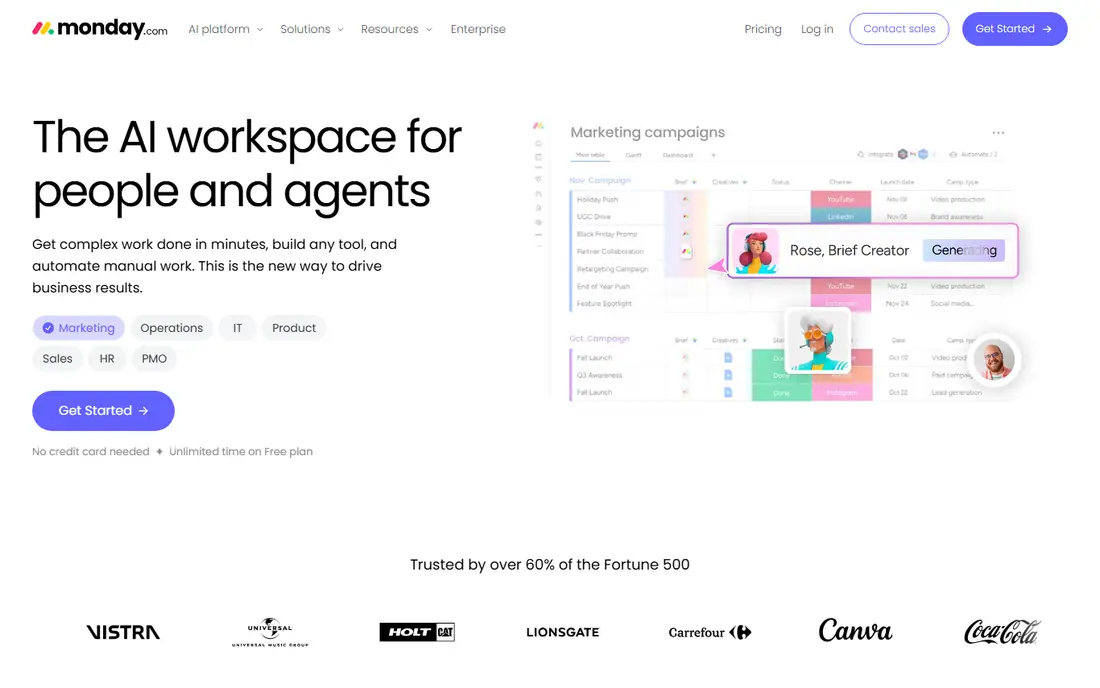
monday.com suits teams that want workflows without a formal BPM project. Boards show each request or task as a row, with status, owner, dates and files in columns, while automations move items, send reminders and request approvals when a status changes. Templates for onboarding, content, IT requests and marketing campaigns give new teams a working process in a day.
The free plan covers two seats, while paid plans start at $9 per user per month billed yearly with a minimum seat count. Costs rise as teams and automation needs grow, and some advanced features sit on higher tiers. For creative, marketing and operations teams that value visual clarity, monday.com is an easy first workflow platform.
- Visual boards and templates
- Automations and approvals
- Easy onboarding
- Costs grow with team size
- Advanced features need higher plans
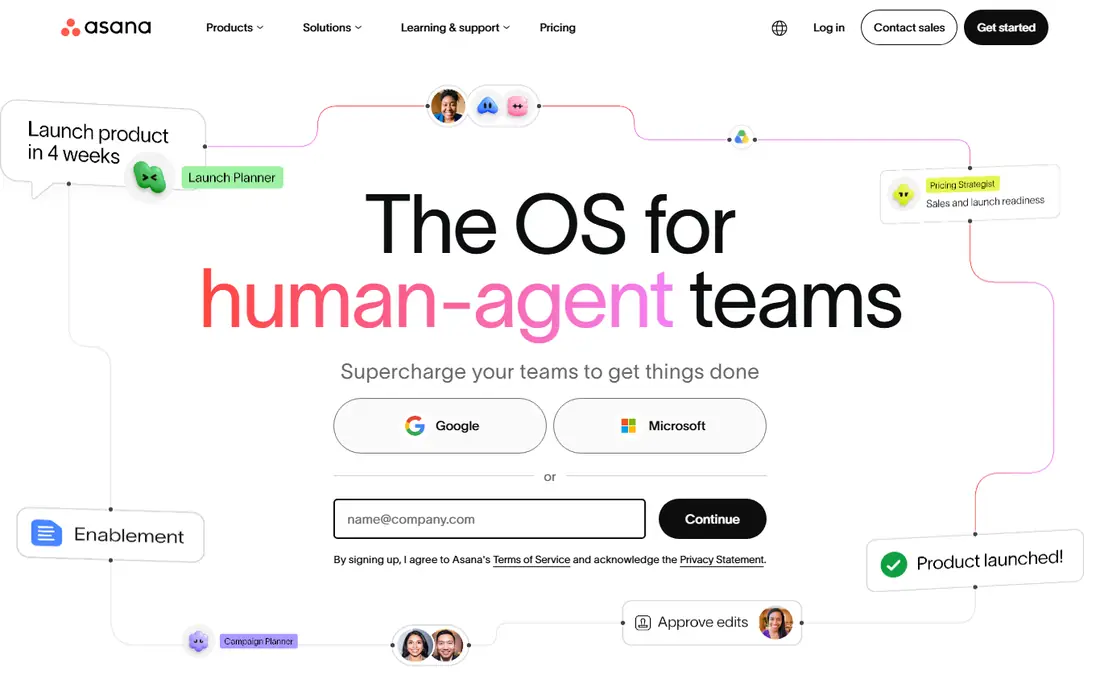
Asana handles workflows as part of broader work management, which helps teams that already plan projects there. Tasks can carry custom fields, dependencies, approvals and rules that move work forward when a step completes. Timelines and portfolios show how one team's workflow affects another, which matters when handoffs cross departments.
The free personal plan suits small teams, while paid plans add rules, approvals and reporting depth. Asana is less focused on strict process governance than Kissflow or Pipefy, so highly regulated approval chains may need a specialist. For most cross-team work, its balance of planning and automation is hard to beat.
- Clean timelines and dependencies
- Rules and approvals
- Strong integrations
- Paid plans start at $10.99 per user per month
- Pure approval governance is lighter than specialists
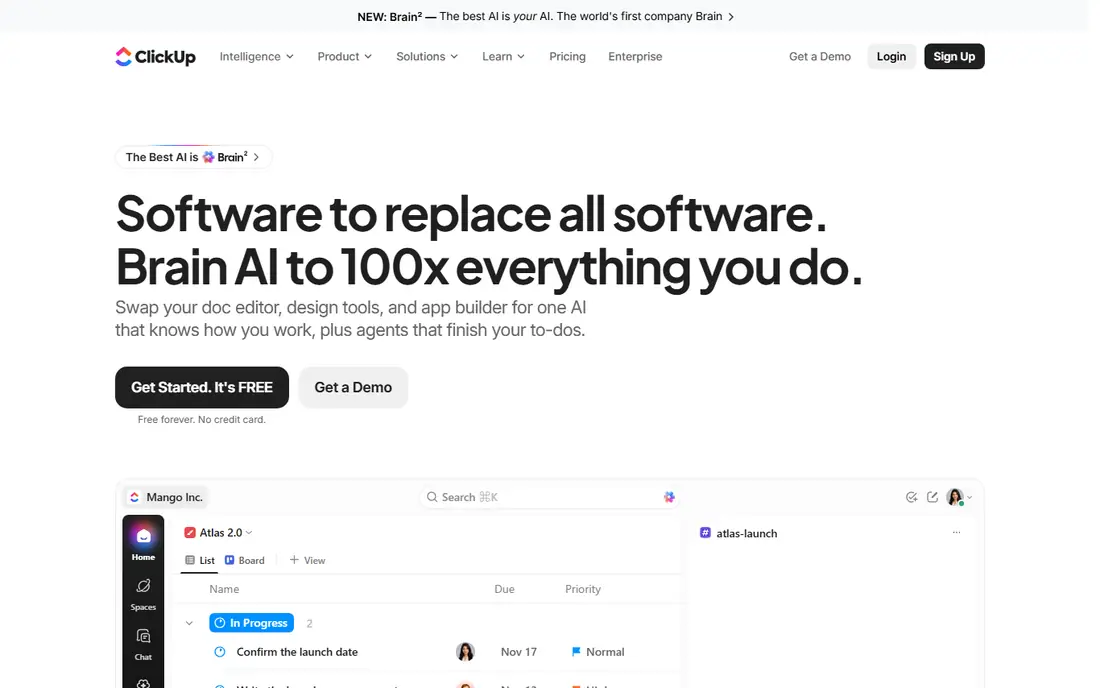
ClickUp packs tasks, docs, goals, chat and automations into one workspace, which appeals to teams tired of paying for five separate tools. Workflows can use custom statuses, fields, checklists and automations, while docs and goals sit beside the work they describe. The free plan covers unlimited tasks and members, with paid plans from $7 per user per month billed yearly.
That breadth is also the risk. Teams that turn on every feature can build a workspace that feels busy and hard to navigate. ClickUp works best when one owner defines statuses, templates and automation rules, and the rest of the team follows them. Budget-conscious teams that want one platform will find strong value here.
- Tasks, docs, goals and automations in one place
- Free plan
- Low paid starting price
- Feature depth can feel overwhelming
- Setup needs discipline to stay tidy
Wrike suits larger teams that need project workflows with reporting, resource views and approval controls. Work can move through custom workflows, with Gantt charts for timelines, dashboards for workload, and proofing for creative review. Enterprise plans add security, audit and admin controls that regulated teams often require.
New users may find Wrike heavier than monday.com or Asana, and automation allowances differ by plan, so check the limits for your team size. Wrike fits enterprise project teams that already think in portfolios and programs, rather than small teams that need a simple board. Its reporting depth rewards teams that manage many workflows at once.
- Gantt charts and reporting
- Approvals and proofing
- Enterprise controls
- Learning curve for new users
- Automation limits vary by plan
Pipefy is built for intake first, which is why it suits service, HR, finance and IT teams that receive requests all day. Public or internal forms feed a process pipe, where each request moves through stages, approvals and SLA timers. Kanban views show where requests wait, and automation handles assignments, notifications and field updates.
A free Starter plan covers small teams, while Business pricing should be checked on the official site for current terms. Pipefy is less of a general project planner than Asana or monday.com, so teams that also need timelines and docs may pair it with another tool. For intake and approval processes, its focus is a clear advantage.
- Request portals and forms
- Structured approval flows
- Kanban process views
- Paid pricing is quote-based in many cases
- Less of a general project tool than Asana
Process Street turns repeatable procedures into checklists that teams run the same way every time. Each run assigns tasks, collects form data, applies conditional logic and leaves an audit trail, which helps with onboarding, client delivery and compliance tasks. That structure suits work where missing a step costs time, money or trust.
The price starts at $25 per user per month, which is high for teams that only need simple task lists. Process Street also focuses on procedures rather than freeform projects, so creative teams may prefer monday.com or Asana. For operations teams with standard procedures, the checklist discipline and audit trail justify the cost.
- Checklist workflows with audit trails
- Conditional logic
- AI-assisted process building
- Paid plans start at $25 per user per month
- Less suited to freeform project work
Kissflow serves mid-size and large companies that need governed workflows, such as procurement, HR and finance approvals with audit trails. Its visual builder supports parallel steps, decision logic and SLA timers, while admin controls manage who can build, approve and change a process. Integrations connect workflows to common business systems.
Entry pricing is high, with published figures for some plans starting well above small-team tools, so check current pricing on the official site. Kissflow is overkill for a ten-person team with one approval flow, but it fits companies where compliance, audit and scale matter. Plan time for process design and training before rollout.
- No-code process builder
- Governance and audit trails
- Many integrations
- Entry pricing is high for small teams
- Setup needs planning and training
Smartsheet appeals to teams that think in rows and columns, because its workflow sheets look like spreadsheets with automation added. Rows move through approval steps, trigger alerts, collect form data and feed dashboards, which suits operations, construction and event teams that already plan in tables. Paid plans start at $9 per user per month billed yearly.
There is no free plan, only a trial, so teams should test with a real process before paying. Smartsheet lacks the visual polish of monday.com, and its project views are less fluid than Asana for some users. For spreadsheet-comfortable teams, that familiar layout shortens training and speeds adoption.
- Familiar spreadsheet layout
- Automations and approvals
- Dashboards and reports
- No free plan, only a trial
- Interface can feel dated beside newer boards
How we picked these
We compared official feature pages, pricing pages and workflow capabilities for tools that model repeatable processes in 2026. We favored tools with approvals, automations, intake or checklist features, and current availability. We left out tools that only manage tasks without workflow rules, or that require a full BPM consulting project to start.
Rolling out a workflow without breaking work
Pick one process that hurts today, such as onboarding, purchase approvals or content review, and map it on paper first. List each step, owner, approval and exception, then build only that process in your chosen tool. A single working workflow teaches more than five half-built ones.
Keep owners and deadlines visible
Every step needs one owner and one due date, or work will wait in a shared queue. Use dashboards to show stuck items, overdue approvals and aging requests each week. Review those numbers with the team, and adjust the process when the same step stalls repeatedly.
Review automation rules monthly
Automation rules age as teams and policies change, and a stale rule can route work to the wrong person for weeks. Set a monthly check for owners, approval limits and notification settings. Small, regular fixes keep a workflow trusted, while a neglected system drives teams back to email and chat.
Frequently asked questions
What is the best workflow software?
monday.com and Asana are the best general picks, with monday.com leading on visual boards and Asana on cross-team planning. Pipefy suits intake and approvals, Process Street suits checklists, and Kissflow suits governed enterprise processes. The best tool follows your process formality and team size.
What are the best workflow management tools for small teams?
monday.com, Asana and ClickUp suit small teams, thanks to free plans, templates and low paid starting prices. Pipefy also offers a free Starter plan for intake processes. Start with one process, test the free plan, and pay only when automation or reporting limits block real work.
What is the best workflow app for approvals?
Pipefy and Process Street are strong approval picks, with Pipefy focused on request intake and Process Street on checklist approvals with audit trails. Asana and monday.com also handle approvals inside project work. Choose Pipefy for request volume, Process Street for procedure control, and a project tool when approvals sit inside broader projects.
How is workflow software different from project management software?
Workflow software focuses on repeatable processes with fixed steps, owners and approvals, while project management software focuses on one-off projects with timelines and tasks. Many tools, such as Asana and monday.com, cover both, but specialists such as Pipefy and Process Street go deeper on process control. Pick by whether your work repeats the same steps or changes each time.
How much does workflow software cost?
Prices in this list range from free plans at monday.com, Asana, ClickUp, Wrike and Pipefy to $7 to $10.99 per user per month on entry paid plans, $25 per user per month at Process Street, and quote-based pricing at Kissflow. Check seat minimums, automation limits and admin features, since those change the total cost for a team.
Sources
See where you really rank - block by block
ProMapRanker scans Google Maps across a grid of your service area. Simple monthly plans from $19, white-label on every plan.
Start freeKeep reading
 best resource management software
Best Resource Management Software in 2026
We compared the best resource management software for scheduling, capacity and utilization, with current pricing and free trials, to help teams choose well.
Read → best reporting tools
Best Reporting Tools in 2026
Compare the best reporting tools for dashboards, scheduled reports, and business insights, from Power BI and Tableau to Looker Studio for every team size.
Read → best remote support software
Best Remote Support Software in 2026
Looking for the best remote support software? We compare 9 tools on price, security, session controls, and fit for helpdesks, MSPs, and small teams in 2026.
Read →