 ProMapRanker
Best Workflow Management Software in 2026


Visual boards for fast team adoption · Pricing starts at: $9 per user per month
Key takeaways
- ClickUp and Monday.com give small teams the lowest entry prices, with free plans that cover real daily work.
- Asana and Smartsheet suit teams that need clear timelines, structured projects and reporting that managers can read at a glance.
- Process Street, Pipefy and Kissflow fit repeatable business processes, such as approvals, onboarding and service requests, better than general project boards.
- Automation limits matter more than the headline price, so check how many runs, actions or jobs each plan allows before you commit.
Quick comparison
| Pick | Great for | Pricing starts at | Free tier | |
|---|---|---|---|---|
| Monday.com | Visual boards for fast team adoption | $9 per user per month | Yes | Visit |
 Asana | Structured timelines and cross-team work | $10.99 per user per month | Yes | Visit |
 ClickUp | Most features per dollar | $7 per user per month | Yes | Visit |
 Smartsheet | Spreadsheet-style planning for operations | $9 per member per month | Free trial | Visit |
 Wrike | Complex cross-team workflows | $10 per user per month | Yes | Visit |
 Kissflow | No-code approval and process apps | See website | Free trial | Visit |
 Process Street | Repeatable checklists with proof of completion | $25 per user per month | Free trial | Visit |
 Pipefy | Request intake and back-office processes | See website | Yes | Visit |
The best workflow management software
These are the best workflow tools for teams that want work to move without chasing updates in email and chat. We compared pricing pages, feature lists and public documentation, and we kept only tools that are live and actively sold in October 2026.
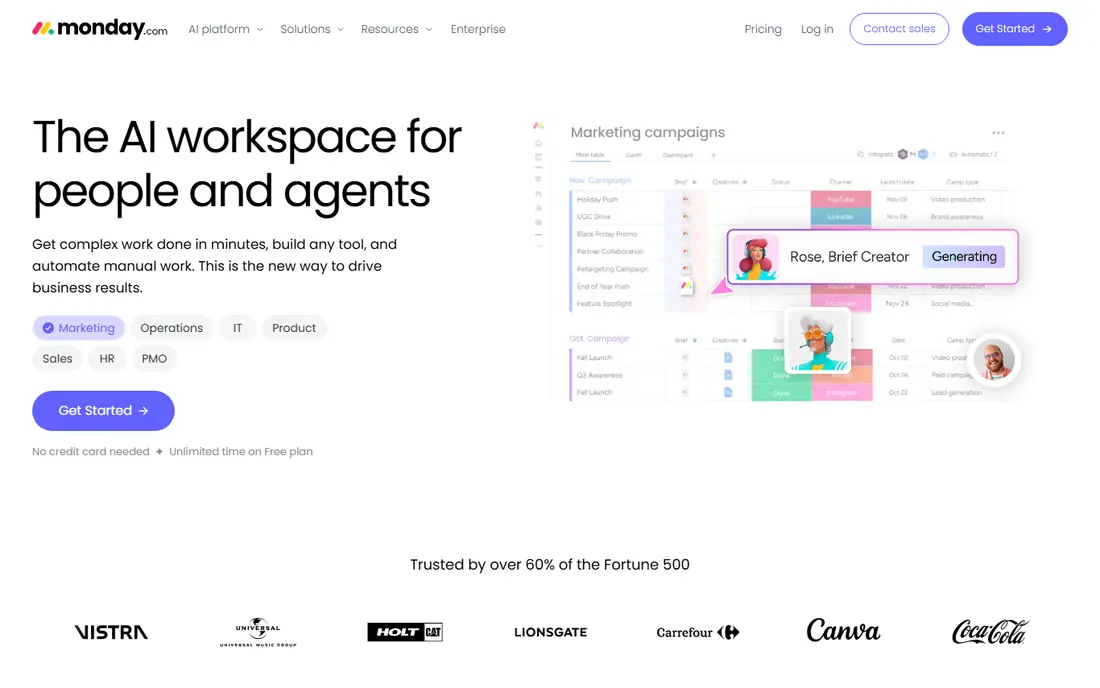
Monday.com is our pick for teams that want everyone updating work without a long training session. Boards, timelines and dashboards are visual, and colour coding makes it easy to see what is stuck. Templates cover marketing, sales, operations and human resources, so a new team can start from a working setup rather than a blank page.
The catch is the seat minimum and the way automation allowances grow with the plan. A small team may find the entry plan fine for tasks and status tracking, but heavier automation and reporting push the bill up. If your team likes visual work and wants quick adoption, this is still a strong first choice.
- Easy to learn boards
- Strong automation and view options
- Unlimited free viewers on paid plans
- Paid plans start at three seats
- Advanced automations sit on higher tiers
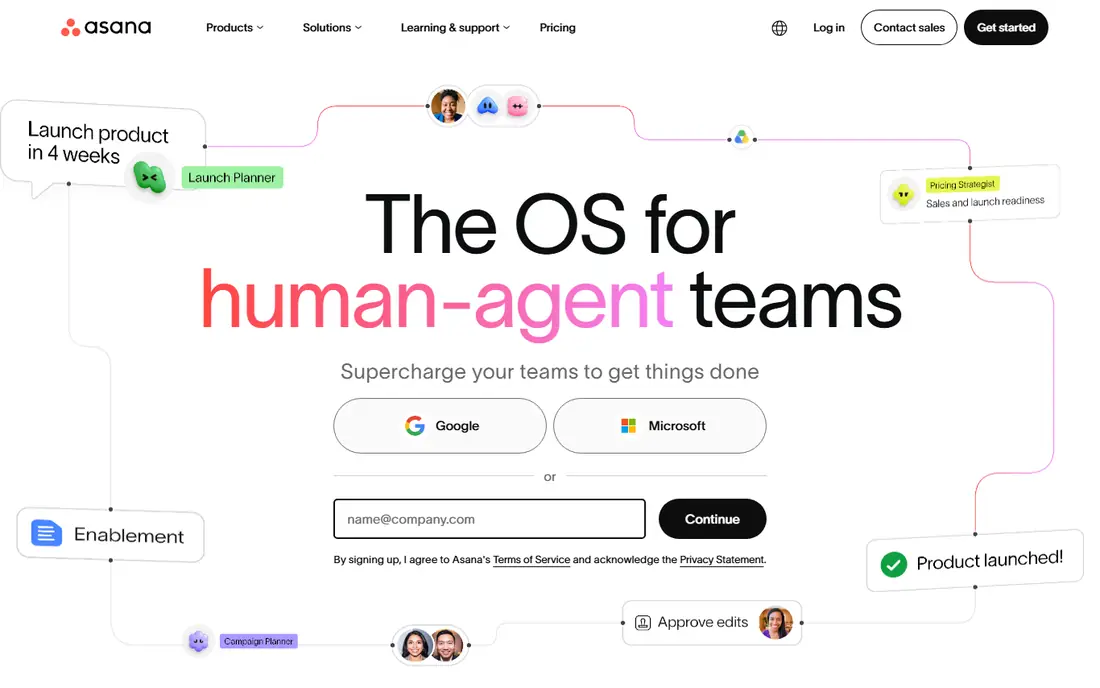
Asana suits teams that run work across departments and need one place to see deadlines, owners and dependencies. List, board, timeline and calendar views cover most planning styles, and the workflow builder helps turn a repeatable process into a template. Portfolios give managers a rollup view without digging into every project.
The free plan covers up to two users, which is useful for a trial but not for a full team. Paid plans add forms, custom fields, dashboards and automation, and the higher tiers add goals and workload views. Choose Asana when structure and cross-team coordination matter more than deep customisation.
- Clear timelines and portfolios
- Strong workflow builder on paid plans
- Generous guest access
- Advanced reporting and proofing sit on higher tiers
- Setup takes care for large portfolios
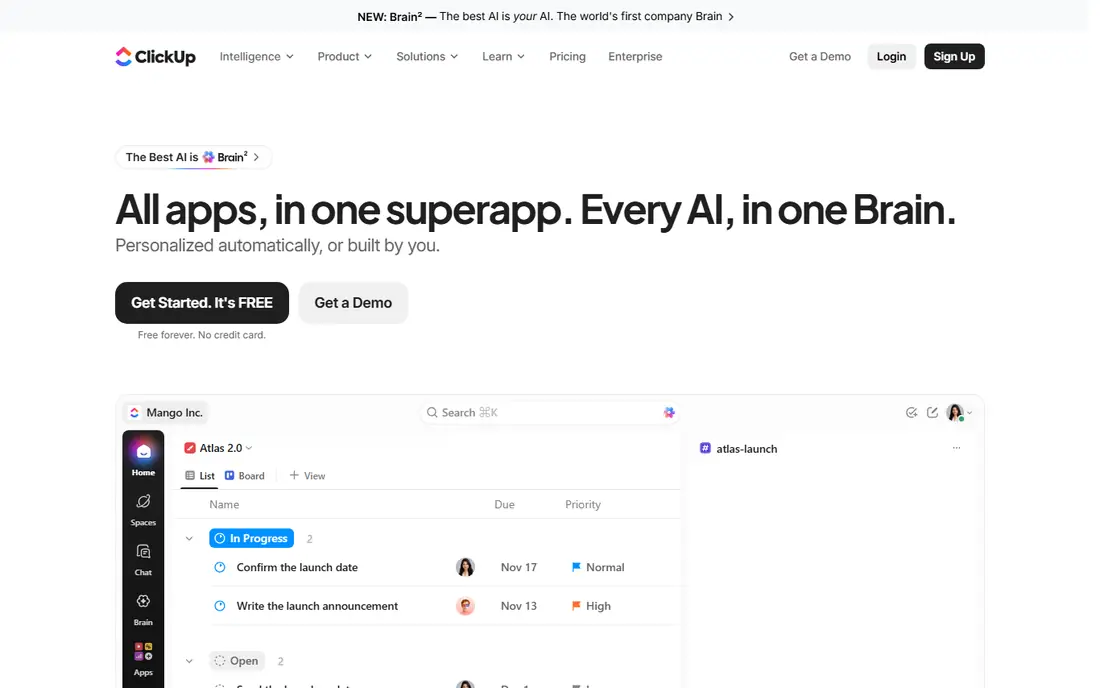
ClickUp packs tasks, docs, goals, whiteboards and time tracking into one workspace, which is why it scores well on value. The free plan covers unlimited members, which is rare at this price level, and the paid entry plan adds more automation, integrations and storage. Teams that want one tool instead of several separate apps will find a lot here.
The trade-off is complexity. New users can feel lost among views, statuses and custom fields, so it helps to start with one project type and add features slowly. For a budget-conscious team willing to spend an afternoon on setup, ClickUp is hard to beat on what you get for the price.
- Very generous free plan
- Many views and built-in docs and goals
- Low entry price
- So many options can feel busy at first
- Admin settings need time to learn
Smartsheet is the best fit for teams that already think in spreadsheets. Rows, columns, formulas and card views let operations teams track orders, budgets, hiring pipelines and project milestones in a format they already understand. Dashboards and reports pull that data together for managers who need a status view without opening every sheet.
It is less playful than Monday.com or ClickUp, and that is the point. The interface favours dense data over colour and animation. Check the automation allowance on the plan you choose, since the entry tier caps monthly runs, and confirm the seat rules for people who only need to view sheets.
- Familiar grid layout
- Strong formulas and reports
- Good for operations tracking
- No permanent free plan
- Automation limits apply on the entry plan
Wrike is built for teams that juggle many projects at once and need approvals, intake forms and reporting in one place. Request forms turn incoming work into tracked tasks, and custom workflows move items through review stages with a clear audit trail. Marketing and agency teams in particular benefit from proofing and approval tools.
Casual users may find Wrike heavier than a simple board tool, and the full value shows only after workflows and dashboards are set up properly. If your work crosses teams, needs formal approval and benefits from workload planning, Wrike earns its place on the shortlist.
- Strong approvals and request forms
- Workload and reporting views
- Free viewers on some plans
- Learning curve for casual users
- Automation allowances vary by plan
Kissflow lets business users build real processes, such as purchase approvals, leave requests and vendor onboarding, without writing code. The form builder plus a visual workflow designer covers the processes that often live in email threads. Integrations with common office tools fit most workplaces.
Pricing is not published as a simple per-user list, so you will need a quote for an accurate budget. Very complex logic and heavy integrations push toward higher tiers. For the bulk of business processes that are forms plus approvals, Kissflow is simpler than a full enterprise process suite.
- Visual no-code process builder
- Good for approvals and onboarding
- Form-based intake
- Pricing is quote-based
- Complex integrations need higher tiers
Process Street is the specialist for work that must be done the same way every time. Employee onboarding, client setup, content publishing and compliance checks become checklists with assigned steps, due dates and approvals. Conditional logic shows or hides steps based on earlier answers, which keeps the checklist relevant.
That focus is also its limit. It is not a general project board, and teams that need free-form planning should pair it with another tool or choose a broader platform. If proof that a process was followed matters to your business, Process Street is one of the clearest options available.
- Clear recurring checklists
- Conditional logic and approvals
- Activity history for audits
- Higher entry price
- Less suited to open-ended project work
Pipefy turns service requests and back-office work into visual pipes, where each card moves through defined stages. Intake forms, portals and email intake help teams collect requests from colleagues and clients without losing them in inboxes. Templates cover finance, human resources, customer service and procurement.
The free starter tier suits a small team testing the idea, while paid plans add more automation and controls. Check the job and automation limits before you build a high-volume process, since caps vary by plan. For operations teams that live on requests and approvals, Pipefy is a practical, approachable choice.
- Easy intake forms and portals
- Visual process pipes
- Free starter tier
- Paid pricing is quote-based on some plans
- Automation caps on lower tiers
How we picked these
We compared official pricing pages, feature lists and public documentation for workflow tools that are live in October 2026. We favoured tools that cover intake, assignment, automation and reporting, and we mixed broad project platforms with process specialists so different kinds of teams can find a fit. We did not claim hands-on testing, and we used the vendor's own published price or wrote See website where pricing is quote-based.
Choosing the right workflow tool for your team
Start with the kind of work you actually run. A project team that plans campaigns and launches will be happy with a board and timeline tool, while an operations team that processes requests all day needs forms, queues and approvals. Write down your three most common processes before you trial anything, and test each one end to end in the trial.
Next, check the limits that hide behind the price. Automation runs, guest seats, storage and reporting often differ sharply between tiers, and a cheap entry plan can become expensive once your team grows. Count how many people need to edit work and how many only need to view it, since free viewer and guest access can cut the bill.
Try before you buy
Run a short pilot with one real process and one real team. Ask the team to submit requests, approve items and report a delay using only the new tool for two weeks. Note where people fall back to email, since that gap shows what the tool is missing. A pilot also reveals setup time, which matters as much as the monthly price.
Watch the total cost
Add up seats, automation add-ons, integrations and any implementation help you may need. A tool with a higher monthly price but generous automation and free viewers can cost less overall than a cheap tool that charges for every extra. Review the renewal terms too, since annual billing usually lowers the monthly rate but locks you in for a year.
Frequently asked questions
What is the best workflow management software for a small team?
For most small teams, ClickUp or Monday.com are good starting points, since both have free plans and low entry prices. ClickUp offers more built-in features, while Monday.com is easier for non-technical teams to adopt quickly. Test both with one real project before you decide.
What is the best free workflow management software?
ClickUp has the most generous free plan in this list, with unlimited members, while Monday.com, Asana, Wrike and Pipefy also offer free tiers with limits. Free plans suit small teams and trials, but automation, reporting and guest controls usually need a paid plan. Check the seat and feature caps before you build your whole process on a free tier.
How is workflow management software different from project management software?
Project tools focus on planning tasks, deadlines and deliverables for a defined project. Workflow tools focus on repeatable processes, such as approvals and requests, that run again and again. Many modern tools cover both, but process specialists like Process Street and Pipefy handle recurring work with clearer controls.
Do I need automation in a workflow tool?
Automation saves time when a process repeats often, such as routing approvals, sending reminders and updating statuses. For a team handling a few tasks a week, manual updates may be enough. For high-volume intake and approvals, automation limits become a deciding factor, so compare runs per month across plans.
What are the best workflow management tools for approvals?
Kissflow, Pipefy and Process Street are strong for approvals, since they were built around forms, stages and sign-off steps. Wrike and Asana also handle approvals well inside broader project work. Pick a specialist when approvals are your main job, and a general platform when approvals are only one part of larger projects.
What is the best workflow management app for operations teams?
Smartsheet and Pipefy suit operations teams well, since both handle structured data, intake and reporting. Smartsheet fits teams that prefer a grid layout, while Pipefy fits teams that process requests through stages. Wrike is a good alternative when operations work crosses several departments.
Sources
See where you really rank - block by block
ProMapRanker scans Google Maps across a grid of your service area. Simple monthly plans from $19, white-label on every plan.
Start freeKeep reading
 best resource management software
Best Resource Management Software in 2026
We compared the best resource management software for scheduling, capacity and utilization, with current pricing and free trials, to help teams choose well.
Read → best reporting tools
Best Reporting Tools in 2026
Compare the best reporting tools for dashboards, scheduled reports, and business insights, from Power BI and Tableau to Looker Studio for every team size.
Read → best remote support software
Best Remote Support Software in 2026
Looking for the best remote support software? We compare 9 tools on price, security, session controls, and fit for helpdesks, MSPs, and small teams in 2026.
Read →