 ProMapRanker
Best Wedding Budget Apps in 2026

Key takeaways
- Zola is our pick for most couples, because budget tracking, guest list, website, and registry sit in one free app.
- The Knot suits couples who want the largest vendor directory next to a budget tracker.
- Joy suits couples who lead with a wedding website and simple guest management.
- Cash fund fees matter more than app prices, because a 2.5 percent fee on gifts adds up quickly.
- A spreadsheet still helps, because it gives a full export and a backup if a planning app changes its terms.
Quick comparison
| Pick | Great for | Pricing starts at | Free tier | |
|---|---|---|---|---|
 Zola Zola | All-in-one planning and registry | Free | Yes | Visit |
 The Knot The Knot | Vendor directory and checklists | Free | Yes | Visit |
 Joy Joy | Wedding website first | Free | Yes | Visit |
 WeddingWire WeddingWire | Vendor listings and planning | Free | Yes | Visit |
 Honeyfund Honeyfund | Honeymoon and cash funds | Free | Yes | Visit |
 MyRegistry.com MyRegistry.com | One registry across stores | Free | Yes | Visit |
 Minted Minted | Design-led websites and stationery | Free | Yes | Visit |
 Bridebook Bridebook | UK and international planning | Free | Yes | Visit |
The best wedding budget apps
A wedding budget app should do more than add numbers. It should link spending to vendors, guests, and payments, so a couple can see what is booked, what is due, and what is left. The apps below do that job in different ways.
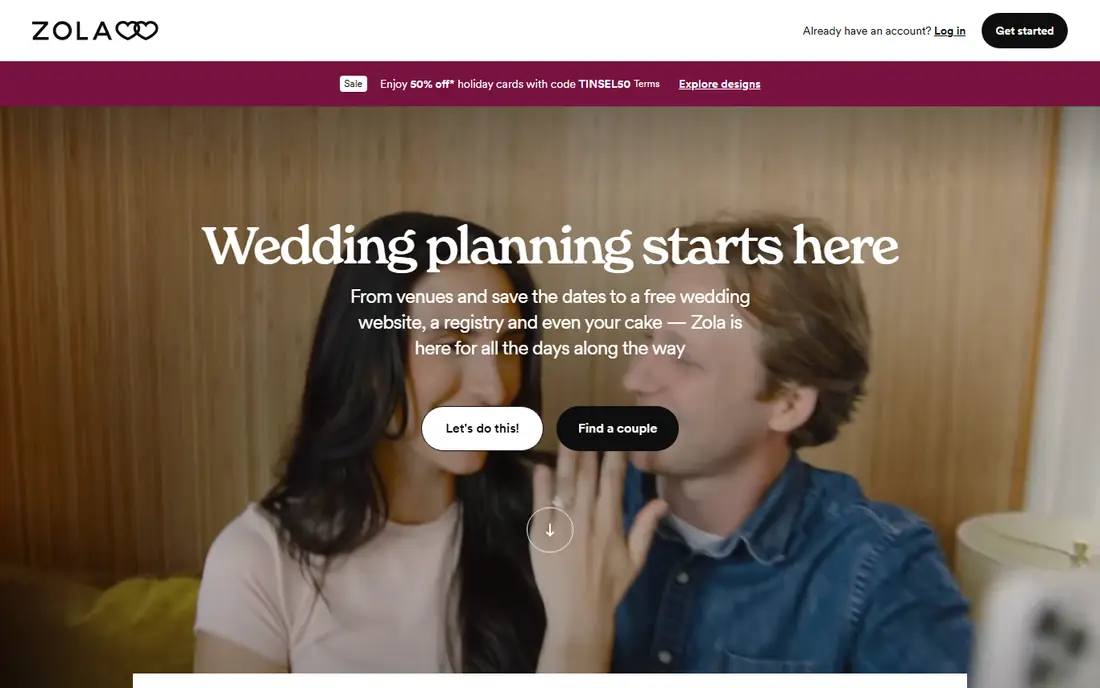
Zola is the easiest all-in-one starting point for most couples. The budget tracker links to a guest list, a wedding website, and a registry, so a payment entered for a venue or a photographer sits next to the guest count it affects. That consolidation matters during planning, because couples open one app instead of juggling a budget sheet, a guest sheet, and a registry site.
The catch is fees on cash gifts. Zola charges a fee on some cash fund types, listed at 2.5 percent in recent comparisons, with a Venmo route that can avoid the fee for guests who use Venmo. Check the fee for each fund type before publishing a registry, because a free app can still cost a couple money through gift fees.
- Budget tracker, guest list, website, and registry in one app
- Free to download with optional paid extras
- Clear payment tracking
- Cash fund fees apply on some gift types
- Vendor depth is thinner than The Knot
- Seating chart is a paid extra in recent listings
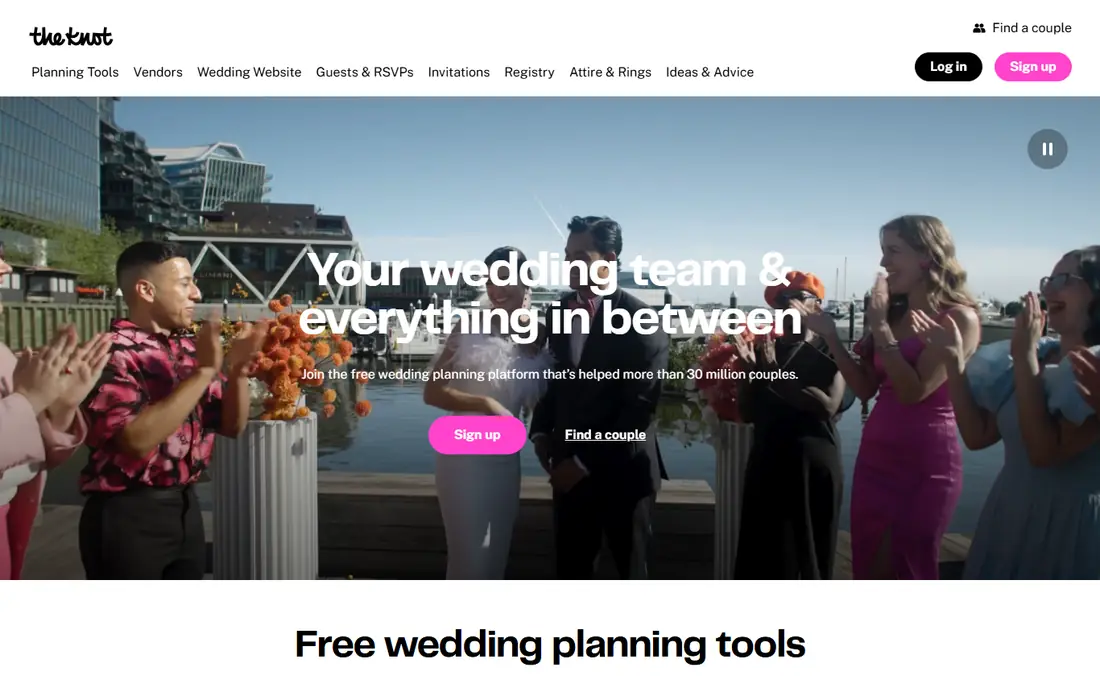
The Knot suits couples who have not yet booked vendors and want choice. Its directory covers venues, photographers, florists, caterers, and more, with filters for location, price, and style, and its checklists turn a long planning list into dated tasks. The budget tracker helps a couple set a total, split it by category, and track payments as vendors are booked.
The trade-off is noise. The Knot is a large marketplace, so vendor inquiries can bring follow-up messages, and the app can feel crowded compared with Zola or Joy. Cash fund fees also apply on some gift types, so read the registry terms before relying on cash funds for a large share of gifts.
- Large vendor directory with filters and reviews
- Structured checklists and timelines
- Budget tracker linked to vendor bookings
- Interface can feel busy at first
- Cash fund fees apply on some gift types
- Vendor contact details can lead to sales outreach

Joy leads with the wedding website, and that focus shows. Couples can build a clean site, collect RSVPs, manage guest groups, and share schedule and travel details without learning a large planning suite. For a smaller wedding, or a couple that mainly needs a site and a guest list, Joy keeps planning simple.
The limit is budget depth. Joy tracks spending, but couples with a complex budget, many vendors, and detailed payment schedules may find Zola or The Knot more complete. Check cash fund fees by payment method too, because recent comparisons list different fees for different payout routes.
- Clean wedding website and RSVP handling
- Simple guest management
- Free core planning tools
- Budget tools are less deep than Zola or The Knot
- Cash fund fees vary by method in recent comparisons
- Vendor directory is thinner
WeddingWire, part of the same group as The Knot, offers a similar planning stack with vendor listings, a checklist, and budget tracking. Couples who prefer its layout, or who find a vendor listed here first, can plan a full wedding without paying for the core tools. Reviews from past couples help shortlist vendors before a first call.
The honest note is overlap. Because WeddingWire and The Knot share a parent group, many vendors appear on both, so using both apps rarely adds new choices. Pick the interface you prefer, and use the other only if a specific vendor appears there first.
- Established vendor listings
- Planning checklist and budget tools
- Reviews from past couples
- Owned by the same group as The Knot, so listings overlap
- Interface feels dated next to Zola
- Some features duplicate The Knot
Honeyfund is not a full planning app, and that narrow focus is its strength for cash gifts. Couples create honeymoon funds, home funds, and experience funds, and guests contribute toward a specific goal rather than buying a boxed gift. Honeyfund describes fee-free payout options on its own site, which matters when cash gifts make up a large share of registry value.
The catch is scope. Honeyfund does not replace a budget tracker, guest list, or vendor directory, so couples still need Zola, The Knot, or a spreadsheet for the main plan. Use Honeyfund for the gift side, and keep the budget itself in a planning app.
- Honeymoon and cash funds built for gifts
- Fee-free payout options described on its own site
- Simple setup for couples who want cash gifts
- Focused on funds, not full wedding planning
- Guests can add an optional contribution at checkout
- Design is simpler than Zola or Joy
MyRegistry.com suits couples who want gifts from many stores without managing five separate registries. Items from different retailers sit on one list, guests see what is bought and what is left, and couples avoid duplicate gifts across stores. That single-list view helps a couple track gift value next to a budget, even though the app itself is not a budget tracker.
The limit is planning depth. MyRegistry.com does not offer the full checklist, vendor, and payment tracking found in Zola or The Knot, so pair it with a budget app or a spreadsheet. It is a registry tool first, and it works best in that role.
- One registry list across many stores
- Browser tool adds items from any retailer
- Guest view is simple to follow
- Budget tracking is not the main feature
- Some retailers need manual syncing
- Design is functional rather than polished
Minted suits couples who care most about how the wedding looks on paper and online. Its website templates are polished, and invitations, save-the-dates, and day-of stationery can match the site design. A free basic website covers RSVPs and details, which is enough for many smaller weddings.
The trade-off is planning depth. Minted does not match Zola or The Knot for budget tracking, vendor search, or payment schedules, so couples with a complex budget should pair Minted with a dedicated budget app. Use Minted for design, and keep the money tracking elsewhere.
- Attractive website templates
- Matching invitations and stationery
- Free basic wedding website
- Budget and planning tools are thinner than Zola or The Knot
- Paid invitations add cost
- Vendor tools are limited
Bridebook is a strong free planning option for UK couples, with budget tracking, a checklist, guest tools, and a vendor directory built for that market. US couples can still use its budget and checklist tools, and the interface is clean and easy to follow for a first-time planner.
The limit for US readers is vendor depth. The Knot and Zola cover US vendors far more completely, so a US couple should use Bridebook only for its budget and checklist tools, not as the main vendor search. UK couples, by contrast, may find Bridebook the most complete free option.
- Free planning tools with budget tracking
- Vendor directory for UK couples
- Checklist and guest tools in one place
- US vendor coverage is thinner than The Knot
- Some features are UK-focused
- Smaller US user base
How we picked these
We compared official app and site pages, recent 2026 wedding planning comparisons, and registry fee pages that listed fees as of August 2026. We favored apps that operate today, offer budget tracking or a closely linked planning tool, and state core pricing plainly. We did not claim hands-on testing, and we flagged cash fund fees separately, because a free app can still cost money through gift fees.
How to build a wedding budget that holds
A budget app helps only if the numbers in it are complete and honest.
Start with a total, then split by category
Set one total first, then split it into venue, catering, photography, attire, music, flowers, stationery, and a contingency line. A contingency of 5 to 10 percent covers small overruns without forcing a cut to a booked vendor.
Track payments due, not just totals
Record deposits, due dates, and final payments for each vendor, not just the headline price. A budget that shows totals but not due dates hides cash-flow problems, especially in the final month before the wedding.
Check gift fees before publishing a registry
Read the cash fund fee for each registry, because a 2.5 percent fee on $10,000 in gifts is $250. Choose a fee-free payout route where one exists, or keep cash funds to a smaller share of the registry.
Keep an export outside the app
Export the guest list and budget to a spreadsheet each month. If an app changes its terms, closes a feature, or loses data, the export keeps the plan intact and gives a backup for vendor and guest contacts.
Frequently asked questions
What is the best wedding budget app?
Zola is the best wedding budget app for most couples, because budget tracking, guest list, website, and registry sit in one free app. The Knot is a better pick for couples who have not yet booked vendors and want the largest directory.
Are wedding budget apps free?
The core budget tools on Zola, The Knot, Joy, WeddingWire, and Bridebook are free. Costs appear through optional extras, such as a paid seating chart, a custom domain, invitations, or cash fund fees on some gift types.
How much should a wedding budget include for contingency?
A contingency of 5 to 10 percent of the total budget covers small overruns, vendor extras, and last-minute guest changes. Keep the contingency as a separate line, rather than spreading it across categories where it can disappear.
Do cash funds charge a fee?
Some cash funds charge a fee, often around 2.5 percent, while other payout routes can be fee-free. Check the fee for each fund type and payment method before publishing a registry, because fees vary by platform and method.
Should I use a wedding app or a spreadsheet?
Use both for a large wedding. An app links guests, vendors, and payments in one place, while a spreadsheet gives a full export, custom formulas, and a backup. For a small wedding, one app plus a simple sheet is usually enough.
Sources
See where you really rank - block by block
ProMapRanker scans Google Maps across a grid of your service area. Simple monthly plans from $19, white-label on every plan.
Start freeKeep reading
 zoom alternatives
Best Zoom Alternatives in 2026
Compare Zoom alternatives in 2026, with free meeting limits and prices, so you can pick the best alternative to Zoom for your team, class, or community.
Read → which software is best for remote work
Which Software Is Best for Remote Work in 2026
Answering which software is best for remote work, we compare Slack, Zoom, Asana, Notion, Teams and more, with pricing and honest tradeoffs in 2026 now.
Read → which ai tool is best for content writing
Which AI Tool Is Best for Content Writing in 2026
Wondering which ai tool is best for content writing? We compare ChatGPT, Claude, Jasper, Grammarly, and more on price, quality, and best use in 2026 now.
Read →