 ProMapRanker
Best Website Heatmap Tools in 2026

Key takeaways
- Microsoft Clarity is the strongest free starting point, with free heatmaps and recordings at any traffic level and no paid tier.
- Hotjar, now part of Contentsquare, suits teams that want heatmaps plus surveys and feedback in one account.
- Crazy Egg, Mouseflow, and Lucky Orange suit small businesses that want simple maps, form analysis, or live visitor views.
- Privacy note: heatmaps and recordings can capture visitor behavior, so get consent where required, mask sensitive fields, and anonymise recordings before you share them.
Quick comparison
| Pick | Great for | Pricing starts at | Free tier | |
|---|---|---|---|---|
 Hotjar | Heatmaps plus surveys and feedback | $49 per month | Yes | Visit |
 Microsoft Clarity | Free heatmaps at any traffic | Free | Yes | Visit |
 Crazy Egg | Simple heatmaps and A/B tests | $29 per month | Free trial | Visit |
 FullStory | Enterprise session replay and analysis | See website | Yes | Visit |
 Smartlook | Product analytics with heatmaps | See website | Yes | Visit |
 Mouseflow | Form analytics with heatmaps | $25 per month | Yes | Visit |
 Lucky Orange | Live view, chat, and heatmaps | $32 per month | Free trial | Visit |
 Plerdy | Heatmaps plus SEO and CRO tools | $21 per month | Yes | Visit |
 Contentsquare | Enterprise digital experience analytics | See website | No | Visit |
The best website heatmap tools
A heatmap shows where visitors click, how far they scroll, and where their mouse moves, using color to highlight hot and cold areas of a page. Paired with session recordings, it helps you see why a page underperforms instead of guessing. We compared official product and pricing pages and recent coverage, and we did not claim hands-on testing we did not do. Privacy note: because recordings can show visitor behavior, use consent banners where required, mask passwords and payment fields, and anonymise data before sharing clips with a wider team.
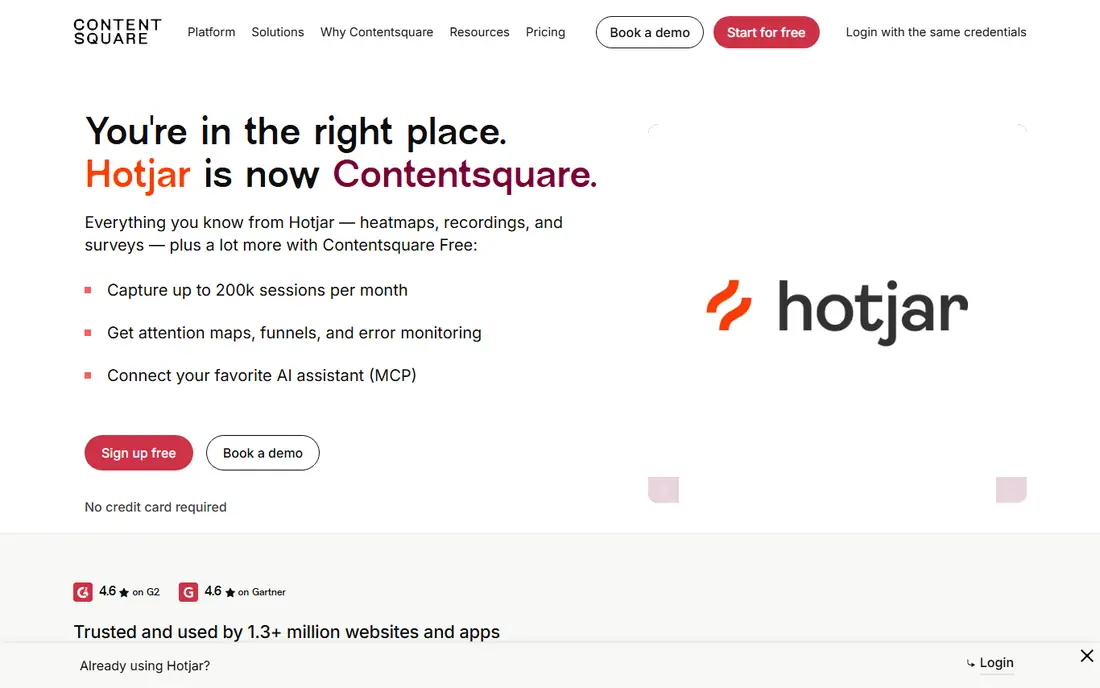
Hotjar, now part of Contentsquare, combines click, scroll, and move heatmaps with session recordings, funnels, surveys, and feedback widgets. That combination suits teams that want both behavior data and direct visitor answers in one account, rather than a map tool plus a separate survey tool. Recent 2026 coverage notes its free plan covers 200,000 sessions per month, a large increase over the older 35 sessions per day limit found in outdated guides.
Paid access starts at Growth for $49 per month billed yearly in that coverage, with higher tiers quote-based. Hotjar pricing pages now redirect to Contentsquare pricing, so check the live page before you buy, and confirm session limits, retention, and survey limits for your traffic level.
- Heatmaps, recordings, funnels, and surveys together
- Free plan now covers 200,000 sessions per month in 2026 coverage
- AI summaries on paid plans
- Pricing now sits under Contentsquare, which confuses older guides
- Paid plans are quote-based above Growth
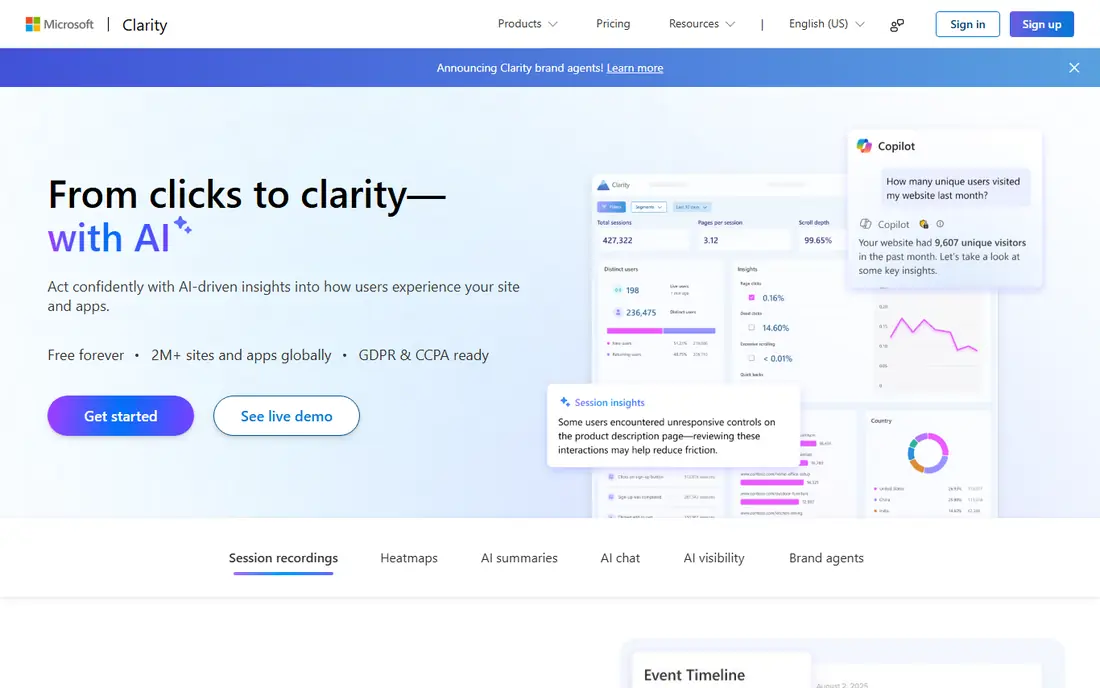
Microsoft Clarity is free, with no traffic limits and no paid tier, which makes it the easiest heatmap tool to start with. It offers click and scroll heatmaps, session recordings, and AI summaries, and it integrates with Google Analytics for traffic context. For a small business, a blog, or a high-traffic site that does not want another monthly bill, Clarity covers the core heatmap job at no cost.
Clarity is thinner than paid suites for surveys, A/B testing, and advanced funnels, so teams that need those features will pair it with another tool or upgrade to a paid suite. As a first heatmap tool, or as a free companion to a paid tool, it is hard to beat on value.
- Free forever with no traffic limits and no paid tier
- Click and scroll heatmaps plus unlimited recordings
- AI session summaries
- Fewer survey and testing features than paid suites
- Data stays within Microsoft ecosystem
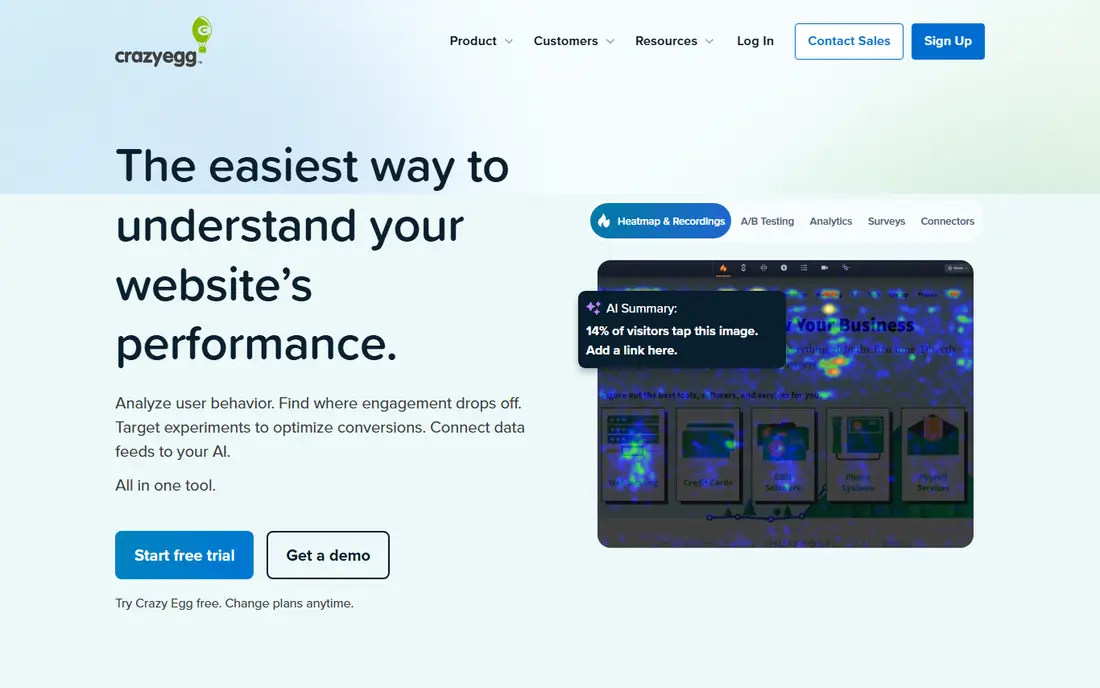
Crazy Egg is known for simple, readable heatmaps, including click maps, scroll maps, confetti maps that segment clicks by source, and overlay maps that show clicks on page elements. It also includes A/B testing, so a small team can test a new headline or button placement without a separate testing tool. Plans start at $29 per month in recent coverage, with a trial rather than a permanent free plan.
Crazy Egg recordings and advanced analysis are thinner than FullStory or Contentsquare, so large product teams may outgrow it. For a small business that wants clear maps and simple tests without learning a large analytics platform, Crazy Egg remains a practical pick.
- Click, scroll, confetti, and overlay maps
- Built-in A/B testing
- Easy setup for small sites
- No free plan, only a trial
- Session limits vary by plan
FullStory pairs heatmaps and click maps with deep session replay, including developer-grade console and network detail alongside the recording. That depth helps product and engineering teams find the exact error behind a failed checkout or a broken form, rather than just seeing where users clicked. Search, segmentation, and frustration signals help teams find the sessions that matter.
FullStory pricing is largely sales-led at enterprise volumes, with a limited free plan for smaller use, so small sites should check the current free limits before committing. It fits large product teams that need replay depth, while smaller teams may get what they need from Clarity or Hotjar at lower cost.
- Deep session replay with console and network detail
- Strong search and segmentation
- Enterprise controls
- Pricing is sales-led for larger use
- More than most small sites need
Smartlook combines heatmaps and session recordings with funnels, events, and product analytics for websites and mobile apps. That mix suits product teams that want to link a heatmap insight to a funnel drop or an event, without exporting data between tools. Its free plan covers small use, which makes it easy to test on a low-traffic site.
Pricing varies by session volume and plan, so high-traffic sites should get a quote at their real volume. Smartlook is less known than Hotjar for surveys, but for product analytics with heatmaps built in, it is a solid mid-size option.
- Heatmaps, recordings, funnels, and events for web and mobile
- Free plan for small use
- Pricing varies by session volume
- Some features need higher plans
Mouseflow offers click, scroll, move, attention, and geo heatmaps, plus form analytics that pinpoint which fields cause visitors to abandon a form. That form focus is its main advantage: if your checkout or signup form loses people, Mouseflow shows the exact field where they stop, not just the page where they leave. Its free plan covers 500 sessions per month in recent coverage, with paid plans from $25 per month.
The free session cap will not suit a busy site, and paid costs rise with volume, so check your monthly sessions before you pick a plan. For teams fixing forms and funnels, Mouseflow form analytics alone can justify the price.
- Six or more heatmap types
- Form analytics that show abandonment fields
- Free plan with 500 sessions per month
- Free plan session cap is low for busy sites
- Higher plans rise with volume
Lucky Orange combines heatmaps with live visitor viewing, session recordings, and live chat, so a small business can watch a visitor, see where they struggle, and chat with them in the same tool. That live view suits e-commerce stores that want to help a stuck shopper in the moment, not just analyze the session later. Paid plans start at $32 per month billed yearly in recent coverage.
Lucky Orange free access is trial-based in recent coverage, not a permanent free plan, and session limits vary by plan. For a store that values live help and simple maps, it is a good fit. For a team that only needs maps, Clarity is cheaper.
- Live visitor view and chat on every plan in recent coverage
- Real-time heatmaps
- Small business friendly
- No permanent free plan in recent coverage, only a trial
- Costs rise with sessions
Plerdy bundles heatmaps and video sessions with pop-up forms, conversion funnels, SEO audits, and A/B testing, which suits small teams that want CRO and SEO tools in one subscription. Its free plan offers the full feature set with limits, and paid plans start at $21 per month billed yearly in recent coverage, or $32 monthly for the Startup package. That breadth helps a team that would otherwise buy three separate tools.
Plerdy meters heatmaps, sessions, SEO pages, and pop-up impressions separately, so budgeting needs a closer look at each limit. If you use most of its bundle every month, it is good value. If you only need heatmaps, a simpler tool will be easier to manage.
- Heatmaps, recordings, pop-ups, and SEO audits in one plan
- Free plan with full feature set in its own pricing
- A/B testing included
- Separate limits for heatmaps, sessions, and SEO pages can confuse budgeting
- Interface is busier than Clarity
Contentsquare is an enterprise digital experience analytics platform, now including Hotjar products under its pricing, with zoning analysis that links page zones to revenue and conversion, plus AI summaries and deep integrations. Large teams use it to analyze whole customer journeys across web and app, with segmentation and error analysis that go beyond basic heatmaps. Its scale and depth suit high-traffic brands with dedicated analytics teams.
Contentsquare pricing is custom and sales-led, with no free plan, so it is not a quick purchase for a small site. Small teams should start with Clarity or Hotjar free, and consider Contentsquare only when traffic, journey complexity, and team size justify an enterprise platform.
- Deep experience analytics, zoning, and AI summaries
- Enterprise integrations
- Now includes Hotjar products
- Custom enterprise pricing
- More than most small sites need
How we picked these
We compared official product and pricing pages and recent 2026 coverage for heatmap tools, and we kept only tools that are live in October 2026 and offer real click, scroll, or move heatmaps, not just analytics charts. Where older guides quoted outdated Hotjar limits, we used the newer 2026 figures and noted the Contentsquare pricing change. Where pricing was custom or varied by sessions, we wrote See website rather than guessing.
What to check before you buy
Start with your traffic and your question. A low-traffic blog needs only Clarity, while a store fixing a checkout needs form analytics or recordings that show the exact failure. Count your monthly sessions first, because most paid plans price by sessions, and a plan that looks cheap at 10,000 sessions can cost far more at 200,000.
Next, handle privacy before you install anything. Add a consent banner where required by law, turn on masking for passwords, payment fields, and other sensitive inputs, and set data retention to the shortest period you actually need. Anonymise recordings before you share them in a team channel or a client report, and check each vendor privacy policy for where data is stored.
Finally, test one change at a time. A heatmap tells you where people click and where they stop scrolling, but it does not tell you why. Pair a map insight with a recording, a survey answer, or a simple A/B test before you redesign a page, or you may fix the wrong problem.
Frequently asked questions
What is the best heatmap tool for websites for a small business?
Microsoft Clarity is the best free starting point, because it offers heatmaps and recordings at no cost with no traffic cap. Lucky Orange and Crazy Egg suit small businesses that want live view, chat, or A/B testing as well. Start free, then pay only when you need surveys, funnels, or higher session limits.
What is the best website heatmap tool for e-commerce?
Lucky Orange suits stores that want live view and chat, Mouseflow suits stores fixing form abandonment, and Hotjar suits stores that want maps plus surveys. Clarity is a strong free companion for any store. Pick by your main problem: live help, form fixes, or visitor feedback.
Are heatmaps and session recordings private?
They can capture sensitive behavior if you do not configure them well, so privacy settings matter. Mask sensitive fields, get consent where required, limit retention, and anonymise recordings before sharing. Check each vendor privacy policy and your local privacy law before you record visitors, especially on pages with payments or health information.
Do heatmaps slow down a website?
A heatmap script adds some load, but most vendors design their scripts to load async and have a small effect on page speed. Test page speed before and after install, keep only one heatmap tool running at a time, and remove the script from pages where you no longer need it. A slow site hurts the same conversions you are trying to improve.
How many sessions do I need for a useful heatmap?
It depends on traffic and page variety. A high-traffic homepage can show a useful map in days, while a low-traffic page may need weeks to gather enough clicks. Start with your top pages, let data collect for at least a few hundred sessions per page where possible, and segment by device, because mobile and desktop maps often differ sharply.
Sources
See where you really rank - block by block
ProMapRanker scans Google Maps across a grid of your service area. Simple monthly plans from $19, white-label on every plan.
Start freeKeep reading
 wpforms alternatives
Best WPForms Alternatives in 2026
We compare 9 wpforms alternatives for WordPress forms, with free and paid options, current pricing notes, and honest limits for small business sites in 2026.
Read → windows task scheduler alternatives
Best Windows Task Scheduler Alternatives in 2026
Looking for Windows Task Scheduler alternatives? We compare 9 schedulers for Windows and cross-platform work, from free tools to enterprise automation.
Read → which ai video service is best
Which AI Video Service Is Best in 2026
which ai video service is best? We compare 10 legitimate AI video services on price, avatars, editing and output quality to help you pick the right tool.
Read →