 ProMapRanker
Best Website Design Software in 2026

Key takeaways
- Wix is the most complete all-round builder, while Squarespace remains the strongest pick for design-led portfolios and service sites.
- Webflow and Framer suit designers and marketing teams that want more control over layout, animation, and polish.
- WordPress.com and Shopify suit blogs and stores that need ownership or serious ecommerce features.
- Hostinger and GoDaddy suit budget and speed focused small businesses, with lower entry prices and simpler editors.
- A custom domain, ecommerce fees, and app costs can matter more than the headline plan price, so check those before you buy.
Quick comparison
| Pick | Great for | Pricing starts at | Free tier | |
|---|---|---|---|---|
 Wix | All round small business sites | $17 per month | Yes | Visit |
 Squarespace | Design-led portfolios and services | $19 per month | Free trial | Visit |
 Webflow | Designer-grade marketing sites | $15 per month | Yes | Visit |
 Framer | Polished marketing sites fast | $10 per month | Yes | Visit |
 WordPress.com | Blogs and owned content sites | $4 per month | Yes | Visit |
 Shopify | Online stores | $29 per month | Free trial | Visit |
 Hostinger | Budget sites with hosting | $2.99 per month | Free trial | Visit |
 Duda | Agencies building client sites | $19 per month | Free trial | Visit |
 GoDaddy Website Builder | Fast small business sites | See website | Yes | Visit |
The best website design software
We compared official pricing, templates, editors, ecommerce features, and SEO controls for website builders that help small businesses, creators, and agencies publish a site without hiring a developer for every change.
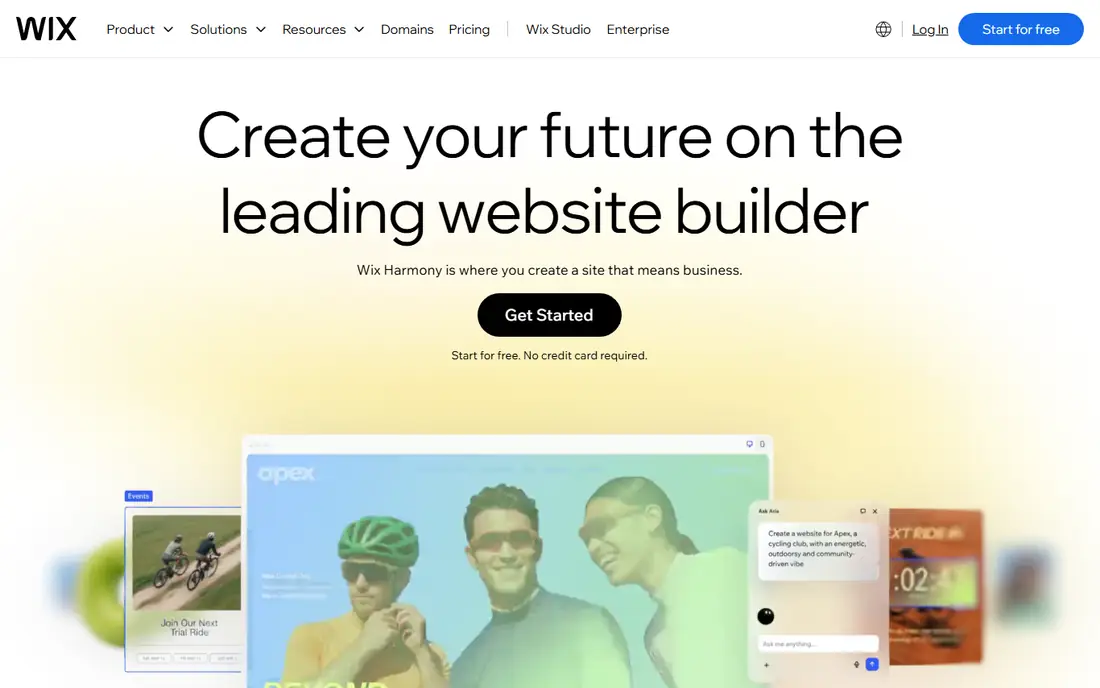
Wix is our pick for most small businesses that want one tool for a website, bookings, and a store. Its editor lets you move elements freely, its app market adds bookings, forms, stores, and marketing tools, and its AI builder can produce a reasonable first draft from a few answers. That breadth suits service businesses, restaurants, and local shops.
The trade-offs are portability and complexity. Moving a Wix site to another platform is not simple, and a very flexible editor can lead to cluttered pages if you add too many elements. Start with a clean template, keep pages focused, and check app costs before you add paid extras.
- Flexible drag-and-drop editor
- Large app market
- AI site builder and many templates
- Limited site portability
- Template cannot be changed after publishing in many cases
- Costs rise with apps
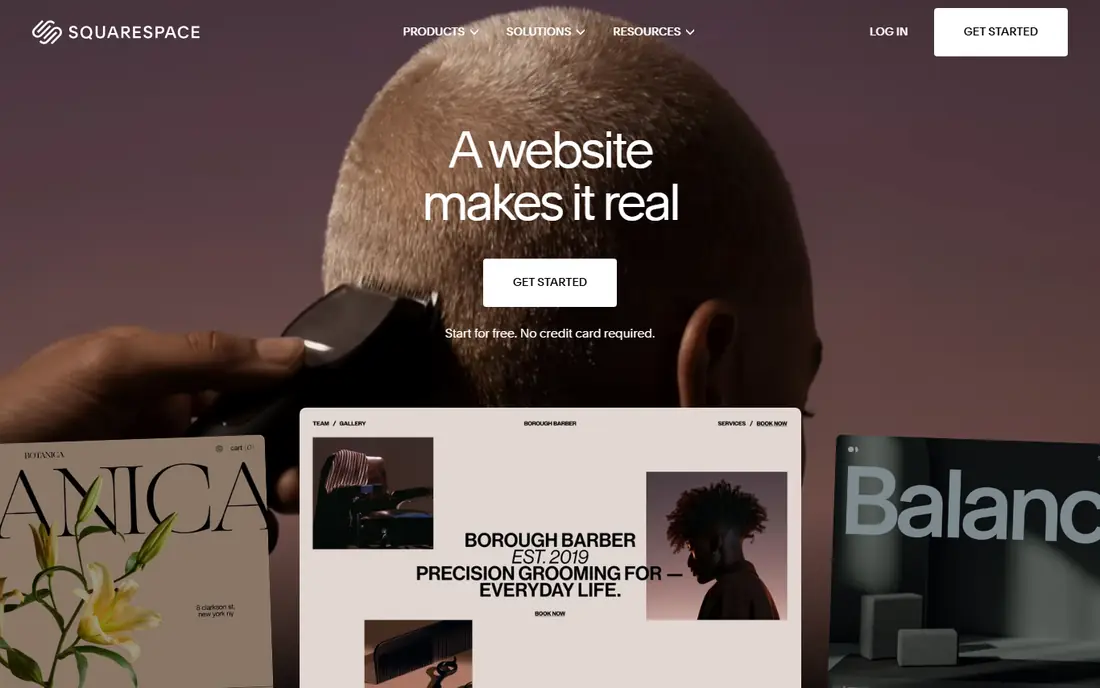
Squarespace remains the design-led choice. Its templates are polished and hard to make ugly, hosting and SSL are included in one price, and analytics, email campaigns, and store tools sit in the same account. Portfolios, photographers, consultants, and service businesses often get the best-looking result here with the least effort.
Squarespace has no free plan, only a 14-day trial, and paid plans start at $19 per month billed annually in recent comparisons. Lower store plans also add transaction fees, so check store costs if you sell online. If design quality matters more than deep technical control, Squarespace is hard to beat.
- Strong templates
- Hosting, SSL, and analytics included
- Good ecommerce and scheduling options
- No permanent free plan
- Less technical design control than Webflow
- Store fees on lower plans
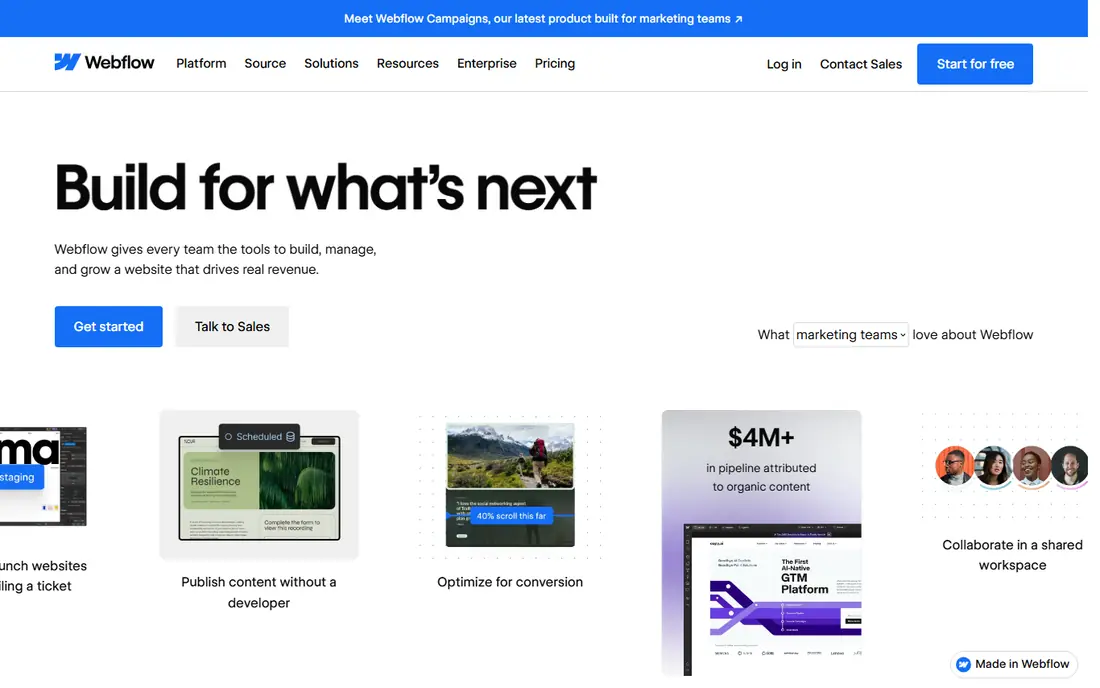
Webflow is the pick for designers and marketing teams that want real control without writing code for every page. You can control layout, spacing, interactions, and animations visually, and the output is cleaner than most drag-and-drop builders produce. Its CMS suits blogs, case studies, and marketing sites that update often.
That control requires learning how web layout works. Beginners can feel overwhelmed, and pricing splits between site plans and workspace plans, so check both before buying. Ecommerce also sits on higher plans. If you are willing to learn the system, Webflow rewards that effort with sites that look custom built.
- Near-total layout control
- Clean code output
- CMS and interactions for marketing teams
- Steep learning curve
- Site and workspace pricing can confuse new buyers
- Ecommerce is an add-on
Framer suits startups and marketing teams that need a polished landing page or marketing site quickly. Its templates look current, its editor feels design focused, and publishing is fast. AI tools can also help generate a first draft, which you can then refine visually.
Framer has no native online store, so sellers should pair it with a commerce tool or choose Shopify or Squarespace instead. Paid plans start around $10 per month billed annually in recent comparisons, with extra editors costing more. For marketing pages, Framer offers one of the best design-to-publish experiences here.
- Modern templates
- Fast publishing
- Good animation and marketing page design
- No native ecommerce store
- Extra editors cost more
- Less suited to large content sites
WordPress.com is the managed path to WordPress, the most widely used content system for blogs and publishers. The free plan lets you start with a subdomain and ads, and Personal, at $4 per month billed annually, adds a custom domain and more control. For writers and publishers who want to own their content, that path is hard to match.
Full plugin freedom and advanced customization sit on higher plans, and self-hosted WordPress.org adds maintenance work such as updates and backups. If you want a blog that can grow into a large content site, WordPress.com is a strong, low-cost starting point.
- Free plan with ads
- Strong blogging and SEO controls
- Large theme and plugin ecosystem on higher plans
- Plugin installs and full customization require higher plans
- Maintenance falls on you for self-hosted WordPress
Shopify is the clear pick when selling is the main job. Inventory, variants, shipping, discount codes, abandoned cart recovery, and point of sale work out of the box, and thousands of apps extend the store for specific needs. That ecommerce depth is why most serious online sellers start here.
Shopify is less flexible than Webflow or Framer for marketing pages, and transaction fees apply on Basic and higher plans unless you use Shopify Payments, where available. App costs can also add up quickly. If your site is mainly a store, those trade-offs are worth it, but a content-first site may fit Squarespace or WordPress better.
- Purpose-built ecommerce
- Inventory, shipping, and discount tools
- Large app ecosystem and POS
- Less flexible for content sites
- Transaction fees unless using Shopify Payments
- App costs add up
Hostinger offers the lowest entry price here, at $2.99 per month on a long introductory term in recent comparisons, with hosting included. Its AI builder helps first-time site owners get online quickly, and the editor is simple enough for a small business site, portfolio, or basic store.
Read the renewal terms carefully. The introductory rate requires a long prepayment, often 48 months, and renews at a higher rate, around $10.99 per month in published comparisons. Ecommerce features are also more basic than Shopify. For a budget site with hosting included, Hostinger is still a strong value if you accept the renewal price.
- Very low introductory price with hosting
- AI builder included
- Simple setup for beginners
- Introductory price requires long prepay and renews higher
- Ecommerce features are basic
Duda is built for agencies and freelancers who build sites for clients. White label options, client management, team roles, and reusable sections help a small agency deliver many sites efficiently. Templates suit service businesses, restaurants, and local companies that need a clean, fast site.
Solo owners who only need one site may find Duda more than they need, and paid plans start at $19 per month in recent comparisons, with higher plans for stores and larger teams. If you build sites for others, Duda is one of the most practical tools here for managing that work.
- Client management and white label options
- Good templates for service businesses
- Team workflows
- Less known to solo site owners
- Higher plans needed for full store and team features
GoDaddy Website Builder suits small business owners who want to get online fast inside the GoDaddy ecosystem. Domain registration, hosting, email, and the site builder can sit in one account, and the AI builder produces a first site quickly. For a simple business site with contact details, services, and hours, that speed matters.
Design control is more limited than Squarespace, Webflow, or Framer, and full ecommerce features require higher plans. If you already use GoDaddy for a domain and want the simplest path to a live site, this builder is a practical pick, but designers should look at Squarespace or Webflow instead.
- Very easy setup
- Domain and hosting in one ecosystem
- AI builder for quick starts
- Less design control than Squarespace or Webflow
- Ecommerce features start on higher plans
How we picked these
We compared official pricing pages, template quality, editor flexibility, ecommerce features, and SEO controls for website builders available in the United States. We favored tools with clear pricing, free plans or trials, and a track record with small businesses, creators, or agencies. We did not claim hands-on testing, and we used See website where pricing varied by source or required a quote.
What to check before you choose
Decide what the site must do first
A portfolio needs design quality. A blog needs content tools and SEO control. A store needs inventory, shipping, and payment features. A service site needs bookings, forms, and local search visibility. Pick the builder that excels at your main job, not the one with the longest feature list.
Check domain, store, and renewal costs
A free domain for year one, store transaction fees, and renewal prices after an introductory term can change the real cost sharply. Add those costs to the plan price for year two, and compare that total, not just the first-year headline price.
Test on mobile before you publish
Most visitors will see your site on a phone. Check every page on mobile, test forms and checkout, and confirm load speed and readability. A builder that looks great on desktop but breaks on mobile will cost you visitors.
Plan for growth and moving
Check whether you can export content, change templates later, and add a store or blog without rebuilding. Wix limits template changes after publishing, while WordPress offers more portability. Choose a platform you can live with for at least two years.
Frequently asked questions
What is the best website design tool for beginners?
Wix and Squarespace are the easiest starting points for beginners, with templates, guided setup, and hosting included. GoDaddy and Hostinger are also simple, with lower entry prices. Webflow and Framer offer more design control but require more learning.
What is the best web design software for small businesses?
Wix suits most small businesses because it covers sites, bookings, and stores in one tool. Squarespace suits design-led service businesses, Shopify suits stores, and WordPress.com suits content-heavy businesses. Match the builder to your main job first.
Is a free website builder enough?
A free plan can be enough for a test site, a portfolio with a subdomain, or a simple landing page. A custom domain, removal of builder branding, ecommerce, and advanced SEO usually require a paid plan. Treat a free plan as a way to test the editor before you commit.
Can I switch website builders later?
You can usually export text and images, but design, layout, and many features do not transfer cleanly between builders. Expect to rebuild pages when you switch, especially from a closed builder such as Wix or Squarespace to another platform. Choose carefully to avoid a rebuild in year two.
Do website builders help with SEO?
Most builders in this list include basic SEO settings for titles, descriptions, sitemaps, and redirects. WordPress and Webflow offer deeper SEO control, while simpler builders cover the basics. Good content, fast loading, and mobile design matter more than the builder name alone.
Should I use WordPress.com or self-hosted WordPress?
WordPress.com is easier, because hosting, updates, and security are managed for you. Self-hosted WordPress.org offers full plugin and theme freedom, but you manage hosting, updates, and backups yourself. Start with WordPress.com unless you need full control and are comfortable with maintenance.
Sources
See where you really rank - block by block
ProMapRanker scans Google Maps across a grid of your service area. Simple monthly plans from $19, white-label on every plan.
Start freeKeep reading
 best resource management software
Best Resource Management Software in 2026
We compared the best resource management software for scheduling, capacity and utilization, with current pricing and free trials, to help teams choose well.
Read → best reporting tools
Best Reporting Tools in 2026
Compare the best reporting tools for dashboards, scheduled reports, and business insights, from Power BI and Tableau to Looker Studio for every team size.
Read → best remote support software
Best Remote Support Software in 2026
Looking for the best remote support software? We compare 9 tools on price, security, session controls, and fit for helpdesks, MSPs, and small teams in 2026.
Read →