 ProMapRanker
Best Website Change Monitoring Software in 2026

Key takeaways
- Most tools charge by checks, pages or monitors, so count how many pages you will watch and how often before you compare prices.
- Visualping and Distill suit most small teams, while Hexowatch and Fluxguard suit firms that need many monitor types or site-wide crawls.
- A free plan is common, but free checks are usually hourly or daily, not every few minutes.
- False alerts are the main time cost, so ignore filters, keyword rules and diff views matter more than a long feature list.
Quick comparison
| Pick | Great for | Pricing starts at | Free tier | |
|---|---|---|---|---|
 Visualping | Simple visual page checks | $14 per month | Yes | Visit |
 Distill | Browser-based monitoring with macros | $15 per month | Yes | Visit |
 ChangeTower | Small business page monitoring | $12 per month | Yes | Visit |
 Wachete | Low-cost checks with document support | $5.40 per month | Yes | Visit |
 Hexowatch | Many monitor types in one tool | $29 per month | Free trial | Visit |
 PageCrawl | Watching many pages on a budget | $160 per year | Yes | Visit |
 changedetection.io | Self-hosted monitoring for developers | See website | Yes | Visit |
 Fluxguard | Site-wide and compliance crawls | See website | Yes | Visit |
 Monity | Plain-English monitoring rules | $10 per month | Yes | Visit |
The best website change monitoring software
We compared official pricing pages, feature pages and public reviews for website change monitoring tools that exist and work in October 2026.
Visualping is the easiest tool on this list to explain to a non-technical teammate. Pick a page, pick the area to watch, and get an alert with a visual diff when it changes. The free plan covers 5 pages and 150 checks per month at hourly intervals in recent listings, which is enough to test price, stock or content changes on a handful of pages.
The jump to Business is the catch. Teams that need Slack or Teams alerts and faster checks will pay more than the personal entry price suggests, so check the plan that includes your alert channel before you commit. For individuals and small marketing teams, Visualping remains the polished middle ground.
- Easy visual, text or element checks
- AI change summaries
- REST API on every plan in recent listings
- Business plans cost much more than personal plans
- Slack and Teams alerts sit on Business in recent listings
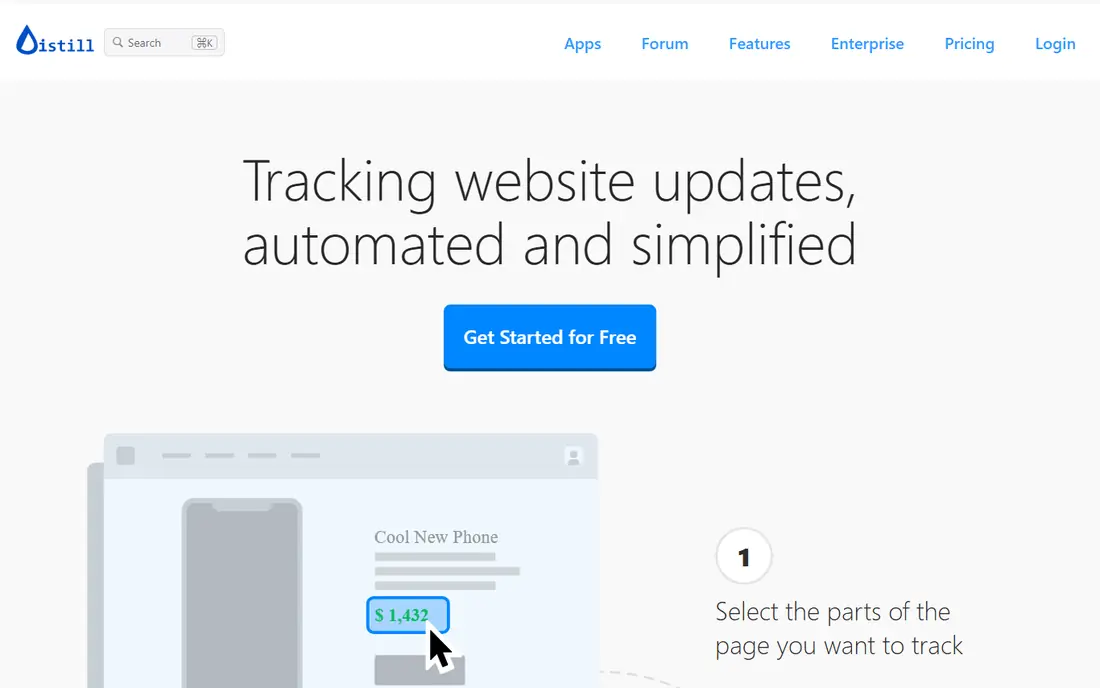
Distill suits power users who watch pages that need clicks, logins or form steps before the content appears. Browser extensions let you select exact parts of a page, and macros can replay steps to reach gated content. The free plan covers 25 monitors, with 5 in the cloud and cloud checks every 6 hours in recent listings, while Starter starts at $15 per month.
The manual setup is both a strength and a cost. You can watch precisely what you want, but you must learn selectors and macros to get there. If you only need simple visual checks, Visualping is faster to start. If you need login pages and dynamic content, Distill earns its place.
- Browser extensions for Chrome and Firefox
- Selectors and macros for pages behind logins
- Cloud and local checks
- Setup is more manual than Visualping
- Fastest checks sit on higher Flexi plans
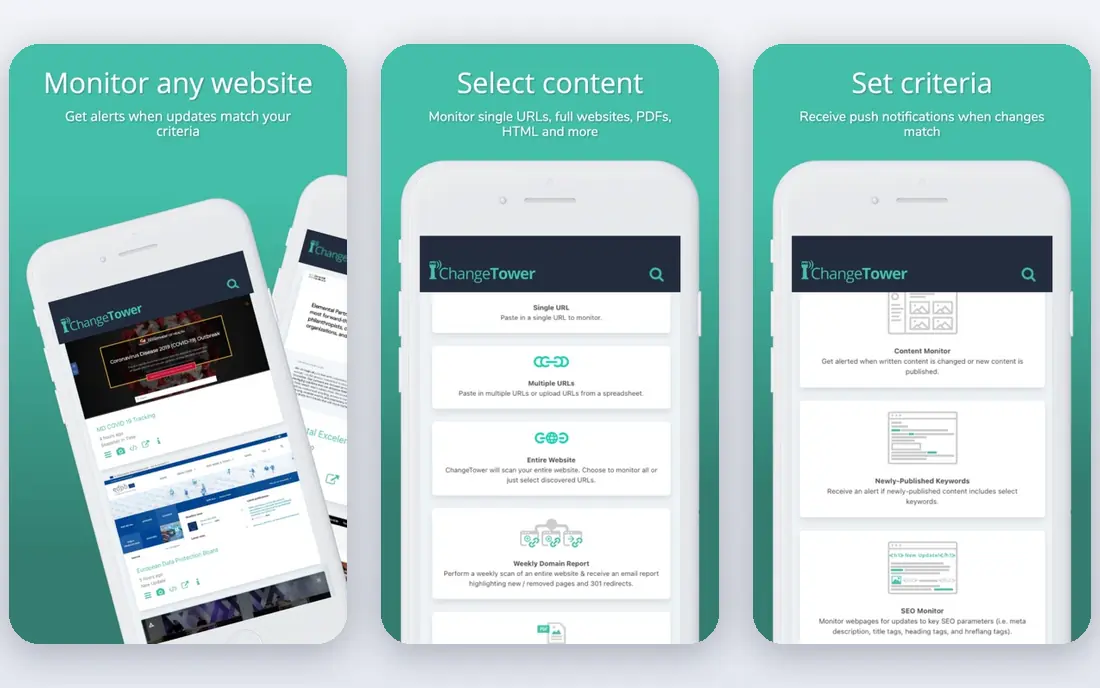
ChangeTower covers the core job well: watch a page, a section or an element, and get notified when it changes. The free plan covers 3 pages at daily intervals in recent listings, and Lite starts at $12 per month. Extra team members are included from Lite, which helps a small team share monitoring without a large bill.
ChangeTower is narrower than Hexowatch or Fluxguard. It does not offer the same breadth of technology, backlink or WHOIS monitoring, so firms that need those checks should look elsewhere. For a small business watching competitor pages, prices or its own site content, ChangeTower is a solid, low-friction pick.
- Visual, section and element monitoring
- AI monitoring on monitors in recent listings
- Simple setup
- Fewer monitor types than Hexowatch
- Hourly checks on mid-tier plans
Wachete is the budget pick that still handles real work. The free plan covers 5 static pages and 1 dynamic page at daily intervals, and Starter starts at $5.40 per month in recent listings. Document monitoring is a genuine plus: if you need to watch a PDF price list or a spreadsheet posted online, Wachete covers files that many rivals skip.
The limits are speed and depth. Fast checks every 5 minutes sit on Premium and Ultimate plans, and advanced monitor types are fewer than on Hexowatch. For a small firm watching a modest set of pages and documents, Wachete offers strong value for the price.
- Very low entry price
- Reads PDF, DOC, DOCX and XLSX files
- No limit on the number of checks in recent listings
- Daily checks on the free plan
- Fewer advanced detection types than Hexowatch
Hexowatch is the breadth pick. Beyond visual and content checks, it monitors technology stacks, availability, keywords, HTML, prices, backlinks and WHOIS records, which helps SEO, competitor and domain teams in one dashboard. Pro starts at $29 per month, or $290 billed per year in recent listings, with a 7-day trial on Pro.
The cost structure needs care. API and webhook access sit on Business plans, and proxy credits can add cost for blocked sites. If you only need visual checks, Wachete or PageCrawl cost far less. If you need many monitor types without stitching tools together, Hexowatch justifies its price.
- 13 monitor types including technology, backlink and WHOIS
- Side-by-side diff reports
- Wide alert channels
- No free plan, only a trial
- API and webhooks sit on higher Business plans
PageCrawl suits SEO teams and small firms that watch many pages but do not need exotic monitor types. The free plan covers 6 pages and 220 checks, and the paid plan was listed at $160 billed annually, shown as $13.33 per month, for up to 200 pages and 30,000 checks in recent listings. That page count per dollar is strong compared with rivals.
PageCrawl lacks the backlink, technology and WHOIS monitoring that Hexowatch offers, so competitor research teams may need a second tool. For plain content, price and visual checks across many URLs, PageCrawl is one of the best values here.
- Low annual cost for up to 200 pages on the paid plan in recent listings
- Free plan with 6 pages and 220 checks
- No backlink or tech stack monitoring
- Fastest check speed is not published plainly
changedetection.io is the developer pick. The open source version runs on your own server with no page limit beyond your hardware, and the hosted plan watches up to 5,000 URLs with over 85 notification types in recent listings. Trigger text, CSS and XPath rules plus ignore filters help cut false alerts on busy pages.
Self-hosting is not free in time. You handle updates, backups and uptime, so a non-technical team should use the hosted plan instead. For developers and budget teams that want control and a large watch list, changedetection.io is hard to beat.
- Open source and self-hostable
- Up to 5,000 URLs on the hosted plan in recent listings
- Many notification types
- Self-hosting needs server care
- Hosted pricing varies by currency
Fluxguard fits firms that need to prove what a whole site looked like on a given date, not just one page. It crawls sites, tracks changes across pages, and produces diff reports that legal, compliance and agency teams can use as evidence. The free plan covers 3 websites in recent listings, which is enough to test the crawl approach.
The price is the barrier. Paid plans were listed around $83 to $110 per month in different comparisons, and credit-based pricing means heavy crawls cost more. Small teams watching a few pages should start with Visualping or PageCrawl. Firms that need site-wide records will find Fluxguard worth the premium.
- Site-wide crawls and diff reports
- Visual, keyword and API monitoring
- Useful for legal and compliance records
- Paid entry is far higher than budget tools
- Credit-based pricing needs careful modelling
Monity takes a different approach to setup: describe what you want to watch in plain English, and the tool checks the setup with AI before it runs. The free plan covers 3 tasks and 100 checks per month every 3 hours, while Personal starts at $10 per month billed yearly in recent listings. Alert channels and mobile apps are included on every plan, which is generous compared with rivals that gate Slack alerts.
Monity is newer, so its community and public guides are smaller than those of Visualping or Distill. For a team that finds selectors and CSS rules off-putting, the plain-English setup may save more time than a larger community would. Test it on your trickiest page before you switch a large watch list.
- Plain-English conditions checked by AI
- Every alert channel and mobile apps on every plan in recent listings
- REST API on free plan
- Newer and smaller than Visualping or Distill
- Fastest checks sit on higher plans
How we picked these
We compared official pricing and feature pages and public reviews for website change monitoring tools that exist and work in October 2026. A tool made this list only if it watches live web pages and alerts on changes, with a usable free plan or trial. We noted check frequency and page limits, because those limits decide the real cost more than the headline price.
What to check before you buy
Count pages and checks before you compare prices. A tool that looks cheap at $5 per month can cost more than a $14 plan if its check limit forces an upgrade for your page count. Also check check speed: hourly checks miss short-lived price or stock changes, while checks every few minutes catch them but use more credits.
Tune alerts during the trial. Use ignore filters for dates, ads and dynamic blocks, and set keyword rules where you only care about one phrase. Watch a page you control, change it on purpose, and confirm the alert, diff view and delivery channel all work. A tool that alerts well on a test page will save hours of false-alert triage later.
Frequently asked questions
What is the best website change monitoring tool?
Visualping suits most small teams for visual checks, Distill suits pages behind logins, and Hexowatch suits teams that need many monitor types. PageCrawl and Wachete lead on low cost, while Fluxguard leads for site-wide crawls.
Is there a free website change monitoring tool?
Yes. Visualping, Distill, ChangeTower, Wachete, PageCrawl, changedetection.io, Fluxguard and Monity all offer free plans or, in the case of Fluxguard, a free tier for a small number of sites. Hexowatch offers a trial instead of a free plan.
How often should a page be checked?
It depends on what you watch. Price and stock pages may need checks every few minutes, while competitor content or legal pages may only need daily checks. Faster checks use more credits, so match frequency to how fast the page actually changes.
Do these tools work on JavaScript sites?
Most tools here handle JavaScript-rendered pages, but depth varies. Distill and Hexowatch offer browser actions and custom steps for dynamic pages, while simpler tools may miss content that loads only after interaction. Test your exact page during a trial.
Can I monitor a page behind a login?
Distill is the strongest pick here, with browser extensions and macros for login steps. Other tools may support login pages with custom browser actions on higher plans, so confirm this feature before you pay if gated content matters.
How do I cut false alerts?
Use ignore filters for ads, dates and rotating blocks, watch a section or element instead of the whole page, and set keyword or trigger rules where possible. A short tuning period at the start saves far more time than it costs.
Sources
See where you really rank - block by block
ProMapRanker scans Google Maps across a grid of your service area. Simple monthly plans from $19, white-label on every plan.
Start freeKeep reading
 wpforms alternatives
Best WPForms Alternatives in 2026
We compare 9 wpforms alternatives for WordPress forms, with free and paid options, current pricing notes, and honest limits for small business sites in 2026.
Read → windows task scheduler alternatives
Best Windows Task Scheduler Alternatives in 2026
Looking for Windows Task Scheduler alternatives? We compare 9 schedulers for Windows and cross-platform work, from free tools to enterprise automation.
Read → which ai video service is best
Which AI Video Service Is Best in 2026
which ai video service is best? We compare 10 legitimate AI video services on price, avatars, editing and output quality to help you pick the right tool.
Read →