 ProMapRanker
Best Webinar Software in 2026

Key takeaways
- Zoom Webinars and GoTo Webinar suit teams that already run regular, larger events and want dependable registration and reporting.
- Livestorm and Zoho Webinar give smaller teams a low cost way to start, with free plans for small audiences.
- Demio and WebinarJam focus more on marketing, automated replays and offers inside the room.
- Webex Webinars and ClickMeeting suit training and education, where attendance controls and paid sessions matter.
- Attendee limits, session length and CRM links matter more than headline price, so check those caps before you commit.
Quick comparison
| Pick | Great for | Pricing starts at | Free tier | |
|---|---|---|---|---|
 Zoom Webinars Zoom Webinars | Large, familiar live events | $66.67 per month | No | Visit |
 GoTo Webinar GoTo Webinar | Recurring webinar programs | $59 per month | No | Visit |
 Livestorm Livestorm | Browser-based marketing webinars | See website | Yes | Visit |
 Demio Demio | Simple live and automated webinars | See website | No | Visit |
 Webex Webinars Webex Webinars | Enterprise and training events | See website | No | Visit |
 WebinarJam WebinarJam | Sales and launch webinars | $39 per month | No | Visit |
 ClickMeeting ClickMeeting | Paid and education webinars | See website | Free trial | Visit |
 Zoho Webinar Zoho Webinar | Small, low cost events | Free | Yes | Visit |
The best webinar software
We compared the best webinar platforms on price, attendee limits, ease of joining, automation and reporting. The list below covers large enterprise rooms, simple small business tools and platforms built for education.
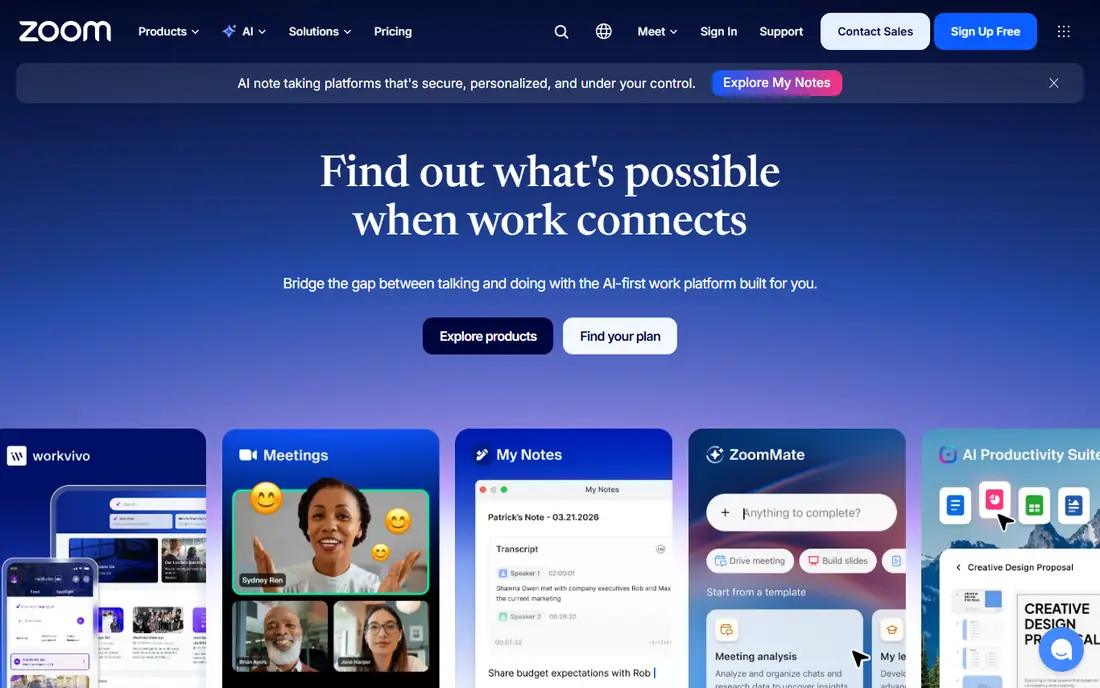
Zoom Webinars is the safe choice when your audience already knows Zoom and you do not want to teach them a new tool. Registration, reminders, polls, Q and A and post-event reports are all built in, and hosts can run panel discussions with several presenters. The platform also handles large audiences well, which matters for company announcements and public launches.
The main drawback is pricing structure. The webinar add-on sits on top of a Zoom Workplace licence, so the total monthly cost is higher than the add-on price alone. Small teams with occasional events may find a browser-based tool cheaper. For regular programs with hundreds of attendees, though, the familiarity and reliability are hard to beat.
- Familiar joining experience for most attendees
- Scales to very large audiences
- Strong reporting and integrations
- Requires a paid Zoom Workplace plan in addition to the webinar add-on
- Costs rise with audience size
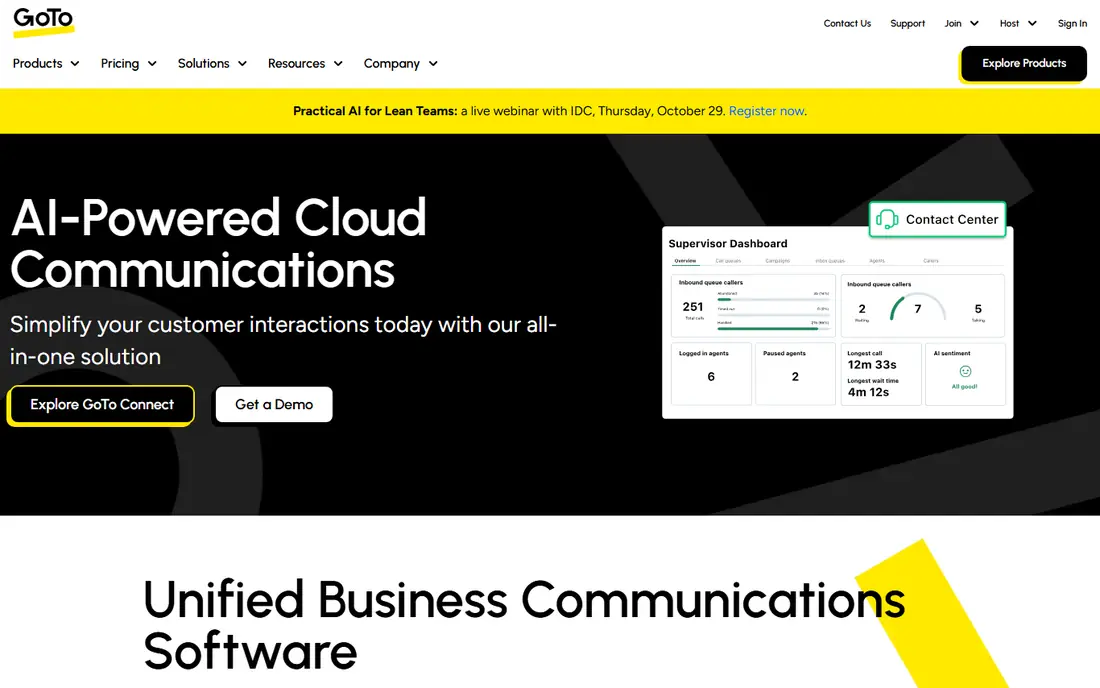
GoTo Webinar has served corporate training and marketing teams for years, and that history shows in its practical feature set. Hosts can schedule recurring series, send automated reminders, share handouts and track who attended, who stayed and who asked questions. It is a steady workhorse rather than a flashy new tool.
The entry plan covers 500 participants when billed annually, which suits mid-sized programs. Teams that want a modern, highly branded room may prefer Livestorm or Demio. Teams that want predictable pricing and proven delivery for weekly sessions will find GoTo Webinar a solid fit.
- Clear plans by participant count
- Automated emails and reminders
- Good analytics for repeat programs
- No free plan
- Interface feels dated next to newer rivals
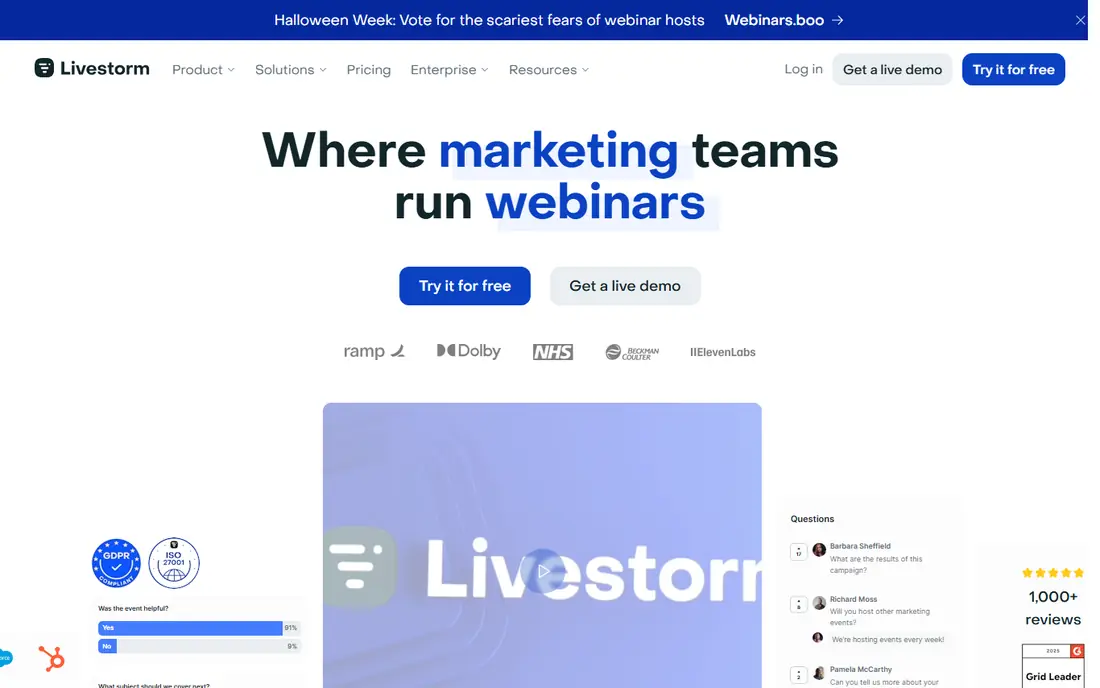
Livestorm stands out because attendees join straight from a browser, which tends to help show-up rates. Hosts can run live, on-demand and automated sessions, add polls and chat, and connect results to a CRM. The design is clean, and registration pages look polished without extra design work.
Pricing uses credits in some plans, so occasional hosts should work out the cost per event before signing up. The free plan covers very small events, which makes it a good way to test the room before paying. For marketing teams that run regular lead generation webinars, Livestorm is one of the best webinar platforms to shortlist.
- Attendees join from a browser with no download
- Free plan for small events
- Useful CRM and email integrations
- Paid pricing is based on credits and can be hard to compare
- Automated webinars are limited on lower plans
Demio keeps the host experience simple, which is a real strength when one person runs registration, presenting and follow-up. Live rooms, automated replays and hybrid sessions are all available, with polls, handouts and calls to action during the event. Attendees join from a browser, so there is less friction at start time.
The trade-off is scale and price. Small rooms are affordable, but costs rise as audience size grows, and there is no free tier to test with a live audience at no cost. If you run demos, training or marketing webinars on a regular schedule and value simplicity, Demio deserves a place on your shortlist.
- Very easy to set up and run
- Browser-based joining
- Good automated and on-demand options
- No free plan
- Higher tiers are needed for larger audiences
Webex Webinars suits organisations that already use Cisco tools or need tight admin control. Hosts get registration, breakout style interaction, polls and detailed reporting, plus the option to scale up to Webex Events for very large audiences. Security and compliance features are a clear reason many large teams choose it.
For a small business, Webex can feel like more tool than needed, and quote-based pricing makes comparison harder. If you work in education, healthcare or a regulated field, or if your IT team already manages Webex, the control and reliability make it worth the extra setup.
- Strong security and admin controls
- Large event options through Webex Events
- Good for regulated organisations
- Pricing is largely quote based
- Setup can feel heavy for small teams
WebinarJam is built for selling, not just presenting. Hosts can show offers, add buy buttons, run polls and use automated replays for evergreen funnels. The starting plan covers small rooms at a price that undercuts many rivals, which appeals to creators and small businesses running launches.
The room itself can feel crowded, with many controls on screen at once, and new hosts should allow time to practise before a live launch. If your main goal is a best platform to host a webinar that also sells, WebinarJam gives you conversion tools that plainer meeting tools lack.
- Low starting price for small rooms
- Built-in offers and buy buttons
- Live and automated options
- Interface is busy for new hosts
- Support and polish lag behind newer tools
ClickMeeting is a strong pick for trainers and educators who charge for access. Hosts can sell tickets, run automated and on-demand sessions, share whiteboards and files, and track attendance in detail. The platform also supports webinars in several languages, which helps teams with international learners.
Pricing depends on audience size, so a growing course can become more expensive than the headline rate suggests. A free trial lets you run a real session before paying. For education use, ClickMeeting is one of the best webinar platform options when paid access and structured teaching matter.
- Paid webinar and ticketing options
- Good for courses and training
- Browser-based rooms
- Pricing varies by audience size
- Some advanced features sit on higher plans
Zoho Webinar is the budget pick in this list, with a free plan for small, short events and low paid tiers for larger rooms. Hosts get registration, polls, Q and A and basic reporting, plus a natural link to Zoho CRM for teams already on that system. Setup is quick, and attendees join without much fuss.
It does not match Zoom or Webex for very large or highly produced events, and teams outside the Zoho system may find fewer direct integrations. If you need the best webinar tools for occasional internal updates, small classes or early marketing tests, Zoho Webinar keeps costs low without cutting core features.
- Free plan for small events
- Low paid starting price
- Works well with Zoho CRM
- Smaller audience features than enterprise tools
- Fewer native integrations outside Zoho
How we picked these
We compared official feature pages, pricing pages and app listings for each platform, and checked attendee limits, session types, joining method and trial or free options. We favoured platforms that publish clear pricing or a usable free plan, and kept quote-based enterprise tools only where they clearly lead for large or regulated events. We did not claim hands-on testing, and prices here reflect vendor pages and recent comparisons checked in October 2026, so confirm the current plan before you buy.
What to check before you choose a webinar platform
Start with audience size and frequency. A tool priced per attendee suits occasional events, while a flat monthly plan suits weekly programs. Check the cap on your plan, the maximum session length and whether automated replays cost extra, since those limits decide the real price.
Next, test the joining experience from an attendee view. Browser joining removes a download step, which helps attendance, while app-based joining may suit internal teams already on that system. Look at registration pages, reminder emails, polls, Q and A, handouts and CRM sync, and ask which of those you will actually use each week.
Live, automated or both
Live webinars suit launches, Q and A sessions and anything where real interaction is the point. Automated webinars suit repeating demos and training, since one recording can run on a schedule with polls and offers still active. Some teams need both, so check whether automated sessions are included on the plan you would buy, not just on the top tier.
Education and paid sessions
For education, look for attendance tracking, breakout interaction, whiteboards and the ability to charge for access. ClickMeeting and Webex handle these needs well, while Zoho Webinar covers smaller classes at low cost. If you sell courses, confirm payment handling, refund handling and whether recordings stay available after the live session ends.
Frequently asked questions
What is the best webinar software for small businesses?
Demio and Livestorm are strong small business picks, with browser joining and simple setup, while Zoho Webinar is the cheapest way to start. WebinarJam adds sales tools if your webinars need to sell. Choose based on how often you present and how large your audience is, not on feature lists alone.
What are the best webinar platforms for education?
ClickMeeting, Webex Webinars and Zoho Webinar all suit education, with attendance tracking, polls and structured sessions. ClickMeeting adds paid ticketing for courses, Webex adds admin control for larger institutions, and Zoho Webinar covers small classes at low cost. Test a real class on a trial before committing to a yearly plan.
What is the best platform to host a webinar with no downloads?
Livestorm, Demio, ClickMeeting and Zoho Webinar run in the browser, so attendees can join without installing software. Zoom Webinars works best with the Zoom app, though browser joining is available. Fewer steps at joining time usually means more attendees actually show up.
How much does webinar software cost?
Small rooms often cost from around 39 dollars to 59 dollars per month when billed annually, while enterprise tools are quote based. Livestorm uses credit pricing on some plans, and Zoho Webinar offers a free plan for small events. Always add the cost of any required base licence, such as a Zoom Workplace plan.
What is the difference between live and automated webinars?
A live webinar happens in real time with a live presenter and live interaction. An automated webinar replays a recording on a schedule while chat, polls and offers still run. Automated formats suit repeating demos and training, while live formats suit launches and detailed Q and A.
Can I run paid webinars?
Yes, ClickMeeting has built-in payment handling for ticketed events, WebinarJam supports buy buttons inside the room, and Webex Events supports ticketing for larger events. Check payment fees, refund handling and whether your platform takes a cut, since those costs sit on top of the monthly plan.
Sources
See where you really rank - block by block
ProMapRanker scans Google Maps across a grid of your service area. Simple monthly plans from $19, white-label on every plan.
Start freeKeep reading
 zoom alternatives
Best Zoom Alternatives in 2026
Compare Zoom alternatives in 2026, with free meeting limits and prices, so you can pick the best alternative to Zoom for your team, class, or community.
Read → which software is best for remote work
Which Software Is Best for Remote Work in 2026
Answering which software is best for remote work, we compare Slack, Zoom, Asana, Notion, Teams and more, with pricing and honest tradeoffs in 2026 now.
Read → which ai tool is best for content writing
Which AI Tool Is Best for Content Writing in 2026
Wondering which ai tool is best for content writing? We compare ChatGPT, Claude, Jasper, Grammarly, and more on price, quality, and best use in 2026 now.
Read →