 ProMapRanker
7 Best Web Content Management Software for 2026

Teams that want headless on their own infrastructure · Pricing starts at: $35/project/month (Strapi Cloud Starter)
Direct answer
Strapi is the first pick on this list for teams that want headless on their own infrastructure. Listed starting prices: Strapi from $35/project/month (Strapi Cloud Starter), Webflow from $15/month (Basic site plan, billed yearly) and Storyblok from $99/month (Growth plan). Drupal is better for complicated sites with strict access control, and Webflow is better for design-driven marketing websites. Details, prices and limits for the rest of the 7 tools are below.
Choosing web content management software usually comes down to price, fit and limits. This ProMapRanker guide sets 7 tools side by side on those three points, with the facts kept short and checkable.
Key takeaways
- Strapi takes the first slot, best suited to teams that want headless on their own infrastructure.
- Free plans are common here: 6 of 7 tools have one, including Strapi, Drupal, Webflow and Storyblok.
- The cheapest monthly starting price in the list is $15/month, offered by Webflow.
- Before buying Strapi, weigh this: you own hosting, scaling and security when self-hosting.
Quick comparison
| Pick | Great for | Pricing starts at | Free tier | |
|---|---|---|---|---|
| Strapi | Teams that want headless on their own infrastructure | $35/project/month (Strapi Cloud Starter) | Yes | Visit |
 Drupal | Complicated sites with strict access control | Free (self-hosted, you pay for hosting) | Yes | Visit |
 Webflow | Design-driven marketing websites | $15/month (Basic site plan, billed yearly) | Yes | Visit |
 Storyblok | Marketing teams that want visual editing without a monolith | $99/month (Growth plan) | Yes | Visit |
 WordPress | Classic websites of any size | Free (self-hosted, you pay for hosting) | Yes | Visit |
 Contentful | Enterprise teams publishing to numerous channels | $300/month (Lite plan) | Yes | Visit |
 Kontent.ai | Regulated industries and multi-brand publishers | See website | Free trial | Visit |
Tool-by-tool breakdown
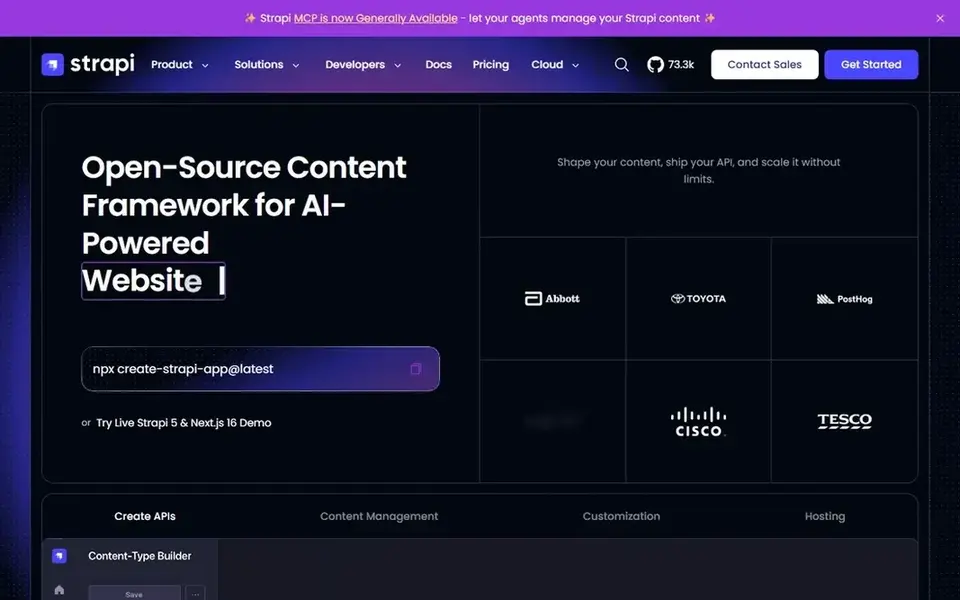
Strapi is a good fit for teams that want headless on their own infrastructure. Backups, scaling and security patches are your job.
In practice, choose Strapi when control over data and hosting matters more than a completely managed service. Strapi cost at the entry level: $35/project/month. Free access exists with Strapi.
Trade-offs to know: You own hosting.
- No per-seat fees on the community edition
- Large plugin ecosystem
- Cloud pricing climbs quick for high-traffic projects
Pick Drupal if this describes you: complicated sites with strict access control. Universities, governments and large nonprofits run on it for exactly these reasons. Its access control system is more serious than anything WordPress gives you without plugins.
That power includes a ramp-up time. Drupal is what agencies reach for when the site has real structural complexity: granular roles, approval workflows, several languages, or content shared across plenty of subsites. For everyday use, Drupal suits organizations that have (or will hire) technical help and care more about governance than about launching this weekend. What you pay to start with Drupal: Free. A free plan is available with Drupal.
Trade-offs to know: Smaller talent pool and steeper ramp-up time than WordPress.
- Good security record for regulated industries
- Takes care of multilingual and multi-site setups well
- Fewer off-the-shelf themes
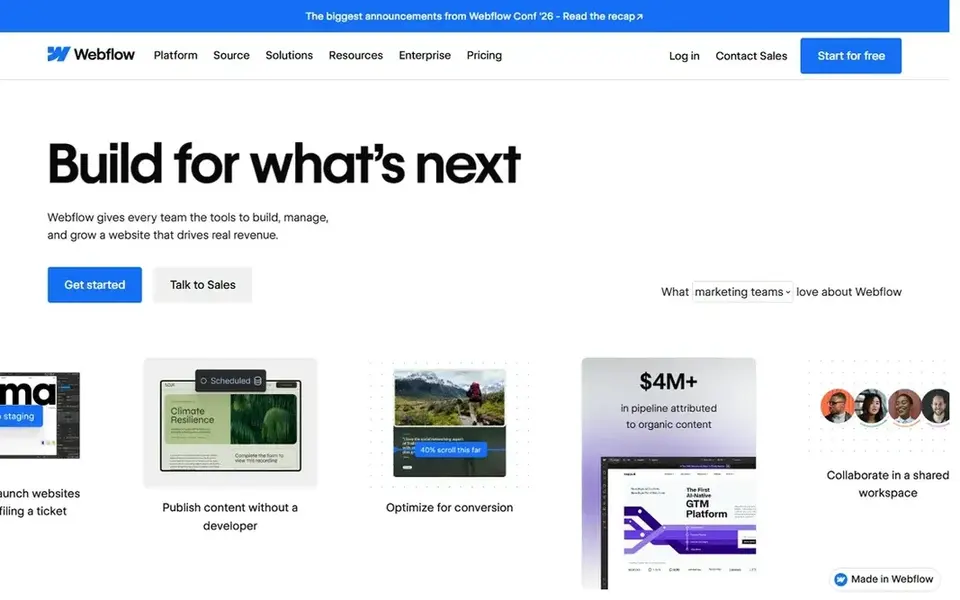
Webflow was built for design-driven marketing websites. Webflow is the closest thing to handing designers the keys to production. Watch the billing model.
Drawbacks to consider: Ecommerce and membership features trail dedicated systems.
What Webflow does well: Pixel-level design control without code. Plans are per site, and a portfolio of microsites gets costly rapidly. For one flagship marketing site, though, Webflow is hard to beat. What you pay to start with Webflow: $15/month. A free plan is available with Webflow.
- CMS collections deal with blogs and directories well
- SSL and CDN included
- Per-site pricing layers on up across plenty of properties
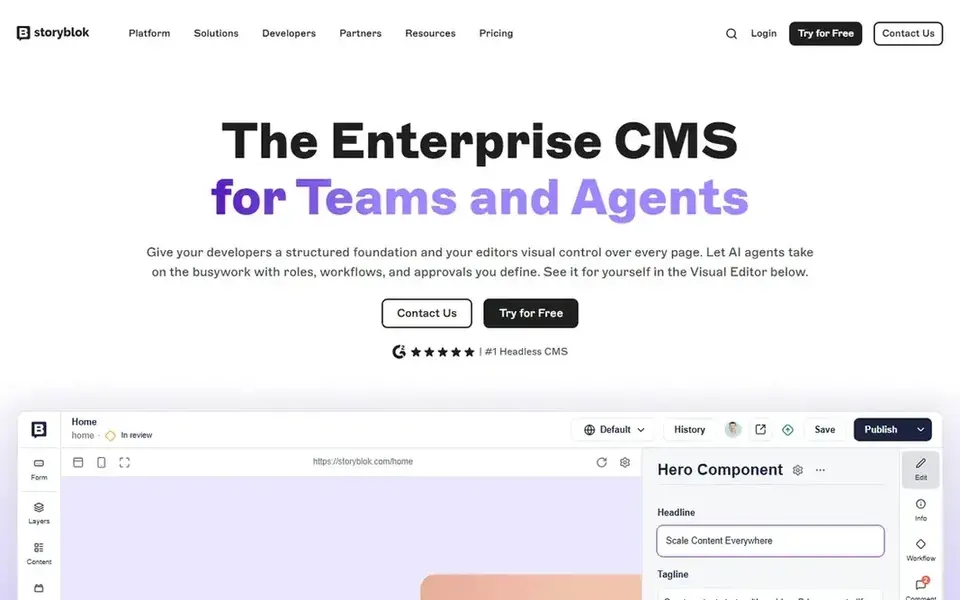
Storyblok is a good fit for marketing teams that want visual editing without a monolith. The free Starter plan handles testing and tiny projects, but real production use opens at $99 per month. That is fair for a business site and steep for a hobby blog.
Beyond that, for ecommerce teams pairing content with Shopify, it is one of the most natural suits. Beyond that, Storyblok answers the most typical complaint about headless CMS systems: marketers cannot see what they are building. Its visual editor lets editors click into a live preview and edit components in place, whereas developers still get clean APIs underneath. The starting price for Storyblok: $99/month. Storyblok has a free plan.
Points against: Advanced features like SSO sit on custom levels.
- Component-based content marketers grasp rapidly
- True visual editor on a headless backend
- Growth plan at $99/month is steep for small sites
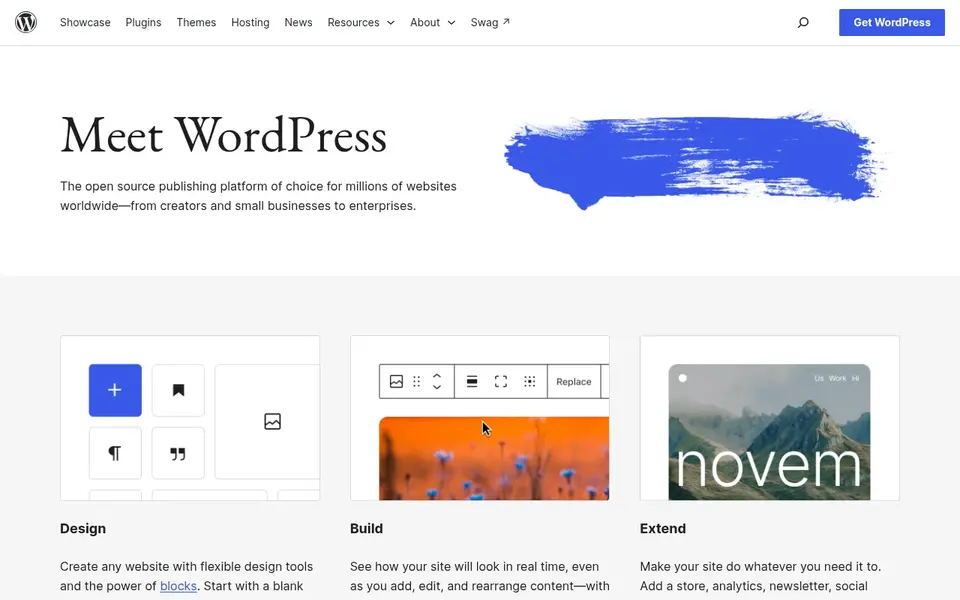
WordPress is designed for classic websites of any size. The main limit is the part nobody puts on the brochure: maintenance.
Honest limits: Performance depends heavily on hosting and theme quality.
For everyday use, core, theme and plugin updates arrive constantly, and skipping them invites security trouble. Beyond that, budget for decent managed hosting and someone who keeps the stack patched, or the "free" CMS starts costing you in other ways. WordPress starts at: Free. WordPress includes a free tier.
- Enormous plugin and theme library
- Powers a large share of the web so documentation is endless
- Plugin sprawl builds security and update headaches
Contentful is built with enterprise teams publishing to numerous channels in mind. The free plan is genuinely handy for evaluation and small projects, with 100K API calls per month.
The pricing curve is the thing to watch. Price to start with Contentful: $300/month. Contentful has a free plan.
Points against: Editor experience lags behind visual-first rivals.
- Solid roles and governance on premium plans
- Mature API-first system with capable uptime record
- Lite plan jumps to $300/month rapidly
Kontent.ai makes the most sense for regulated industries and multi-brand publishers. Granular roles, audit trails, SOC 2 and HIPAA compliance, and multi-brand content operations are the selling points. The tradeoff is accessibility.
Without public pricing, every evaluation starts with a sales conversation, and the system is plainly designed for teams, not solo marketers. If compliance and multi-market publishing drive your requirements, it belongs on the shortlist. This comparison lists no price for Kontent.ai; ask the vendor. Free options: Free trial.
What Kontent.ai does well: audit trails and compliance certifications. Drawbacks to consider: Overkill for single-site marketing teams.
- Solid governance
- AI-assisted content operations
- Pricing is not public, which slows evaluation
A buyer's checklist
- Confirm the entry price on the vendor page. For Kontent.ai that means a quote rather than a fixed price.
- Read the fine print on the free plans from Strapi, Drupal, Webflow and others; seat, project and feature caps differ.
- Run a trial of Kontent.ai with real work before paying for a year; your own workflow is the best test.
- Before choosing Strapi, weigh its main limit: you own hosting, scaling and security when self-hosting.
- Price Drupal for your actual team size; headline prices rarely include add-ons or overage.
- Before you load data into Strapi, check what an export looks like and who can run it.
Frequently asked questions
Do I need developers for a headless CMS?
Editors can run content day to day without code, but someone technical must build the content model and the website or app that consumes the API. Teams without developers should prefer WordPress, Webflow or HubSpot.
Can I migrate content between CMS products?
Normally yes, but the effort varies wildly. Page-builder layouts in visual tools frequently need rebuilding by hand. Before signing, test the export on a sample of your real content, not the vendor's demo data.
Do these tools publish their prices?
Not all of them. Kontent.ai publishes no starting price, so expect a quote request for it. The rest, Strapi included, show a starting price, though seats and billing terms still change the final cost.
Can I try these options before paying?
Often, yes. Strapi, Drupal, Webflow and others have a free plan and Kontent.ai offers a free trial. Use your own data and a real task during the test, and check what the free tier or trial limits before you rely on it.
What is the cheapest option for web content management software in this list?
On published monthly entry prices, Webflow is the lowest here at $15/month. Entry price is only part of the cost, because seats, add-ons and billing terms can change the total.
Which options for web content management software have a free plan?
On this list, 6 of 7 tools include a free plan, among them Strapi, Drupal, Webflow and Storyblok. Caps on seats, usage or features are common, so test the free plan against your real workload. One other tool offers a trial instead.
Sources
See where you really rank - block by block
ProMapRanker scans Google Maps across a grid of your service area. Simple monthly plans from $19, white-label on every plan.
Start freeBrowse all guides
← Best Ghost Hosting for Agencies v2: 2026 Prices and PicksBest White Label Website Builders: 2026 Prices and Picks →
 alternatives to popular webflow agency providers
Best Popular Webflow Agency Providers Alternatives in 2026
6 alternatives to popular webflow agency providers, with entry costs, free tiers and the buyer each one serves. Each tool gets a one-line verdict. No hype.
Read → best website builder for franchises
5 Best Website Builder for Franchises in 2026
5 best website builder for franchises, compared on pricing, free plans and best-fit use. Every profile names its biggest catch. Current for November 2026.
Read → best wireframing tools
Best Wireframing Tools in 2026
Looking for the best wireframing tools? We compare 8 wireframe tools for websites and apps, their pricing, collaboration, and prototyping features today.
Read → best website platform for small business
Best Website Platforms for Small Business in 2026
Compare the best website platform for small business, from Wix and Squarespace to Shopify and WordPress. See pricing, ease of use, and key limits for owners.
Read → alternatives to github actions
Alternatives to GitHub Actions in 2026
We compared the top alternatives to github actions for teams that need faster builds, self-hosting or stronger governance, including free github alternatives.
Read → best secret management tools enterprise devsecops
Best Secret Management Tools for Enterprise DevSecOps in 2026
The best secret management tools for enterprise DevSecOps in 2026, compared on pricing, free tiers, rotation, dynamic secrets and self-hosting, from Vault to Infisical.
Read →More in Websites & Hosting · All guides A to Z by date · Latest guides