 ProMapRanker
Best Wireframing Tools in 2026

Key takeaways
- Figma is the best all-round pick, since a wireframe can grow into a full design and prototype in the same file.
- Balsamiq is best for rough, low-fidelity wireframes that keep feedback on structure rather than visual polish.
- Axure RP and Justinmind suit complex apps that need real logic, conditions, and interactive prototypes.
- Whimsical, Miro, and Mockplus suit fast, collaborative sketching, especially when non-designers join the session.
Quick comparison
| Pick | Great for | Pricing starts at | Free tier | |
|---|---|---|---|---|
 Figma | Wireframes to full design | Free | Yes | Visit |
 Balsamiq | Low-fidelity sketch wireframes | See website | Free trial | Visit |
 Axure RP | Complex interactive prototypes | $29 per user per month | Free trial | Visit |
 Whimsical | Fast wireframes and flows | See website | Yes | Visit |
 Miro | Workshop wireframing | $8 per user per month | Yes | Visit |
 Mockplus | Wireframes plus handoff | See website | Yes | Visit |
 Uizard | AI-assisted wireframes | $12 per user per month | Yes | Visit |
 Justinmind | Interactive app prototypes | $19 per user per month | Yes | Visit |
The best wireframing tools
A wireframe should answer layout questions early, before visual design locks in choices. The tools below cover that job in different ways, from rough sketches to clickable prototypes with logic, so pick by fidelity and by who needs to give feedback.
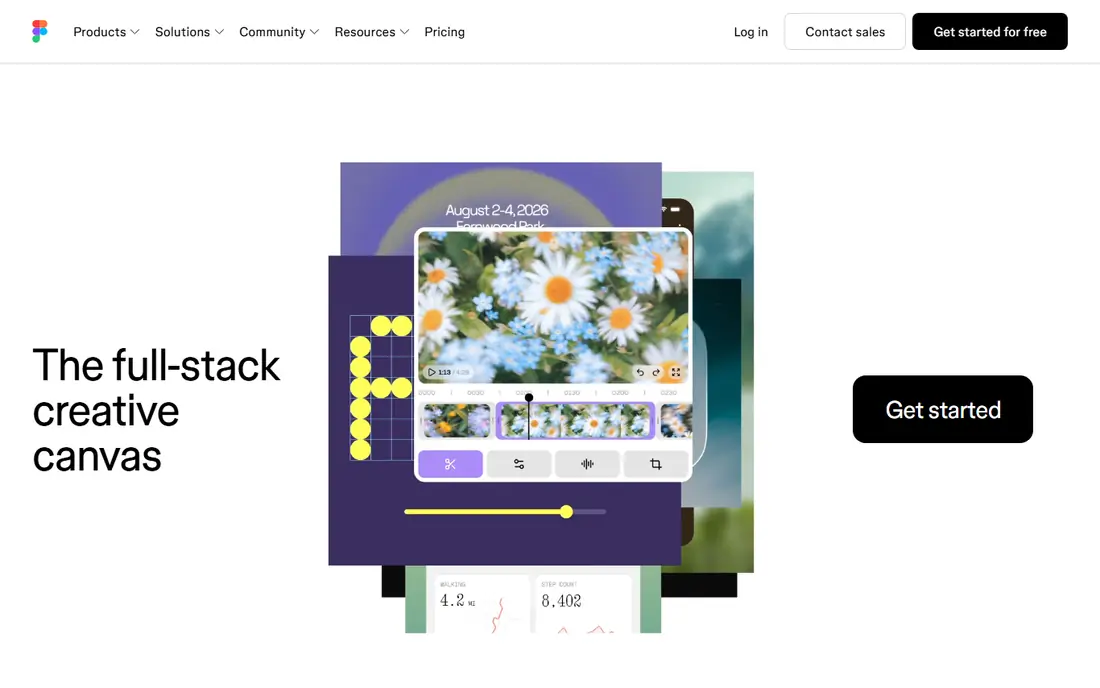
Figma is the default for many product teams because a wireframe does not need to be thrown away. You start with boxes and labels, then refine the same file into high-fidelity screens and a clickable prototype, with developers able to inspect specs in the same place. Real-time collaboration means a reviewer can comment while you work.
That breadth can slow a pure wireframing session. If you only need ten rough screens for a stakeholder meeting, Figma still works, but a simpler tool may get you there faster. Figma is best when the wireframe is the start of a real design file, not a throwaway sketch.
- Wireframe, design, and prototype in one file
- Real-time collaboration
- Large component library base
- More tool than pure wireframing needs
- Free plan limits file count for teams
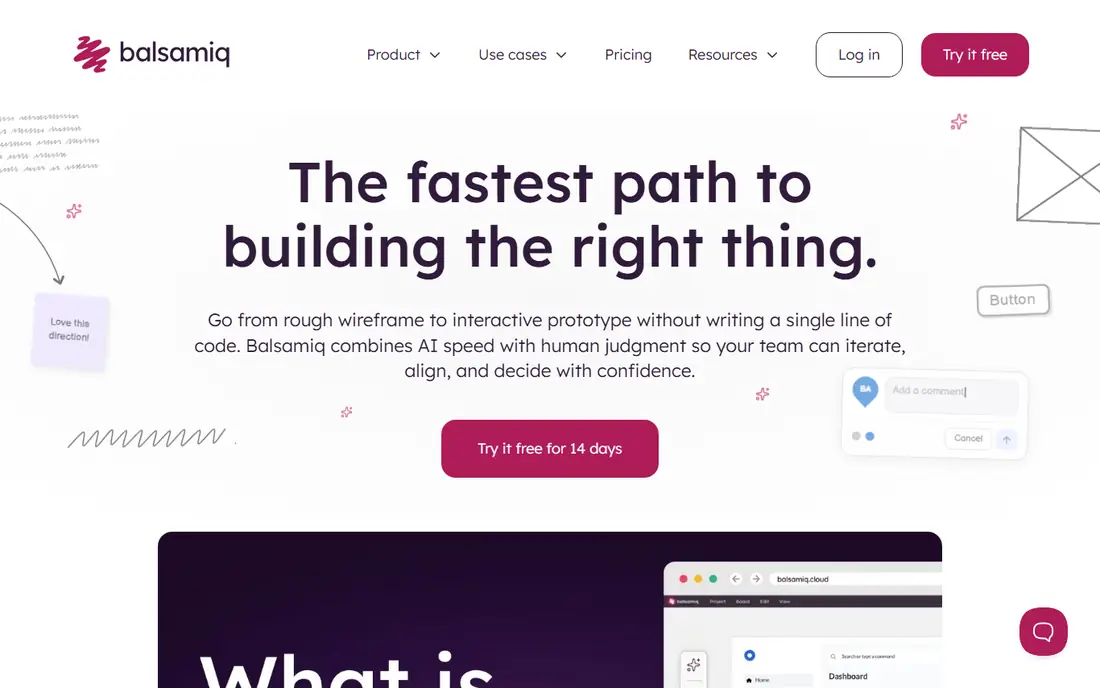
Balsamiq deliberately looks hand-drawn, and that is its strength. Stakeholders comment on layout, hierarchy, and flow, instead of arguing about colors and fonts that are not final. A screen comes together in minutes from a library of common controls, which makes it ideal for early workshops.
The limit is the ceiling. Balsamiq wireframes do not become polished designs, so you will rebuild screens in another tool later. Use Balsamiq when early feedback matters most, and accept the rebuild as the price of clearer early decisions.
- Sketch style keeps feedback on structure
- Very fast to build screens
- Simple drag-and-drop library
- Cannot progress to high-fidelity design
- Limited prototyping
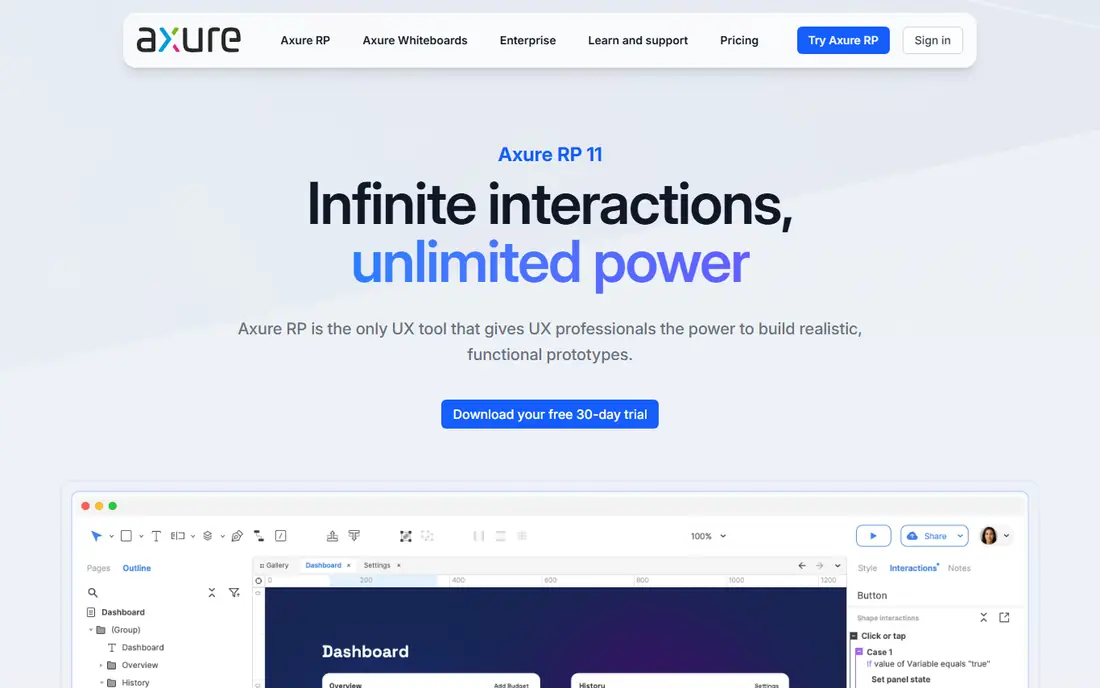
Axure RP suits apps where interaction is the hard part. You can build prototypes with conditions, variables, and data-driven repeats, so a reviewer can test real flows such as filtered lists, multi-step forms, and error states. That depth helps enterprise teams validate logic before development starts.
It takes longer to learn than Figma or Balsamiq, and the price reflects its enterprise focus. Axure is best when a clickable picture is not enough, and the team needs to test how the app should behave under different inputs.
- Conditional logic and variables
- Detailed interactive prototypes
- Strong for enterprise apps
- Steep learning curve
- Higher price than sketch tools
Whimsical is the speed pick. You can sketch a wireframe, a user flow, and a sticky-note board in one workspace, without setting up a design system first. That makes it strong for founders, product managers, and small teams who need to share an idea today.
Design depth is thinner than Figma, and polished visual design will still need another tool. Whimsical is best for the early stage, when clarity and speed matter more than pixel-perfect screens.
- Very fast to start
- Wireframes beside flowcharts and mind maps
- Clean, readable output
- Less design depth than Figma
- Advanced features need a paid plan
Miro suits the messy stage where wireframes live beside research, flows, and sticky notes. A team can run a workshop on one canvas, sketch screens with a wireframe kit, and link them to flows without switching tools. Templates help non-designers contribute without learning a design app.
It is not a replacement for Figma for final design, and very large boards can feel slow. Miro is best when wireframing is part of a collaborative workshop, rather than a solo design task.
- Infinite canvas for flows, notes, and wireframes
- Strong workshop tools
- Many templates
- Not a dedicated design tool
- Large boards can slow down
Mockplus offers wireframing, prototyping, and design handoff in one suite, which helps small teams that want a single tool from sketch to developer specs. Component libraries speed up common screens, and interactive links let reviewers click through a flow before any code exists.
The community and template base is smaller than Figma, so finding ready-made resources takes more effort. Mockplus is a good pick for teams that want an all-in-one wireframe and handoff tool without Figma's broader design scope.
- Wireframe and prototype tools in one suite
- Component libraries
- Developer handoff features
- Interface can feel busy
- Smaller community than Figma
Uizard helps non-designers get a first draft fast. You describe a screen, upload a sketch, or start from a template, and Uizard generates editable screens you can adjust. That speed is useful for pitch concepts, landing page ideas, and early app layouts.
AI drafts are starting points, not finished designs. Layout, copy, and hierarchy still need human review, and complex interactions are better built in Figma or Axure. Uizard is best when you need a credible first draft quickly and plan to refine it.
- Text and sketch to screen generation
- Fast first drafts
- Export to common formats
- AI output needs review and editing
- Less control than manual design tools
Justinmind sits between sketch tools and Axure. You can build wireframes that become interactive prototypes with working forms, lists, and navigation, using built-in libraries for web and mobile. Reviewers can click through realistic flows, which catches problems that static screens hide.
The interface is denser than a simple sketch tool, so first-time users should allow time to learn it. Justinmind is best for teams that need interactive prototypes but do not need the full logic depth, or price, of Axure.
- Interactive prototypes with real data
- Web and mobile screen libraries
- Sharing and feedback tools
- Learning curve for advanced interactions
- Interface feels denser than Whimsical
How we picked these
We compared official pricing pages, feature pages, and template libraries for wireframing tools that are live in October 2026. We kept tools that truly build wireframes, not just general drawing apps, and we mixed low-fidelity sketch tools, all-round design platforms, and interactive prototyping tools. We left out discontinued tools such as InVision, and legacy tools that vendors no longer sell as standalone products. Where pricing conflicted across sources, we wrote See website rather than guessing.
How to choose the right fidelity
Match fidelity to the question you need answered. For layout and flow, a rough Balsamiq or Whimsical sketch is enough, and it keeps feedback focused. For stakeholder sign-off on a real product, a Figma wireframe with clickable links gives a clearer picture. For complex logic, such as multi-step forms or conditional screens, Axure or Justinmind will test behavior that static screens cannot show.
Keep the wireframe set small. Ten clear screens beat thirty half-finished ones, and a flow diagram beside the screens helps reviewers follow the journey. Share a clickable link rather than screenshots when possible, and ask reviewers for specific feedback on layout and flow, not on colors, fonts, or final copy. Also label each screen with its purpose and its place in the flow, since reviewers judge a screen differently when they know what the user just did and what should happen next. Add short notes for empty states, error states, and loading states, because those screens often cause the most rework when they are discovered late. Finally, keep one master copy of the wireframe set and retire older versions, so feedback always lands on the current screens and the team does not build from an outdated file.
Frequently asked questions
What is the best wireframing software?
Figma is best for most teams, since wireframes can grow into full designs and prototypes. Balsamiq is best for rough early sketches, and Axure RP is best for complex interactive prototypes with logic.
What is the best tool for wireframing a website?
Figma and Whimsical both work well for websites, with Figma offering more design depth and Whimsical offering faster sketching. Miro is a good pick if the website wireframe is part of a wider workshop with flows and research.
Is there a free wireframing tool?
Yes. Figma, Whimsical, Miro, Mockplus, Uizard, and Justinmind all offer free plans or free tiers, with limits on files, boards, or features. Balsamiq and Axure offer free trials rather than permanent free plans.
What is the best app wireframing tool?
Figma is a strong pick for app wireframes, thanks to mobile component libraries and prototyping. Justinmind also suits app prototypes with interactive screens, while Uizard helps non-designers draft app screens quickly.
Do I need a separate wireframing tool if I use Figma?
Usually no. Figma covers wireframing, design, and prototyping in one file, which is why many teams use it alone. A separate sketch tool such as Balsamiq is useful only when you want rough wireframes that clearly signal work in progress.
How is wireframing different from prototyping?
Wireframing shows layout and structure, usually with boxes, labels, and simple navigation. Prototyping adds interaction, so reviewers can click through flows, test forms, and see how screens respond. Many tools here cover both, starting with a wireframe and adding links or logic.
Sources
See where you really rank - block by block
ProMapRanker scans Google Maps across a grid of your service area. Simple monthly plans from $19, white-label on every plan.
Start freeKeep reading
 venmo alternatives
Venmo Alternatives in 2026: 8 Apps Compared
Venmo alternatives compared for sending money to friends, paying businesses and sending abroad, with fees, speed, limits and free plans explained here.
Read → splunk alternatives
Splunk Alternatives in 2026: 8 Tools Compared
Splunk alternatives compared for log search, observability and security analytics, with open source and managed options, free tiers and prices for teams.
Read → microsoft access alternatives
Microsoft Access Alternatives in 2026
Looking for microsoft access alternatives? We compare 8 database tools for teams that need web access, sharing, and apps without old desktop limits in 2026.
Read →