 ProMapRanker
Microsoft Access Alternatives in 2026


Teams moving to a shared web database · Pricing starts at: $20 per user per month
Key takeaways
- Airtable is the easiest move for teams that want a familiar grid view with web and mobile access.
- NocoDB and Baserow suit teams that want to self-host or keep control of their own database.
- Knack and Zoho Creator are the stronger picks when the goal is a finished web app, not just a table.
- Google AppSheet is the natural choice for teams already using Google Workspace every day.
- Record limits, per-user pricing, and mobile access vary a lot, so check those three points before you commit.
Quick comparison
| Pick | Great for | Pricing starts at | Free tier | |
|---|---|---|---|---|
| Airtable | Teams moving to a shared web database | $20 per user per month | Yes | Visit |
 NocoDB | Teams with an existing SQL database | See website | Yes | Visit |
 Baserow | Self-hosted open source databases | $10 per user per month | Yes | Visit |
 Claris FileMaker | Custom business apps | See website | Free trial | Visit |
 Knack | Web database apps without code | $49 per month | Free trial | Visit |
 Zoho Creator | Low-code apps in the Zoho system | $8 per user per month | Free trial | Visit |
 Google AppSheet | Google Workspace teams | $5 per user per month | Yes | Visit |
 Grist | Spreadsheet-style relational data | $8 per user per month | Yes | Visit |
The best microsoft access alternatives
These eight tools replace different parts of Access, from simple shared tables to full custom apps. Pick by how your team works now, not by feature count alone.
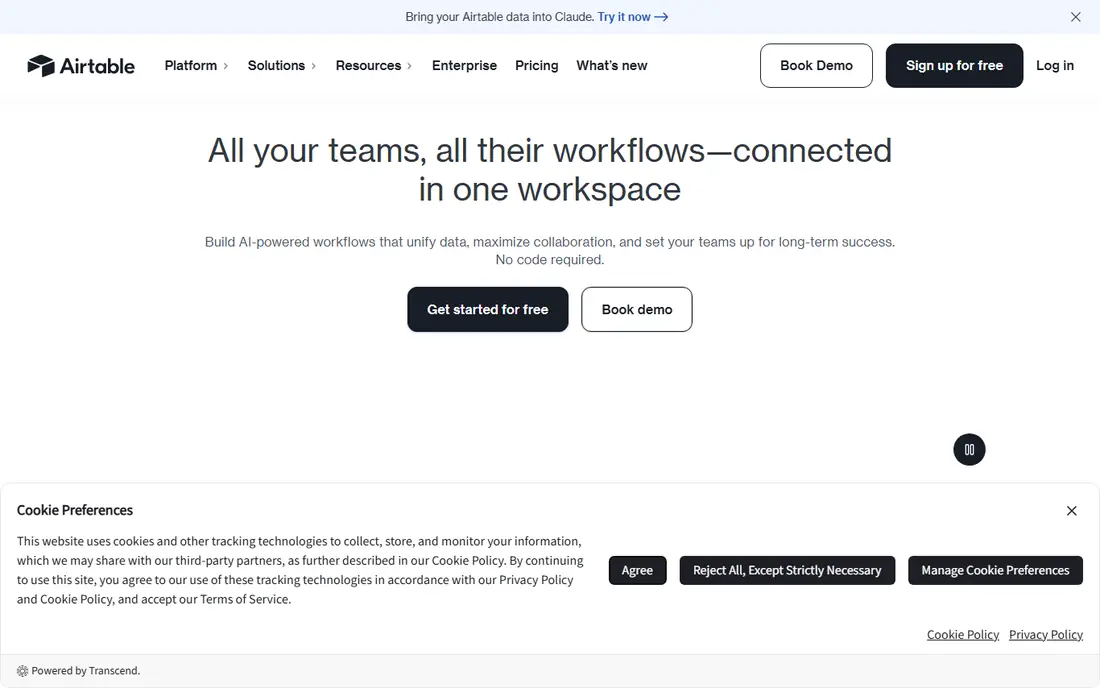
Airtable feels closest to a spreadsheet with database structure underneath it. Tables link to each other, views show the same data in different shapes, and automations can send alerts or update records without manual work. For a small team leaving a single desktop file behind, that mix is easy to learn and quick to put into daily use.
The catch is scale and price. A base that grows past the limits of a cheaper plan can force an upgrade, and every extra seat adds to the bill. Still, for most small teams, Airtable is our pick for most people because it balances ease of use with enough structure for real work.
- Familiar grid, calendar, kanban, and gallery views
- Strong automations and integrations
- Good mobile apps
- Costs rise with seats and larger bases
- Record limits on lower plans need attention
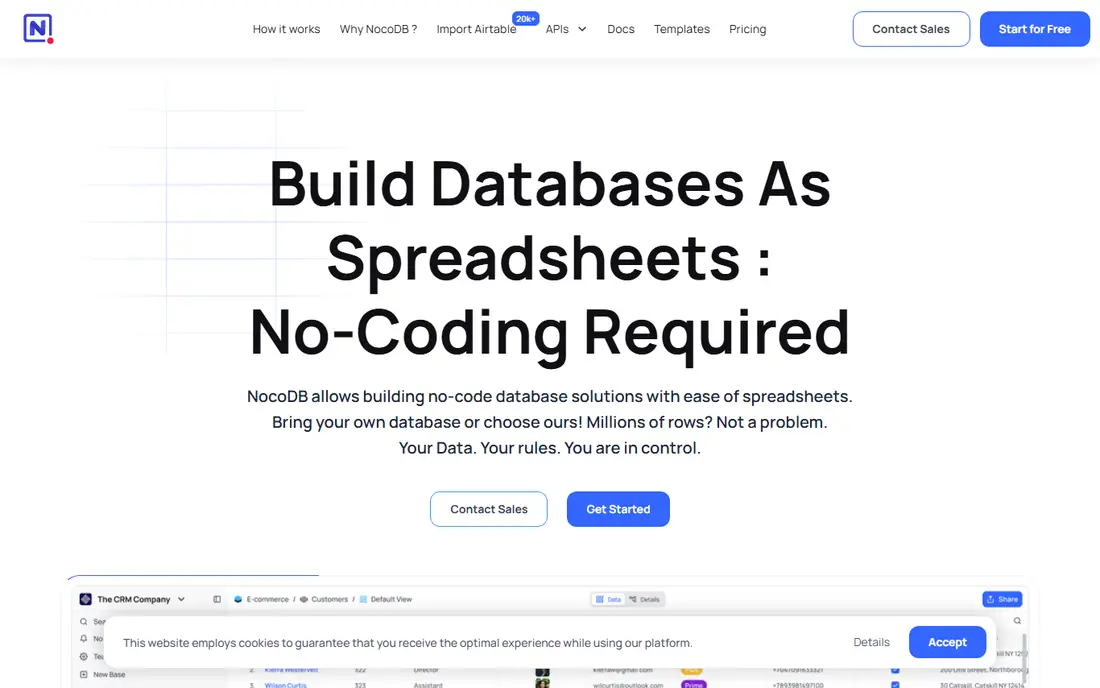
NocoDB is built for a different problem than Airtable. Instead of asking you to move data into a new home, it puts a friendly grid, form, and kanban layer on top of a database you already own, such as Postgres or MySQL. That makes it a good fit for teams that want control over their data and do not want to be locked into one vendor's storage.
The trade-off is effort. Self-hosting means someone on your team owns updates, backups, and security. If you have that person, NocoDB gives you a lot of freedom for little licence cost. If you do not, the hosted plan is the simpler path, and you should compare its limits with the self-hosted version before deciding.
- Turns existing SQL databases into a spreadsheet-like interface
- Self-hosting option
- Open source core
- Setup needs more technical skill
- No official mobile app
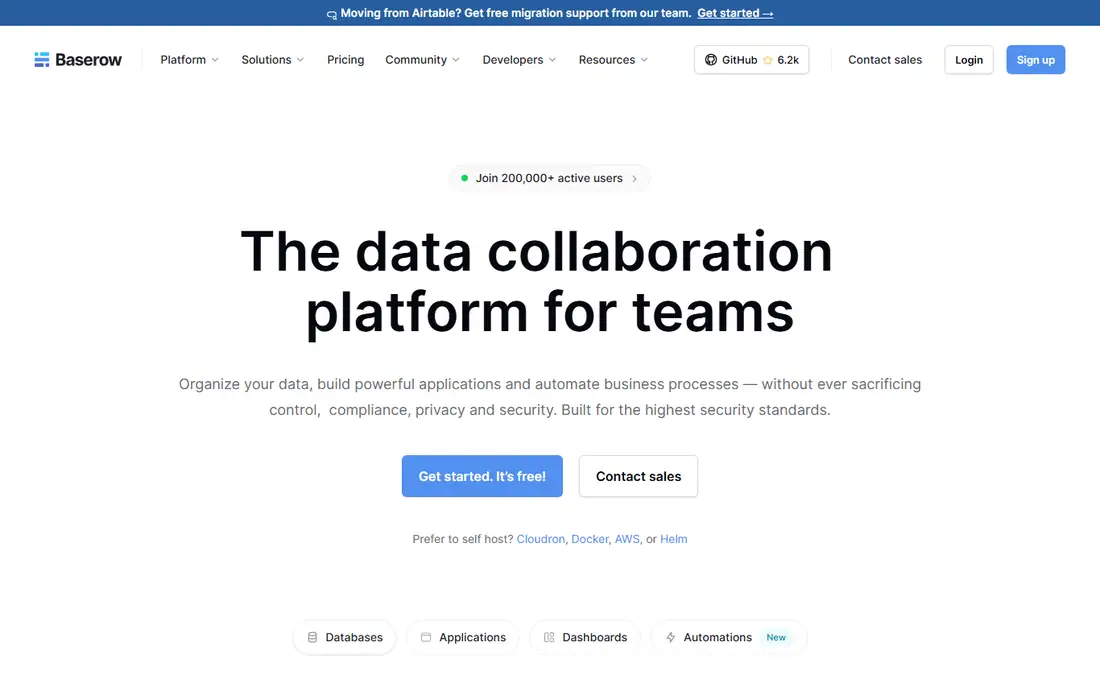
Baserow gives teams a calm, spreadsheet-like way to run a shared database in a browser. You can build tables, link records, filter views, and connect other tools through its API. The open source edition can be self-hosted, which appeals to teams with privacy rules or a wish to avoid monthly per-user costs for every viewer.
Where Baserow falls short is polish around the edges. There is no official mobile app, so phone access means using a browser, and some integrations that larger platforms offer out of the box will need manual setup here. For a desktop-first team that values control and a simple interface, those limits may not matter much.
- Clean spreadsheet-style interface
- Self-hosting option
- API access for integrations
- No official mobile app
- Smaller integration library than the biggest names
FileMaker has been building custom business apps for decades, and it shows in the depth of its layout and scripting tools. A team can design data entry screens, reports, and workflows that look like a finished product rather than a raw table. That makes it a strong pick for a business that has outgrown a simple database but still wants to avoid a full custom software project.
The honest catch is cost and complexity. Pricing is not a simple public per-user figure, and a complex app still needs careful design work. If your need is a shared table with a few views, FileMaker is more tool than you need. If your need is a tailored internal app, it earns its place on this list.
- Long history of custom business apps
- Layouts, scripts, and reporting in one platform
- Desktop and web options
- Pricing is quote-based and harder to compare
- Learning curve for complex apps
Knack is aimed at people who want a working web app, not just a database. You define your tables, add forms and pages, set who can see what, and publish an app that staff or customers can use in a browser. That makes it useful for portals, intake forms, directories, and internal tools that Access files were often stretched to cover.
The pricing shape is worth noting. The entry plan is a flat monthly figure rather than a per-user charge, which can be good value for a team with many light users. The downside is that a highly polished public-facing design may need workarounds, since Knack favors function over fine visual control.
- Builds web apps with forms, logins, and pages
- No code needed for common cases
- Flat monthly pricing for the entry plan
- Entry plan is priced per app rather than per user, so compare totals
- Design options are more limited than a coded app
Zoho Creator lets teams build database apps with drag-and-drop forms, workflows, and reports, plus scripting when a rule gets more complex. It is a practical middle ground between a plain shared table and a fully coded app, and it works well for approvals, tracking, and customer or order records.
The main question is your existing stack. If your team already uses Zoho for mail, CRM, or books, Creator slots in neatly and the data flows between apps. If you use none of those, Creator is still usable, but you should compare it with Airtable or Knack on ease of use alone, since the suite bonus will not apply to you.
- Low-code app building with forms and workflows
- Fits well with other Zoho apps
- Affordable entry price
- Best value inside the Zoho system
- Standalone users get less benefit from the wider suite
AppSheet takes data from Google Sheets, Excel, or a database and turns it into an app that staff can use on a phone. For field teams, inspectors, or anyone who needs to capture data away from a desk, that mobile focus is a real advantage over a desktop-only database. The entry price is also low compared with most tools here.
The limit is flexibility. Apps built from templates look and behave in familiar ways, which is good for speed but less good for a highly custom interface. Teams that need a simple, reliable data capture app will be happy. Teams that need a complex multi-role system should test AppSheet against Knack or FileMaker before committing.
- Turns sheets and databases into mobile apps
- Strong fit with Google Workspace
- Low entry price
- App design follows templates closely
- Complex logic can get fiddly
Grist is the pick for people who think in spreadsheets but need real relational structure. Tables link to each other, formulas work across those links, and views can show summaries and filtered slices of the same data. Power users who know Python can go further with custom formulas, which gives Grist a depth that pure no-code tools do not offer.
That depth comes with a steeper feel. New users may find the interface less guided than Airtable, and phone use means a browser rather than a dedicated app. If your team lives in spreadsheets and wants to keep that way of working while adding structure, Grist is a strong and affordable option.
- Spreadsheet formulas with relational tables
- Self-hosting option
- Python formulas for power users
- No official mobile app
- Interface feels more technical than Airtable
How we picked these
We compared official feature pages, pricing pages, and app store listings, plus public reviews, for tools that genuinely replace Access for a team. We kept only tools that exist and work in October 2026, offer a shared or web-based database, and can handle structured records with views, forms, or apps. Where we could not verify a current price on the vendor site, we wrote See website rather than guessing. We did not claim hands-on testing we did not do.
What to check before you move your data
Moving off Access is a data project first and a software choice second. Start by listing every table, query, form, and report your Access file actually runs, because many replacements cover tables well but need rebuilding for complex forms and reports. Export a copy of your data and test the import with a small slice before moving the full set, and check how linked tables, lookup fields, and multi-user editing behave in the new tool.
Match the tool to the job
A shared table, a staff portal, and a customer-facing app are three different jobs. Airtable, Baserow, NocoDB, and Grist suit the first. Knack, Zoho Creator, and AppSheet suit the second and third. FileMaker suits a tailored internal app that will be used for years. Choosing by job keeps you from paying for app-building power you will never use, or from hitting a wall with a simple table tool.
Check limits that bite later
Record limits, attachment storage, automation runs, and per-user pricing all change the real cost as a base grows. Ask how many records each plan allows and what happens when you pass that number. Check whether viewers need paid seats or can use a free role. Check mobile access if field staff will use the tool, since several open source options here have no official mobile app. A short trial with your real data answers these questions faster than a feature list.
Plan for the people, not just the data
Access files often hold years of informal knowledge in field names and workarounds. Write down what each table means, who owns it, and which reports must keep working on day one. Train the two or three people who will use the tool most, and keep the old Access file read-only for a month after the move so nothing is lost if a report needs checking. That pause costs little and prevents most migration regrets.
Frequently asked questions
What is the best alternative to Microsoft Access for a small team?
For most small teams, Airtable is the simplest move because it combines a familiar grid with web sharing, mobile apps, and automations. Teams that want to self-host or control their own database should look at NocoDB or Baserow instead, and teams that need a finished web app should compare Knack and Zoho Creator.
Can I move my Access data to these tools?
In most cases, yes, by exporting tables to CSV or a spreadsheet and importing them into the new tool. Linked tables and complex queries usually need rebuilding, and forms and reports almost always need redesigning. Test with a small sample first and keep the original file read-only until the new setup is proven.
Are there free alternatives to Microsoft Access?
Yes. LibreOffice Base is free, and NocoDB, Baserow, and Grist offer free self-hosted or free plan options. Free plans usually limit records, storage, or advanced features, so check those limits against the size of your current database before relying on a free tier.
Is Microsoft Access still available?
Access is still sold as part of some Microsoft 365 and Office plans, but it remains a Windows desktop product with limited web and mobile sharing. That is why many teams move to a web-based alternative even when Access itself still works for a single user.
Which Access alternative is best for building an app?
Knack and Zoho Creator are the most direct picks for building a web app without code, with forms, logins, and pages for different users. Google AppSheet is the best fit for a mobile data capture app, and FileMaker suits a more tailored internal app that will be maintained over several years.
Sources
See where you really rank - block by block
ProMapRanker scans Google Maps across a grid of your service area. Simple monthly plans from $19, white-label on every plan.
Start freeKeep reading
 venmo alternatives
Venmo Alternatives in 2026: 8 Apps Compared
Venmo alternatives compared for sending money to friends, paying businesses and sending abroad, with fees, speed, limits and free plans explained here.
Read → splunk alternatives
Splunk Alternatives in 2026: 8 Tools Compared
Splunk alternatives compared for log search, observability and security analytics, with open source and managed options, free tiers and prices for teams.
Read → jamboard alternatives
Best Jamboard Alternatives in 2026
Jamboard closed in 2024, so here are the best Jamboard alternatives for classrooms and teams, from Miro and FigJam to free whiteboards, compared here.
Read →