 ProMapRanker
Alternatives to GitHub Actions in 2026


All-in-one DevOps pipelines · Pricing starts at: $29 per user per month
Key takeaways
- GitLab CI/CD is the closest all-in-one replacement, while Jenkins and Drone suit teams that want self-hosting.
- CircleCI and Buildkite focus on build speed and compute costs, which matter most at scale.
- Free github alternatives exist, but free tiers differ on build minutes, agents and hosted runners.
- No single tool wins on every axis, so match the pick to hosting, ecosystem and build volume.
Quick comparison
| Pick | Great for | Pricing starts at | Free tier | |
|---|---|---|---|---|
| GitLab CI/CD | All-in-one DevOps pipelines | $29 per user per month | Yes | Visit |
 Jenkins | Self-hosted control and custom pipelines | Free | Yes | Visit |
 CircleCI | Fast cloud builds and test splitting | $15 per month | Yes | Visit |
 Buildkite | Hybrid pipelines on your own agents | See website | Free trial | Visit |
 TeamCity | JetBrains teams and complex builds | See website | Yes | Visit |
 Azure Pipelines | Microsoft and Azure teams | See website | Yes | Visit |
 Bitbucket Pipelines | Atlassian teams and simple pipelines | See website | Yes | Visit |
 Drone CI | Container native self-hosted pipelines | Free | Yes | Visit |
The best alternatives to GitHub Actions
If your code lives outside GitHub, or your builds, costs or governance needs have outgrown hosted runners, these tools are the strongest replacements. We list alternatives only here, and we compare them on hosting, pricing model and the problem each one actually solves.

For readers who want all-in-one devops pipelines, GitLab CI/CD is a strong place to start. It replaces several tools at once, since code hosting, pipelines, registry and scanning live in the same place. Its strength is integration, so a merge request can move from code to pipeline to deployment without switching systems. Auto DevOps, environments and security scanning cover much of the delivery workflow out of the box. The catch is the wider platform can feel heavy for a team that only wants a fast CI runner. Shortlist it when your team wants one platform and is happy to host code with the same vendor. Our pick for teams that want CI plus the rest of DevOps in one account.
- Code, CI, registry and security scanning in one platform
- SaaS or self-managed hosting
- Built-in review apps
- Broader platform can feel heavy if you only need CI
- YAML limits frustrate some complex pipelines
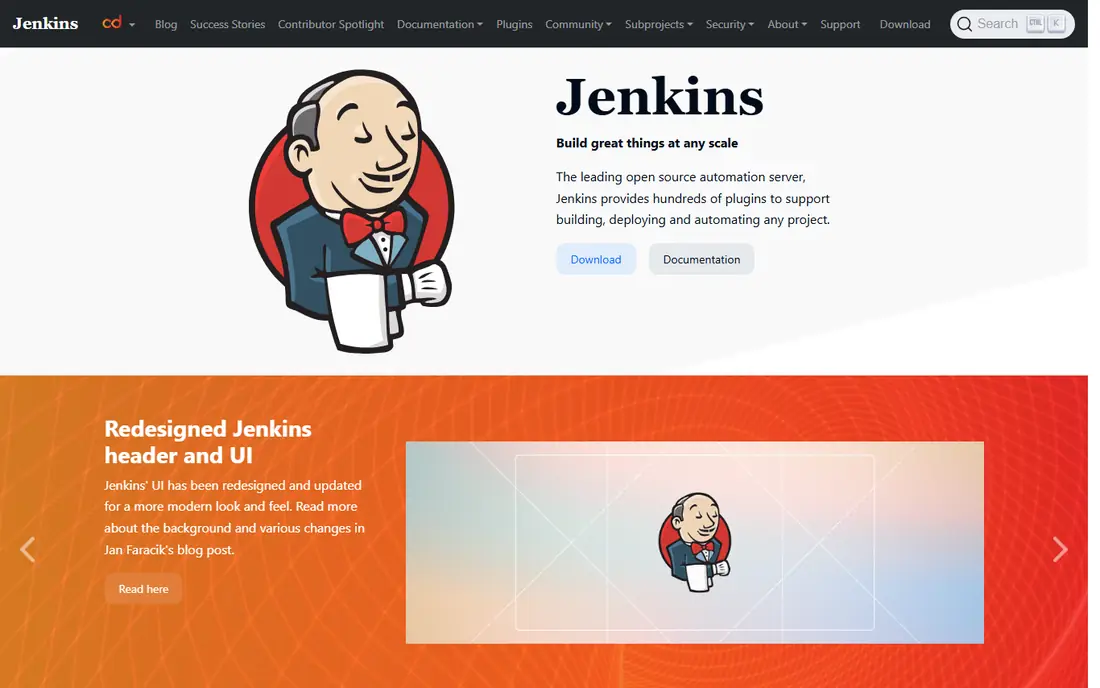
If self-hosted control and custom pipelines matters most to you, Jenkins deserves a close look. It gives you full control, because you run it on your own servers and shape pipelines with code or a visual editor. Its strength is flexibility, with plugins for almost every build, test and deployment need you can name. Distributed builds, pipeline as code and a long history in enterprise teams make it a safe choice for unusual requirements. The catch is you own maintenance, upgrades and plugin compatibility, which adds ongoing work. Budget engineering time for upkeep, or consider a managed Jenkins service if you want the model without the chores. The choice when control and self-hosting matter more than a managed service.
- Free and open source
- Huge plugin ecosystem
- Runs on your own infrastructure, including air-gapped setups
- You maintain servers, upgrades and plugins
- Setup takes real engineering time
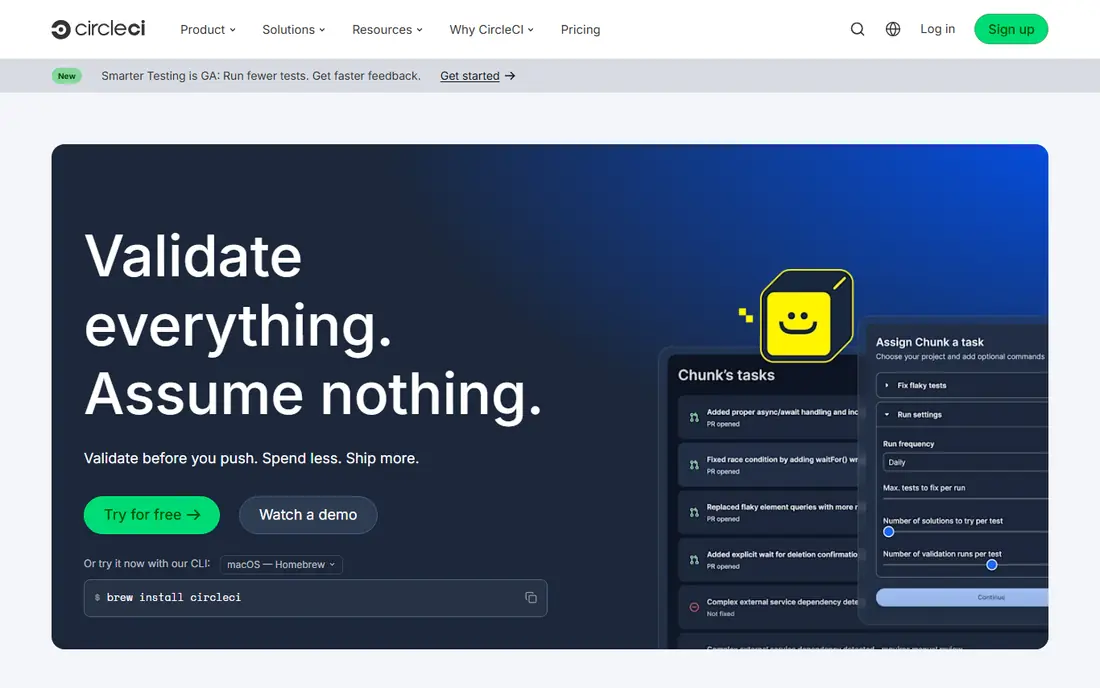
Start with CircleCI when fast cloud builds and test splitting is the main job to be done. It suits teams whose main pain is slow builds, since parallelism and caching shorten feedback loops. Its strength is speed, with test splitting and caching that help large test suites finish sooner. Orbs, reusable configuration and Docker, macOS and Linux executors cover most modern stacks. The catch is credit based pricing can grow quickly if builds run often or at large scale. Watch credit use in the first month and tune caching before you scale the team. Our pick for cloud teams that value fast feedback above an all-in-one platform.
- Strong caching and parallelism
- Test splitting for large suites
- Cloud or self-hosted runners
- Credit based pricing can rise with heavy use
- Deployment scripting needs extra work
Buildkite suits readers who put hybrid pipelines on your own agents first. It splits the job cleanly, with a managed control plane and build agents that run on infrastructure you control. Its strength is compute economics, since you choose where builds run and how much capacity to keep. Pipelines as code, agent queues and integrations with major cloud providers suit larger engineering teams. The catch is you still manage agents, which adds operational work compared with a fully hosted runner service. Shortlist it when build volume is high and runner costs dominate the bill. A strong fit for large fleets where control over compute matters.
- Control plane in the cloud, agents on your infrastructure
- Clear scaling for large build fleets
- Strong for compute cost control
- You manage agents and compute
- Governance features are lighter than enterprise suites
When jetbrains teams and complex builds is the deciding factor, TeamCity is worth shortlisting. It fits teams already using JetBrains tools, and it handles complex build chains with care. Its strength is build modelling, with chains, dependencies and detailed history that make failures easier to trace. Kotlin DSL, on premises or cloud hosting and a free tier for small teams cover many enterprise setups. The catch is administration takes real platform knowledge, and the interface can feel dense at first. Use the free tier to test a real build chain before you move a whole team across. Our pick for JVM and .NET shops that need precise build control.
- Build chains and detailed configuration
- Kotlin DSL for pipelines as code
- Cloud or on premises hosting
- Administration needs platform knowledge
- Pricing rises with larger teams
Consider Azure Pipelines first if microsoft and azure teams describes your situation. It is the natural fit when code, identity and hosting already sit in Microsoft services. Its strength is ecosystem fit, with Azure, Microsoft 365 and Active Directory working together without extra glue. YAML pipelines, parallel jobs, approvals and self-hosted agents cover enterprise delivery needs. The catch is the breadth of Azure DevOps can feel complex for a small team that only needs simple CI. Shortlist it for Microsoft centred estates, and look elsewhere if your stack is mostly outside Azure. The pragmatic choice for Azure heavy organisations.
- Native Azure and Microsoft ecosystem fit
- SaaS or self-hosted agents
- Enterprise controls
- Interface and service breadth can feel complex
- Best value sits inside Microsoft workflows
Bitbucket Pipelines is built around atlassian teams and simple pipelines, and that focus shows in daily use. It keeps CI close to the code, since pipelines run inside Bitbucket and link to Jira issues. Its strength is simplicity for Atlassian teams, with a short path from repository to first green build. Docker based steps, deployments and Jira integration cover the common team workflow without extra tooling. The catch is build minute allowances are modest on lower tiers, so heavy projects may need a paid step up. Check monthly minutes against your current build volume before you migrate. Our pick for small to mid-size Atlassian teams that want CI without a separate platform.
- Native Bitbucket integration
- Simple YAML setup
- Jira and Confluence links for issue tracking
- Build minute allowances are modest on entry tiers
- Less compelling outside Atlassian workflows
For container native self-hosted pipelines, Drone CI offers a practical and well documented option. It takes a container first approach, so each pipeline step runs as a container and behaves the same everywhere. Its strength is portability, with YAML pipelines that are easy to read and move between hosts. Self-hosting, Docker support and a plugin model suit teams that want a light, modern Jenkins style tool. The catch is you run the servers, and the plugin ecosystem is smaller than the largest rivals. Shortlist it if you like containers, self-hosting and a clean YAML model. A lean open source option for teams that want control without Jenkins weight.
- Free and open source
- Container based steps
- YAML pipelines that run anywhere Docker runs
- Self-hosting and setup are on you
- Ecosystem is smaller than Jenkins or GitLab
How we picked these
We compared official feature pages, pricing pages and app store listings, and we checked that each product still exists and fits the topic in October 2026. We did not claim hands-on testing that did not happen, and we left out products that did not fit, even when they were popular in a nearby category. Where a price or free tier could not be verified on the vendor site, we wrote See website instead of guessing, so you can confirm the current terms before you pay.
Choosing a GitHub Actions alternative
Start with where your code lives. GitLab and Bitbucket pipelines make most sense inside their own hosting, while Jenkins, Drone and Buildkite work with almost any repository. That one choice narrows the field fast. Next, weigh hosting against effort. Managed runners are easiest, self-hosted agents give control and can cut compute costs, but they add maintenance. Be honest about how much operations time your team has. Finally, test with a real pipeline, not a hello world build. Measure build time, cache hits, failure messages and monthly cost on a typical week, then move one repository at a time. That avoids a big bang migration that stalls delivery.
Frequently asked questions
What are the best github actions alternatives?
GitLab CI/CD, Jenkins, CircleCI, Buildkite and Azure Pipelines are the most common replacements, each with a different strength. GitLab is the all-in-one pick, Jenkins is the self-hosted pick, and CircleCI is the speed pick.
Are there github alternatives free for CI?
Jenkins and Drone are free and open source, though you pay for servers and maintenance. GitLab, CircleCI, TeamCity and Bitbucket Pipelines also offer free tiers, with limits on minutes, agents or users.
Which alternative is easiest to migrate to?
GitLab and CircleCI usually offer the smoothest path for YAML based teams, while Jenkins migration tools help larger estates. Expect to rewrite some configuration in every case, and budget time for secrets and runner setup.
Should I self-host CI?
Self-hosting gives control over data, network access and compute costs, but it adds upgrades, security patching and monitoring. Managed runners suit most small teams, while regulated or very large teams often self-host.
Can I use these tools with GitHub code?
Yes, several tools in this list can build code hosted elsewhere, including GitHub repositories, through integrations or webhooks. Check the vendor docs for your repository host before you commit.
Sources
- https://about.gitlab.com/solutions/continuous-integration/
- https://www.jenkins.io/
- https://circleci.com/pricing/
- https://buildkite.com/pricing
- https://www.jetbrains.com/teamcity/pricing/
- https://azure.microsoft.com/en-us/products/devops/pipelines
- https://bitbucket.org/product/features/pipelines
- https://www.drone.io/
See where you really rank - block by block
ProMapRanker scans Google Maps across a grid of your service area. Simple monthly plans from $19, white-label on every plan.
Start freeKeep reading
 eventbrite alternatives
Eventbrite Alternatives in 2026
Find Eventbrite alternatives in 2026 with lower fees, free events and better check-in, compared by pricing, features, payouts and who each platform suits.
Read → ebay alternatives
eBay Alternatives in 2026
Find the best eBay alternatives in 2026. We compare 8 marketplaces for sellers on fees, buyer reach, categories, shipping and ease of selling online today.
Read → cursor alternatives
Cursor Alternatives in 2026
Compare the best Cursor alternatives for AI coding, from GitHub Copilot and Windsurf to Zed, Claude Code, Cline, Aider, and Amazon Q Developer in 2026.
Read →