 ProMapRanker
Best Website Platforms for Small Business in 2026

Key takeaways
- Wix and Squarespace are the easiest all round choices for service businesses that need a polished site fast.
- Shopify is the clear pick once selling products, inventory, and checkout matter more than simple pages.
- WordPress.com offers the most room to grow, but it asks for more patience and maintenance than drag and drop builders.
- Hostinger and Weebly suit tight budgets, while Webflow suits owners who want precise design control.
- The cheapest plan that removes platform branding and lets you use your own domain is usually the real entry point, not the free plan.
Quick comparison
| Pick | Great for | Pricing starts at | Free tier | |
|---|---|---|---|---|
 Wix | All round service business sites | $17 per month | Yes | Visit |
 Squarespace | Design led service and portfolio sites | $16 per month | Free trial | Visit |
 Shopify | Product stores and online selling | $29 per month | Free trial | Visit |
 WordPress.com | Content sites with room to grow | $4 per month | Yes | Visit |
 Webflow | Design control and custom sites | $14 per month | Yes | Visit |
 GoDaddy | Fast setup with domain and hosting together | $9.99 per month | Free trial | Visit |
 Hostinger | Low cost first sites | $2.99 per month | No | Visit |
 Duda | Agencies and multi site clients | See website | Free trial | Visit |
 Weebly | Simple small business sites | $10 per month | Yes | Visit |
 Jimdo | Simple sites for solo owners | See website | Yes | Visit |
The best website platforms for small business
We compared official pricing pages, editor features, selling tools, and support options for platforms that small businesses can use in October 2026. Prices below are starting paid rates where they could be verified from recent pricing summaries, and See website is used where pricing varies by plan or region.
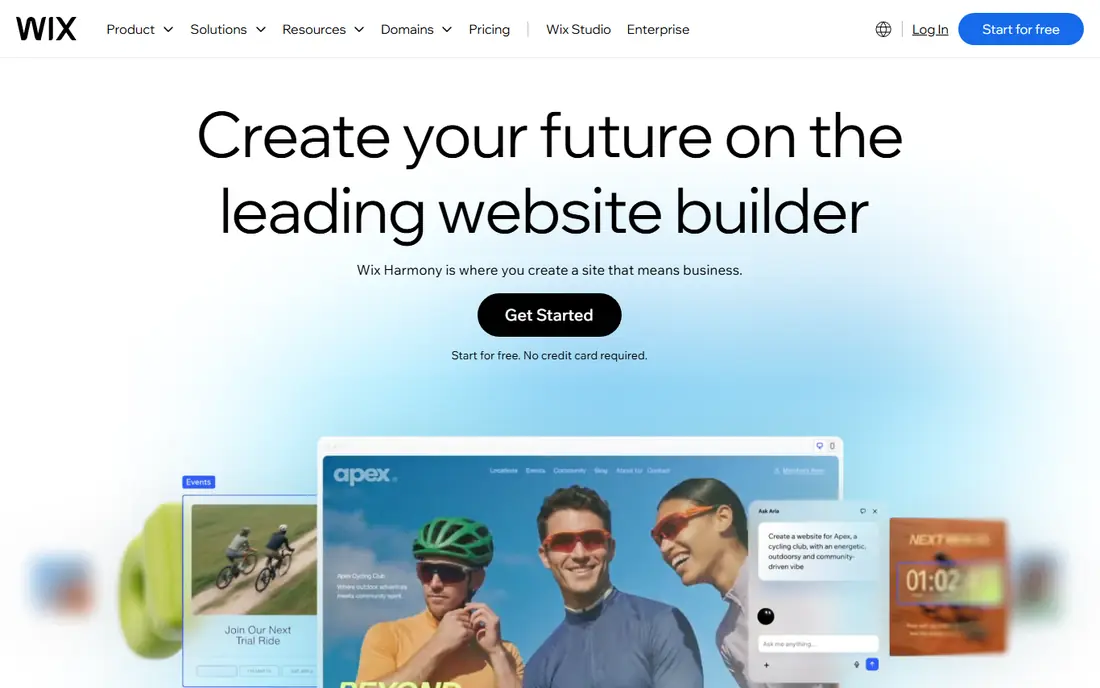
Wix is our pick for most small service businesses because it covers the basics in one place. You can build pages with drag and drop tools, add booking, contact forms, and online payments, and choose from a large template library. AI assisted setup can produce a working draft quickly, which helps owners who do not want to start from a blank page.
The limits show up as you grow. The free plan carries Wix branding and a Wix domain, so a paid plan is needed for a professional look. Template switching is also less flexible than on some rivals. For a local business site that needs to look good and take inquiries fast, Wix remains a strong, low friction choice.
- Easy drag and drop editor
- Large template range
- Built in booking, forms, and apps
- Free plan shows Wix branding
- Switching templates later can mean rebuilding pages
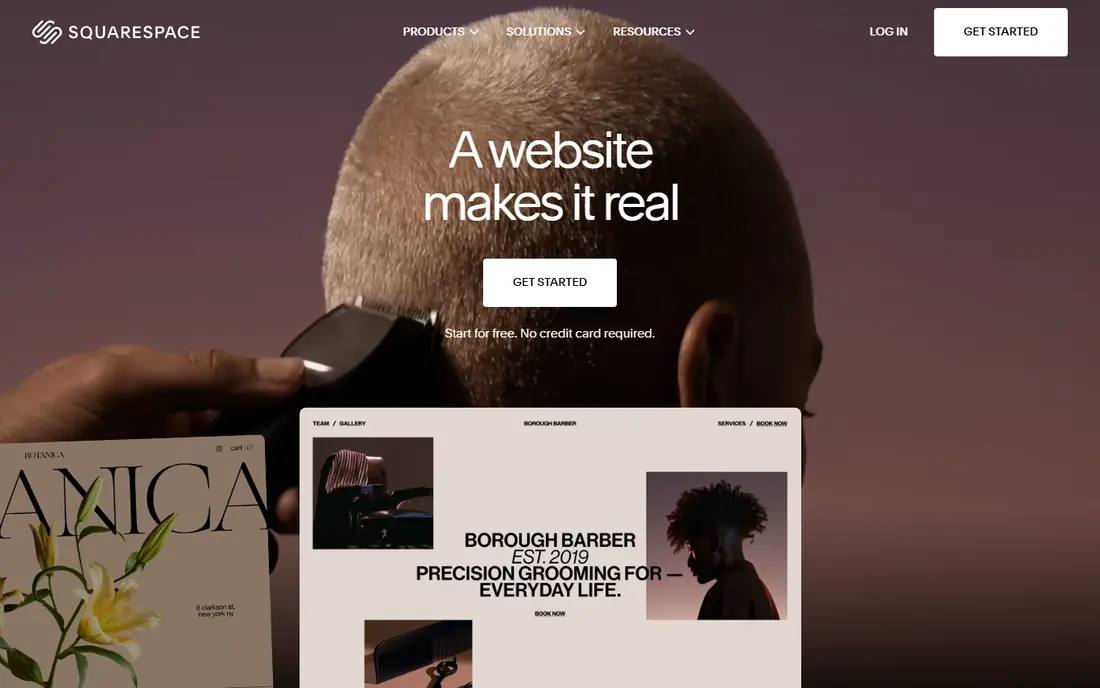
Squarespace suits businesses where design carries weight, such as salons, studios, restaurants, and creative services. Templates are curated and polished, and the editor keeps layouts tidy without much effort. Built in scheduling, blogging, and selling tools cover many service business needs without adding many third party apps.
The trade off is breadth. Template choice is smaller than Wix, and a store with hundreds of products will outgrow Squarespace sooner than Shopify. Transaction fees also apply on lower plans, so check the selling terms for your plan. For a design forward site that must look refined on day one, Squarespace is hard to beat.
- Polished templates
- Strong blogging and scheduling tools
- Selling built in from entry plans
- Fewer templates than Wix
- Large catalog selling is weaker than Shopify

Shopify is the platform to choose when selling is the main job of the site. Product management, inventory, discounts, shipping, and checkout are built for commerce from the start, and the app store adds options for reviews, subscriptions, and marketing. Point of sale tools also help shops that sell in store and online from one inventory.
It is less ideal for a content heavy brochure site, and costs rise with apps and payment fees. A service business that sells only a few items may do fine on Wix or Squarespace for less. If your growth plan centers on products, Shopify saves a painful migration later.
- Strong checkout, inventory, and payment tools
- Large app store
- Point of sale options
- Monthly cost plus possible transaction fees
- Content pages are less flexible than WordPress
WordPress.com suits businesses that plan to publish content, build search traffic, and expand features over time. Blogging tools are strong, and higher plans open plugins and themes that let you shape the site in ways closed builders do not allow. The free and low cost entry plans also make it easy to start small.
The cost is time. The block editor takes patience at first, and some owners will need help with plugins, updates, or design. Lower plans also limit selling and customization, so check which plan covers your must have features. For a long term content site, that flexibility is worth the learning curve.
- Strong blogging and SEO controls
- Huge theme and plugin range on higher plans
- Flexible growth path
- More setup and learning than drag and drop builders
- Key features sit on higher plans
Webflow is the choice for owners and designers who want a site to look exactly as planned, not just close to a template. The visual editor gives control over layout, animation, and responsive behavior, and content management tools support blogs and landing pages. Sites built in Webflow often look more custom than template built rivals.
That control comes with effort. New users should expect a learning period, and pricing needs care when traffic or content grows. For a simple five page brochure site, Wix will be faster. For a brand led site where design quality is a selling point, Webflow earns its price.
- Precise visual design control
- Clean code output
- Built in content management on higher plans
- Steeper learning curve
- Pricing can rise with traffic and content needs
GoDaddy suits owners who want one account for domain, hosting, and a website, without managing separate vendors. Setup is fast, templates are straightforward, and support by phone and chat helps when something breaks. For a local business that needs a credible site this week, that simplicity has real value.
Design options are narrower than Wix or Squarespace, and advanced selling or content features may need higher plans. Owners who care deeply about custom design should look elsewhere. Owners who care most about getting online quickly with one bill will find GoDaddy practical.
- Domain, hosting, and builder in one account
- Fast setup
- Phone and chat support
- Design flexibility is limited
- Marketing tools are basic on lower plans
Hostinger is the budget pick for a first business site. Starting prices are far below most rivals, hosting is fast, and AI tools can draft pages quickly. For a new business testing an idea, or a side business that needs a simple presence, Hostinger keeps costs low while the business finds its feet.
Selling tools are basic compared with Shopify, and some features need higher plans. A growing store may need to migrate later, so treat Hostinger as a starting point rather than a forever home for complex commerce. For a low cost, credible first site, it is a sensible choice.
- Very low starting price
- Fast hosting
- AI assisted site creation
- Ecommerce tools are basic
- Support and features vary by plan
Duda is built for agencies, freelancers, and businesses that manage several sites at once. It offers client management, reusable sections, and white label options that let an agency present sites under its own brand. Sites load quickly, and the editor balances speed with design control for client work.
A solo owner with one site may find Duda more tool than needed, and pricing reflects its agency focus. If you run a marketing or web service and build sites for clients, Duda can save hours per project. If you only need your own site, Wix or Squarespace will be simpler and cheaper.
- Strong tools for building many client sites
- Client management and white label options
- Fast sites
- Less suited to a single owner site
- Pricing is aimed at agencies and teams
Weebly remains a good choice for owners who want the simplest possible editor and a small site that just works. Drag and drop editing is gentle for beginners, and the free plan lets you test ideas before paying. Basic selling tools cover a small shop, and the overall experience stays calm rather than overwhelming.
The platform feels less modern than Wix or Squarespace, and template choice is narrower. Businesses that expect rapid growth or rich design may outgrow Weebly. For a simple site with a few pages, contact details, and a small store, Weebly still does the job with little fuss.
- Very easy editor
- Free plan for testing
- Basic selling tools
- Fewer modern templates
- Less active development than larger rivals
Jimdo suits solo owners who want guidance rather than a blank editor. Guided setup asks about your business and builds a starting site, which helps owners who feel stuck at the design stage. The free plan allows testing, and simple selling and booking options cover many solo services.
Design depth and integrations are limited compared with Wix, Squarespace, and WordPress.com. Owners who want a highly custom site or many third party tools should choose a larger platform. For a straightforward site built with little effort, Jimdo is a friendly starting point.
- Guided setup for beginners
- Free plan available
- Simple selling and booking options
- Limited design depth
- Smaller app and integration range
How we picked these
We compared official pricing pages, editor features, selling tools, and support options for platforms that are available to United States small businesses in October 2026. We favored platforms with a clear small business use case, from simple brochure sites to full stores, and we noted where free plans carry branding or limits. We did not claim hands on testing we did not do, and we used See website where pricing could not be verified cleanly.
How to choose a platform without overpaying
List what the site must do in the first 90 days, then choose the cheapest plan that does those jobs well. A service business needs clear services, contact options, booking or forms, and local search basics. A store needs products, checkout, shipping, and tax handling. A content business needs blogging, search controls, and room to add features later.
Watch total cost, not just the monthly headline. Add domain renewal, transaction fees, paid apps, and email marketing where needed. Test the editor before you pay for a year, and check how easy it is to export content if you leave. A platform that feels easy on day one and still fits in year two is the right buy, even if it is not the cheapest option on the list.
Frequently asked questions
What is the best website platform for small business overall?
Wix is a strong all round pick for service businesses because it combines an easy editor with booking, forms, and selling tools. Squarespace is better when design quality matters most, and Shopify is better when selling products is the main job. Match the platform to your main goal, not to a general ranking.
Which website companies are best for small business selling?
Shopify leads for product selling, with strong inventory, checkout, and app options. Wix and Squarespace handle smaller stores well, and WordPress.com can sell through plugins on higher plans. For a large catalog or multi channel selling, Shopify usually offers the smoothest path.
What is the best website building platform for small business on a budget?
Hostinger offers the lowest starting price in this list, and Weebly and Jimdo offer free plans for testing. Remember that the real entry point is the cheapest paid plan that removes branding and allows your own domain. Budget platforms work best for simple sites that do not need complex selling.
Is WordPress better than Wix for a small business?
WordPress.com offers more flexibility and growth room, especially for content and search traffic. Wix is easier to learn and faster to launch for a standard service site. Choose WordPress when content and long term control matter most, and Wix when speed and simplicity matter most.
Do I need a free plan or a paid plan?
A free plan is useful for testing an editor and drafting pages, but it usually shows platform branding and uses a platform domain. A paid plan is needed for a professional business site with your own domain, no branding, and full features. Start free if you are unsure, then upgrade before you promote the site to customers.
What is the best website design software for small business owners who are not designers?
Wix and Squarespace are the friendliest design options for non designers, thanks to templates and guided editing. GoDaddy and Jimdo are also simple, with faster setup and fewer choices. Webflow offers more control, but it asks for more design skill and time.
Sources
See where you really rank - block by block
ProMapRanker scans Google Maps across a grid of your service area. Simple monthly plans from $19, white-label on every plan.
Start freeKeep reading
 steamunlocked alternatives
Best SteamUnlocked Alternatives in 2026
Looking for steamunlocked alternatives? These 8 legal game stores and subscriptions offer licensed PC games, sales, and cloud play without piracy risks.
Read → mangools alternatives
Best Mangools Alternatives in 2026
Looking for mangools alternatives? We compare 8 SEO tools for keyword research, rank tracking, and site audits, from Semrush and Ahrefs to Keysearch today.
Read → lemlist alternatives
Best Lemlist Alternatives in 2026
Looking for lemlist alternatives? We compare 9 cold email and outreach tools for 2026, covering pricing, deliverability, inboxes, and multichannel steps.
Read →