 ProMapRanker
Best VTuber Software in 2026

Key takeaways
- VTube Studio is the standard starting point for 2D Live2D creators, while VSeeFace and Warudo cover 3D VRM avatars.
- Live2D Cubism and VRoid Studio are the model-making tools behind most avatars, and tracking apps cannot replace them.
- Several strong tools are free, with paid upgrades mainly removing watermarks or adding pro features, so budget is rarely the first barrier.
- Use only your own avatar and original art, and never use these tools to impersonate a real person.
Quick comparison
| Pick | Great for | Pricing starts at | Free tier | |
|---|---|---|---|---|
 VTube Studio | 2D Live2D tracking | Free | Yes | Visit |
 Live2D Cubism | Rigging 2D models | Free | Yes | Visit |
 VRoid Studio | Making free 3D avatars | Free | Yes | Visit |
 Warudo | 3D VTubing with stages and props | Free | Yes | Visit |
 VSeeFace | Free 3D VRM tracking | Free | Yes | Visit |
 PrprLive | Lightweight 2D tracking | Free | Yes | Visit |
 Animaze | Webcam avatars for streams and calls | Free | Yes | Visit |
 veadotube mini | Simple PNG avatar streaming | Free | Yes | Visit |
The best vtuber software
These tools cover making, rigging, and tracking avatars for live streams. We compared official pages, store listings, documentation, and public reviews, and we only list legitimate avatar and streaming tools.
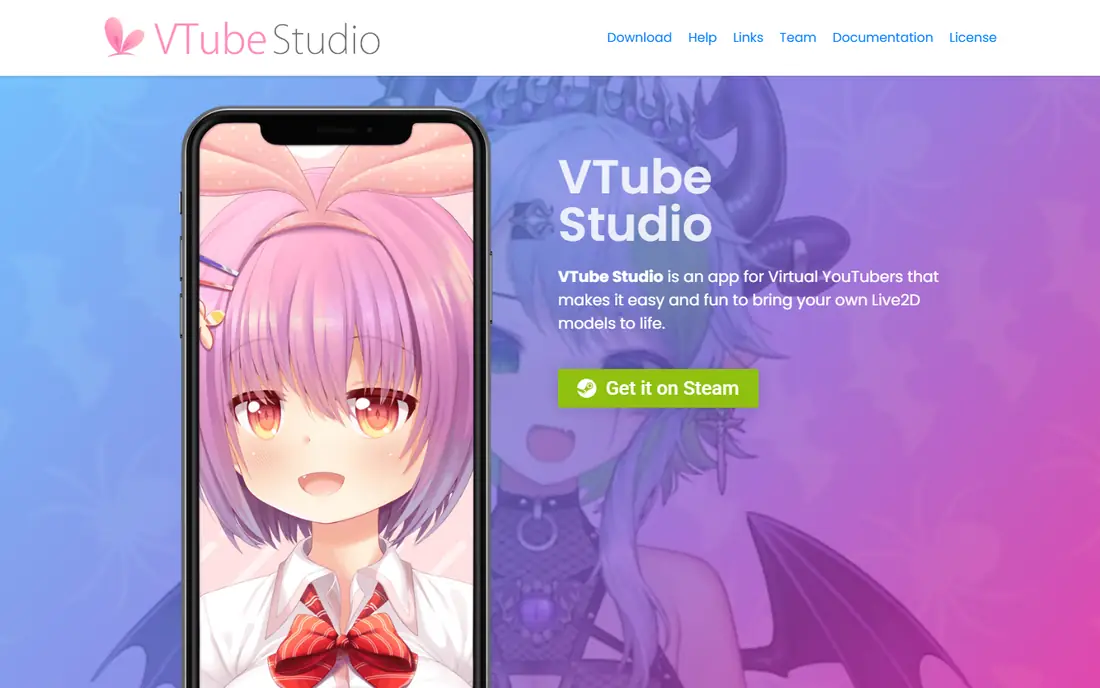
VTube Studio is the tool most 2D VTubers open first, and for good reason. It loads a rigged Live2D model, tracks your face and voice through a webcam, and sends the result to streaming software as a clean capture source. Hotkeys trigger expressions, props add playful moments, and viewer interaction features let audiences trigger effects during a stream.
The main limit is format. VTube Studio does not load 3D VRM avatars, so 3D creators need VSeeFace or Warudo instead. The base app is free, with a one-time paid upgrade removing the watermark, which keeps the starting cost low for new streamers.
- Best Live2D tracking support
- Hotkeys, props, and viewer interactions
- Works with common streaming software
- Only supports Live2D models, not 3D VRM models
- Watermark stays until the paid upgrade is bought

Live2D Cubism turns a flat illustration into a moving character. Artists separate the drawing into layers, then add deformers, parameters, and physics so eyes blink, mouths move with speech, and hair sways as the head turns. Almost every professional 2D VTuber model you see on a stream was rigged in this editor.
Rigging takes real practice, and a first model can take many hours even with tutorials. A free edition covers learning and simple models, while a paid Pro plan removes limits and suits commercial riggers. Many streamers commission a rigger instead of learning the full tool, which is a sensible use of time if streaming is the goal.
- Industry standard for 2D rigging
- Detailed physics and expression controls
- Large tutorial community
- Steep learning curve
- Pro features need a paid plan for larger commercial use
VRoid Studio is the fastest free path to a 3D avatar. You pick a base model, adjust face, hair, body, and outfit with sliders, paint custom textures if you want, and export a VRM file for VSeeFace or Warudo. No drawing or 3D modeling background is needed to get a working character.
The trade-off is uniqueness. Out-of-the-box models share a recognizable style, so creators who want a distinct look should budget time for custom textures, outfits, or edits in another 3D program. For a first stream, though, VRoid removes the biggest cost and skill barrier in 3D VTubing.
- Completely free
- Beginner friendly sliders and presets
- Exports VRM models for tracking apps
- Models can look similar without custom textures
- Advanced detail needs other 3D tools
Warudo goes beyond a single avatar on a plain background. It lets creators build 3D stages, place props, add lighting, and run scenes with more than one character, which suits concerts, talk shows, and collaboration streams. VRM avatars from VRoid and other tools load directly, and the scene editor keeps the workflow visual.
The cost is hardware and setup time. A detailed 3D stage uses more CPU and GPU power than a 2D tracker, so older PCs may struggle. Personal use starts free, but creators planning commercial work should check the current license terms before building a business around it.
- 3D stages, props, and multi-character scenes
- Supports VRM avatars
- Active creator community
- Needs a stronger PC than simple 2D tracking
- Commercial terms need a careful read
VSeeFace is the classic free companion to VRoid Studio. It loads a VRM model, tracks your face and upper body, and outputs a transparent capture for streaming software. Setup is quick: load a model, calibrate tracking, and add the window as a source. For a solo 3D streamer, that simplicity is the point.
The limit is scope. VSeeFace focuses on tracking one avatar well, rather than building full 3D stages. Creators who want elaborate sets will pair it with other tools or move to Warudo, but for chatting, gaming, and just-chatting streams, VSeeFace is hard to beat at its price.
- Free with no paid tier
- Solid webcam and phone tracking
- Simple OBS capture workflow
- 3D only, no Live2D support
- Fewer stage features than Warudo
PrprLive is a lighter alternative for 2D creators whose PC cannot comfortably run a heavier tracker alongside a game. It handles Live2D face tracking and capture for streaming software without a large interface or heavy effects pipeline. That focus helps streamers who play demanding games on the same machine.
The trade-off is features. PrprLive lacks some of the props, viewer interaction, and polish that make VTube Studio popular, and its documentation is thinner. It fits best as a practical backup or a starter tracker, with a move to VTube Studio later if you want more interaction tools.
- Light on system resources
- Straightforward Live2D tracking
- Useful for lower-spec PCs
- Smaller feature set than VTube Studio
- Community and updates are less visible
Animaze suits creators who want to start today without making or commissioning a model. It offers a library of ready-made avatars, tracks your face with a webcam, and works with streaming software and video calls. That makes it a good test drive for VTubing, or a fun option for casual streams.
The catch is ownership and depth. A library avatar will never feel as personal as a custom model, and the most appealing avatars and features may require payment. Treat Animaze as a low-friction entry point, and move to a custom Live2D or VRM avatar when you are ready to build a lasting character.
- Ready-made 2D and 3D avatars
- Works for streams and video calls
- Easy for beginners
- Best avatars and features sit behind paid options
- Less control than a custom rig
veadotube mini is the simplest tool on this list, and that is its strength. It animates a PNG avatar, bouncing or talking in response to your microphone, without face tracking or a 3D model. Streamers with a drawn character, a weak PC, or a minimal setup can be live in minutes.
The limit is expression. A PNG avatar cannot mirror your face the way Live2D or VRM tracking can, so it suits chatting and cozy streams more than performance-heavy content. For a zero-budget start, though, it is a genuine and charming option.
- Extremely light and simple
- Free
- Great for PNG avatars and low-spec setups
- No full face tracking
- Limited to simple image-based avatars
How we picked these
We compared official pages, store listings, documentation, and public reviews, and we kept only tools that are still available and maintained in October 2026. We covered both 2D and 3D paths, both model-making and tracking, and both free and paid options, so a beginner can see the full pipeline rather than eight copies of one tracker. We did not include tools built to impersonate real people, and we note safety and privacy plainly below.
What to check before you choose
Start by choosing 2D or 3D, since that decision picks your whole pipeline. Live2D means Cubism for rigging and VTube Studio or PrprLive for tracking, while VRM means VRoid for modeling and VSeeFace or Warudo for tracking. Mixing the two paths wastes time, so pick one and learn it well.
Check your PC before you buy anything. A game, a tracker, and streaming software running at once is a heavy load, so test tracking performance with a free tool first. Finally, protect your privacy: use your own avatar and original art, keep personal details out of your character, read each tool's privacy policy for camera and data handling, and set chat moderation early so your stream stays welcoming.
Frequently asked questions
What is the best vtuber software for beginners?
VTube Studio is the best starting tracker for 2D creators, paired with a commissioned or ready-made Live2D model. For 3D beginners, VRoid Studio plus VSeeFace is the cheapest full pipeline, since both are free.
What is the best free vtuber software?
VSeeFace, VRoid Studio, and veadotube mini are all free, and VTube Studio and PrprLive are free to start with optional paid upgrades. Live2D Cubism also has a free edition for learning and simple models.
Do I need a VR headset to be a VTuber?
No. Most VTubers use a webcam for face tracking, and some use a phone as a tracking camera. A headset is optional and mainly helps with full-body 3D tracking.
Can I use these tools to look like a real person?
No, and you should not try. These tools are for original avatar characters. Impersonating a real person can mislead viewers and break platform rules, so build or commission an original character instead.
How much does it cost to start VTubing?
You can start for free with VRoid Studio and VSeeFace, or with veadotube mini and a PNG avatar. Costs rise if you commission custom art and rigging, or buy paid upgrades such as the VTube Studio watermark removal.
Sources
See where you really rank - block by block
ProMapRanker scans Google Maps across a grid of your service area. Simple monthly plans from $19, white-label on every plan.
Start freeKeep reading
 wpforms alternatives
Best WPForms Alternatives in 2026
We compare 9 wpforms alternatives for WordPress forms, with free and paid options, current pricing notes, and honest limits for small business sites in 2026.
Read → windows task scheduler alternatives
Best Windows Task Scheduler Alternatives in 2026
Looking for Windows Task Scheduler alternatives? We compare 9 schedulers for Windows and cross-platform work, from free tools to enterprise automation.
Read → which ai video service is best
Which AI Video Service Is Best in 2026
which ai video service is best? We compare 10 legitimate AI video services on price, avatars, editing and output quality to help you pick the right tool.
Read →