 ProMapRanker
Best VoIP Service in 2026

Key takeaways
- RingCentral and Nextiva lead for all-round business calling, with published annual prices of $20 and $15 per user per month.
- Zoom Phone and Google Voice suit teams already using Zoom or Google Workspace, keeping setup and billing in one place.
- Dialpad includes AI transcription and summaries on its entry plan, while Vonage suits teams that may later use voice APIs.
- Grasshopper and Quo work well for solos and small teams that mainly need a business number, texting, and simple routing.
Quick comparison
| Pick | Great for | Pricing starts at | Free tier | |
|---|---|---|---|---|
 RingCentral RingCentral | All-round business calling | $20 per month | Free trial | Visit |
 Nextiva Nextiva | Reliable service and human support | $15 per month | No | Visit |
 Zoom Phone Zoom Phone | Teams already using Zoom | $10 per month | No | Visit |
 Dialpad Dialpad | AI summaries on every plan | $15 per month | Free trial | Visit |
 Vonage Vonage | Teams that may build with APIs later | $13.99 per month | No | Visit |
 Ooma Ooma | Very small teams that want simple pricing | $19.95 per month | Free trial | Visit |
 Grasshopper Grasshopper | Solos who need a business line | $14 per month | Free trial | Visit |
 Google Voice Google Voice | Google Workspace teams | $10 per month | No | Visit |
 Quo Quo | Text heavy small teams | $15 per month | Free trial | Visit |
The best VoIP services
We compared pricing pages, feature lists, app store listings, and public reviews to build this shortlist of nine options. The list below covers well known leaders and strong smaller options, so you can compare fit, price, and limits before you sign up.
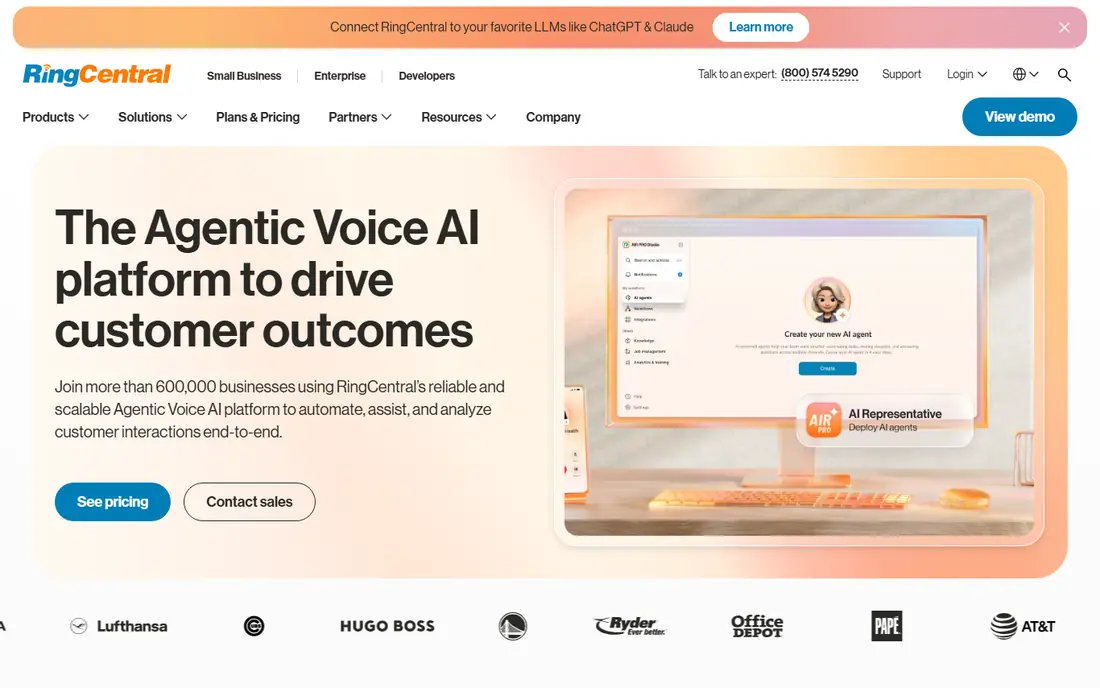
This is the pick to start with if you want a proven option with broad coverage and clear pricing. RingCentral covers phone, video, messaging, and fax in one workspace, which reduces the need to juggle separate tools. Its admin controls and integration options suit growing teams that add staff often. The catch is cost creep. Add-ons and higher tiers can raise the bill, so confirm which features sit on the plan you actually buy. Check the current plan page before you buy, because prices and free limits change.
- Calling, video, and messaging in one app
- Large integration library
- Clear entry pricing
- Higher tiers needed for advanced contact features
- Annual billing for the lowest price
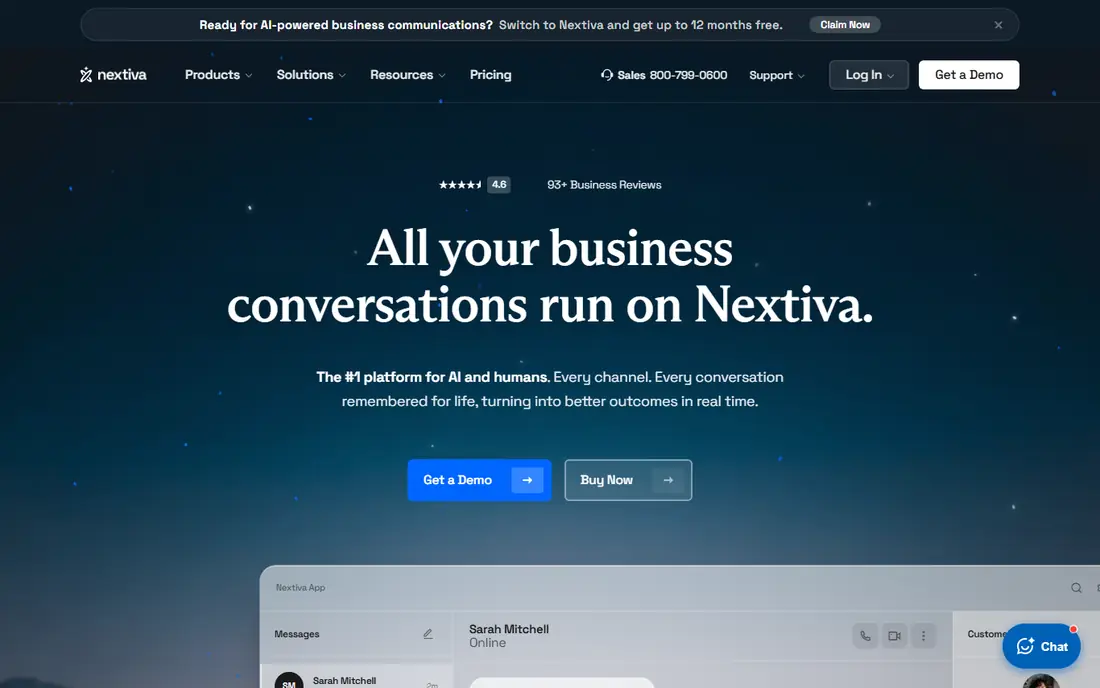
For readers who value a focused feature set over a long list of extras, this option deserves a close look. Nextiva pairs calling with customer conversation tools, so support and sales teams can follow a customer across channels. Its analytics help managers spot missed calls and busy times. The main trade-off is the learning curve. Take time during onboarding to set routing and greetings, or a busy dashboard can slow new staff down. Check the current plan page before you buy, because prices and free limits change.
- Customer focused tools and analytics
- Strong reputation for support
- Unified inbox options
- No free trial published
- Interface can feel busy at first
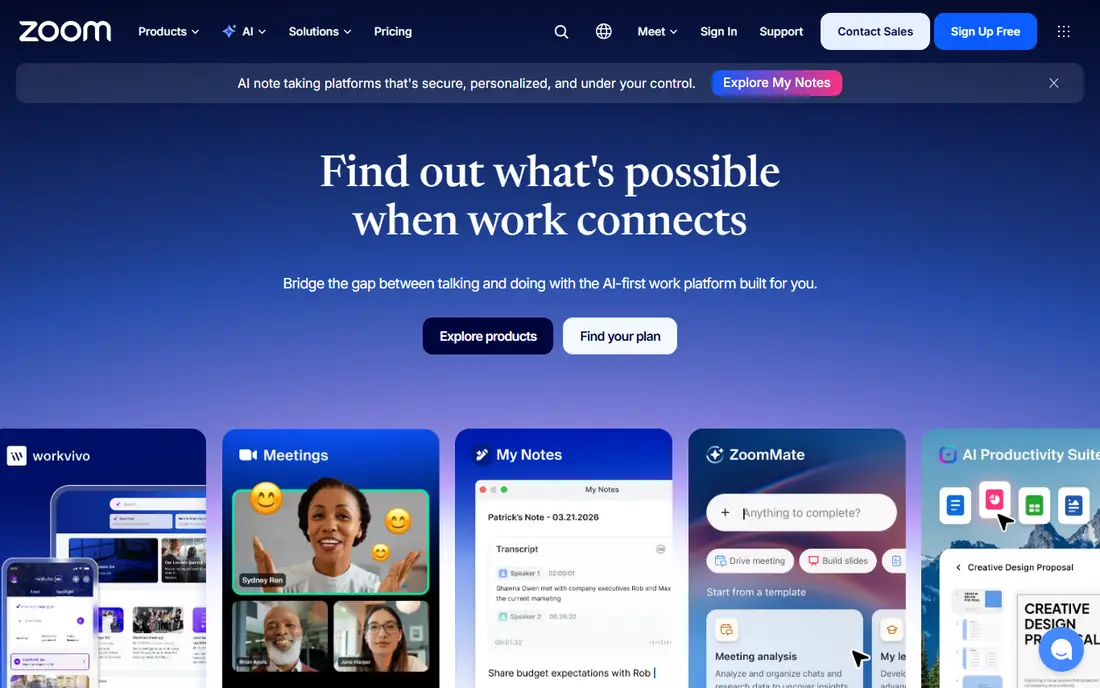
If your main need is simplicity on a busy day, this is one of the easier options to live with. Zoom Phone lets a team that already meets on Zoom add calling without learning a new app. Meetings, phone, and chat stay in one place, which helps staff who switch between calls and video all day. It makes less sense if your team does not use Zoom. In that case, a standalone provider may offer a better phone first experience for a similar price. Check the current plan page before you buy, because prices and free limits change.
- Native fit with Zoom meetings
- Low entry price on annual billing
- Simple admin for Zoom users
- Voice features are tied to the Zoom ecosystem
- Metered options need careful minute checks
Teams and individuals who already use related tools will find this option fits into daily work with little friction. Dialpad stands out because AI notes and transcripts are not reserved for a premium tier. That helps managers review calls, helps new staff learn, and reduces manual note taking after every conversation. Call quality still depends on your connection and headset. Test it with real calls during the trial, especially if staff work from home on varied networks. Check the current plan page before you buy, because prices and free limits change.
- AI transcription and summaries included
- Clean modern apps
- Good coaching tools for teams
- Advanced contact centre features cost more
- Some integrations sit on higher tiers
This option stands out for people who want strong core features without paying for a large bundle they will not use. Vonage works well for a business that wants standard calling today and the option to build custom voice or messaging workflows later. Its API heritage gives technical teams room to grow. Non-technical buyers should check the plan details carefully. Features that look included in marketing pages may require an add-on, so ask for a written plan breakdown. Check the current plan page before you buy, because prices and free limits change.
- Low entry line price
- Developer APIs for voice and messaging
- Broad business features
- Some features are add-ons
- Support experience varies by plan
When budget matters more than having every advanced feature, this is a practical place to start. Ooma suits a small office that wants a phone system without a long contract or a complex setup. The admin tools are direct, and desk phone support helps offices that still use handsets. Larger teams may outgrow it. If you need deep CRM automation or advanced contact centre reporting, compare a larger suite before you commit. Check the current plan page before you buy, because prices and free limits change.
- No contract on the entry plan
- Simple setup
- Desk phone options available
- Fewer advanced integrations than larger suites
- Entry price is higher than some rivals
For users who need depth in one area rather than average performance across many areas, this option makes sense. Grasshopper gives a solo worker or freelancer a separate business number on a phone they already own. Call forwarding, greetings, and extensions keep work calls distinct from personal calls. It is not built as a full team phone system. If you later need shared inboxes, queues, or deep reporting, you will likely need to move to a team platform. Check the current plan page before you buy, because prices and free limits change.
- Flat monthly pricing
- Virtual number without new hardware
- Simple call routing
- No full team collaboration suite
- Limited advanced contact features
This is a good second option to compare side by side with the leaders, especially if you want a different style of interface. Google Voice is the simplest add-on for a team that already lives in Gmail, Calendar, and Drive. Staff can call from a browser or phone app with little training. Its simplicity is also its limit. Teams that need advanced queues, detailed analytics, or complex routing should look at RingCentral, Nextiva, or Dialpad instead. Check the current plan page before you buy, because prices and free limits change.
- Simple setup inside Workspace
- Low entry price
- Easy number management
- Limited advanced call centre features
- Requires a Workspace account for business use
If you want a smaller, more focused service that still covers the basics well, this option is worth testing. Quo, formerly OpenPhone, suits teams that handle much of their customer contact by text. Shared numbers, internal threads, and contact notes keep messages visible to the whole team. If your work is mainly voice calls with complex routing, a larger provider may fit better. Test shared texting and call handling during the trial before switching. Check the current plan page before you buy, because prices and free limits change.
- Shared numbers and team texting
- Modern mobile apps
- Lightweight contact notes
- Smaller integration library than large suites
- Newer brand name may confuse buyers
How we picked these
We compared official feature pages, pricing pages, app store listings, privacy policies, and public reviews for each product. We checked whether each product still exists and works in October 2026, whether it truly fits the topic, and whether its starting price and free tier could be verified from the vendor or an app store listing. Where a price could not be verified, we wrote See website rather than guessing. We did not claim hands-on testing, and we did not add scores or ratings that we could not trace to a published source. If a product changed its plans after our check, the vendor page is the final source.
How to choose a VoIP service without overpaying
Start with how your team actually calls. A service with a large contact centre suite can be wasteful for a five person team, while a simple business line can frustrate a support team that needs queues and reporting.
Match the plan to call volume and seats
Count seats, expected minutes, and texting needs before you compare prices. Annual billing lowers the monthly rate for most providers here, but it locks you in, so check contract terms and what happens when you add or remove a user. Ask whether toll free minutes, international calls, and extra numbers cost more.
Check calling features you will use every week
Look for call routing, voicemail transcription, call recording, and mobile and desktop apps that work well outside the office. If your team shares numbers, test shared inboxes and internal notes. If you take support calls, queues, hold music, and basic reports matter more than video extras.
Test setup, porting, and support
Use the free trial to port a test number if possible, check call quality on your own internet connection, and contact support with a real question. Note response time and whether help is available by phone, chat, or email. A clean admin panel saves time when staff join or leave.
Frequently asked questions
Which VoIP service is best for a small business?
For most small businesses, RingCentral or Nextiva are sensible starting points because they cover calling, texting, and video in one plan with clear pricing. Smaller teams that mainly need a business number may prefer Grasshopper or Quo. Compare trial experience and support before signing an annual plan.
What is the best VoIP phone service for remote teams?
A service with strong mobile and desktop apps, such as RingCentral, Dialpad, or Zoom Phone, works well for remote teams. Check that calls, texts, and voicemail stay in sync across devices, and that admins can manage numbers and routing without help from IT.
Are there best rated VoIP services with a free trial?
Yes, several providers here offer a free trial, including RingCentral, Dialpad, Ooma, Grasshopper, and Quo. Trial length varies, so use the trial to test call quality, texting, and routing with your real workflow rather than only reading feature lists.
How much does a best VoIP service provider charge per user?
Published starting prices in this guide range from $10 to $20 per user per month on annual plans, with some providers quoting a custom price for larger teams. Taxes, fees, extra numbers, and international minutes can change the final bill, so request a full quote.
Do I need desk phones to use a VoIP service?
No, most modern VoIP services work through an app on a computer or phone, and many also support desk phones if you prefer them. App based calling suits remote and hybrid teams, while desk phones suit reception areas and staff who prefer a handset.
Sources
See where you really rank - block by block
ProMapRanker scans Google Maps across a grid of your service area. Simple monthly plans from $19, white-label on every plan.
Start freeKeep reading
 zoom alternatives
Best Zoom Alternatives in 2026
Compare Zoom alternatives in 2026, with free meeting limits and prices, so you can pick the best alternative to Zoom for your team, class, or community.
Read → which software is best for remote work
Which Software Is Best for Remote Work in 2026
Answering which software is best for remote work, we compare Slack, Zoom, Asana, Notion, Teams and more, with pricing and honest tradeoffs in 2026 now.
Read → which ai tool is best for content writing
Which AI Tool Is Best for Content Writing in 2026
Wondering which ai tool is best for content writing? We compare ChatGPT, Claude, Jasper, Grammarly, and more on price, quality, and best use in 2026 now.
Read →