 ProMapRanker
Best Voice Recording Software in 2026

Free multitrack recording on any computer · Pricing starts at: Free
Key takeaways
- Audacity and GarageBand still cover most solo recording needs at no cost, and both run on widely used desktop systems.
- Remote interviews need a different tool: Riverside and Zencastr record each guest locally so a weak connection does not ruin the audio.
- Descript suits people who think in words, since editing the transcript edits the audio.
- Adobe Audition and Reaper are the stronger paid choices for detailed cleanup and full multitrack production.
- Check file format, sample rate and export options before you commit, since moving a finished project between tools can waste time.
Quick comparison
| Pick | Great for | Pricing starts at | Free tier | |
|---|---|---|---|---|
| Audacity | Free multitrack recording on any computer | Free | Yes | Visit |
 GarageBand | Free recording for Mac and iPhone owners | Free | Yes | Visit |
 Adobe Audition | Professional cleanup and podcast post-production | $22.99 per month | Free trial | Visit |
 Descript | Editing audio by editing a transcript | Free | Yes | Visit |
 Riverside | Remote interviews with local recording | $24 per month | Yes | Visit |
 Zencastr | Simple browser-based remote recording | See website | Yes | Visit |
 Reaper | A full digital audio workstation at a low one-time price | $60 one-time | Free trial | Visit |
 Ocenaudio | Lightweight free editing and quick recording | Free | Yes | Visit |
The best voice recording software
Voice recording sounds simple until you need clean audio, separate guest tracks or a fast edit. The tools below cover solo recording, remote interviews and full production, and we compared official feature pages, pricing pages and app listings for each one.
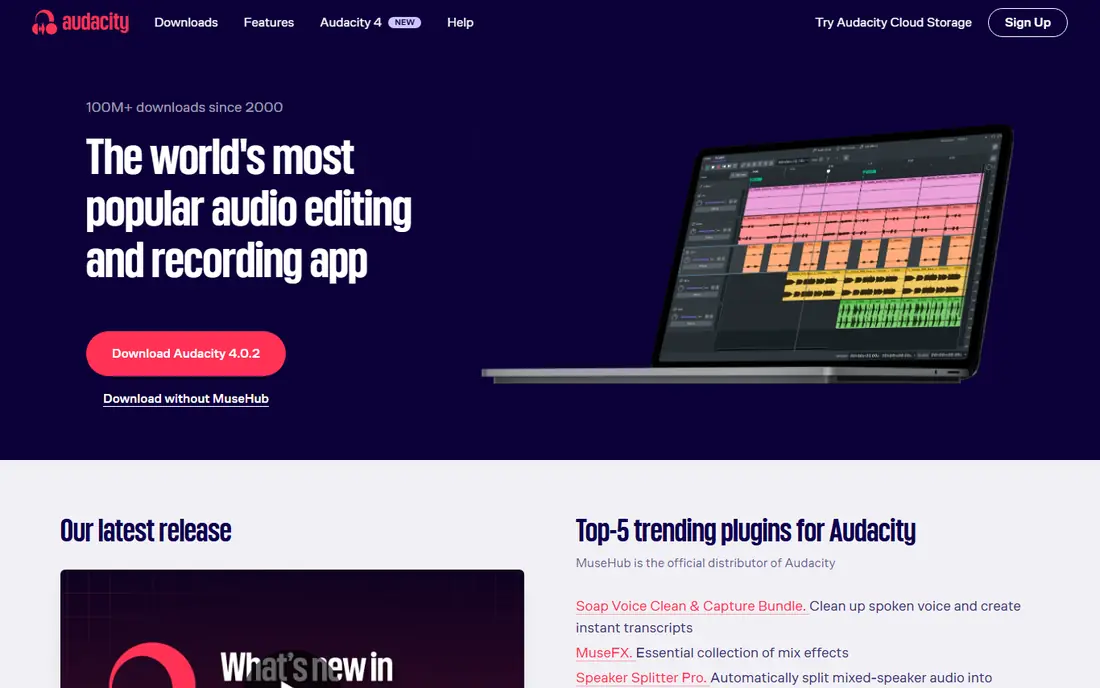
Audacity remains our pick for most people who record alone and want to spend nothing. It records from a microphone or audio interface, supports multiple tracks, and handles the usual cleanup tasks such as noise reduction, normalisation and trimming. The learning curve is modest for basic recording, though the menus take some exploring when you move to effects and multi-track mixes.
The main catch is scope. Audacity does not record remote guests, host a show or transcribe your audio, so interviewers and fast editors will need another tool alongside it. For voice notes, narration, podcast episodes recorded solo and simple music demos, that limit rarely matters. Export to common formats such as WAV and MP3 keeps the finished file easy to share or hand to an editor.
- Free and open source
- Works on Windows, Mac and Linux
- Strong noise reduction, trimming and multitrack tools
- Interface looks dated
- No built-in remote guest recording or transcript editing
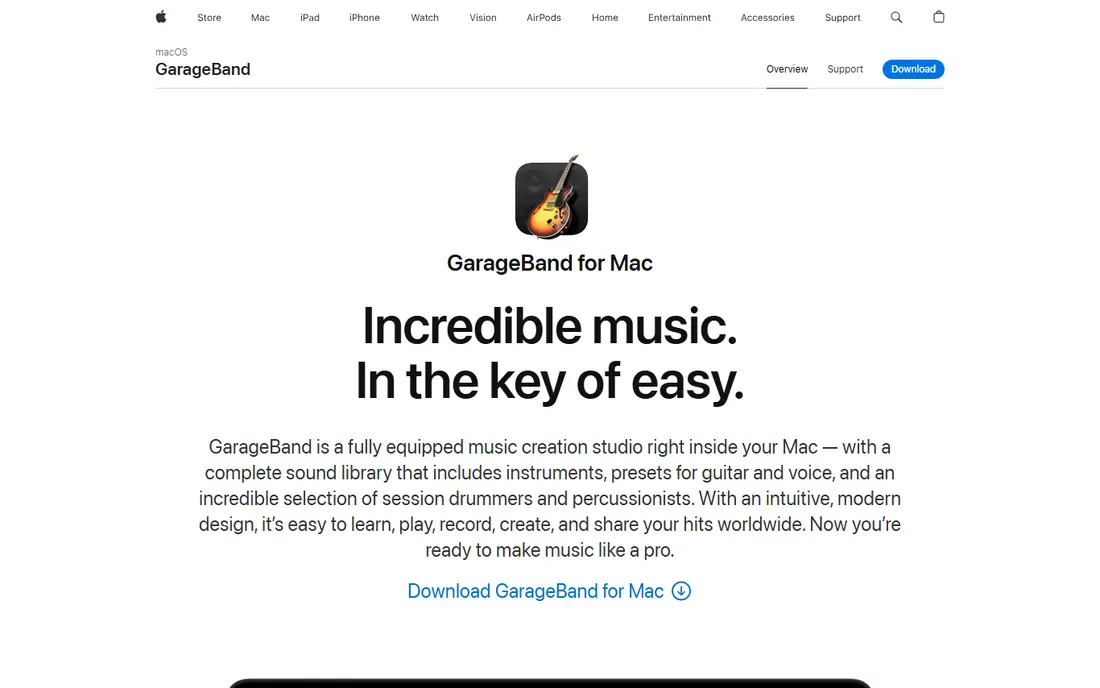
GarageBand is the easiest starting point if you already own a Mac, iPhone or iPad. You can plug in a microphone, pick a voice preset, record on several tracks and add music beds without buying anything else. The layout is visual and forgiving, which helps new recorders who find a traditional audio editor intimidating.
Its limits show up when a project grows. GarageBand lacks some of the precise editing and restoration tools found in paid editors, and sharing a project with a Windows user can be awkward. Still, for voice notes, song ideas, classroom recordings and first podcast episodes, it gives a polished result with very little setup. Export options cover the formats most listeners and editors expect.
- Free with Apple devices
- Friendly recording and looping tools
- Good built-in effects and virtual instruments
- Mac and iOS only
- No Windows or Android version
- Less depth for advanced mixing
Adobe Audition suits recorders who deal with imperfect audio on a regular basis. Its spectral display lets you see and remove clicks, hum and background noise that a simple filter would miss, and the multitrack view handles interviews, narration and music with clear control over levels. If you already use Adobe tools for video or design, the shared workflow is a real benefit.
The price is the honest drawback. At $22.99 per month on an annual plan, Audition costs far more over a year than a one-time editor, so casual recorders should start with the trial and a free tool first. Beginners may also find the number of panels and settings overwhelming at first. For broadcast work, client audio and problem recordings, the cleanup power justifies the cost.
- Strong noise removal and restoration tools
- Multitrack mixing
- Works well with other Adobe apps
- Subscription cost adds up
- Steeper learning curve for beginners
- Windows and Mac only
Descript changes the editing job for people who hate timelines. Record or import audio, get a transcript, then delete words from the text to cut the audio. That method makes rough cuts fast, and features such as filler-word removal clean up a spoken episode in minutes rather than hours. It also records screen and video, which suits tutorial makers and course creators.
The trade-off is control. Precise music mixing and detailed sound design feel easier in a traditional editor, and the free plan gives limited transcription and media time. Paid plans start at $16 per month billed annually, so check how much audio you produce each month before upgrading. For podcasters, coaches and teams who publish spoken content often, the time saved on edits is the main reason to choose it.
- Transcript-based editing
- Filler-word removal
- Screen recording and publishing tools included
- Paid plans start at $16 per month billed annually
- Audio-only purists may prefer a timeline editor
- Export limits apply on the free plan
Riverside solves the most common remote recording problem: a guest with a weak connection. Each person is recorded locally on their own device, then the files upload, so the final audio does not carry the dropouts you heard during the call. Separate tracks make it easy to fix one voice without touching the others, and the built-in editor and clip tools shorten the path to publishing.
Pricing needs attention. The free plan includes a small one-time recording allowance, and the Pro plan at $24 per month billed annually includes a set number of multitrack hours each month. A weekly interview show can use those hours quickly once retakes count. If your show is remote and audio quality matters more than anything else, Riverside is still the most dependable choice in this list.
- Records each guest locally in high quality
- Separate audio and video tracks
- Text-based editing and clips
- Free plan recording time is limited
- Paid monthly hours can run out on a weekly show
- Needs a stable browser setup for guests
Zencastr keeps remote recording as simple as possible. Send a link, guests join in a browser, and each voice is recorded on its own track. That simplicity matters when guests are not technical, since there is no software to install and no account setup to explain before the interview starts. Hosting and distribution tools can also reduce the number of services a new podcaster needs.
The catch is that paid plan details change and are not always easy to compare at a glance, so confirm the current plan before you pay. Zencastr is best for audio-first shows and interviewers who value a smooth guest experience over advanced video production. For solo recording or heavy video editing, a desktop editor or Riverside may fit better.
- Guests join from a browser link
- Separate tracks for each voice
- Hosting and distribution options
- Paid pricing is less clearly published than some rivals
- Video features lag behind Riverside for some users
- Relies on guest browsers and microphones
Reaper is our pick for recorders who want a serious studio tool without a subscription. The $60 discounted licence covers personal use and small businesses under a stated revenue limit, with a $225 commercial licence above that, and the 60-day evaluation is fully functional. It handles multitrack recording, mixing, effects and automation with depth that free editors cannot match.
That depth comes with a learning curve. The default layout packs many controls onto the screen, and new users should expect to spend time setting up templates and shortcuts. There is no transcript editor, so spoken-word editors who want Descript-style cutting should look elsewhere. For musicians, podcast producers and voice artists who record often, Reaper offers lasting value for a single payment.
- Full multitrack production for a low one-time price
- Highly customisable
- Runs on Windows, Mac and Linux
- Interface can feel dense at first
- No built-in transcript editing
- Discounted licence has a revenue limit
Ocenaudio fits the quick job: open a file, trim it, clean it up and export it without waiting for a heavy program to load. The interface shows the waveform clearly, and hearing an effect before you apply it reduces trial and error for new editors. It runs on Windows, Mac and Linux, which makes it a useful second editor on any machine.
It is not a full production studio. Multitrack work and complex mixes are better handled in Audacity or Reaper, and Ocenaudio does not record remote guests. Think of it as the fast, free tool for voice notes, interview cleanup and single-track edits. For that job, its speed and simplicity are genuine strengths.
- Free
- Light and fast on older computers
- Clear waveform view with real-time effect previews
- Fewer multitrack and production features than Audacity or Reaper
- No remote recording
- Smaller plugin community
How we picked these
We compared official feature pages, pricing pages and app store listings for tools that record voice clearly today, in October 2026. We favoured tools that exist and work on current systems, cover solo recording, remote interviews or full production, and state their price or free tier openly. We left out tools that only handle video calls, tools that have stopped development, and tools whose recording quality depends on a compressed call stream.
What to check before you choose
Start with the recording situation, not the feature list. Solo recorders need a good microphone, a quiet room and a simple editor. Remote interviewers need local recording for each guest. Musicians and producers need multitrack mixing and effects. Matching the tool to the job avoids paying for features you will never open.
Microphone and room matter more than software
A decent USB microphone in a quiet, soft-furnished room will beat an expensive editor used with a laptop microphone in an echoing room. Record a short test, listen back on headphones, and fix obvious room noise before you buy software. Most tools in this list can clean up small problems, but none can fully rescue a recording made in a noisy space.
File formats and export limits
Check that your chosen tool exports WAV for archiving and MP3 for sharing, and note any limits on the free plan. If you work with an editor or a publisher, ask which format they prefer before you record a full series. A tool that locks exports behind a paid plan can become expensive once you publish regularly.
Budget over a full year
Compare a full year of cost, not just the first month. A free tool costs nothing all year, a one-time licence stays flat, and a subscription adds up month by month. If you record only a few episodes a year, free tools and a short paid spell for a busy period may cost less than a year-long subscription.
Frequently asked questions
What is the best free voice recording software for PC?
Audacity is the strongest free choice for PC, since it is free, open source and handles multitrack recording and editing on Windows, Mac and Linux. Ocenaudio is a lighter free alternative for quick single-track edits. Both export common audio formats, so you can share or publish the finished file without paying.
What is the best voice recording app for a phone?
Your phone already has a built-in recorder, and GarageBand on iPhone gives a fuller studio for music and voice. For interviews, a browser tool such as Riverside or Zencastr records each guest separately and in higher quality than a phone call recording. Use a wired headset or an external microphone when sound quality matters.
What is the best app for voice recording with remote guests?
Riverside is our pick for remote guests because it records each person locally and keeps separate tracks. Zencastr is a simpler browser option for audio-first shows. Both beat recording a video call, since call audio is compressed and a dropout can damage the only copy.
Is Audacity really free?
Yes. Audacity is free and open source, with no paid tier for its core recording and editing features. You can download it for Windows, Mac and Linux and use it for personal or commercial voice work. Some optional plugins and services may cost extra, but the editor itself does not require payment.
What is the best voice notes app for quick memos?
For quick memos, use the recorder already on your phone or a simple tool such as Ocenaudio on a computer. The goal is speed and easy playback, not multitrack mixing. If a memo later becomes a podcast or a lesson, import the file into Audacity or Descript for cleanup and editing.
Do I need paid software for good voice recording?
No, not at first. Free tools cover clean solo recording and basic editing well, and a good microphone matters more than a paid editor. Pay when you need remote local recording, transcript editing, advanced noise repair or full multitrack production on a regular basis.
Sources
See where you really rank - block by block
ProMapRanker scans Google Maps across a grid of your service area. Simple monthly plans from $19, white-label on every plan.
Start freeKeep reading
 free alternatives to grok imagine
Free Alternatives to Grok Imagine in 2026
We compared the best free alternatives to grok imagine for image generation, from fast daily credits to design tools, so you can create without paying.
Read → best tools for instagram content creation
Best Tools for Instagram Content Creation in 2026
Compare the best tools for Instagram content creation, from Canva and CapCut to Later and Buffer, on design, video, planning, scheduling, and price in 2026.
Read → best tool to split pdf files
Best Tool to Split PDF Files in 2026
We compared the best tool to split pdf files on split modes, file limits, privacy and price, so you can split a PDF cleanly and keep every page in one go.
Read →