 ProMapRanker
Best Virtual Phone Number Services in 2026


Free personal and Workspace numbers · Pricing starts at: Free
Key takeaways
- A virtual phone number lets you call and text from a second number without a second SIM, which helps separate work, selling and personal life.
- Google Voice and TextNow are the best free starting points, with Google Voice stronger for business use and TextNow stronger for personal use.
- Quo, Grasshopper, RingCentral, Nextiva and Dialpad suit businesses that need shared numbers, auto-attendants and team messaging.
- Hushed and Burner suit personal second numbers that you can delete, pause or replace when a listing or conversation ends.
- Check whether a number supports verification texts, because some services do not work for bank or app sign-in codes.
Quick comparison
| Pick | Great for | Pricing starts at | Free tier | |
|---|---|---|---|---|
| Google Voice | Free personal and Workspace numbers | Free | Yes | Visit |
 Quo | Text-heavy small teams | $15 per month | Free trial | Visit |
 Grasshopper | Flat-rate business line | $14 per month | Free trial | Visit |
 RingCentral | All-round business phone | $20 per month | Free trial | Visit |
 Nextiva | Business phone and messaging | $15 per month | No | Visit |
 Dialpad | AI-assisted business calling | $15 per month | Free trial | Visit |
 TextNow | Free personal second number | Free | Yes | Visit |
 Hushed | Disposable personal numbers | See website | No | Visit |
 Burner | Temporary personal numbers | See website | Free trial | Visit |
The best virtual phone number services
A virtual phone number is a real phone number that works through an app, rather than through a physical SIM tied to one phone. You can call and text from it on a phone or computer, keep your personal number private, and close the number when you no longer need it. This guide covers the best virtual phone number service options for personal use and for business, including the best free virtual phone number app choices. We compared official pricing and feature pages for services live in October 2026.
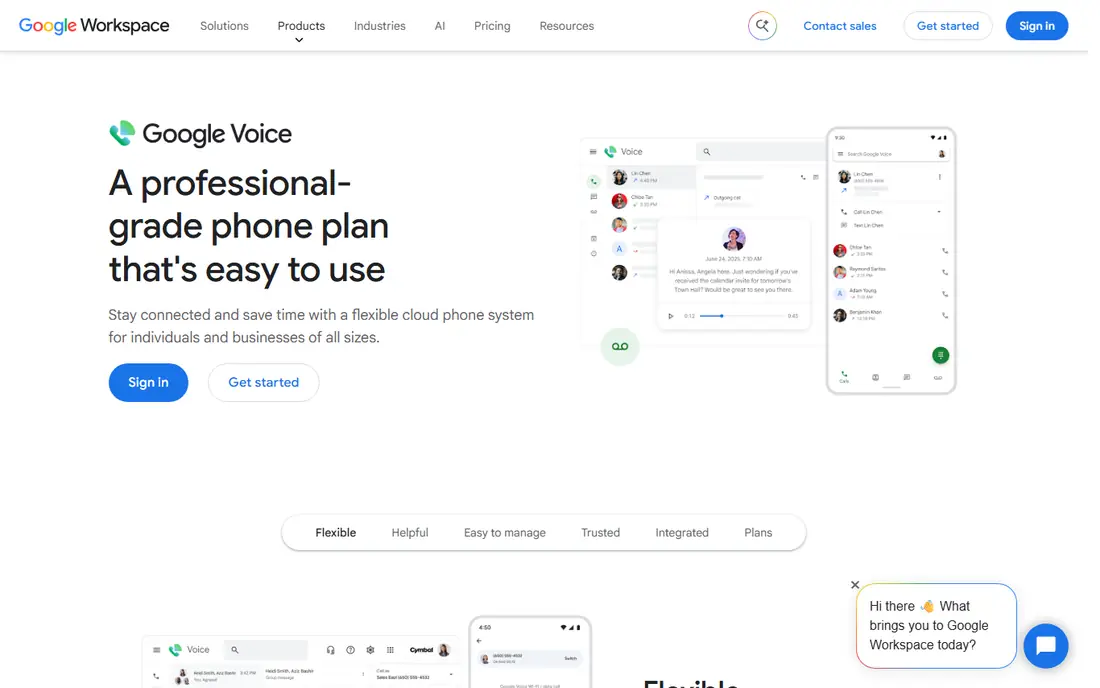
Google Voice is the best free starting point for most US users. A personal account can claim a free number for calls and texts, with voicemail transcription and spam filtering built in. The number works on the web and on mobile, so you can answer from a computer at work and a phone on the move.
Business use needs Google Workspace plus a Voice plan, which starts at a per-user monthly price, and some business features such as ring groups sit on higher tiers. Personal Google Voice numbers also have limits on verification texts for some services. For a free second number and simple business use, Google Voice is hard to beat.
- Free personal number for US users
- Voicemail transcription
- Works on web, Android and iOS
- Personal number availability is US focused
- Business features need Google Workspace plus a Voice plan
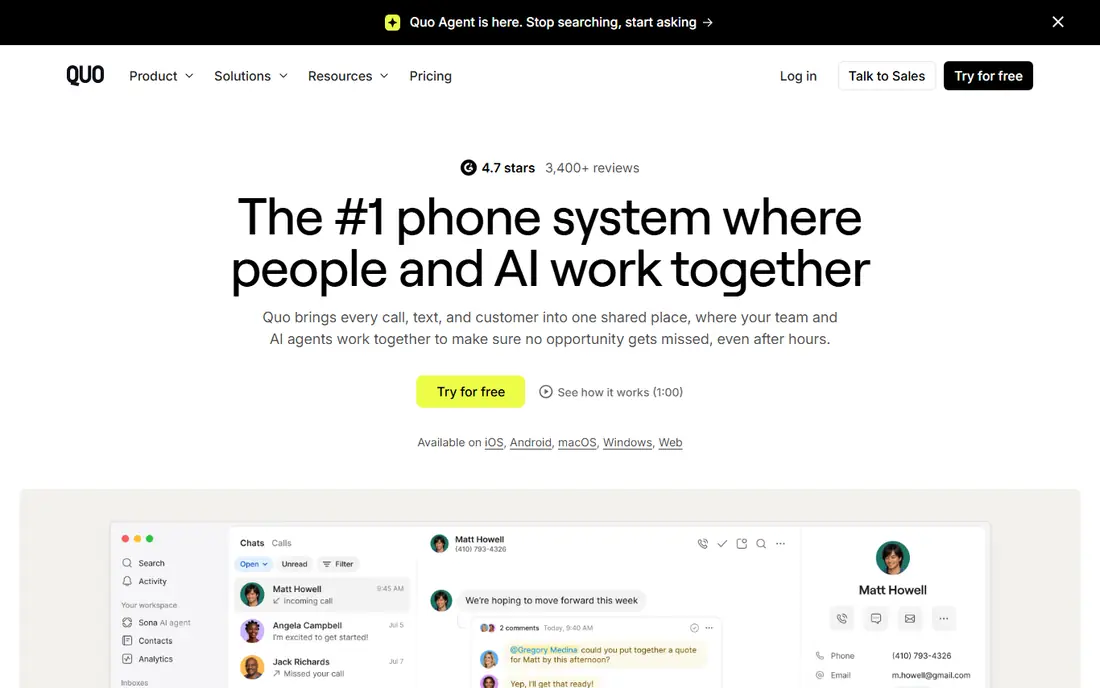
Quo, formerly OpenPhone, suits small teams that live in text messages. Team members share a business number, see the same message thread, and reply without sharing a personal phone. Call recording, voicemail and integrations with customer tools make it useful for sales and support teams as well as general business use.
Per-user pricing means a team of ten pays much more than a solo user, so check the total before scaling. AI features such as call summaries sit on higher plans. For a text-heavy team that wants a clean, modern business number, Quo is a strong pick.
- Shared numbers and team messaging
- Modern app for calls and texts
- AI call summaries on higher plans
- Per-user pricing adds up for larger teams
- Some AI features need a higher tier
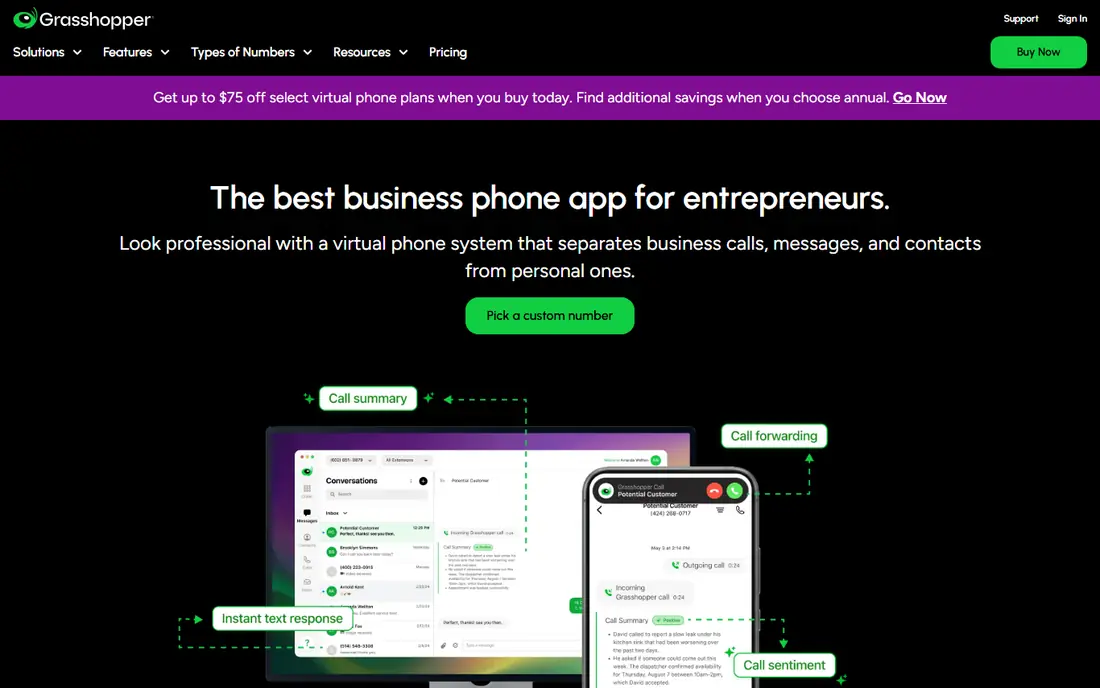
Grasshopper suits solo owners and tiny teams that want a professional business line without per-user costs. You get a business number, extensions and a greeting, and calls forward to the phones you already own. That flat model keeps costs predictable when you add a second or third team member who only needs to answer calls.
Grasshopper is simpler than a full unified communications platform, so teams that need shared messaging, video meetings or deep integrations may outgrow it. Call recording and some advanced features need higher plans or are not included. For a simple, professional business number, Grasshopper remains a good value choice.
- Flat monthly rate rather than per-user pricing
- Call forwarding to existing phones
- Business greetings and extensions
- No native call recording on basic plans
- Fewer team collaboration features than Quo or Dialpad
RingCentral suits businesses that want phone, video and messaging in one system. A virtual number comes with team messaging, video meetings and integrations with customer and productivity tools, which reduces the number of separate apps a team must manage. That breadth helps hybrid teams and growing companies.
The starting price is higher than Grasshopper or Google Voice, and SMS limits on lower plans need checking if your team texts customers often. Setup also takes more time than a simple second-number app. For a team that wants one communications platform, RingCentral is a reliable all-round choice.
- Voice, video, messaging and team chat in one platform
- Many integrations
- Strong coverage for larger teams
- Higher starting price
- Message limits apply on some plans
Nextiva suits growing businesses that want a unified phone system with strong support. The core plan includes voice, SMS, video meetings and team chat, while higher plans add call centre features and CRM integrations. That progression helps a company start simple and add support tools as it grows.
There is no free plan, so small teams should use a trial or demo to test call quality and support before paying. SMS allowances also vary, so text-heavy teams should confirm limits. For a business that values human support and a single platform, Nextiva is a solid option.
- Voice, SMS, video and team chat
- 24/7 support reputation
- CRM integrations on higher plans
- No free plan
- SMS allowances vary by plan
Dialpad suits teams that want help after the call ends, not just during it. AI transcription and summaries capture what was discussed, which helps sales and support teams follow up without manual notes. Voice, video and messaging sit in the same app, and integrations cover common productivity suites.
Per-user pricing adds up for larger teams, and the most advanced AI features sit on higher plans. Call quality and AI accuracy should be tested on real calls during the trial. For teams that value call summaries and a modern interface, Dialpad is a strong business pick.
- AI transcription and call summaries on plans
- Voice, video and messaging
- Integrations with Google Workspace and Microsoft 365
- Some AI features need higher tiers
- Per-user pricing for larger teams
TextNow is one of the best free virtual phone number app options for personal use. You get a free US number for calls and texts, with an app and web version for everyday messaging. Paid options remove ads and help keep a number, which suits people who want a stable second number for selling, dating or online sign-ups.
The free model has limits. A free number may be reclaimed if it goes unused, and ads appear in the free app. Some banks and apps do not accept TextNow numbers for verification codes, so test that use case early. For a free personal second number, TextNow is a practical first try.
- Free US number for calls and texts
- Works on phone and web
- Low-cost paid options to remove ads and lock a number
- Free number can change if unused
- Ads in the free app
- Verification support varies by service
Hushed suits people who want a second number they can delete when a conversation ends. You can buy a disposable number for a short-term listing, or keep a longer-term number for ongoing use, with numbers available in the US, Canada, the UK and other countries. The app handles calls and texts without exposing your personal number.
Hushed is paid, so it is not a free alternative to TextNow or Google Voice. Number availability and features vary by country, and verification support also varies. For privacy-focused personal use, especially for selling or dating, Hushed gives you control over when a number disappears.
- Multiple numbers in many countries
- Disposable and long-term numbers
- Call and text support in the app
- Paid plans needed for ongoing use
- Number availability varies by country
Burner is built for temporary numbers. You create a number for a listing, a project or a new contact, use it for calls and texts, then delete it when you are done. That burn-and-replace model limits spam and unwanted calls after a transaction ends, which is useful for marketplace sellers and freelancers.
Burner focuses on the US and Canada, so international users should check coverage first. Ongoing use needs a subscription, and the app is personal focused rather than a full business phone system. For short-term privacy, Burner is simple and effective.
- Temporary numbers you can burn when done
- Easy number management in the app
- Useful for listings and short projects
- US and Canada focus
- Ongoing use needs a subscription
How we picked these
We compared official pricing and feature pages for virtual phone services live in October 2026, and we kept only services that provide a usable phone number for calls or texts through an app or web dashboard. We included free personal options and business platforms, because searchers split into those two groups, and we labelled business-only pricing clearly. Where pricing varies by plan or region, we wrote See website rather than guessing a total.
How to choose a virtual phone number service
A second number should fit how you actually call and text, not just how it looks on a pricing page.
Decide personal or business first
Personal users should start with Google Voice or TextNow, then consider Hushed or Burner for disposable numbers. Business teams should compare Quo, Grasshopper, RingCentral, Nextiva and Dialpad on shared numbers, auto-attendants and integrations. Mixing those groups leads to paying for business features you do not need, or missing team features you do need.
Test verification and call quality early
If you need a number for sign-in codes, test it with the specific bank or app before you rely on it, because some services block virtual numbers for verification. Test call quality on your usual network, check voicemail transcription, and confirm that texts arrive promptly. A number that fails verification is not useful for that job, even if calls work well.
Check number porting and cancellation
Confirm whether you can keep a number if you cancel, port it to another provider, or lock it against reclaim. Free numbers often have inactivity rules, while paid numbers usually offer more stability. Read the cancellation terms before you share a number widely, because changing a published business number is costly.
Frequently asked questions
What is the best free virtual phone number app?
Google Voice is the best free option for US users who want a stable personal or Workspace number, while TextNow is a strong free option for personal calls and texts. Google Voice suits business use better, while TextNow is simpler for a quick personal second number. Both have limits on verification texts for some services.
Can I get a virtual phone number without a SIM?
Yes. Virtual numbers work through an app and an internet connection, so you do not need a second SIM or a second phone. You still need a device and, for most services, an existing phone number or account for initial setup and verification.
Do virtual numbers work for verification codes?
Sometimes, but not always. Some banks, apps and services block virtual or VoIP numbers for sign-in codes, while others accept them. Test the number with the specific service before you rely on it for two-factor sign-in, and keep a backup verification method where possible.
Which virtual phone service is best for a small business?
Quo suits text-heavy small teams, Grasshopper suits solo owners who want flat-rate pricing, and RingCentral, Nextiva and Dialpad suit teams that want voice, video and messaging together. The best pick depends on team size, text volume and whether you need shared inboxes or call centre features.
Can I keep my virtual number if I cancel?
It depends on the provider and plan. Paid business numbers are often portable, while free numbers may be reclaimed after inactivity or cancellation. Check porting rules and inactivity terms before you publish a number on a website or business card.
Are virtual phone numbers safe for privacy?
A second number helps keep your personal number private, but it does not make calls anonymous to the provider or to law enforcement where required. Use a reputable provider, review its privacy policy, and avoid sharing a disposable number for accounts that need long-term recovery access.
Sources
See where you really rank - block by block
ProMapRanker scans Google Maps across a grid of your service area. Simple monthly plans from $19, white-label on every plan.
Start freeKeep reading
 wpforms alternatives
Best WPForms Alternatives in 2026
We compare 9 wpforms alternatives for WordPress forms, with free and paid options, current pricing notes, and honest limits for small business sites in 2026.
Read → windows task scheduler alternatives
Best Windows Task Scheduler Alternatives in 2026
Looking for Windows Task Scheduler alternatives? We compare 9 schedulers for Windows and cross-platform work, from free tools to enterprise automation.
Read → which ai video service is best
Which AI Video Service Is Best in 2026
which ai video service is best? We compare 10 legitimate AI video services on price, avatars, editing and output quality to help you pick the right tool.
Read →