 ProMapRanker
Best Virtual Meeting Platforms for Large Groups in 2026


meeting-first large teams · Pricing starts at: $14.16 per user per month
Key takeaways
- Large-group meeting capacity is not the same as webinar capacity, so check the interactive meeting limit for your plan.
- Zoom, Teams and Google Meet cover most large meetings, with higher tiers or add-ons taking you to 500 or 1,000 participants.
- Breakout rooms, hand raising, polls and moderation tools matter more than raw capacity once you pass 100 people.
- A wired connection, a co-host and a rehearsal prevent more problems than any feature upgrade.
- Our pick for most organisations is Zoom for meeting-first teams, with Microsoft Teams close behind for Microsoft 365 users.
Quick comparison
| Pick | Great for | Pricing starts at | Free tier | |
|---|---|---|---|---|
| Zoom Workplace | meeting-first large teams | $14.16 per user per month | Yes | Visit |
 Microsoft Teams | Microsoft 365 organisations | $4 per user per month | Yes | Visit |
 Google Meet | Google Workspace teams | $7 per user per month | Yes | Visit |
 Webex | enterprise and regulated teams | $12 per user per month | Yes | Visit |
 GoTo Meeting | host-led large sessions | $12 per organizer per month | No | Visit |
 RingCentral Video | phone plus video bundles | See website | Yes | Visit |
 Zoho Meeting | budget large meetings | See website | Yes | Visit |
 Livestorm | client-facing large sessions | See website | Yes | Visit |
 Adobe Connect | custom large meeting rooms | See website | No | Visit |
The best virtual meeting platforms for large groups
This list covers only platforms that genuinely support large interactive meetings, not small-group tools stretched beyond their limits. We state capacity by plan where published guidance is clear, and we note where a higher tier or add-on is needed.
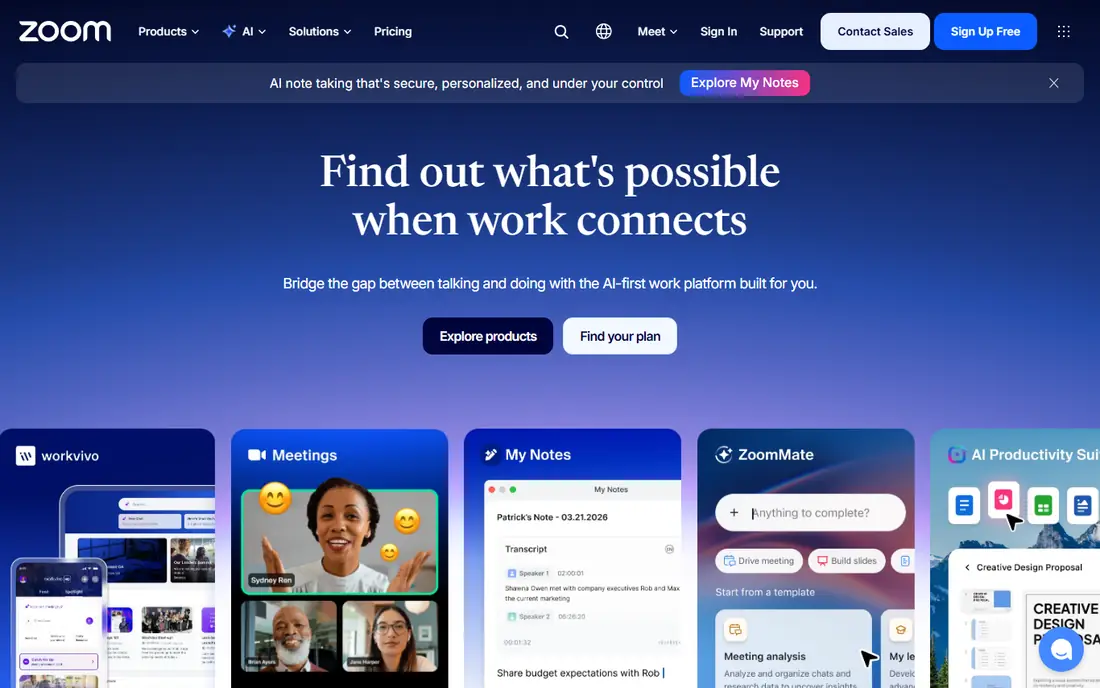
Zoom Workplace is the meeting-first choice for large groups, with paid plans that support 100 to 300 participants and a Large Meetings add-on that takes interactive meetings to 1,000. Breakout rooms, polls, hand raising and waiting rooms give hosts real control at scale, and most guests already know how to join, which cuts support questions. Recording, transcripts and whiteboards are built in on paid plans.
The free plan is only a starting point for large groups, since group meetings end after 40 minutes and capacity sits at 100. Webinar and event features are separate products, so a company that needs both meetings and large broadcasts should price them together. For regular all-hands meetings, training sessions and town halls, Zoom remains the safest default.
- Large meeting add-on to 1,000
- Breakout rooms
- Strong host controls
- Free plan caps group meetings at 40 minutes
- Webinar features cost extra
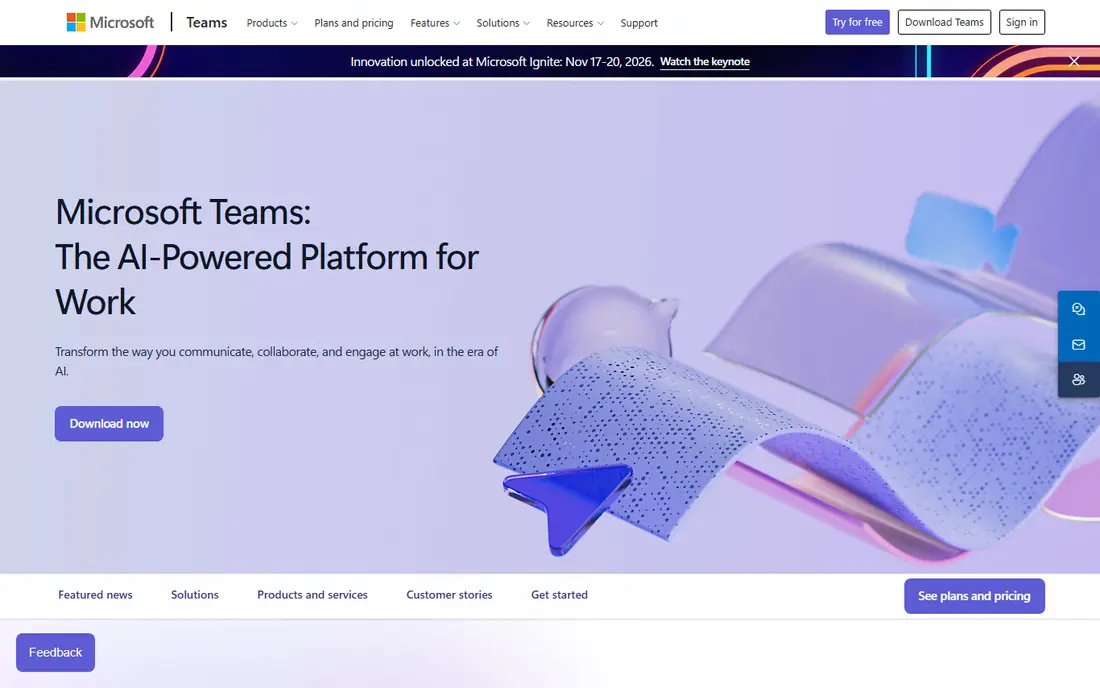
Microsoft Teams suits organisations already paying for Microsoft 365, since meetings, chat, files and calendars live in one system. Standard meetings support up to 300 attendees on common business plans, while webinars reach 1,000 and town halls reach 10,000 viewers for broadcast-style events. Breakout rooms, live captions and meeting recordings help large sessions stay organised.
The catch is that Teams is at its best inside the Microsoft ecosystem, and standalone pricing does not include the full Office apps. Admin settings for large meetings can also feel complex for a small team. If your company already runs on Outlook, SharePoint and OneDrive, Teams is the natural large-group choice, and it avoids paying for a separate meeting tool.
- Deep Microsoft 365 integration
- Town halls to 10,000
- Chat and files in one place
- Meeting settings can be complex
- Best value needs a Microsoft 365 plan
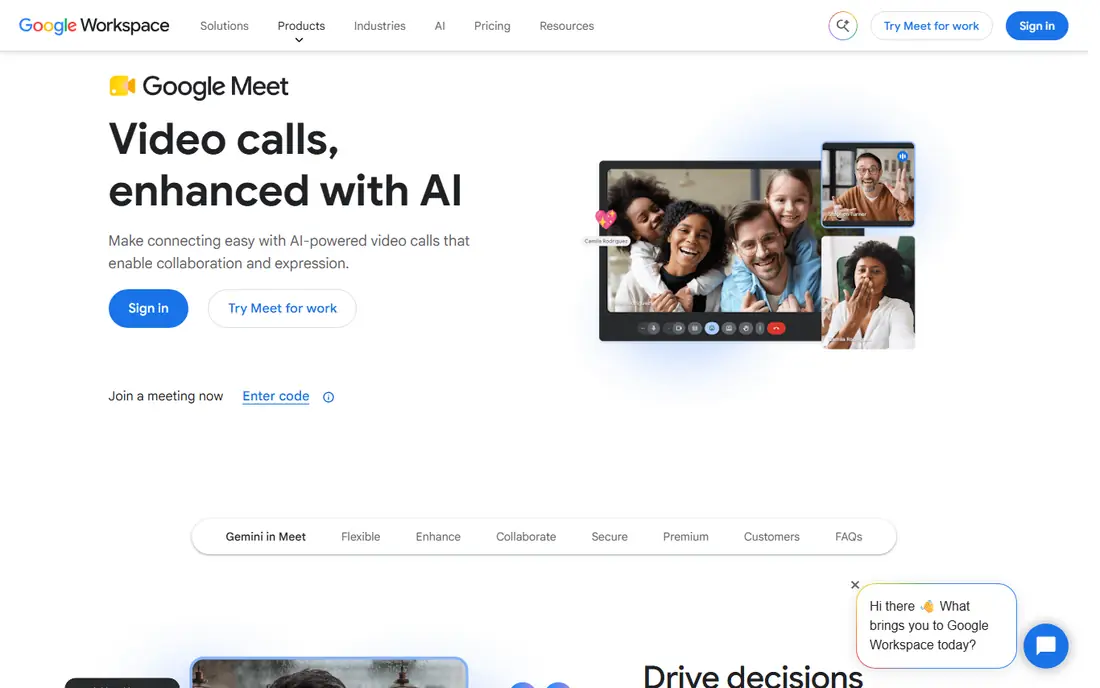
Google Meet is the simplest large-meeting option for teams on Google Workspace. Guests join from a browser link with no software install, and paid Workspace plans raise capacity from 100 to 150, then 500 on Business Standard and higher tiers, with 1,000 on the top enterprise plans in published guidance. Breakout rooms, polls, hand raising and noise cancellation help hosts manage bigger rooms.
The free version is fine for small groups but not for large meetings, since group calls are capped at 60 minutes and 100 participants. Noise cancellation, attendance tracking and recording sit on paid plans, so check your Workspace tier before promising a feature. For schools and companies already in Gmail and Calendar, Meet is a low-friction large-group tool.
- Browser joining with no install
- Capacity to 500 on higher plans
- Simple host controls
- Free plan caps groups at 60 minutes and 100 people
- Advanced controls need higher plans
Webex, from Cisco, is built for enterprises, government, healthcare and education teams that need security and compliance alongside large meetings. Paid plans support meetings up to 1,000 participants, with webinars and events going far higher, and the platform pairs well with Cisco room hardware for hybrid sessions. Breakout sessions, polls, closed captions and end-to-end encryption options suit regulated work.
The free plan caps meetings at 40 minutes and 100 attendees, so large groups need a paid plan. Pricing and plan names can also be harder to compare than Zoom or Teams, and some advanced features sit on enterprise tiers. Choose Webex when compliance, hardware rooms or Cisco voice integration matter as much as capacity.
- Meetings to 1,000 on higher plans
- Strong security and compliance
- Hardware room support
- Pricing can be complex
- Some features need enterprise plans
GoTo Meeting prices by organiser rather than by every attendee, which can suit a small training team that hosts large sessions for many guests. Published comparisons list large session support up to 250 participants on standard plans and higher on business tiers, with tools for screen sharing, drawing and session recording. Guests join from a link, and hosts can manage audio, video and presenters from one panel.
There is no free plan, so every host needs a paid seat before you can test at scale. GoTo also offers fewer chat, file and whiteboard extras than Teams or Zoom, which matters if your large meetings are collaborative rather than presentational. It fits trainers and professional services firms that run regular host-led sessions and want predictable per-host pricing.
- Simple host-led pricing
- Large session support
- Drawing and meeting tools
- No free plan
- Fewer collaboration extras than Teams or Zoom
RingCentral Video suits companies that want meetings bundled with a phone system and team messaging, rather than a standalone video app. Higher plans support video meetings up to 500 participants in published guidance, with breakout rooms, polls and AI-generated notes on some tiers. A free video tier lets small teams try the basics before committing to a bundle.
The trade-off is that RingCentral is priced as a communications suite, so a team that only needs video may pay for phone features it never uses. Check the current plan details, since video capacity and AI features differ by tier. For companies replacing desk phones and meeting tools together, the bundle can save money and support calls.
- Video bundled with phone and messaging
- Capacity to 500 on higher plans
- AI notes on some plans
- Best value needs a full communications bundle
- Standalone video pricing varies
Zoho Meeting is the budget option for large groups, with paid plans supporting up to 250 participants and a free plan for smaller sessions. It covers the essentials for a large meeting, including screen sharing, polls, hand raising, recording and moderator controls, without a high per-user price. Integration with other Zoho apps suits small businesses already using Zoho for CRM or mail.
The ecosystem is smaller than Zoom or Microsoft, so guests may need a moment to learn the controls, and third-party integrations are fewer. Large meetings still work well, but teams that need deep webinar marketing or room hardware will find more options elsewhere. For a cost-conscious team that needs a reliable 200-person meeting, Zoho is hard to beat on price.
- Low entry cost
- Meetings to 250
- Polls and hand raising
- Smaller ecosystem than Zoom or Teams
- Advanced features need higher plans
Livestorm is built for client-facing sessions such as product demos, training and marketing webinars, with browser joining and no downloads for guests. Paid plans support large audiences, with published guidance listing up to 3,000 attendees on higher tiers, and the platform includes registration pages, automated emails, polls and analytics in one flow. That makes it a good fit when the audience is external and the session needs to look polished.
Pricing by attendee or credit can grow quickly for frequent large sessions, so compare it with a flat per-host tool if you run daily internal meetings. Livestorm is less of an everyday internal meeting replacement than Zoom or Teams. Choose it when your large sessions are outward-facing events where registration and follow-up matter.
- Browser-based large sessions
- Registration and email tools
- Strong for webinars and training
- Pricing by attendee can add up
- Less suited to daily internal meetings
Adobe Connect suits organisations that want a meeting room designed around their content, not a standard video grid. Hosts can build custom layouts with pods for video, chat, polls, files and shared screens, and rooms can persist between sessions so a training space stays set up. Published guidance lists large meeting support up to 1,500 participants on higher tiers, which covers big training and briefing sessions.
Setup takes more work than Zoom or Meet, and there is no free plan for a casual test. Adobe Connect fits training teams, government briefings and virtual classrooms where the room layout and persistent materials matter. For a simple weekly all-hands, a lighter tool will get you live faster.
- Custom room layouts
- Large meeting support
- Persistent rooms
- No free plan
- Setup is more involved than simpler tools
How we picked these
We compared official capacity pages, pricing pages and feature lists, and we kept only platforms with a published large-meeting capacity of at least 250 participants on a paid plan or a clear large-event tier. Small-group tools and consumer chat apps were left out, even when they are popular for one-to-one calls. Where capacity depends on the plan, we said so, because a headline number from a top tier can mislead a buyer on an entry plan.
How to run a large meeting well
Appoint a co-host and a chat moderator
One person cannot present, watch chat, admit guests and fix audio at the same time. Give a co-host control of admissions and a moderator control of questions, so the presenter can focus on the content and the audience feels heard.
Rehearse with the real setup
Run a short rehearsal with the same slides, video clips and breakout plan you will use live, and test screen sharing from the presenter's machine. Most large-meeting failures come from a file that will not open or a video with no sound, not from the platform itself.
Keep interaction structured
Use polls, raised hands and timed breakout rooms rather than open microphones for a large group. Structured interaction keeps a 300-person meeting moving and gives quieter participants a way to contribute without talking over each other.
Frequently asked questions
What is the best virtual meeting platform for large groups?
Zoom Workplace is the best virtual meeting platform for most large groups, because it combines a 1,000-participant add-on with breakout rooms and host controls that guests already know. Microsoft Teams is the better pick for Microsoft 365 organisations, and Google Meet suits Google Workspace teams. The best choice depends on the suite you already pay for.
How many participants can Zoom, Teams and Google Meet handle?
Zoom supports 100 to 300 participants on standard paid plans and 1,000 with a Large Meetings add-on. Microsoft Teams supports up to 300 attendees in standard meetings, with webinars to 1,000 and town halls to 10,000 viewers. Google Meet supports 100 to 500 participants depending on the Workspace plan, with higher tiers reaching 1,000.
Do I need a webinar tool instead of a meeting tool for a large group?
It depends on how interactive the session must be. A meeting tool suits sessions where many people need to speak, share video or join breakout rooms. A webinar tool suits broadcast sessions where a few presenters speak and most attendees watch and submit questions. For a large interactive workshop, stay with a meeting platform; for a large announcement, a webinar or town hall format works better.
Can I run a large meeting for free?
Free plans can host large groups only with limits, such as 40 minutes on Zoom and Webex or 60 minutes on Google Meet and Teams, and capacity caps around 100 people. A paid plan is usually needed for a long, large meeting with recording, breakout rooms and host controls. If your meeting is short and under 100 people, a free plan may be enough.
How do I stop a large meeting from becoming chaotic?
Set clear rules at the start, keep most participants muted, use hand raising for questions and assign a co-host to manage admissions and chat. Share an agenda and any pre-reading in advance, and use polls or breakout rooms for discussion rather than open debate. A short rehearsal and a backup host prevent most live problems.
Sources
- https://zoom.us
- https://www.microsoft.com/microsoft-teams
- https://meet.google.com
- https://www.webex.com
- https://www.goto.com/meeting
- https://www.ringcentral.com
- https://www.zoho.com/meeting
- https://livestorm.co
- https://www.adobe.com/products/adobeconnect.html
- https://livestorm.co/blog/best-online-meeting-apps
- https://www.forasoft.com/blog/article/video-conference-solution-features
See where you really rank - block by block
ProMapRanker scans Google Maps across a grid of your service area. Simple monthly plans from $19, white-label on every plan.
Start freeKeep reading
 wpforms alternatives
Best WPForms Alternatives in 2026
We compare 9 wpforms alternatives for WordPress forms, with free and paid options, current pricing notes, and honest limits for small business sites in 2026.
Read → windows task scheduler alternatives
Best Windows Task Scheduler Alternatives in 2026
Looking for Windows Task Scheduler alternatives? We compare 9 schedulers for Windows and cross-platform work, from free tools to enterprise automation.
Read → which ai video service is best
Which AI Video Service Is Best in 2026
which ai video service is best? We compare 10 legitimate AI video services on price, avatars, editing and output quality to help you pick the right tool.
Read →