 ProMapRanker
Best Virtual Meeting Platforms in 2026


Dependable video for most teams · Pricing starts at: $14.16 per user per month
Key takeaways
- Zoom remains the safest default for dependable video with a wide range of guests.
- Google Meet and Microsoft Teams win when your team already lives in Google Workspace or Microsoft 365.
- Zoho Meeting and Jitsi Meet are the strongest low-cost routes, with Jitsi free to use or self-host.
- Free plans cap group meeting length, so check the limit before you plan a long session.
Quick comparison
| Pick | Great for | Pricing starts at | Free tier | |
|---|---|---|---|---|
| Zoom | Dependable video for most teams | $14.16 per user per month | Yes | Visit |
 Google Meet | Google Workspace teams | $7 per user per month | Yes | Visit |
 Microsoft Teams | Microsoft 365 organizations | $4 per user per month | Yes | Visit |
 Cisco Webex | Enterprise security and compliance | $12 per user per month | Yes | Visit |
 GoTo Meeting | Simple hosting for small businesses | $12 per organizer per month | No | Visit |
 Zoho Meeting | Budget teams, especially on Zoho | $1 per host per month | Yes | Visit |
 Whereby | Simple browser rooms for freelancers | $10.99 per month | Yes | Visit |
 Jitsi Meet | Free privacy friendly meetings | Free | Yes | Visit |
 RingCentral Video | Meetings plus a phone system | $20 per user per month | Yes | Visit |
The best virtual meeting platforms
The right platform usually depends on what your guests already use. A tool your clients can join without an install or an account will cause fewer missed meetings than a slightly better tool that confuses them.
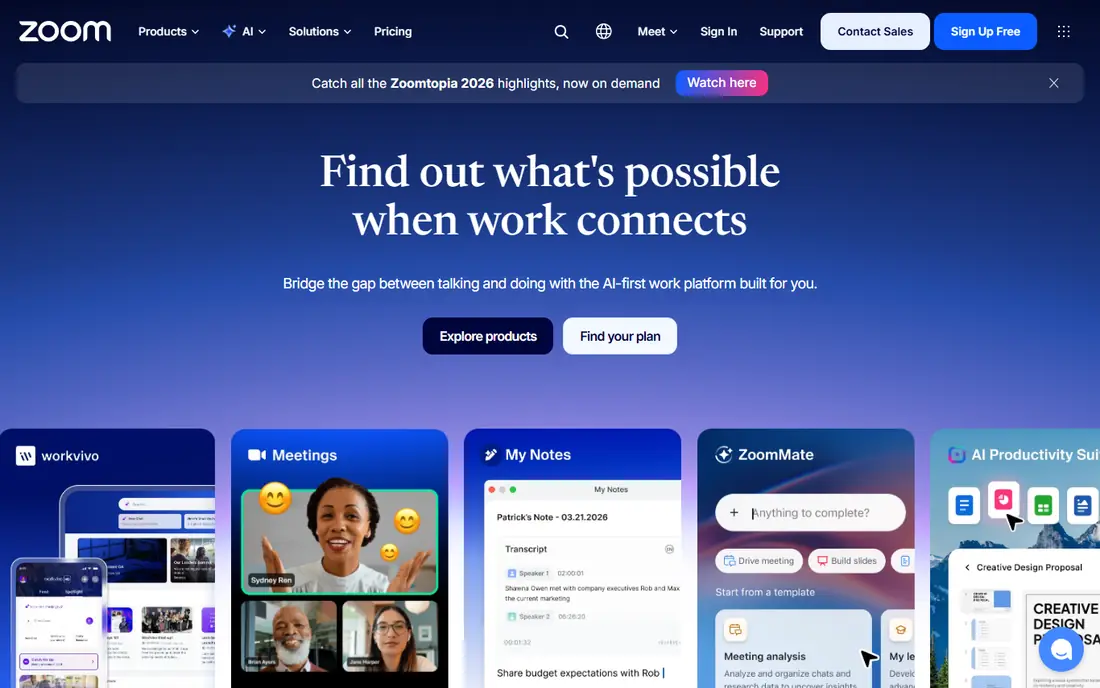
Zoom is the default for a reason. Most guests have used it, joining takes little explanation, and hosts get breakout rooms, polls, whiteboards, and recording without hunting through menus. Paid plans lift the free 40 minute group cap and add capacity, which suits teams that meet daily.
The bill can grow once you add webinars, phone, or large meeting capacity, so price the full setup, not just the base plan. For general meetings with outside guests, though, familiarity alone saves time. Our pick for most people is Zoom when no other ecosystem already decides the choice.
- Guests know it and join easily
- Strong breakout rooms, polls, and recording
- Large meeting capacity on paid plans
- Free group meetings cap at 40 minutes
- Add-ons for webinars and phone raise the bill
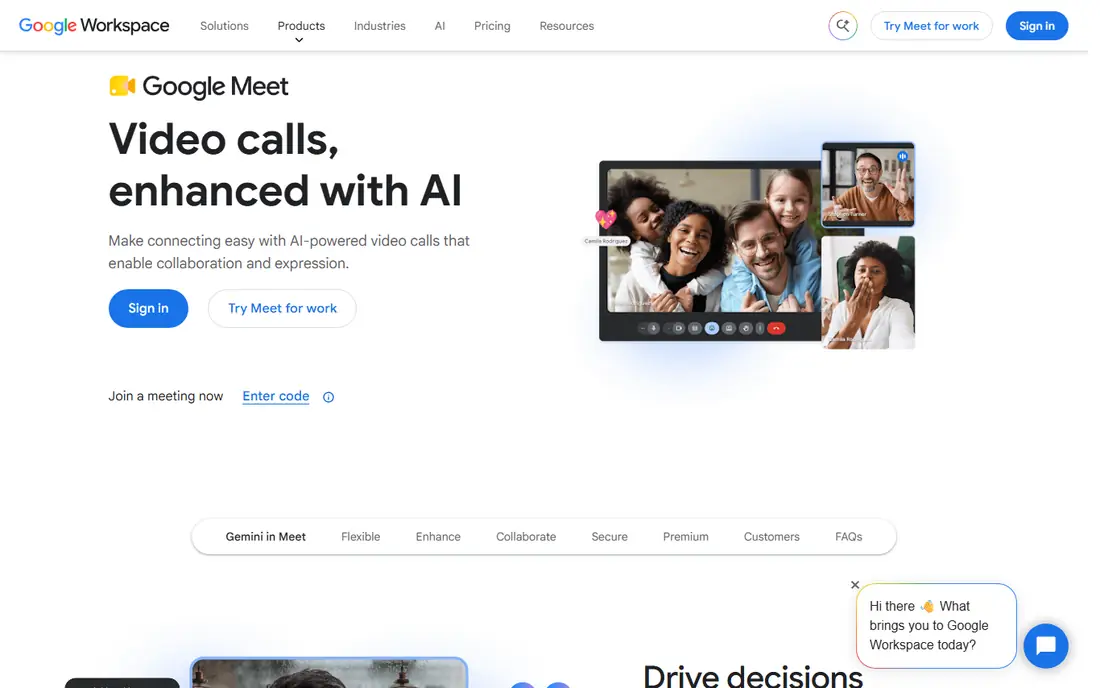
Google Meet suits teams that already schedule in Google Calendar and store files in Drive. A meeting link appears in the calendar invite, guests join from a browser, and captions and noise handling work well for everyday calls. The free plan covers small groups, with a 60 minute cap on group calls.
Larger webinars and advanced host controls are thinner here than on Zoom or Webex, and paid capacity depends on the Workspace tier. If your team already pays for Workspace, Meet is the natural choice and costs nothing extra to start.
- Runs in a browser with no install
- Tight Gmail and Calendar integration
- Free plan covers 100 participants
- Free group calls cap at 60 minutes
- Fewer webinar features than Zoom
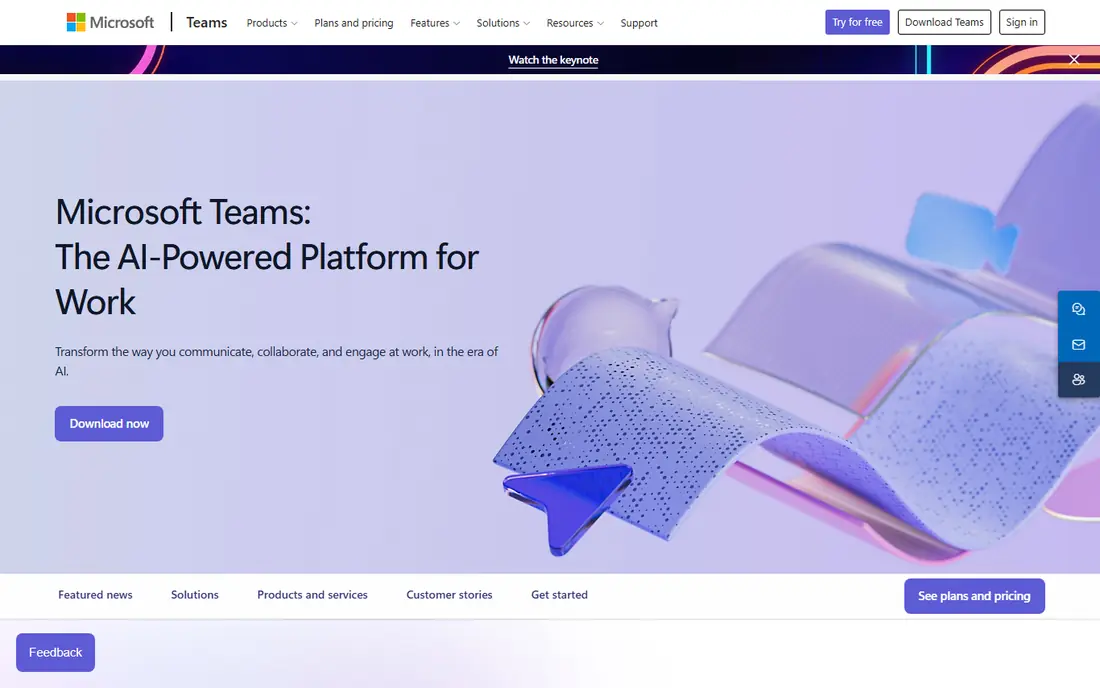
Microsoft Teams works best as a whole workspace, not just a meeting link. Chat threads, shared files, and channel meetings live together, so a discussion started in chat can move to video without changing apps. Organizations on Microsoft 365 get the full version as part of their plan, which makes the standalone price less relevant.
New users sometimes find the interface crowded, with channels, chats, and apps competing for attention. Guest joining is straightforward, but the full benefit shows when a team uses Teams daily. For Microsoft shops, it is the obvious pick.
- Chat, files, and meetings in one place
- Strong Microsoft 365 integration
- Free version covers group calls
- Interface can feel busy
- Best value needs a Microsoft 365 plan
Webex is built for organizations where security, compliance, and large structured meetings matter most. Government, health care, and education users get controls and audit options that lighter tools lack, plus stable performance for large audiences. The free plan covers meetings up to 40 minutes with 100 attendees.
Smaller teams may find the experience more formal than Zoom or Meet, and pricing for webinars and events sits apart from the base meeting plan. For regulated or large organizations, that structure is a feature, not a drawback.
- Strong security and compliance options
- Reliable large meetings
- Free plan covers 100 attendees
- Interface feels more formal than rivals
- Some advanced features need higher tiers
GoTo Meeting keeps hosting simple. A small number of organizers can run meetings for larger groups, which suits businesses where only a few people host but many attend. Dial-in audio helps guests with weak internet, and the host tools stay focused on running the meeting rather than managing a workspace.
The lack of a free plan means you pay before you can test it with a real group, though trials are available. Teams that want chat, whiteboards, and deep integrations may find it thin. For straightforward hosted meetings, its simplicity is the appeal.
- Simple host controls
- Good audio options including dial-in
- No free plan confusion for hosts
- No free plan
- Fewer collaboration extras than Teams or Zoom
Zoho Meeting is the budget pick that still feels complete for small teams. Hosts pay per host rather than per attendee, the free plan covers 100 participants with a 60 minute session cap, and browser joining keeps guest setup low. Teams already using Zoho CRM or Zoho Mail get the added benefit of shared contacts and scheduling.
Guests may be less familiar with Zoho Meeting than with Zoom, so allow a minute for first-time joiners. Larger webinars and advanced moderation sit on higher plans. For cost-conscious small businesses, it is hard to argue with the starting price.
- Very low starting price
- Browser based joining
- Integrates with other Zoho apps
- Smaller guest familiarity than Zoom
- Advanced features need higher plans
Whereby suits freelancers, coaches, and consultants who want a personal meeting room link they can share again and again. Guests join from a browser, the interface stays calm, and there is no app install to explain. That simplicity matters when you meet a different client every hour.
The free plan covers a single room with time-capped group meetings, so regular group hosts will need a paid plan. Enterprise controls, large webinars, and deep integrations are not its focus. For one-to-one and small group work, it is a pleasant change from heavier platforms.
- No install for guests
- Personal room link
- Simple and calm interface
- Free plan limits rooms and group time
- Fewer enterprise controls
Jitsi Meet is the free and open option. Anyone can start a room from a browser, guests need no account, and organizations with technical staff can host it themselves for full control. That openness appeals to privacy-minded teams, schools, and community groups.
Performance in very large meetings can be weaker than on paid platforms, and features like advanced webinar registration and phone dial-in are thinner. Support comes mainly from community resources unless you pay a host. For small and medium meetings where cost and privacy matter, it is a genuine alternative.
- Free to use with no account for guests
- Open source and self-hostable
- Browser based
- Large meetings can strain performance
- Fewer built-in business features
RingCentral Video makes sense when a business wants one vendor for calls and meetings. Video meetings sit alongside a cloud phone system and team messaging, so a company replacing desk phones can simplify billing and support. Meeting controls, recording, and breakout options cover standard team needs.
Teams that only need video will pay more than they need to, since the price reflects the phone bundle. If your business already plans to move phones to the cloud, RingCentral turns that move into a meeting upgrade as well.
- Video, phone, and messaging in one service
- Good for replacing a desk phone system
- Solid meeting controls
- Higher starting price than meeting-only tools
- Phone features may be surplus for video-only teams
How we picked these
We compared official feature pages, pricing pages, and public user reviews, and kept only platforms that still work in October 2026 and truly fit virtual meetings. We included the major ecosystems, budget options, a free open source choice, and a phone-bundled option, and we checked free plan limits because they decide real usability. Prices reflect published starting plans at the time of writing, and vendors change them, so check the pricing page before you buy.
How to choose the right platform
Start with your guests. If most of them already use Zoom, Google, or Microsoft, matching that choice removes friction. If you meet clients who vary widely, a browser-based tool with no install will cause the fewest failed joins.
Next, count hosts, not attendees. Most platforms charge per host or per user, so a business with three hosts and fifty occasional attendees pays far less than a business with fifty hosts. Check the free group time cap as well, since a 40 or 60 minute limit will cut into training sessions and workshops.
Test a real meeting first
Run a full meeting with your usual group size, including screen sharing and recording, before you commit. Audio quality, breakout rooms, and captions behave differently at scale than in a one-to-one test. Invite an outside guest too, so you learn what joining feels like for them.
Watch the add-ons
Webinars, large meeting capacity, phone dial-in, and AI notes often cost extra. List the add-ons you actually need in the first year and price the bundle, not the headline plan.
Frequently asked questions
Which virtual meeting platform is best overall?
Zoom is our default pick for most teams because guests know it, hosting is dependable, and features cover meetings and webinars. Google Meet or Microsoft Teams win when your team already pays for those ecosystems.
What is the best free virtual meeting platform?
Google Meet and Jitsi Meet are the strongest free options. Google Meet gives a polished browser experience with a 60 minute group cap, while Jitsi Meet is free with no account needed for guests and can be self-hosted.
What is the best virtual meeting app for small business?
Zoho Meeting suits small budgets, while Zoom suits small businesses that meet outside clients often. If your team already uses Microsoft 365 or Google Workspace, Teams or Meet will cost less overall.
What tools are best for virtual meetings with large groups?
Zoom, Webex, and Teams handle large meetings and webinars best, with paid capacity tiers and host controls. Check the participant limit on your exact plan, since free and entry plans cap attendance.
Do I need to install software to join a meeting?
Not always. Google Meet, Whereby, and Jitsi Meet run in a browser, and Zoom and Webex offer browser joining too. Guests on mobile devices usually get a better experience from the app, but a browser link works for a quick join.
Sources
See where you really rank - block by block
ProMapRanker scans Google Maps across a grid of your service area. Simple monthly plans from $19, white-label on every plan.
Start freeKeep reading
 best social media reporting tools
Best Social Media Reporting Tools in 2026
Compare the best social media reporting tools in 2026, with pricing and free plans, and the right pick for creators, agencies, and large marketing teams.
Read → best social media platforms for business
Best Social Media Platforms for Business in 2026
We compared the best social media platforms for business, from Facebook and Instagram to LinkedIn and TikTok, with ad strengths and who each platform suits.
Read → best server monitoring software
Best Server Monitoring Software in 2026
We compared the best server monitoring software, from Datadog and Zabbix to PRTG and Nagios XI, with pricing, deployment options and who each tool suits best.
Read →