 ProMapRanker
Best Social Media Reporting Tools in 2026


Analytics-driven teams and listening · Pricing starts at: $199 per seat per month
Key takeaways
- Sprout Social offers the deepest analytics and listening, at enterprise-level prices.
- Hootsuite suits large teams that need many networks, listening, and reporting in one place.
- Buffer, Later, and Metricool are the practical picks for small teams and creators.
- Per-seat and per-channel pricing change the total fast, so compare at your real team and channel count.
Quick comparison
| Pick | Great for | Pricing starts at | Free tier | |
|---|---|---|---|---|
| Sprout Social | Analytics-driven teams and listening | $199 per seat per month | No | Visit |
 Hootsuite | Large teams managing many networks | $99 per user per month | No | Visit |
 Buffer | Simple reporting for small teams | $6 per channel per month | Yes | Visit |
 Later | Visual brands on Instagram and TikTok | $25 per month | Yes | Visit |
 Metricool | Analytics on a budget | $20 per month | Yes | Visit |
 SocialPilot | Budget agency scheduling and reporting | See website | No | Visit |
 Agorapulse | Inbox-first engagement and reporting | See website | Yes | Visit |
 Sendible | Agencies wanting white-label reports | See website | No | Visit |
The best social media reporting tools for most people
We compared official pricing pages, feature lists, and public reviews to build this list. The picks below cover different budgets and workflows, so the right choice depends on what you publish, how often, and what you are willing to pay. Start with the comparison table, then read the two or three entries that match your main job.
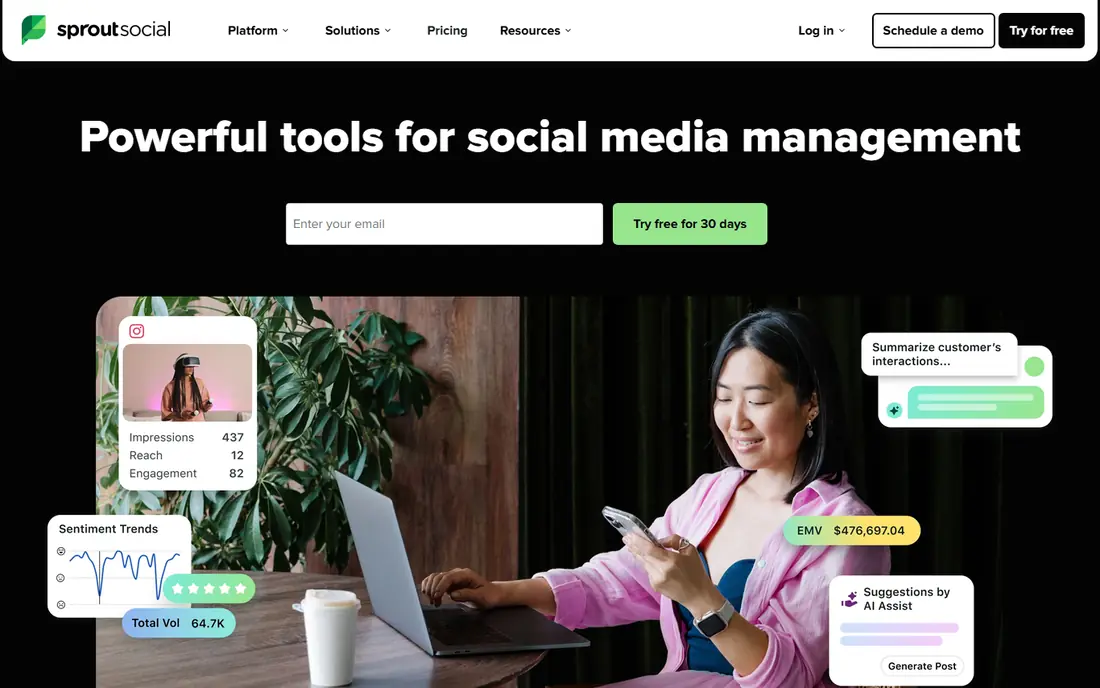
Sprout Social is the analytics leader. Its strength is depth. Reports, listening, and social inbox data combine into a clear picture of performance, audience, and competitors. The trade-off is cost. Per-seat pricing means a team of five pays five times the headline price, so it fits teams with a clear reporting budget. A typical workflow is to connect profiles, build a report template, schedule it for clients or managers, and review listening trends. Pick Sprout Social if you need deep, presentation-ready reporting and can justify enterprise-level pricing.
- Deep analytics and listening
- Scheduled and branded reports
- Strong integrations
- High per-seat price
- No free plan, only a trial
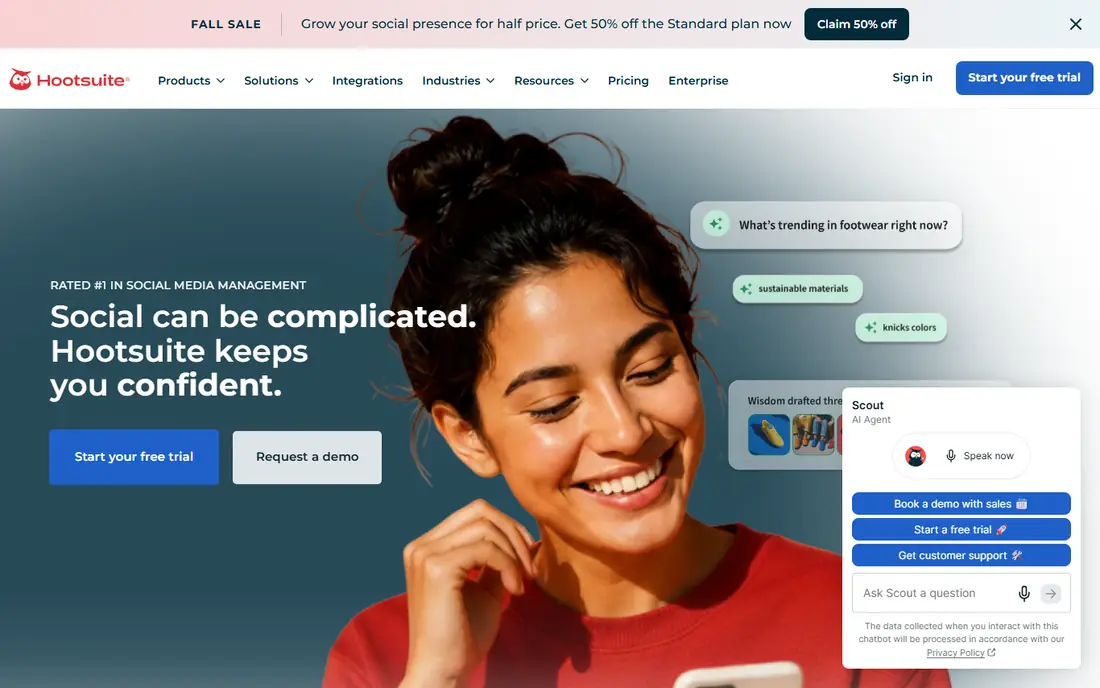
Hootsuite is the veteran all-in-one pick. Its strength is coverage. Planning, engagement, listening, and analytics sit in one platform, with support for many networks and large teams. The trade-off is price. Per-user pricing adds up fast, and smaller teams may find cheaper tools cover their reporting needs. A typical workflow is to schedule posts, monitor mentions, build analytics reports, and share results with stakeholders. Pick Hootsuite if you manage many networks and need listening, team workflows, and analytics in one place.
- Broad network coverage
- Listening and analytics
- Team workflows
- High per-user price
- No free plan, only a trial
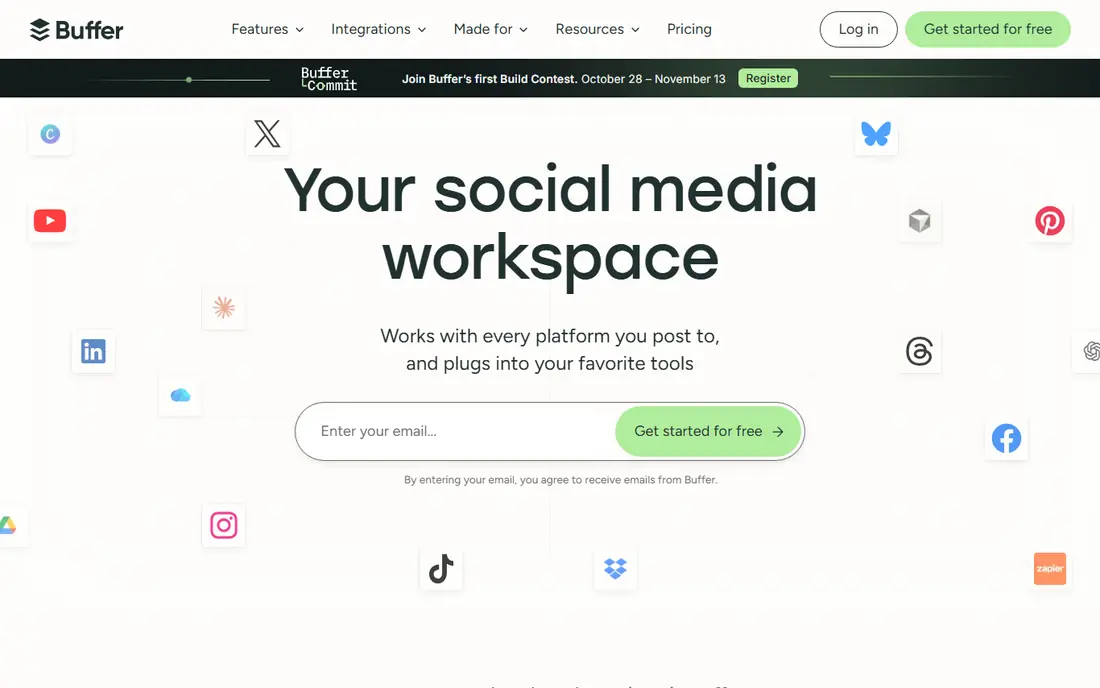
Buffer is the simple pick. Its strength is clarity. Scheduling and analytics are easy to learn, and reports focus on the metrics small teams actually use. The trade-off is depth. It does not offer the listening and competitor analysis of larger platforms, so teams that need those should look higher. A typical workflow is to schedule posts, check top-performing content, and share a simple report with a client or manager. Pick Buffer if you want simple, affordable reporting and do not need enterprise listening tools.
- Simple scheduling and analytics
- Free plan
- Clean reports
- Analytics depth is lighter than Sprout or Hootsuite
- Listening is limited
Later is the visual-first pick. Its strength is planning. A visual calendar makes Instagram and TikTok content easy to arrange, and analytics show which posts and links perform best. The trade-off is scope. It is strongest for visual networks, so teams that need broad listening across many networks may need another tool. A typical workflow is to plan visually, publish, check post and story analytics, and adjust the next week based on results. Pick Later if Instagram and TikTok drive your social work and you want visual planning plus clear reporting.
- Visual planning
- Instagram and TikTok analytics
- Link-in-bio reporting
- Free plan is limited
- Listening and deep reporting need higher plans
Metricool is the budget analytics pick. Its strength is value. Analytics, competitor tracking, and scheduled reports cost less than many rivals, with a free plan for one brand. The trade-off is polish. Reports are practical rather than highly designed, and some advanced features sit on higher tiers. A typical workflow is to connect profiles, review growth and best posting times, compare with competitors, and send a scheduled report. Pick Metricool if you want solid analytics and competitor data without enterprise pricing.
- Affordable analytics
- Competitor tracking
- Scheduled reports
- Free plan covers one brand
- Advanced features need paid plans
Agorapulse is the inbox-first pick. Its strength is engagement. The unified inbox helps teams answer comments and messages fast, and reports link that work to reach and engagement. The trade-off is buying. Some pricing is not a single public figure, so you may need a quote to compare the total at your team size. A typical workflow is to manage the inbox, publish posts, track engagement, and report on response times and top content. Pick Agorapulse if engagement and customer care matter as much as publishing and reporting.
- Strong social inbox
- Engagement and ROI reports
- Team workflows
- Pricing is quote-based on some plans
- Learning curve for full setup
Sendible is the agency reporting pick. Its strength is client handling. Workspaces, approvals, and white-label reports help agencies present results under their own brand. The trade-off is scale. Larger enterprise needs, such as deep listening, may need a higher tier or another tool. A typical workflow is to set up client workspaces, schedule content, get approvals, and send branded reports on a schedule. Pick Sendible if you are an agency that sends regular branded reports to many clients.
- Agency workspaces
- White-label reports
- Approvals and scheduling
- No free plan, only a trial
- Analytics depth varies by plan
How we picked these
We checked each vendor official feature page, pricing page, and app store listing where available, and we read privacy policies and public reviews for context. We only listed products that are available in October 2026 and that truly fit the topic. Where a price could not be confirmed as a single public figure, we wrote See website rather than guessing. We did not claim hands-on testing, and we treated free plans, trials, and paid tiers as different things, since they often are. We also weighed fit over fame. A well-known tool that does not match the topic was left out, and a smaller tool that does the job well was kept in. Prices change, so check the vendor site before you buy, and test the free plan or trial on a real task before committing to a paid plan. A final check matters as much as the feature list. Read the plan limits for seats, storage, exports, and monthly credits, and confirm how support works when something goes wrong. A tool that fits your budget but caps the exact job you do every day will cost more in workarounds than a slightly pricier plan that covers that job. Keep notes from your trial, compare the total at your real team size, and only then choose a plan that you can keep for at least a year.
How to choose a social media reporting tool
Start with the reports you actually send. A weekly client report, a monthly leadership summary, and a campaign review need different metrics and formats. List the networks you must cover, the team members who need access, and whether you need listening, competitor tracking, or just post performance. Check whether reports can be scheduled, branded, and exported as PDF or spreadsheet files. Also check data history: some tools limit how far back you can report on a lower plan. Test the tool with your own accounts for two weeks, and build one real report before you buy. That test will show whether the metrics match what your stakeholders ask for, and whether the setup time is worth it. Set a review date after the first month. Check whether you used the paid features, whether the reports or exports matched what you needed, and whether anyone on your team struggled with the tool. If the answer is no on two of those points, try the next pick on your shortlist before the renewal date. A good tool should feel easier after a month, not harder, and it should save time on the jobs you repeat most often.
Frequently asked questions
What is the difference between analytics and reporting?
Analytics is the data itself, such as reach, engagement, and follower growth. Reporting is how you package that data into a readable summary for a client, manager, or team.
Is there a free social media analytics tool?
Yes. Buffer, Metricool, and Later offer free plans with limits, and native analytics inside each social network are free. Free plans usually limit the number of profiles and report history.
Which tool is best for agencies?
Sprout Social, Hootsuite, Sendible, and SocialPilot all suit agencies, with client workspaces, approvals, and scheduled reports. Sendible and SocialPilot are usually cheaper for smaller agencies.
Which tool is best for Instagram and TikTok?
Later is strong for visual planning and Instagram and TikTok reporting. Metricool also covers both well at a lower price, while Sprout and Hootsuite cover them as part of a larger network set.
How often should I report on social media?
Weekly reports suit active campaigns, while monthly reports suit leadership and client reviews. Keep weekly reports short and focused on actions, and use monthly reports for trends and decisions.
Sources
See where you really rank - block by block
ProMapRanker scans Google Maps across a grid of your service area. Simple monthly plans from $19, white-label on every plan.
Start freeKeep reading
 best virtual meeting platform
Best Virtual Meeting Platforms in 2026
Searching for the best virtual meeting platform? We compare 9 video meeting tools on price, free plans, capacity, and features for teams of all sizes.
Read → best social media platforms for business
Best Social Media Platforms for Business in 2026
We compared the best social media platforms for business, from Facebook and Instagram to LinkedIn and TikTok, with ad strengths and who each platform suits.
Read → best server monitoring software
Best Server Monitoring Software in 2026
We compared the best server monitoring software, from Datadog and Zabbix to PRTG and Nagios XI, with pricing, deployment options and who each tool suits best.
Read →
SocialPilot
Great for: Budget agency scheduling and reporting
SocialPilot is the agency value pick. Its strength is scale for the price. Agencies can manage many accounts and schedule in bulk, with client reporting included. The trade-off is depth. Analytics are simpler than the deepest enterprise tools, so teams that need advanced listening should check carefully. A typical workflow is to connect client accounts, schedule in bulk, and send white-label style reports on a schedule. Pick SocialPilot if you run a small agency and need many accounts and reports at a lower cost.