 ProMapRanker
Best Video Hosting Platforms for Online Courses in 2026

Key takeaways
- For paid courses, access control matters more than reach: unlisted free video has no real gate for enrolled students.
- Vimeo suits polished, ad-free playback at a low entry price, but its self-serve bandwidth limit applies across tiers.
- Wistia suits marketing analytics and lead capture, while SproutVideo suits strict privacy and login protection.
- Bandwidth and storage limits decide the real cost once a course grows, so check both before you commit.
- Panopto and Kaltura suit institutions, while Bunny Stream suits technically comfortable creators who want pay-as-you-go pricing.
Quick comparison
| Pick | Great for | Pricing starts at | Free tier | |
|---|---|---|---|---|
 Vimeo | Polished ad-free course playback | $12 per month | Free trial | Visit |
 Wistia | Marketing analytics and lead capture | Free | Yes | Visit |
 SproutVideo | Privacy and login protection | See website | Free trial | Visit |
 Dacast | Live plus recorded courses | $39 per month | Free trial | Visit |
 Panopto | Universities and lecture capture | See website | Free trial | Visit |
 Kaltura | Flexible open-source-based video | See website | Free trial | Visit |
 Brightcove | Large enterprise video programs | See website | Free trial | Visit |
 Vidyard | Video for sales-led courses | See website | Yes | Visit |
 Bunny Stream | Low-cost pay-as-you-go delivery | $1 per month | Free trial | Visit |
The best video hosting platforms for online courses
We compared video hosts on player quality, privacy controls, bandwidth and storage limits, analytics, live options, and pricing. Course creators need different features from marketers, so we judged each platform on how well it serves enrolled students, not just website visitors.
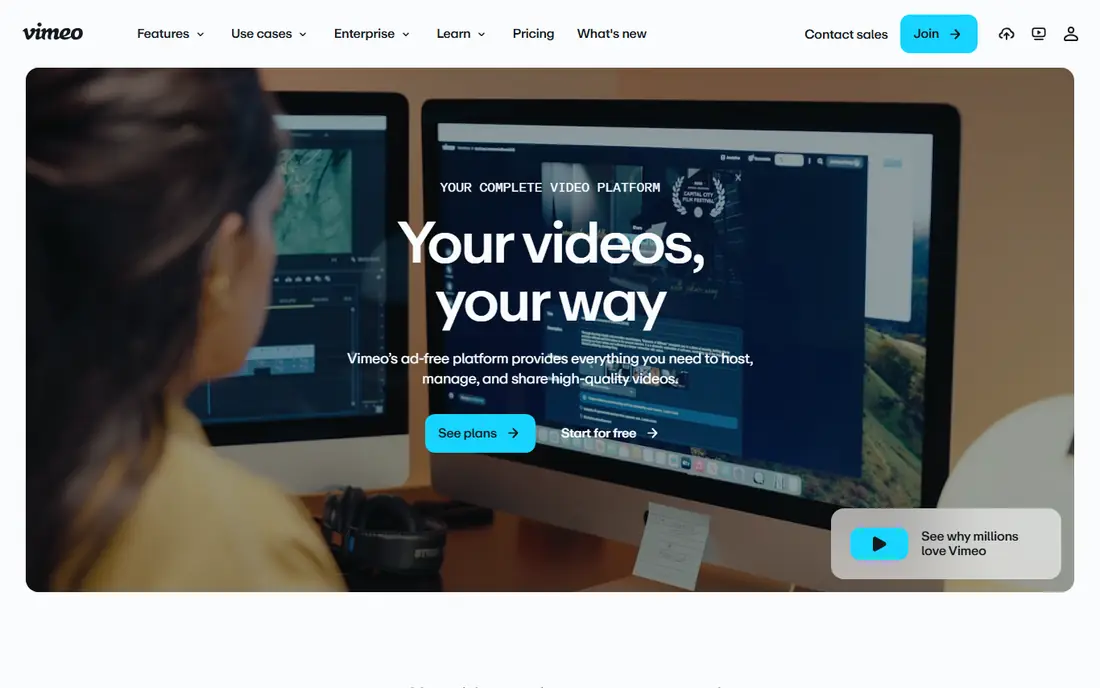
Vimeo is the usual first step up from free video for course creators, and for good reason. Its player is clean and ad-free, embeds work almost everywhere, and Starter at 12 dollars per month billed annually includes password privacy, unlisted links, and 2 TB of storage. For a small course with a modest audience, that combination is hard to beat for polish and price.
The limit to watch is bandwidth. Vimeo's self-serve plans share a 2 TB per month bandwidth limit, and upgrading to a higher self-serve tier buys more storage and features, not more bandwidth. If your course grows to hundreds of students watching hours of video, you may be asked to reduce consumption or talk to sales. Start with Vimeo if your audience is small to mid-size, and track bandwidth from the first month.
- Ad-free player
- Password and domain privacy controls
- 2 TB storage on Starter
- Self-serve bandwidth limit of 2 TB per month across tiers
- Limited interactivity on core plans
- Higher tiers add storage, not bandwidth
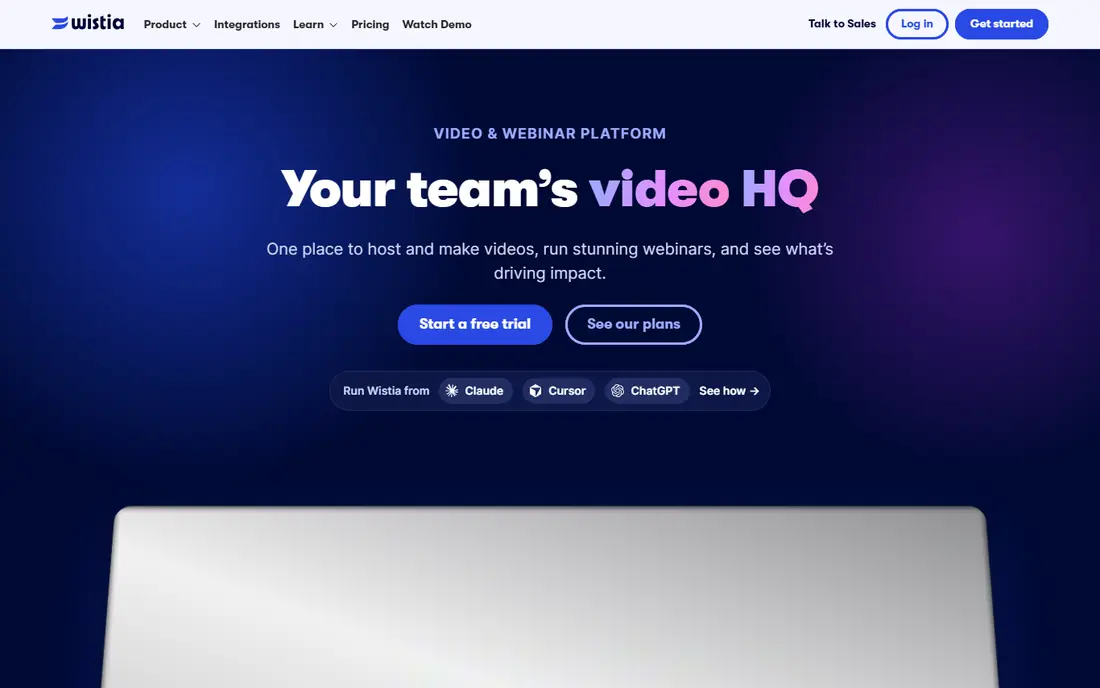
Wistia is built to measure marketing video, and its analytics show that clearly. Engagement graphs, heatmaps, calls to action, and lead-capture forms help you see where viewers drop off and which videos drive enquiries. The free plan includes 25 GB of storage and 200 GB of bandwidth with Wistia branding, which is enough to test a short free course or a lead magnet.
For a paid course, the maths changes. Business is 79 dollars per month billed annually, with 250 GB or more of storage, 1 TB of bandwidth, and three users, plus 25 dollars per extra user. That bandwidth limit can bite for a popular course, and you pay for lead-generation tooling that a closed course may not need. Choose Wistia if analytics and marketing matter as much as teaching, not if you only need reliable playback.
- Free plan available
- Engagement graphs and heatmaps
- Calls to action and lead capture forms
- Business plan jumps to 79 dollars per month
- Bandwidth of 1 TB on Business
- Marketing features many course creators will not use
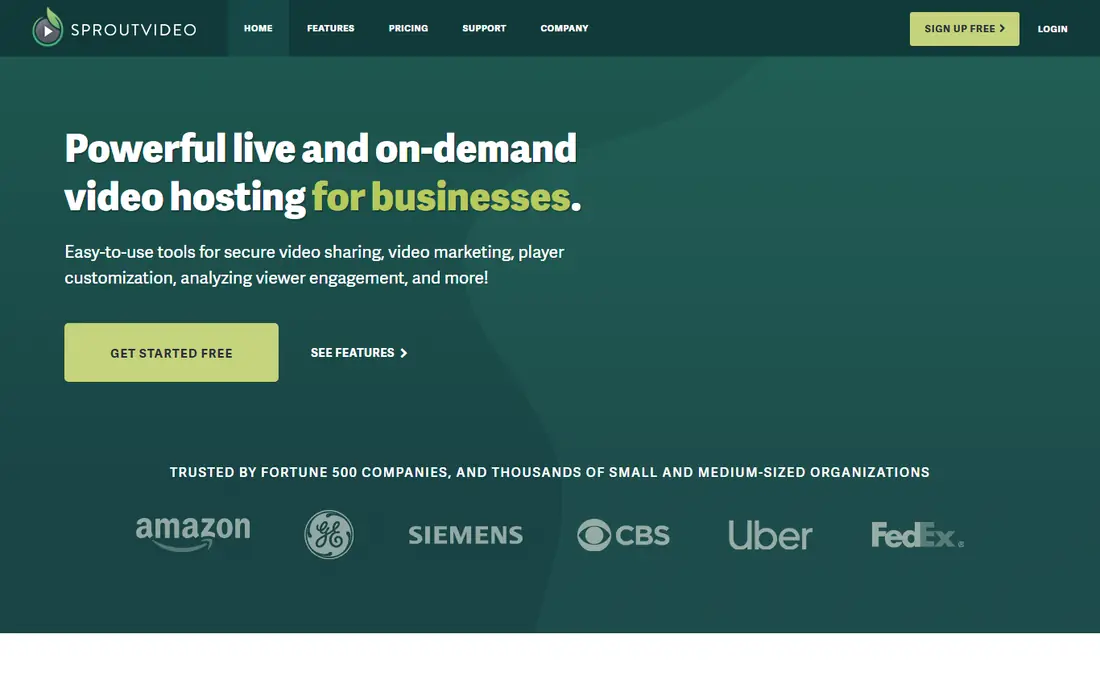
SproutVideo is the privacy-first choice in this list. It offers login protection, domain whitelisting, password controls, and viewer-level security that suit premium courses where sharing must be limited. Paid tiers offer unlimited uploads with tiered bandwidth, and recent comparisons list entry pricing around 10 to 15 dollars per month depending on the source and tier, so confirm the current plan before you budget.
The tradeoff is polish and interactivity. SproutVideo's interface is more functional than beautiful, and it has no native quizzes, so you will need your course platform for tests and engagement. If your top priority is keeping paid content from spreading, SproutVideo's controls justify that tradeoff. If you need quizzes inside the video, look at Spotlightr-style tools or your learning platform instead.
- Granular privacy controls
- Login protection and domain whitelisting
- Unlimited uploads on paid tiers
- Interface is plainer than Vimeo or Wistia
- No native quizzes
- Bandwidth tiers need checking as you grow
Dacast suits creators who teach live as well as recorded lessons. It handles live streaming and on-demand video in one platform, with a white-label player that keeps your branding front and centre, and monetisation options for pay-per-view and subscriptions. Entry pricing is listed around 39 dollars per month in recent comparisons, which is higher than Vimeo but buys live capability that Vimeo's core plans do not match.
The catch is complexity. Live streaming needs reliable upload speeds, a backup plan if a stream drops, and moderation for live chat. If you only publish recorded lessons, you pay for live features you will not use. Choose Dacast when live classes, webinars, or hybrid cohorts are a real part of your teaching, not a future idea.
- Live streaming plus video on demand
- White-label player
- Monetisation options
- Entry price higher than Vimeo
- Live features add complexity
- Bandwidth and storage need monitoring
Panopto is built for universities and large learning departments, and its feature set reflects that. It captures lectures, creates searchable transcripts, integrates with learning systems such as Canvas and Moodle, and manages access at scale. For an institution with hundreds of lecturers and thousands of students, that integration and search capability matter more than a low entry price.
For a solo creator, Panopto is usually too much. Pricing is institutional and quote-based, setup involves IT and learning system admins, and the workflow assumes cohorts and terms rather than a single evergreen course. If you teach inside a university or a large training department, Panopto belongs on the shortlist. If you sell courses yourself, start with Vimeo, SproutVideo, or Bunny Stream.
- Lecture capture
- Searchable transcripts
- Learning system integrations
- Grade and access controls
- Institutional pricing is quote-based
- Complexity for solo creators
- Overkill for a small course
Kaltura offers a flexible video platform with open-source roots, used by universities, media companies, and large training teams. It supports lecture capture, live events, and on-demand libraries, integrates with learning systems, and can be customised deeply for institutions with specific workflows. That flexibility is its main advantage over simpler hosts.
The cost is complexity and pricing opacity. Hosted plans are quote-based, and a self-hosted deployment needs technical skill to run well. Solo creators will find Vimeo or SproutVideo faster to set up and easier to price. Kaltura earns its place when an institution needs custom integrations, data residency choices, or a video platform that fits an existing technical stack.
- Open-source roots and flexibility
- Education integrations
- Custom workflows
- Pricing is quote-based for hosted plans
- Needs technical skill for self-hosted use
- Interface varies by deployment
Brightcove is the enterprise end of this list. It powers large video programs for media, corporate training, and education organisations that need reliable global delivery, strong security, and detailed analytics at scale. Its player and platform are built for high volumes, live events, and monetisation across regions.
For a small or mid-size course creator, Brightcove is almost certainly more than you need, and its custom pricing reflects that. You should only shortlist it if you run a large program with enterprise requirements for security, support, and service levels, or if your organisation already uses Brightcove for other video. Smaller creators will get better value from the other platforms here.
- Enterprise reliability and scale
- Strong security and analytics
- Global delivery
- Custom enterprise pricing
- Overkill for small creators
- Sales-led onboarding
Vidyard is a video platform for sales and marketing teams, and it can work for free or lead-generation courses that feed a sales funnel. Its free tier lets you test personalised video, and its integrations connect viewing data to marketing and sales tools. If your course is really a lead magnet that sells coaching or a larger program, Vidyard's analytics can help you follow up with engaged viewers.
For a paid, gated course, Vidyard is a weaker fit. It was not built for strict course access control, and its paid tiers are priced per user, which adds up for a teaching team. Use Vidyard for free mini-courses and sales-led video, and use Vimeo, SproutVideo, or Panopto for the paid course itself.
- Free tier available
- Personalised video tools
- Marketing and sales integrations
- Built for sales and marketing, not gated courses
- Higher paid tiers are per user
- Limited course privacy controls
Bunny Stream, part of Bunny.net, is the budget and developer-friendly option. It charges for storage from about one cent per gigabyte and delivery from about half a cent per gigabyte, with a 1 dollar per month minimum, so a small course can cost only a few dollars per month. Delivery is fast and global, and it suits creators who already run a WordPress or custom course site and only need a video pipe.
The tradeoff is that you assemble the pieces yourself. Bunny Stream gives you storage, encoding, and a player, but no course gating, quizzes, or student analytics built in. You must wire it to your course platform and handle access control there. If you are technically comfortable, that control and low cost are appealing. If you want an all-in-one course host, choose a platform higher up this list.
- Pay-as-you-go storage and delivery
- Low 1 dollar per month minimum
- Fast global delivery
- Do-it-yourself setup
- No course features built in
- Delivery costs rise with viewing
How we picked these
We compared official pricing pages and recent 2026 comparisons on entry prices, storage, bandwidth, privacy controls, and live features. We did not claim hands-on testing, and we did not invent limits where a vendor prices by quote. Where pricing sources disagreed, we used the most recent figure or marked the price as See website.
How to choose for your course size
Start by estimating your real viewing load. Multiply your student count by the total video hours in your course and by a realistic completion rate, then compare that with the bandwidth limit on each plan. A course with 200 students watching 10 hours of video needs far more bandwidth than a course with 20 students watching 2 hours, and that difference decides whether Vimeo's 2 TB limit or Wistia's 1 TB limit matters to you.
Next, decide how strict your access control must be. A free mini-course can live on unlisted video, but a paid course needs password, domain, or login protection, and ideally integration with your course platform so access ends when a subscription ends. SproutVideo and Panopto lead here, Vimeo covers the basics, and free video does not cover paid content at all.
Finally, test the student experience on a phone and a slow connection. Upload a sample lesson, embed it in your course page, and watch it on mobile data. Check captions, playback speed, and resume behaviour, since students will judge your course by those details as much as by your teaching. A host that plays smoothly on a phone will reduce support messages more than any analytics dashboard.
Frequently asked questions
What is the best video hosting platform for online courses?
It depends on your size and priorities. Vimeo suits polished playback at a low price, SproutVideo suits strict privacy, Wistia suits marketing analytics, Panopto suits institutions, and Bunny Stream suits low-cost pay-as-you-go delivery.
Can I host my paid course on YouTube?
You can, but unlisted YouTube video has no real gate for enrolled students, since anyone with the link can watch and share it. YouTube also shows its own branding and recommendations. Use it for free courses and lead magnets, and use a gated host for paid content.
How much does Vimeo cost for courses?
Vimeo Starter is listed at 12 dollars per month billed annually, with 2 TB of storage and a 2 TB per month self-serve bandwidth limit. Standard and Advanced tiers cost more and add storage and features, but not more self-serve bandwidth.
Does Wistia work for online courses?
Yes, but it is built for marketing video, so its strengths are analytics and lead capture rather than course gating. Its Business plan at 79 dollars per month includes 1 TB of bandwidth, which can limit a popular course, so check your viewing load first.
What is the cheapest video hosting for courses?
Bunny Stream is among the cheapest for technically comfortable creators, with pay-as-you-go pricing and a 1 dollar per month minimum. Vimeo Starter at 12 dollars per month is the cheapest simple option that includes a polished player and basic privacy controls.
Do I need live streaming for my course?
Only if you teach live classes, run cohort webinars, or offer live Q and A sessions. Recorded-only creators should not pay for live features, and should choose a host based on playback, privacy, and bandwidth instead.
Sources
See where you really rank - block by block
ProMapRanker scans Google Maps across a grid of your service area. Simple monthly plans from $19, white-label on every plan.
Start freeKeep reading
 wpforms alternatives
Best WPForms Alternatives in 2026
We compare 9 wpforms alternatives for WordPress forms, with free and paid options, current pricing notes, and honest limits for small business sites in 2026.
Read → windows task scheduler alternatives
Best Windows Task Scheduler Alternatives in 2026
Looking for Windows Task Scheduler alternatives? We compare 9 schedulers for Windows and cross-platform work, from free tools to enterprise automation.
Read → which ai video service is best
Which AI Video Service Is Best in 2026
which ai video service is best? We compare 10 legitimate AI video services on price, avatars, editing and output quality to help you pick the right tool.
Read →