 ProMapRanker
Best Video Conferencing Software in 2026

Key takeaways
- Zoom is the safest default for external meetings, since most guests already know how to join.
- Google Meet and Microsoft Teams are best value when you already pay for Workspace or Microsoft 365.
- Free plans are useful, but group time limits are the main reason to upgrade.
- Webex and GoTo Meeting suit larger or more formal teams that need admin controls and reliability.
- Jitsi Meet is the best free, no-account option for simple calls, with fewer built-in extras.
Quick comparison
| Pick | Great for | Pricing starts at | Free tier | |
|---|---|---|---|---|
 Zoom Zoom | Most teams and external calls | Free | Yes | Visit |
 Google Meet Google Meet | Google Workspace users | Free | Yes | Visit |
 Microsoft Teams Microsoft Teams | Microsoft 365 teams | Free | Yes | Visit |
 Webex Webex | Enterprise and compliance needs | Free | Yes | Visit |
 GoTo Meeting GoTo Meeting | Reliable business meetings | $12 per organizer per month | Free trial | Visit |
 Whereby Whereby | Browser-based client calls | Free | Yes | Visit |
 Zoho Meeting Zoho Meeting | Budget small business calls | Free | Yes | Visit |
 RingCentral Video RingCentral Video | Phone and video in one bundle | See website | Free trial | Visit |
 Jitsi Meet Jitsi Meet | Free, no-account calls | Free | Yes | Visit |
The best video conferencing software
Video tools differ less on basic video than on limits, admin controls, and what else you already pay for. We compared free limits, paid entry prices, participant caps, and recording options, so you can match a tool to your meeting pattern, not just its headline price.
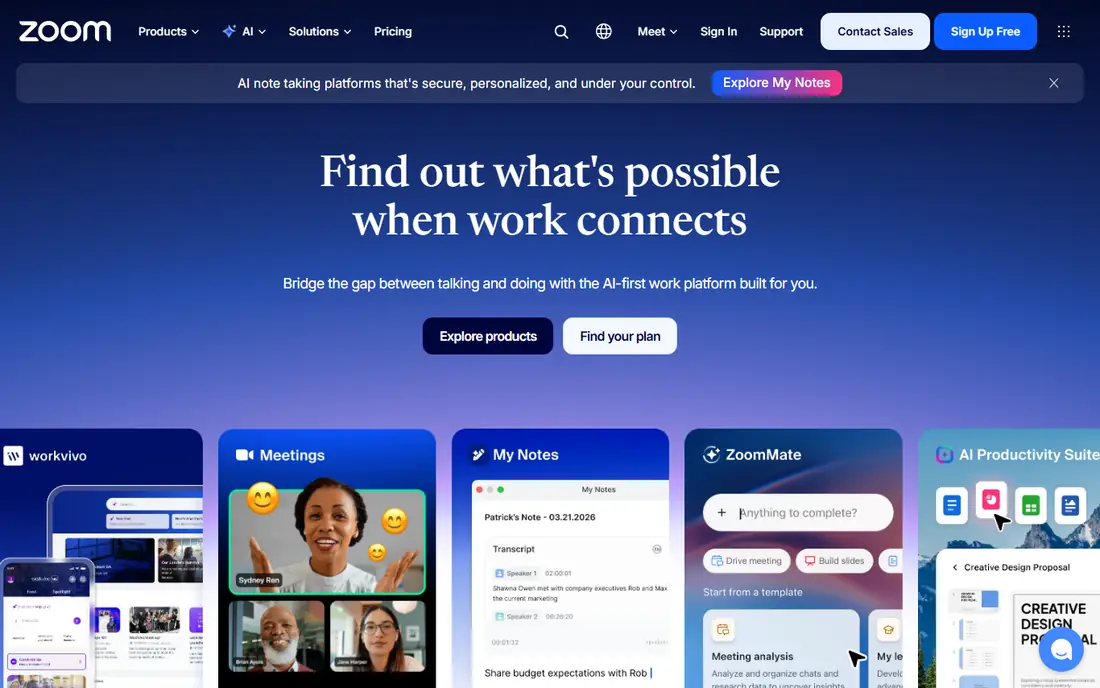
Zoom is our default pick for most teams, especially when calls include clients, partners, or job candidates. Almost everyone has joined a Zoom call before, so you spend less time explaining links, apps, and audio settings. Screen sharing, breakout rooms, whiteboards, chat, and recording cover the core meeting job well.
The free Basic plan allows up to 100 participants, with group meetings capped at 40 minutes and local recording only. Pro costs $16.99 per user per month, or $14.16 per user per month billed annually, and raises meetings to 30 hours with cloud recording and fuller AI Companion access. Business costs $21.99 per user per month, or $18.33 billed annually, and raises participants to 300. If you host long external calls often, Pro is the plan most small teams need.
- Guests know how to join
- Strong video reliability
- AI Companion on paid plans
- Webinar and room add-ons
- Free group meetings end at 40 minutes
- Costs rise with add-ons and seats
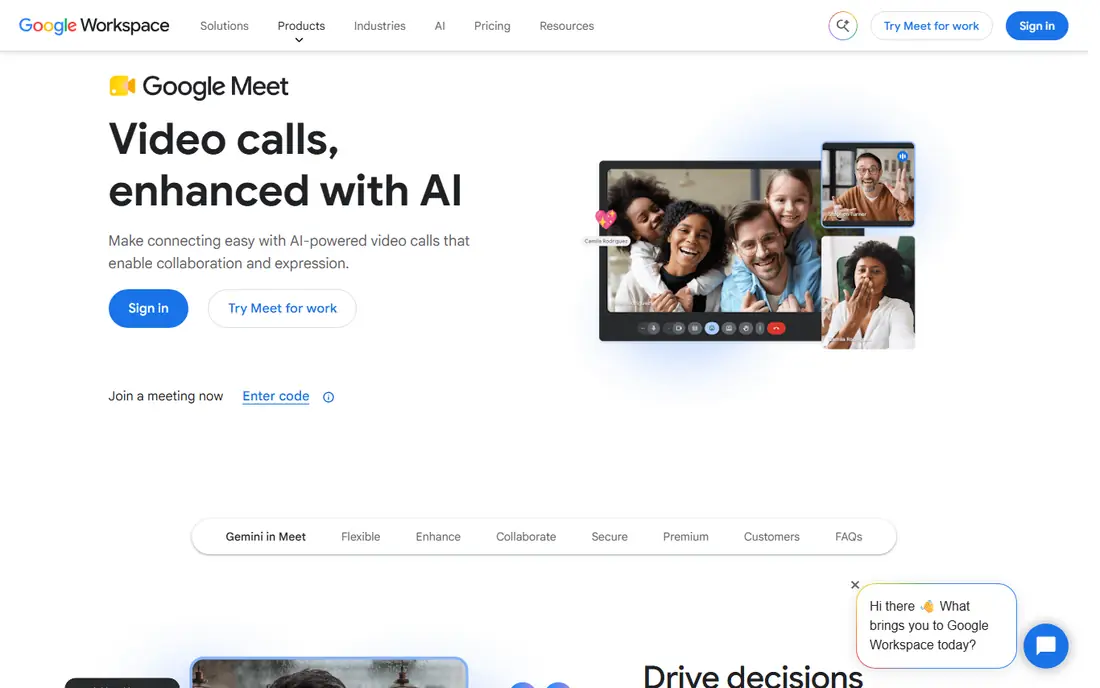
Google Meet is the best value pick if you already use Gmail, Calendar, and Drive. Guests can join from a browser without installing an app, and Calendar creates a Meet link with a meeting invite in one step. Live captions, screen sharing, and noise cancellation cover everyday team calls without a learning curve.
The free plan allows up to 100 participants, with group meetings capped at 60 minutes and no recording. Paid access comes through Google Workspace, with Business Starter at $7 per user per month, Business Standard at $14 per user per month, and Business Plus at $22 per user per month in recent listings. Standard is the plan most growing teams need, since it adds recording, breakout rooms, and higher participant limits.
- No app needed to join in a browser
- Simple Calendar links
- Live captions
- Gemini features on paid Workspace plans
- Free group meetings end at 60 minutes
- Recording requires a paid Workspace plan
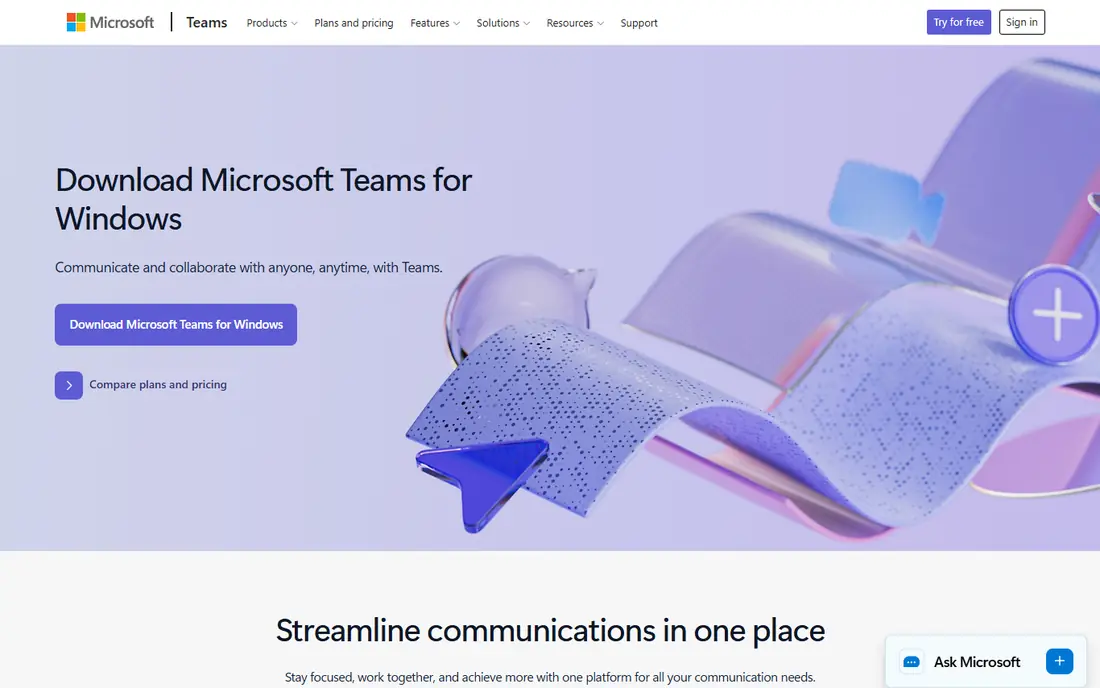
Microsoft Teams is the right pick when your team already works in Word, Excel, Outlook, and OneDrive. Meetings sit next to persistent chat, channels, and files, so a decision made on a call can stay linked to the channel where work continues. That one-workspace design is the main advantage over a video-only tool.
The free plan allows meetings up to 60 minutes with up to 100 participants and 5 GB of cloud storage per user. Teams Essentials costs $4 per user per month billed annually and raises meetings to 30 hours with 300 participants, while Microsoft 365 Business Basic costs $7 per user per month billed annually and adds business email and 1 TB of storage. If you already pay for Microsoft 365, Teams is often the cheapest good option, since you are not buying video twice.
- Chat, files, and meetings in one place
- Deep Word, Excel, and Outlook links
- Strong admin controls
- Free meetings end at 60 minutes
- Full value needs a Microsoft 365 plan
- Setup can feel heavy for tiny teams
Webex, from Cisco, is the enterprise pick in this list. It offers strong security, admin controls, and compliance options that matter in government, health care, finance, and large companies. It also works well with Cisco room hardware, which helps hybrid teams that meet in physical rooms as well as online.
The free plan allows unlimited meetings up to 40 minutes each, with up to 100 attendees, screen sharing, whiteboards, and local recording. Paid plans in recent listings start with Webex Meet at $14.50 per user per month and Webex Suite at $27 per user per month, with Enterprise priced by sales. Small teams that only need simple video will find Zoom or Meet easier, but regulated teams should shortlist Webex early.
- Strong security and admin controls
- Good hardware and room options
- Free plan for short meetings
- Interface can feel heavy for casual users
- Paid AI and enterprise features sit on higher plans
GoTo Meeting is a solid business pick for teams that value reliability over a long feature list. Joining is simple, audio dial-in options help guests with poor internet, and screen sharing, chat, and drawing tools cover most presentation needs. It has been a business meeting tool for years, and that maturity shows in stable calls.
There is no permanent free plan, only a free trial, so budget from the start. Professional costs $12 per organizer per month billed annually, with 150 participants, while Business costs $16 to $19 per organizer per month in recent listings, depending on billing, with 250 participants and unlimited cloud recording. If you need a free tier, pick Zoom, Meet, or Jitsi instead. If you need a dependable paid tool for client calls, GoTo deserves a trial.
- Reliable joining and audio
- Dial-in options
- Screen sharing and drawing tools
- Business adds cloud recording
- No permanent free plan
- Costs rise with participants and features
Whereby is a good pick for freelancers, coaches, consultants, and small teams that meet clients in a browser. You can set a custom room link, share it like a web address, and let guests join without installing an app or creating an account. That low friction matters when a client is not technical or is joining from a locked-down work device.
The free plan covers basic meetings, while paid plans in recent listings start at $10.99 per user per month, with higher tiers for larger rooms and more controls. Whereby is not the cheapest tool for a large internal team, and it lacks some enterprise controls found in Teams or Webex. For one-to-one and small group client calls, its simplicity is the point.
- Join from a browser with a custom room link
- No downloads for guests
- Good for client-facing calls
- Paid plans start higher than some rivals for large teams
- Fewer enterprise extras than Zoom or Teams
Zoho Meeting is the budget pick for small businesses, especially those already using Zoho apps for CRM, mail, or projects. The free plan covers basic video meetings, and paid plans in recent listings start at $1 to $3 per user per month, depending on plan and billing, which is far below most rivals. Recording, polls, and screen sharing are available on paid plans.
The low price comes with limits. Participant caps and webinar features are more modest than Zoom Business or Teams, and the integration range is narrower. If your team is small, your meetings are internal or with a few clients, and you already use Zoho, the value is hard to beat. If you run large webinars or need deep integrations, compare Zoom or GoTo first.
- Very low paid entry price
- Free plan for basic calls
- Works well with other Zoho apps
- Fewer third-party integrations than Zoom or Teams
- Participant limits are lower on cheap plans
RingCentral Video suits teams that want meetings and business phone service from one vendor. Instead of paying for a video tool plus a separate phone system, you get video, team messaging, phone, and AI meeting notes in a RingEX bundle. That single bill and single admin panel can simplify IT for a growing small business.
The catch is pricing clarity. RingCentral sells bundles, not a simple standalone video price in all markets, so check the current RingEX plan page for your region and seat count before you budget. A free trial is available, which is the best way to test call quality, phone features, and AI notes together. If you only need video, a video-only tool will be simpler and often cheaper.
- Video, phone, messaging, and AI notes in one bundle
- Good for teams replacing a phone system
- Strong call quality
- Pricing is bundled, so video alone is hard to price
- Setup and admin take more time than a video-only tool
Jitsi Meet is the best truly free option for simple calls. You can create a room, share a link, and let guests join from a browser without an account or a subscription. It is open source, so teams with technical skills can also self-host it for more control, privacy, and custom limits.
The trade-offs are support and scale. The public service is best for small and medium meetings, and very large meetings may perform better on a paid tool or a self-hosted setup. There are no built-in AI meeting summaries, webinar tools, or enterprise admin panels like those in Zoom, Teams, or Webex. For a free class, community group, or quick team call, Jitsi is hard to beat on price and simplicity.
- Free and open source
- Guests can join without an account
- No time limit listed for basic public meetings
- Fewer admin controls and integrations
- Large meetings can strain the public service
- No built-in AI notes
How we picked these
We compared official pricing pages, free plan limits, and recent video tool guides for October 2026. We kept only tools that exist and work today and that offer real video meetings, not just chat or phone calls. We left out tools that have closed, such as Skype, and tools that only offer webinars without regular meetings. Where bundled pricing made a standalone video price unclear, we wrote See website and explained the bundle, rather than inventing a price.
What to check before you choose
Who joins, and from where
If most guests are external, pick a tool they already know, such as Zoom, or a browser tool such as Meet or Whereby. If most meetings are internal, pick the tool that matches your email and file system, such as Teams for Microsoft 365 or Meet for Google Workspace. A tool that is easy for your team but hard for guests will cost time on every call.
Time limits and participant caps
Free group limits are the most common surprise. Zoom free ends group meetings at 40 minutes, Meet free at 60 minutes, and Teams free at 60 minutes. Check the participant cap too, since a 100-person limit is fine for a team but not for a company all-hands or a webinar. Upgrade to the plan that removes the limit you hit most often.
Recording, captions, and AI notes
Decide whether you need cloud recording, transcripts, captions, or AI summaries. Zoom paid plans, Google Workspace Standard and above, and RingCentral bundles include useful versions of these, while free plans often limit or exclude them. If meeting notes matter, a dedicated note tool from our AI note taking list may be a better add-on than a more expensive video plan.
Security and admin controls
For client, health, or finance calls, check waiting rooms, meeting locks, host controls, and admin policies. Webex and Teams offer the strongest enterprise controls in this list, while Jitsi offers simplicity at the cost of admin depth. Tell guests when a meeting is recorded, and store recordings only where your team can control access.
Frequently asked questions
What is the best video conferencing software for small business?
Zoom is a strong default for small business, because guests know it and paid plans are clear. Google Meet is best if you use Google Workspace, and Microsoft Teams is best if you use Microsoft 365. Zoho Meeting is the budget pick for very small teams, especially those already using Zoho apps.
What is the best free video conferencing software?
Google Meet free is a strong choice for 60-minute group calls, Zoom free is good for short calls up to 40 minutes, and Jitsi Meet is best for free calls without an account. The best free tool depends on meeting length, participant count, and whether you need recording. For regular long meetings, a paid plan will save time and frustration.
What is the best video conferencing app for virtual meetings with clients?
Zoom and Whereby are both strong for client calls, for different reasons. Zoom wins on familiarity, while Whereby wins on browser joining with a custom room link. Google Meet is also easy for clients who use Gmail. Pick the tool your clients can join with the least help.
Do I need paid video software for a small team?
Not always. A small team with short meetings can use Meet, Zoom, or Jitsi free. You need a paid plan when meetings run past the free time limit, when you need cloud recording, when participant counts grow, or when you need admin controls. Test the free plan for two weeks and upgrade only when a limit blocks real work.
Is Zoom better than Google Meet?
It depends on your setup. Zoom is better for external meetings, webinars, and guests who already use Zoom. Google Meet is better for Google Workspace teams, browser joining, and simple Calendar scheduling. If you already pay for Workspace, Meet is often the better value. If you meet many outside guests, Zoom is often the safer default.
What is the best online meeting software for large teams?
Microsoft Teams and Zoom Business suit large internal and external meetings, with admin controls, higher participant caps, and recording. Webex suits large regulated organizations that need stronger compliance controls. Check participant caps, webinar needs, and admin requirements before you choose, since large team pricing depends on seats and add-ons.
Sources
See where you really rank - block by block
ProMapRanker scans Google Maps across a grid of your service area. Simple monthly plans from $19, white-label on every plan.
Start freeKeep reading
 zoom alternatives
Best Zoom Alternatives in 2026
Compare Zoom alternatives in 2026, with free meeting limits and prices, so you can pick the best alternative to Zoom for your team, class, or community.
Read → which software is best for remote work
Which Software Is Best for Remote Work in 2026
Answering which software is best for remote work, we compare Slack, Zoom, Asana, Notion, Teams and more, with pricing and honest tradeoffs in 2026 now.
Read → which ai tool is best for content writing
Which AI Tool Is Best for Content Writing in 2026
Wondering which ai tool is best for content writing? We compare ChatGPT, Claude, Jasper, Grammarly, and more on price, quality, and best use in 2026 now.
Read →