 ProMapRanker
Best Vibe Coding Tools in 2026

Key takeaways
- Cursor and Claude Code suit developers who want AI help inside a real codebase they own and review.
- Lovable, Bolt.new and Replit suit non-coders and founders who want a working prototype from a prompt.
- v0 suits frontend work, with polished React interfaces that can move into a larger project.
- GitHub Copilot suits teams already on GitHub who want AI help inside their normal editor.
- Windsurf suits developers who want an agentic editor with multi-step task handling.
- Credit and usage costs matter, since heavy AI use can cost far more than the monthly plan price.
Quick comparison
| Pick | Great for | Pricing starts at | Free tier | |
|---|---|---|---|---|
 Cursor Cursor | Professional developers | $20 per month | Yes | Visit |
 Lovable Lovable | Non-technical founders | $25 per month | Yes | Visit |
 Bolt.new Bolt.new | Fast web prototypes | $25 per month | Yes | Visit |
 Replit Replit | Browser-based building and hosting | $20 per month | Yes | Visit |
 v0 v0 | React interface generation | $20 per month | Yes | Visit |
 GitHub Copilot GitHub Copilot | GitHub teams | $10 per month | Yes | Visit |
 Claude Code Claude Code | Large codebase tasks | $20 per month | No | Visit |
 Windsurf Windsurf | Agentic coding in an editor | $15 per month | Yes | Visit |
The best vibe coding tools
We compared the best vibe coding apps on who they suit, code ownership, deployment, pricing and how much control you keep. Vibe coding means describing what you want in plain language and letting AI generate, change and fix code, but the tools below split into prompt-to-app builders and AI coding assistants for existing code.
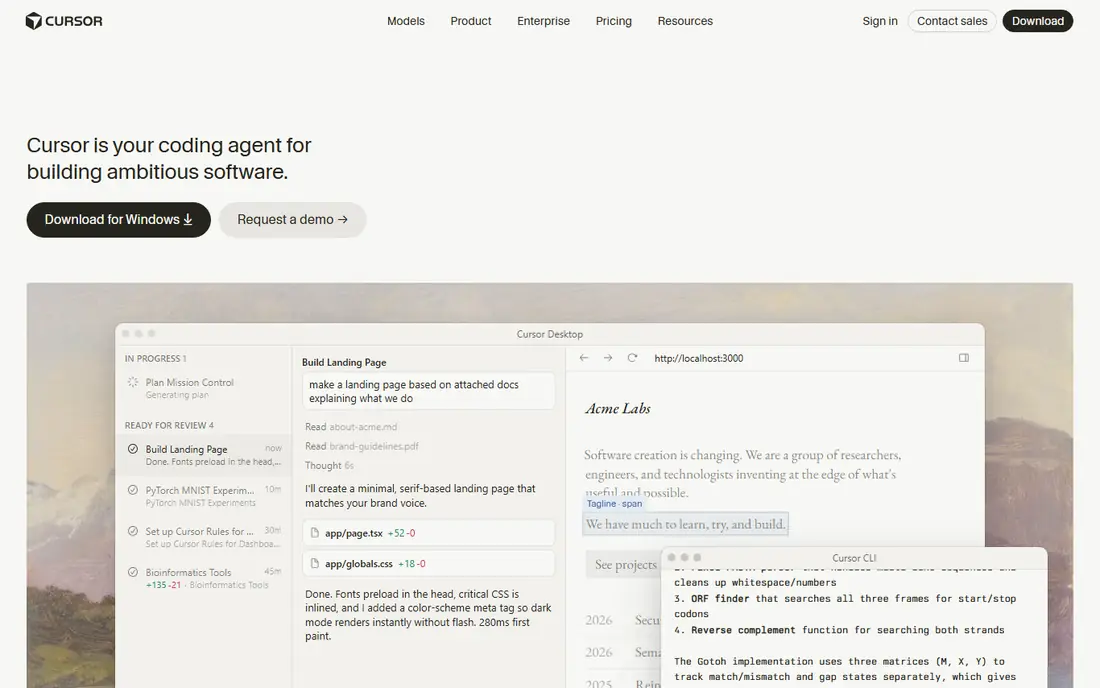
Cursor is an AI-native code editor built on VS Code, so professional developers can keep a familiar workflow while adding AI help. Agent mode handles multi-step, multi-file changes from one instruction, and codebase awareness means the AI can read your project for context. Bug checking for pull requests adds a useful safety net for teams.
The main drawback is cost control, since usage beyond basic modes can consume credits quickly. New users should watch usage in the first month and set limits. If you write code for a living and want AI acceleration without giving up control, Cursor is the best tool for vibe coding in an editor.
- AI-native editor based on VS Code
- Agent mode for multi-file changes
- Codebase awareness for larger projects
- Interface can feel busy
- Credit costs rise fast outside basic modes
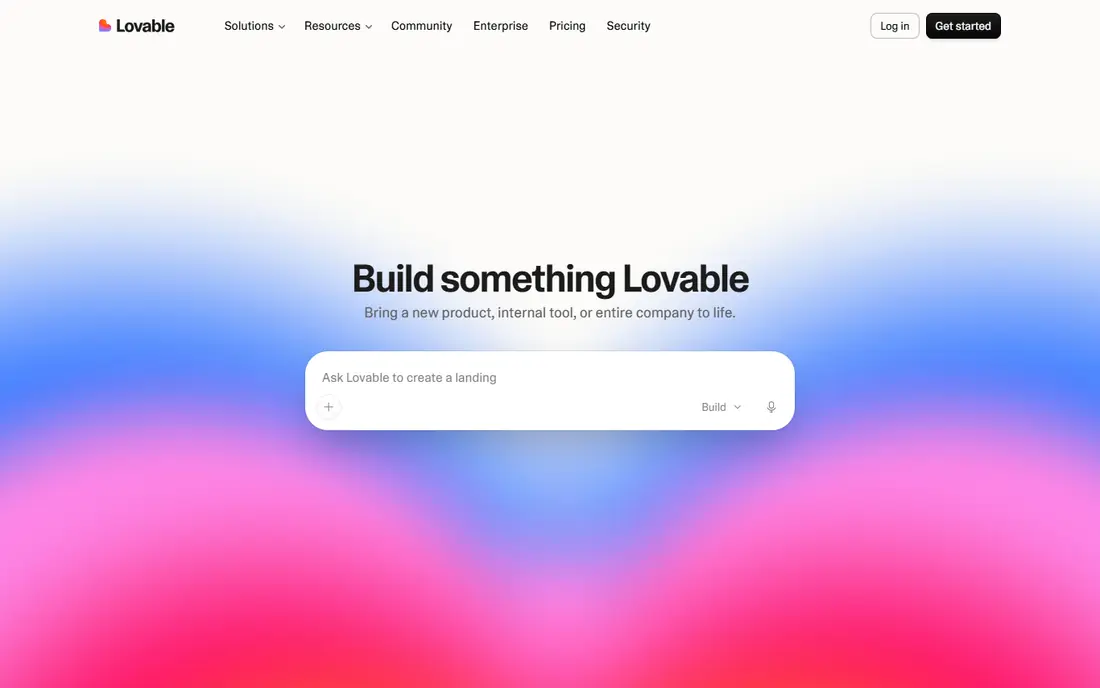
Lovable turns a plain language prompt into a full web app, with a live preview that updates as you describe changes. That makes it a strong pick for founders who need a demo, a landing page with real function or a first version of a product. The output looks polished enough to show users and investors early.
It is not a replacement for engineering on a complex product, since data rules, security and scaling still need human judgment. Credit limits also mean heavy building can run out quickly on lower plans. For a non-technical founder, Lovable is the best vibe coding app to test an idea fast.
- Prompt to full app with live preview
- Polished output for demos
- GitHub export for further work
- Complex apps still need developer help
- Monthly credits limit how much you can build
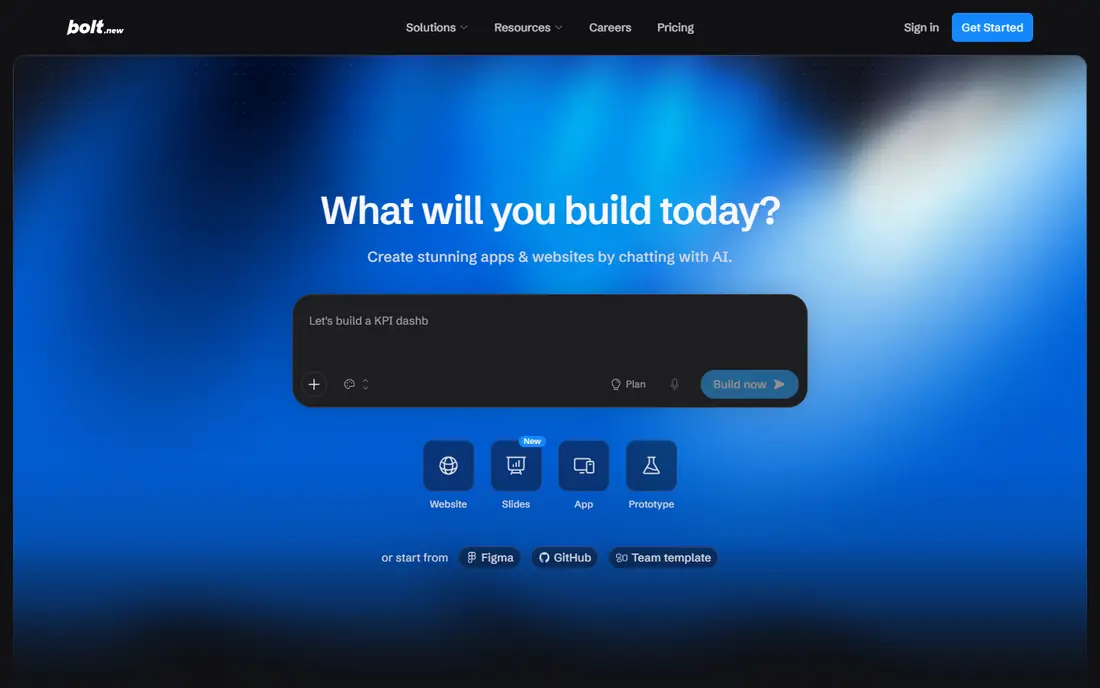
Bolt.new builds full-stack web apps in the browser from a prompt, with React, Node and database support and one-click deployment. That speed makes it ideal for hackathons, product demos and early user tests, where getting a working link matters more than perfect code. GitHub sync helps when a developer later takes over the project.
The code it generates can be messy, and a prototype usually needs review and cleanup before real users depend on it. For fast idea-to-link work, Bolt.new is one of the best tools for vibe coding, especially when you want to test several ideas in a week.
- In-browser prompt to app
- One-click deployment
- GitHub sync for code ownership
- Prototypes need cleanup before production
- Token costs can climb on large apps
Replit combines a cloud editor, an AI agent and hosting, so you can describe an app, build it and share a live link without installing anything. That all-in-one flow suits beginners, students and small teams that want to ship quickly. Multiplayer editing also helps when several people build together.
The trade-off is dependence on Replit hosting and pricing, which can grow as usage grows. Developers who want full local control may prefer Cursor or Claude Code. For a beginner or a small team that wants the best app for vibe coding without setup, Replit is a strong pick.
- Build and host in one place
- AI agent for full app building
- Collaborative editing in the browser
- Hosting and usage costs add up
- Less control than a local editor setup
v0 by Vercel generates polished React interfaces from prompts, images or text descriptions, and deploys them easily to Vercel. Frontend developers and designers use it to prototype screens, components and landing pages quickly, then take the code into a larger project. The output quality for interfaces is a clear strength.
It is not a full app builder, since backend logic, databases and auth still need separate work. Teams that already use React and Vercel will get the most value. For interface work, v0 is the best vibe coding tool in its niche, and it pairs well with a backend tool.
- High quality React and Next.js interfaces
- Vercel deployment
- Code you can copy into a project
- Focused on frontend, not full backend logic
- Needs a developer for complex apps
GitHub Copilot is the most accessible AI coding assistant for teams already on GitHub, offering code suggestions, chat and small task help inside editors like VS Code. It speeds up routine coding, boilerplate and small fixes without changing how a team works. The low starting price makes it easy to roll out across a team.
For large, multi-file refactoring, dedicated agents like Cursor or Claude Code handle more of the task in one go. Copilot is still the safest default for a team that wants AI help with minimal disruption. If your code already lives on GitHub, Copilot is the best tool for vibe coding at team scale.
- Works inside many popular editors
- Strong for code completion and small tasks
- Low starting price
- Less agentic than Cursor or Claude Code for large tasks
- Best value for teams already on GitHub
Claude Code is a terminal-first coding agent that works across a whole repository, handling multi-file changes, debugging, testing and issue-to-fix workflows. Experienced developers value its ability to follow a task through many files and explain its steps. It also connects to GitHub workflows for team use.
Beginners may find the terminal focus less friendly than a prompt-to-app builder like Lovable. Pricing is tied to a Claude subscription, so check which plan covers the agent. For complex, correctness-first work in a real codebase, Claude Code is one of the vibe coding best tools for serious developers.
- Strong for repo-wide, multi-file work
- Terminal and editor workflows
- Good for debugging and refactoring
- No standalone free plan
- Terminal focus suits experienced developers more than beginners
Windsurf is an AI editor with an agentic system that can carry out multi-step tasks across a project, run terminal commands and deploy work. Developers who want an agent to handle a whole task, not just suggest the next lines, will find it useful. The starting price is lower than Cursor, which helps smaller teams.
The product changed hands during 2026, so plans and features should be checked on the current site before buying. Like all agentic tools, its output needs review before production use. For developers who want agent-led workflows at a lower entry price, Windsurf is worth testing.
- Agentic Cascade for multi-step tasks
- Project-wide context
- Lower starting price than some rivals
- Ownership and branding changed during 2026, so check current plans
- Agent work still needs review
How we picked these
We compared official product pages, pricing pages and recent vibe coding comparisons, and checked each tool for its target user, code ownership, deployment options and pricing model. We split prompt-to-app builders from AI editors, since they solve different problems. We did not claim hands-on testing, and prices marked as See website in other guides were replaced here with published starting prices where we could verify them from vendor comparisons in October 2026.
What to check before you choose a vibe coding tool
Start with your starting point. If you have no code and need a prototype, a prompt-to-app builder is faster than an editor. If you have an existing codebase, an AI editor or agent will help more, since it can read and change real files. Mixing the two is common: prototype in Lovable or Bolt.new, then move the code to Cursor or Claude Code for production work.
Next, check code ownership and export. Some builders host your app and limit export, while editors work on your own codebase from the start. Ask whether you can export full code, move hosting and keep working without the tool. That answer matters more than a demo, since it decides whether you own the product you build.
Credits, limits and review
Most vibe coding tools charge by credits, tokens or usage, not just a flat monthly fee. Check daily or monthly limits, what happens when you run out, and whether agent runs consume credits faster than simple suggestions. Set a budget for the first month and track usage, since a few large agent tasks can cost more than expected.
Review remains essential. AI-generated code can contain bugs, security flaws and licensing issues, so never ship it without tests and a human review. For a public product, add auth, data validation and backups before launch, even if the prototype looks finished.
Frequently asked questions
What are the best vibe coding apps for non-coders?
Lovable, Bolt.new and Replit are the strongest non-coder picks, since they turn prompts into working apps with live previews and hosting. Lovable suits polished demos, Bolt.new suits fast prototypes, and Replit suits learning and collaboration. For a real product, plan for developer help before launch.
What is the best tool for vibe coding if I already write code?
Cursor and Claude Code suit developers best, since they work inside a real codebase with multi-file agent support. GitHub Copilot suits teams that want lighter help inside their normal editor. Choose Cursor for editor work, Claude Code for terminal and repo-wide tasks, and Copilot for broad team rollout.
What is the best vibe coding platform for a startup MVP?
Lovable and Bolt.new suit a fast MVP, with Replit as a good all-in-one alternative. Test the idea with real users first, then move to a codebase owned by your team for scaling. Keep the MVP scope small, since AI builders handle simple apps better than complex systems.
How much do vibe coding tools cost?
Most start around 10 to 25 dollars per month, with Cursor at 20 dollars, Lovable and Bolt.new at 25 dollars, Replit at 20 dollars and Copilot at 10 dollars. Usage credits, tokens and hosting can add cost on top of the plan price. Check limits before a large build, and start on a free tier where available.
Can vibe coding tools build a production app?
They can build a working prototype and, with review and cleanup, a simple production app. Complex apps still need human engineering for security, data rules, performance and maintenance. Treat AI output as a draft, test it thoroughly and do not launch a public product without a proper review.
Do I own the code from vibe coding tools?
It depends on the tool. Editors like Cursor and Claude Code work on your own codebase, so you own it. Builders like Lovable and Bolt.new offer GitHub export, while Replit hosts your app on its platform. Check export and hosting terms before building something you plan to sell.
Sources
See where you really rank - block by block
ProMapRanker scans Google Maps across a grid of your service area. Simple monthly plans from $19, white-label on every plan.
Start freeKeep reading
 zoom alternatives
Best Zoom Alternatives in 2026
Compare Zoom alternatives in 2026, with free meeting limits and prices, so you can pick the best alternative to Zoom for your team, class, or community.
Read → which software is best for remote work
Which Software Is Best for Remote Work in 2026
Answering which software is best for remote work, we compare Slack, Zoom, Asana, Notion, Teams and more, with pricing and honest tradeoffs in 2026 now.
Read → which ai tool is best for content writing
Which AI Tool Is Best for Content Writing in 2026
Wondering which ai tool is best for content writing? We compare ChatGPT, Claude, Jasper, Grammarly, and more on price, quality, and best use in 2026 now.
Read →