 ProMapRanker
Best Value Project Management Tool Pricing in 2026

Key takeaways
- ClickUp offers the most features per dollar at $7 per user per month billed annually, with a free plan for unlimited members.
- Trello is the cheapest paid starting point at $5 per user per month, and it suits teams whose work fits on boards.
- Basecamp breaks the per-seat model with a flat monthly price, which wins for larger teams.
- Seat rules matter more than headline prices, since minimum seats, viewer rules, and paid add-ons change the real bill.
Quick comparison
| Pick | Great for | Pricing starts at | Free tier | |
|---|---|---|---|---|
 ClickUp | Most features per dollar | $7 per user per month | Yes | Visit |
 Trello | Simple, cheap boards | $5 per user per month | Yes | Visit |
 Asana | Polished team coordination | $10.99 per user per month | Yes | Visit |
 monday.com | Visual boards and workflows | $9 per seat per month | Yes | Visit |
 Notion | Docs and tasks in one place | $10 per user per month | Yes | Visit |
 Wrike | Structured project work | $10 per user per month | Yes | Visit |
 Zoho Projects | Budget tracking for Zoho users | $4 per user per month | Yes | Visit |
 Smartsheet | Spreadsheet-style planning | $9 per user per month | Free trial | Visit |
 Basecamp | Flat price for larger teams | $99 per month | Free trial | Visit |
The best value project management tools
We compared official pricing pages and plan details for tools that were live in October 2026, focusing on the entry paid price, free plan limits, and seat rules that change the total cost.
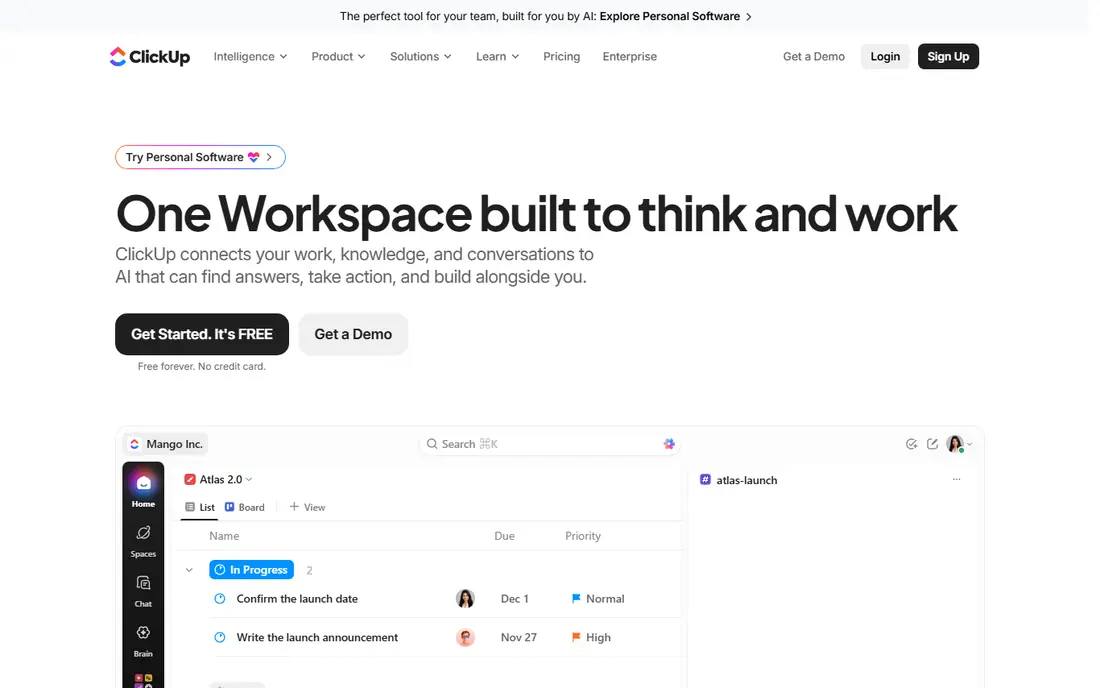
ClickUp is our value pick for most teams. Its Unlimited plan at $7 per user per month billed annually includes features that rivals reserve for higher tiers, such as Gantt charts, custom fields, native time tracking, and a large automation allowance. The free plan is also genuinely usable, with unlimited tasks and members.
The catch is complexity. ClickUp ships so many features that a team without a clear owner can end up with a messy workspace. Turn off views and features you do not use, agree on a simple structure first, and it delivers more per dollar than any other tool in this list.
- Free plan covers unlimited tasks and members
- Paid plan includes Gantt charts, custom fields, and time tracking
- Many views in one tool
- Setup can feel overwhelming
- Needs an owner to keep workspaces tidy
- AI features cost extra
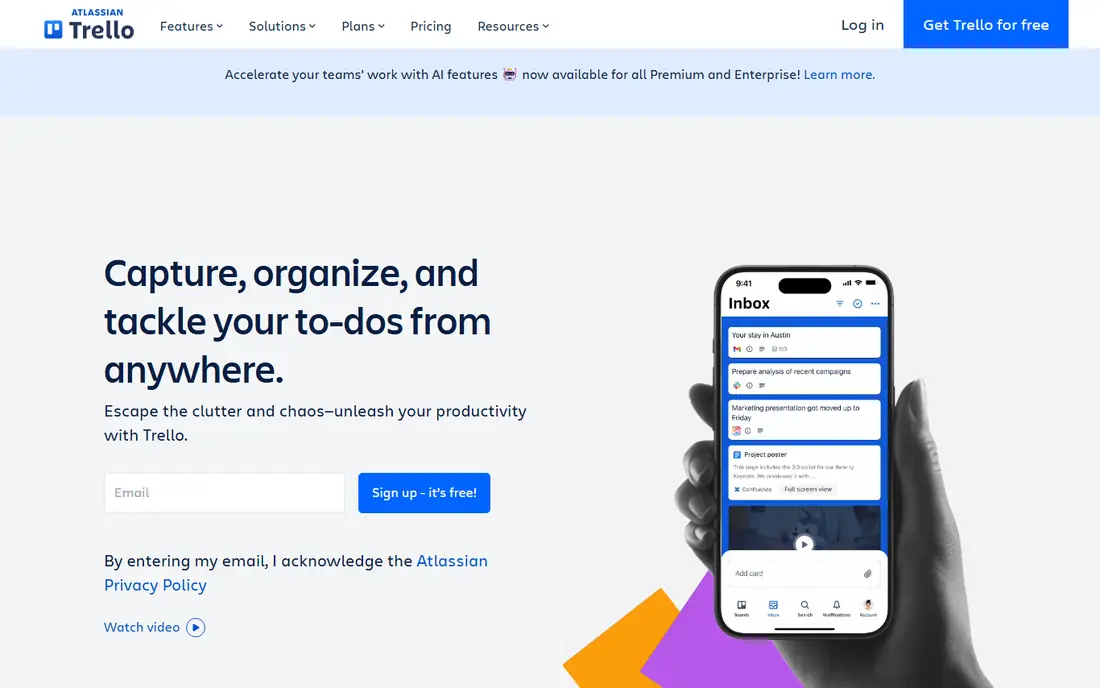
Trello remains the simplest value choice. If your whole project fits on a board with lists and cards, Trello gives you that with almost no learning curve, and its Standard plan at $5 per user per month billed annually is the cheapest paid step in this list. Small teams, freelancers, and simple client workflows often need nothing more.
Trello is not a full project portfolio tool. Timelines, dashboards, and workload views arrive on higher plans, and complex dependencies are awkward on a board. Buy it for clarity and speed, not for enterprise planning.
- Lowest paid entry price here
- Boards are easy to learn
- Free plan covers unlimited cards
- Limited reporting and planning on lower plans
- Large projects outgrow boards quickly
- Advanced views need Premium
Asana is the polished default when a team wants project management without a steep learning curve. Tasks have owners and due dates, timelines show the plan at a glance, and most people understand the interface in an afternoon. That ease of adoption is worth paying for when you need the whole team to actually use the tool.
Value is weaker at scale, because the free plan covers only a small team and Starter at $10.99 per user per month billed annually is where timelines and dashboards arrive. Price it per head for your full team, including occasional contributors, before comparing it with flat-rate options.
- Clean tasks, timelines, and calendars
- Strong automation
- Easy adoption for non-technical teams
- Free plan is limited to a small number of users
- Portfolios need higher plans
- Per-user cost adds up at scale
monday.com suits operations teams that think in boards, statuses, and colours. Its visual style makes progress easy to scan, and its templates cover marketing, sales, HR, and product work. For teams that manage many moving parts, that visibility is a real benefit.
Check the seat rules before you buy. Paid plans start at $9 per seat per month billed annually with a three-seat minimum, and charts and dashboards sit on higher plans. A three-person team that needs reporting may pay more than the headline price suggests.
- Highly visual boards and custom workflows
- Strong templates
- Good for operations-heavy teams
- Three-seat minimum on paid plans
- Dashboards and advanced features need higher tiers
- Costs rise with team size
Notion is good value when docs and tasks belong together. Instead of paying for a wiki plus a task tool, one workspace holds meeting notes, project pages, databases, and task boards. For small teams and startups, that consolidation saves both money and context switching.
It is not the strongest pure project planner. Dependencies, workload views, and portfolio reporting are less direct than in Asana or Wrike. Choose Notion when written knowledge matters as much as task tracking, and pair it with a simple process for deadlines.
- Documents, wikis, and tasks in one workspace
- Flexible databases
- Free plan for individuals and small teams
- Project views are less structured than dedicated tools
- Performance can lag on very large workspaces
- Reporting needs workarounds
Wrike suits teams that run structured, repeatable project work, such as marketing campaigns or creative production. Folders, custom workflows, approvals, and timelines give managers control without losing task detail. Its Team plan at $10 per user per month billed annually is a fair entry point for that depth.
The learning curve is real, and Wrike sells seats in groups, so price your actual team size rather than a single-user quote. For a small team that only needs boards, Trello or ClickUp will feel lighter and cheaper.
- Structured folders, timelines, and approvals
- Good for marketing and creative operations
- Free plan for small teams
- Interface takes time to learn
- Seat rules use groups
- Advanced reporting needs higher plans
Zoho Projects is the budget pick for teams already using Zoho tools. At $4 per user per month billed annually, it undercuts every other paid tool here while still covering tasks, Gantt charts, timesheets, and milestones. For a cost-conscious team, that gap adds up fast across a year.
Outside the Zoho ecosystem, the case is weaker. The interface is functional rather than delightful, and some teams will miss the polish of Asana or monday.com. If price is the deciding factor and Zoho fits your stack, it is hard to beat.
- Lowest per-user paid price in this list
- Gantt charts and timesheets included
- Strong value inside the Zoho suite
- Interface feels less polished than Asana
- Best value depends on Zoho use
- Some integrations need higher plans
Smartsheet suits teams that plan in spreadsheets but need collaboration, automation, and reporting on top. Its grid feels familiar, while Gantt charts, card views, and dashboards turn rows into a project plan. Operations, construction, and event teams often prefer this style over a board-only tool.
Pricing needs care, since Smartsheet charges for editors while viewers can be free on some plans. Count your editors honestly, and use the trial to test if your team will maintain the sheets. For spreadsheet-native teams, it is good value. For board-native teams, it may feel heavy.
- Familiar spreadsheet grid for planning
- Gantt and card views
- Strong for operations and reporting
- No permanent free plan
- Only editors are billed, which needs careful counting
- Learning curve for formulas and automation
Basecamp changes the value maths for larger teams. Its Pro plan at $99 per month covers unlimited users, so a 20-person team pays far less than it would on a per-seat tool, and a 50-person team pays the same flat amount. For agencies and companies with many occasional contributors, that is a decisive advantage.
The tool itself is deliberately simple: to-dos, messages, schedules, and file sharing, without deep Gantt or portfolio features. If your projects need complex dependencies, look elsewhere. If you need a shared home for work without a growing per-head bill, Basecamp is the value pick at scale.
- Flat monthly price with unlimited users on Pro
- Simple to-do lists, messages, and schedules
- No per-seat creep
- Fewer advanced planning features
- No permanent free plan
- Not built for complex dependencies
How we picked these
We compared official pricing pages and plan details in October 2026, focusing on entry paid prices on annual billing, free plan limits, and seat rules. We included per-seat tools and one flat-rate tool so readers can compare both pricing models fairly. Prices change often, so confirm the checkout price for your team size, including minimum seats and viewer rules, before you buy.
How to price your real team
Count everyone who needs a paid seat, not just project managers. Some tools charge for every user, some charge only for editors, and some have minimum seat counts. A tool that looks cheap per user can cost more than a flat-rate tool once you add viewers, guests, and contractors.
Next, list the features you actually need on day one. Timelines, dashboards, portfolios, and automation often sit on higher tiers, so the cheapest plan may not include them. Compare the plan that includes your must-have features, not the cheapest plan on the pricing page.
Finally, use the free plan or trial with a real project. Import a current project, invite the team, and check whether people update it without prompting. A tool nobody updates has no value at any price, while a slightly dearer tool the team uses every day is usually the better deal.
Frequently asked questions
What is the best value project management tool pricing for a small team?
ClickUp at $7 per user per month billed annually offers the most features per dollar, and Trello at $5 per user per month is the cheapest paid step. For a very small team, both free plans are worth testing first.
Is Basecamp cheaper than Asana for a large team?
Yes, once the team is large enough. Basecamp Pro at $99 per month covers unlimited users, while Asana charges $10.99 per user per month on Starter, so the gap grows with every extra seat. Count your full team before deciding.
Do free project management plans really work for teams?
They work for small teams with simple needs, especially ClickUp with unlimited members and Trello with unlimited cards. Asana and monday.com free plans cover only a small number of users, so larger teams will need a paid plan sooner.
Why do project management prices differ between monthly and annual billing?
Most vendors discount annual billing, often by around 15 to 20 percent. The prices in this article use annual billing where published, so check the monthly price if you prefer to pay month by month.
Which tool is best for a team that hates per-seat pricing?
Basecamp, with its flat $99 per month Pro plan for unlimited users. If you need deeper planning features, compare Smartsheet editor-only pricing as well, since viewers may not need a paid seat.
Sources
See where you really rank - block by block
ProMapRanker scans Google Maps across a grid of your service area. Simple monthly plans from $19, white-label on every plan.
Start freeKeep reading
 wpforms alternatives
Best WPForms Alternatives in 2026
We compare 9 wpforms alternatives for WordPress forms, with free and paid options, current pricing notes, and honest limits for small business sites in 2026.
Read → windows task scheduler alternatives
Best Windows Task Scheduler Alternatives in 2026
Looking for Windows Task Scheduler alternatives? We compare 9 schedulers for Windows and cross-platform work, from free tools to enterprise automation.
Read → which ai video service is best
Which AI Video Service Is Best in 2026
which ai video service is best? We compare 10 legitimate AI video services on price, avatars, editing and output quality to help you pick the right tool.
Read →