 ProMapRanker
Best Tuner App in 2026: 9 Apps Compared

Key takeaways
- GuitarTuna suits beginners who also want lessons, chords and a metronome in one app.
- Pano Tuner, Pitched Tuner and gStrings suit players who want a simple, accurate chromatic tuner without extra content.
- Fender Tune is the best free starting point for guitar and bass players who want a clean, no-cost tuner.
- Paid tuners such as iStroboSoft and TonalEnergy suit players who need fine accuracy for setup work or ensemble playing.
- Our pick for most players is GuitarTuna for learning, Fender Tune for free use, and Pano Tuner for a plain chromatic tuner.
Quick comparison
| Pick | Great for | Pricing starts at | Free tier | |
|---|---|---|---|---|
 GuitarTuna | Beginners and learning | Free | Yes | Visit |
 Fender Tune | Free guitar and bass tuning | Free | Yes | Visit |
 Pano Tuner | Simple chromatic tuning | Free | Yes | Visit |
 iStroboSoft | High-accuracy strobe tuning | See website | No | Visit |
 TonalEnergy | Practice and fine tuning | See website | No | Visit |
 Pitched Tuner | Needle-style chromatic tuning | Free | Yes | Visit |
 gStrings | Flexible chromatic tuning | Free | Yes | Visit |
 Pro Guitar Tuner | Tuning on phone and web | Free | Yes | Visit |
 Ultimate Guitar | Tabs, chords and a tuner | Free | Yes | Visit |
The best tuner apps
A tuner app should do one thing reliably: hear a note, show how far it is from pitch, and stay readable in a practice room. These nine apps cover that job for guitar, bass, ukulele and other instruments, with different balances of simplicity, accuracy and learning content. We compared official feature pages, pricing pages and app store listings, and we favoured apps that are still updated in 2026 and that work on both major phone platforms where possible.
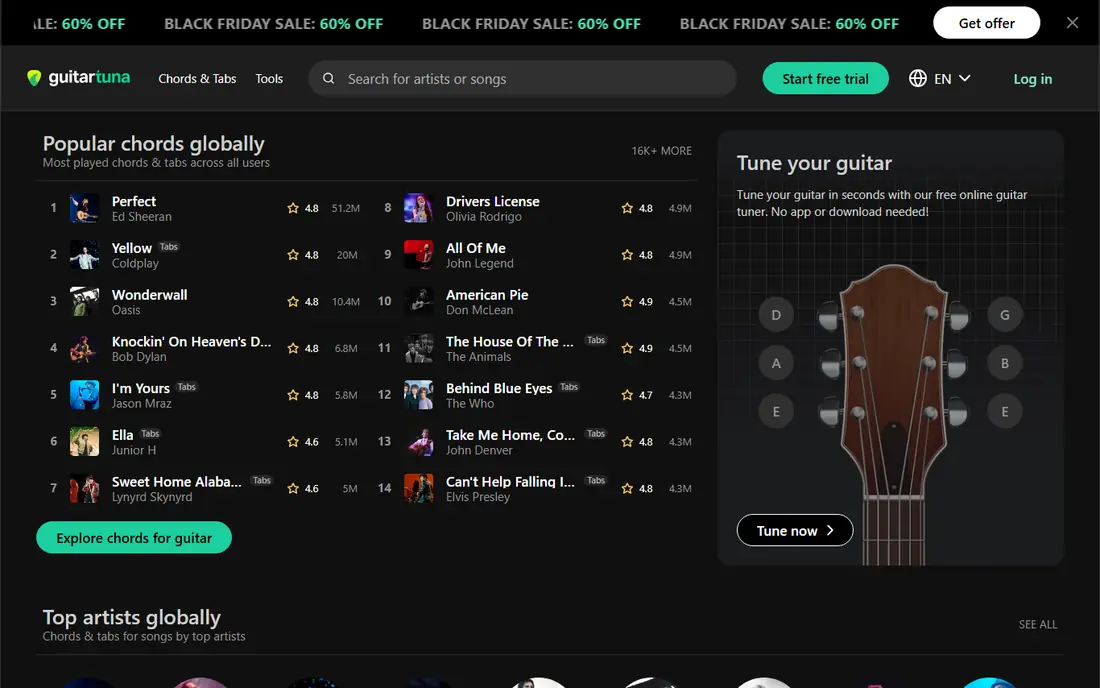
GuitarTuna, made by Yousician, is the most popular tuner app for a reason: it pairs a steady, easy-to-read tuner with tools a beginner actually uses. The free version covers standard guitar, bass and ukulele tuning, plus a metronome, a chord library and basic lessons. Alternate tunings, more instruments, a chromatic tuner and deeper lessons sit behind a paid plan, with pricing listed in the app store.
The trade-off is noise from the free version itself. Ads and upgrade prompts appear often, which can annoy a player who only wants to tune and play. If you want lessons and practice tools in the same app, GuitarTuna is still the best all-round choice. If you only want to tune, a simpler app below will be faster.
- Clear tuner for guitar, bass and ukulele
- Chord library, metronome and lessons included
- Noise reduction helps in busy rooms
- Free version includes ads and upgrade prompts
- Some instruments and tunings need a paid plan
- Learning content can feel crowded
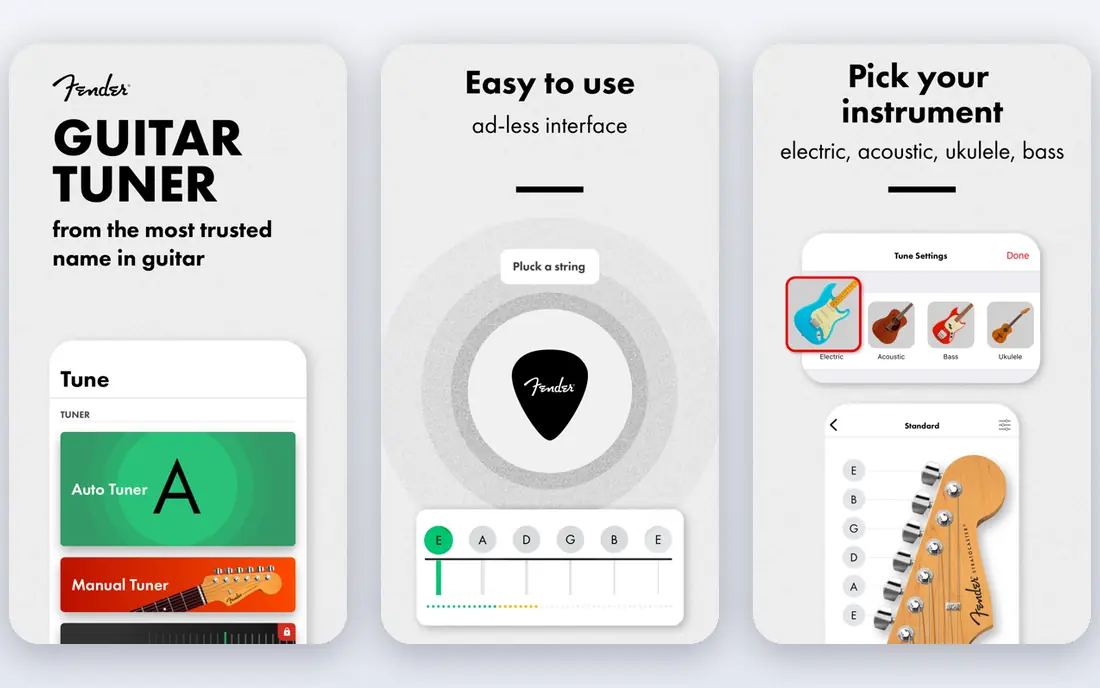
Fender Tune is the cleanest free option for guitar and bass players. It offers automatic tuning, manual tuning and a chromatic mode, with separate handling for acoustic and electric instruments, and it includes a metronome for practice. The app is free, with small in-app purchases for extras, but core tuning does not need a subscription.
That simplicity is also its limit. Fender Tune does not offer the lessons, songs and chord games of GuitarTuna, so a beginner who wants teaching content will need a second app. For a player who already knows how to play and just wants a reliable free tuner, Fender Tune is hard to fault.
- Free with no paid plan needed for core tuning
- Separate modes for acoustic and electric
- Chromatic mode included
- Fewer learning tools than GuitarTuna
- Metronome is basic
- Microphone tuning struggles in loud rooms
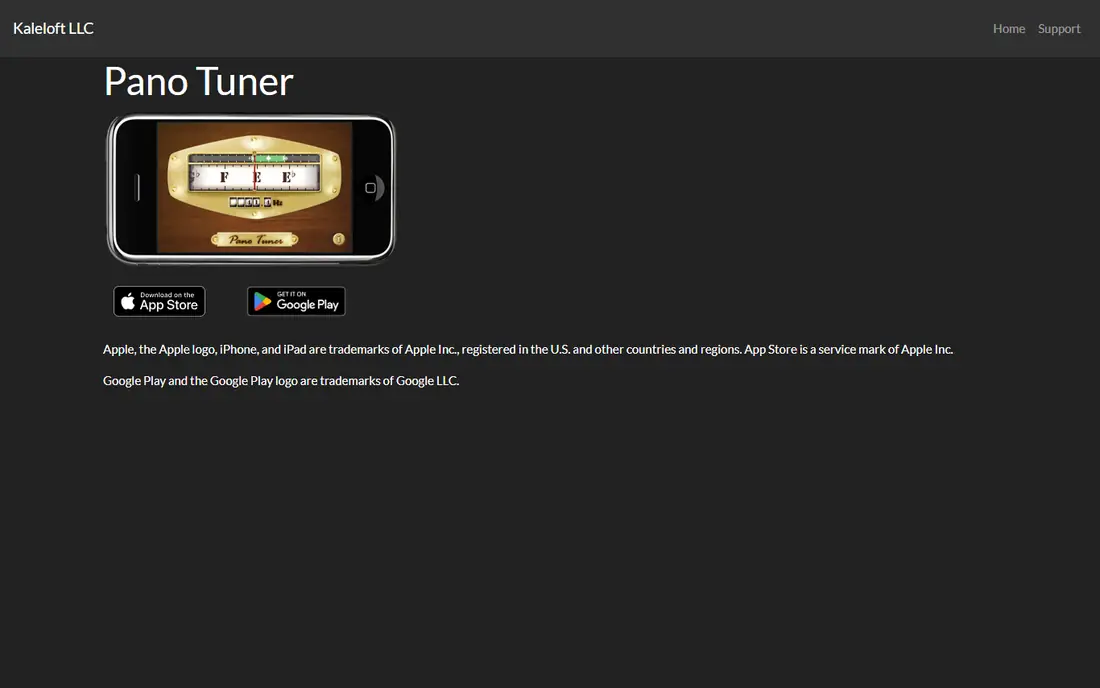
Pano Tuner is a chromatic tuner that does its job without fuss. Open it, play a note, and it shows the note name, how sharp or flat you are, and the exact frequency. That clarity suits guitar, bass, ukulele, violin, piano and many other instruments, since a chromatic tuner does not assume a fixed set of strings. Beginners like it because there is almost nothing to learn before first use.
The free version includes ads, and the paid full version adds features such as special temperaments for players who need them. Most players will never need those temperaments, so the free version is enough for everyday tuning. If you want a tuner that stays out of the way, Pano Tuner is the one to keep on your home screen.
- Very simple interface
- Accurate chromatic detection
- Shows note and exact frequency in hertz and cents
- Full version needed to remove ads and add special temperaments
- Fewer instruments guides than GuitarTuna
- Design is plain
iStroboSoft, from Peterson Tuners, is the tuner to choose when fine accuracy matters. Its strobe display moves slowly when a note is close to pitch and stops when it is exact, which lets a player see tiny differences that a needle display hides. That precision helps with guitar setup, intonation work, brass and woodwind tuning, and ensemble playing where small errors add up.
The cost and the learning curve are the drawbacks. iStroboSoft is a paid app, and the strobe display feels unfamiliar at first compared with a needle. Casual players who tune once before practice will not need this level of detail. Players who set up instruments, record, or play in a group where tuning must be exact will value it.
- Strobe display shows very small pitch differences
- Trusted by repairers and setup technicians
- Works for many instruments
- Paid app with no free tier
- Strobe display takes a little learning
- Overkill for casual practice
TonalEnergy is a practice tool first and a tuner second, which is why band, orchestra and choir players use it so widely. It combines a chromatic tuner with a metronome, a tone generator and a recorder, so a player can tune, practise with a click, record a passage and check pitch afterwards. The pitch display is detailed enough for serious practice, and the app supports a wide range of instruments.
Beginners may find the full interface busy, since it packs many tools into one screen. It is also a paid app, so it suits a player who will use the metronome and recorder as well as the tuner. For a school band player or a regular ensemble member, that combination is good value. For a casual guitarist, a free tuner will do.
- Tuner, metronome and recorder in one app
- Detailed pitch display for practice
- Popular with band and orchestra players
- Paid app
- Many features can overwhelm a beginner
- Interface is dense compared with simple tuners
Pitched Tuner offers a traditional needle-style display that many players find easy to read at a glance. It includes both an instrument tuner, with presets for common tunings, and a chromatic tuner for any note. Players can adjust reference pitch and microphone sensitivity, which helps in rooms that are not perfectly quiet.
Pitched Tuner does not try to teach, so it will not suit a beginner who wants lessons. Its strength is focus: open it, tune, close it. The free version covers core tuning, with a low-cost paid version for extra features, which makes it a solid choice for a player who prefers a needle display to a modern game-style interface.
- Familiar needle and dial display
- Instrument and chromatic modes
- Inexpensive paid version
- Smaller feature set than GuitarTuna
- Design feels older
- Some features need the paid version
gStrings was one of the first strong tuner apps, and it remains useful because of its flexibility. Players can change themes, adjust microphone sensitivity, set reference pitch and tune almost any string instrument, plus piano and other instruments. That customisation helps players with unusual instruments, alternate tunings or phones with quiet microphones.
The settings that make gStrings flexible also make it less welcoming at first. A new player may need a few minutes to find the right sensitivity and display options. Once set up, though, gStrings is a dependable, low-cost tuner, with a free version and a paid version that removes ads and adds features.
- Highly customisable display and sensitivity
- Supports many string and non-string instruments
- Low-cost paid version
- Interface can feel dated
- Settings take time to learn
- Fewer learning tools than rivals
Pro Guitar Tuner stands out because it works both as a phone app and as a web tuner. A player can tune on a phone during practice, or open the web version on a laptop when a phone is charging or out of reach. The tuner itself is chromatic and straightforward, with a clear note display and no learning content to get in the way.
Browser microphone access can vary, and a laptop microphone is usually less accurate than a phone microphone held close to an instrument. For most players, the phone app will be the main tool and the web version a useful backup. If you practise at a desk with a computer nearby, having both options is a real convenience.
- Chromatic tuner on phone and in a browser
- Simple layout
- Useful when a phone app is not at hand
- Web version depends on browser microphone access
- Fewer extras than learning apps
- Accuracy depends on device microphone
Ultimate Guitar is mainly a tab and chord app, but its built-in tuner makes it a good all-in-one choice for a player who learns songs from tabs. A player can tune, then open a tab for the same song without switching apps, which keeps practice flowing. The tab library is large, with user ratings and versions that help a player pick a reliable arrangement.
The tuner itself is not as detailed as iStroboSoft or TonalEnergy, and it will not suit setup work or fine ensemble tuning. Full tab features, including offline access and advanced tools, need a paid plan. Choose Ultimate Guitar when tabs are the main need and tuning is a secondary job, and choose a specialist tuner when accuracy is the priority.
- Huge tab and chord library
- Tuner included in the main app
- Useful for learning songs
- Tuner is a secondary feature, not a specialist tool
- Full tab features need a paid plan
- App can feel busy
How we picked these
We compared official feature pages, pricing pages and app store listings, and we favoured apps that are still updated in 2026, that tune accurately on a phone microphone, and that cover a distinct need, from free simple tuning to high-accuracy strobe tuning. We left out apps that have not been updated for years or that only tune one rare instrument. Prices come from vendor pages and app store listings checked in October 2026, and they can change, so check the listing before paying. A phone tuner depends on its microphone, so test any app in your normal practice room before relying on it for a performance.
How to get accurate tuning from a phone app
Tune in a quiet room when you can, hold the phone close to the instrument, and play one note at a time, letting it ring before adjusting. Background noise, a phone case over the microphone, or playing chords instead of single notes can all confuse a tuner. If a reading jumps around, move to a quieter spot, check the microphone, and try again.
Choose by instrument and need
For guitar, bass and ukulele, start with Fender Tune or GuitarTuna. For any instrument, including violin, trumpet or piano, use a chromatic tuner such as Pano Tuner or Pitched Tuner. For setup work, recording or ensemble playing, use iStroboSoft or TonalEnergy. Match the tool to the job, rather than picking the app with the most features.
Check reference pitch and tuning
Most tuners default to A440, which suits most modern playing, but some groups tune to a different reference. Check the setting before a rehearsal or a recording session, and agree on one reference with other players. Also check whether you need standard tuning or an alternate tuning, such as drop D, before you start, since tuning to the wrong preset wastes time.
Keep a clip-on tuner for noisy rooms
A phone tuner is convenient, but a clip-on tuner that reads vibration works better on a loud stage or in a noisy rehearsal room. Use the phone app for home practice and the clip-on tuner for live playing, and check both against each other from time to time so you trust the readings.
Frequently asked questions
What is the best tuner app for guitar?
GuitarTuna is the best tuner app for most guitar players, because it combines a clear tuner with chords, a metronome and lessons. Fender Tune is the best free alternative for guitar and bass, while Pano Tuner suits players who want a simple chromatic tuner without extra content.
Are free tuner apps accurate enough?
Yes, for home practice and casual playing, free apps such as Fender Tune, Pano Tuner and Pitched Tuner are accurate enough when used in a reasonably quiet room. For setup work, recording or ensemble playing, a paid strobe tuner such as iStroboSoft gives finer accuracy.
What is the best tuner app for ukulele?
GuitarTuna and Pano Tuner both suit ukulele, since GuitarTuna includes a ukulele mode and Pano Tuner is chromatic and works for any note. Fender Tune also covers ukulele-style tuning in its chromatic mode, so pick based on whether you want lessons or a plain tuner.
Do tuner apps work for bass?
Yes. GuitarTuna, Fender Tune, Pano Tuner and most chromatic tuners here cover bass, since bass notes fall within their detection range. Play notes slowly and let each note ring, since low notes can take a moment longer for a phone microphone to read clearly.
What is the difference between a chromatic tuner and a guitar tuner?
A guitar tuner expects standard guitar strings and shows which string you are tuning, while a chromatic tuner shows any note you play. A chromatic tuner suits more instruments and alternate tunings, while a guitar tuner is simpler for a beginner who only plays standard guitar.
Can I use a tuner app on stage?
You can, but a clip-on tuner is usually better on stage, since it reads vibration and is easier to read while standing. A phone app works well for home practice and backstage checks, but stage noise and lighting can make a phone screen harder to use.
Sources
See where you really rank - block by block
ProMapRanker scans Google Maps across a grid of your service area. Simple monthly plans from $19, white-label on every plan.
Start freeKeep reading
 wpforms alternatives
Best WPForms Alternatives in 2026
We compare 9 wpforms alternatives for WordPress forms, with free and paid options, current pricing notes, and honest limits for small business sites in 2026.
Read → windows task scheduler alternatives
Best Windows Task Scheduler Alternatives in 2026
Looking for Windows Task Scheduler alternatives? We compare 9 schedulers for Windows and cross-platform work, from free tools to enterprise automation.
Read → which ai video service is best
Which AI Video Service Is Best in 2026
which ai video service is best? We compare 10 legitimate AI video services on price, avatars, editing and output quality to help you pick the right tool.
Read →