 ProMapRanker
Best Translation Management Software in 2026


Product teams shipping apps quickly · Pricing starts at: $149 per month
Key takeaways
- Lokalise and Crowdin lead for software and app localization, with strong developer integrations and translator workflows.
- Phrase and Smartling suit larger teams and enterprises with complex workflows, many languages and high content volume.
- Transifex, Weblate and POEditor offer different balances of automation, open-source control and low cost for smaller teams.
- Translation memory and glossaries save money over time, so check how each tool reuses past translations and enforces terminology.
- Machine translation speeds drafts, but human review still matters for customer-facing, legal and brand-sensitive content.
Quick comparison
| Pick | Great for | Pricing starts at | Free tier | |
|---|---|---|---|---|
| Lokalise | Product teams shipping apps quickly | $149 per month | Yes | Visit |
 Crowdin | Teams wanting integrations and community translation | $59 per month | Yes | Visit |
 Phrase | Enterprises running software and content together | See website | Free trial | Visit |
 Smartling | Enterprises with high volume and complex workflows | See website | Yes | Visit |
 Transifex | SaaS teams using continuous localization | $139 per month | Free trial | Visit |
 Weblate | Teams wanting open-source and self-hosting | Free | Yes | Visit |
 Smartcat | Teams combining TMS with a translator marketplace | See website | Yes | Visit |
 POEditor | Small teams wanting simple string management | $17 per month | Yes | Visit |
 LingoHub | Midsize teams automating from Git | See website | Free trial | Visit |
 Weglot | Website translation without a technical team | $17 per month | Yes | Visit |
The best translation management software
Translation management software centralizes source content, translations, glossaries, translation memory and review workflows, so teams can ship many languages without spreadsheets and email chains. We compared official pricing pages, feature lists and public reviews, and we focused on developer integrations, translator workflows, quality checks and total cost.
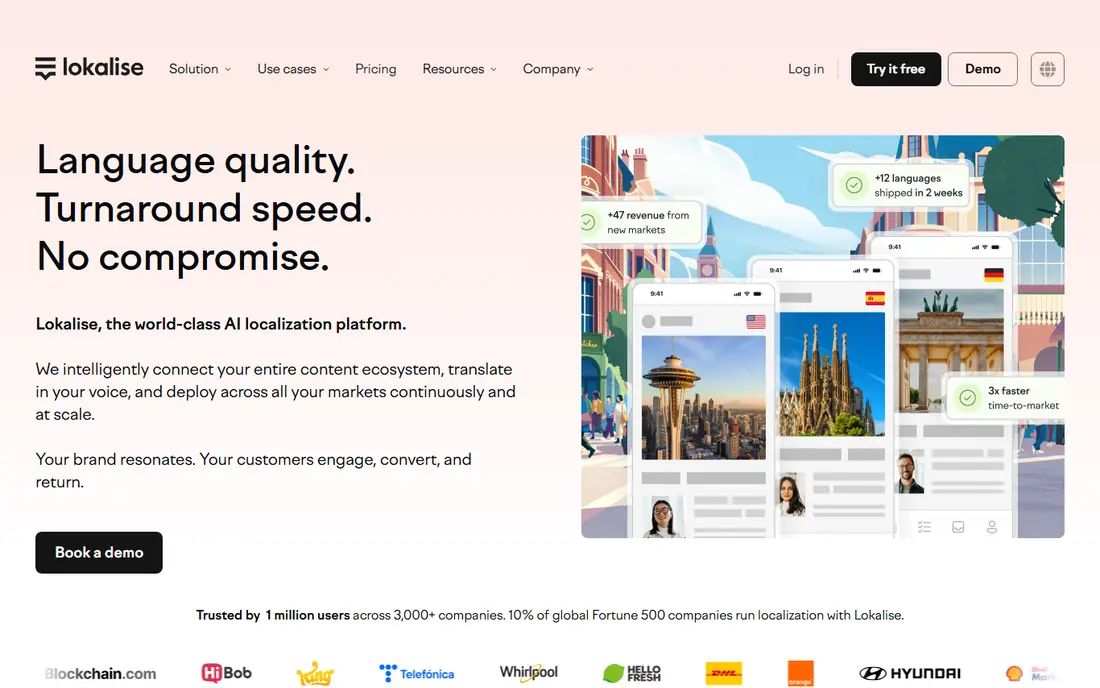
Lokalise suits product teams that release app and web updates often. Developers push strings from code, translators work with context and screenshots, and reviewed translations flow back into the next release. That continuous loop suits agile teams that cannot wait for a manual translation batch each time they ship a feature.
The price reflects that depth. Entry pricing starts around $149 per month, and costs grow with string count, seats and advanced features. A team with a single small app may find POEditor or Crowdin cheaper, while a team shipping weekly across many languages will value Lokalise's automation and integrations.
- Strong mobile and web app localization
- GitHub, Figma and SDK integrations
- AI translation and quality checks
- Costs rise with keys and seats
- Complex for very small one-off projects
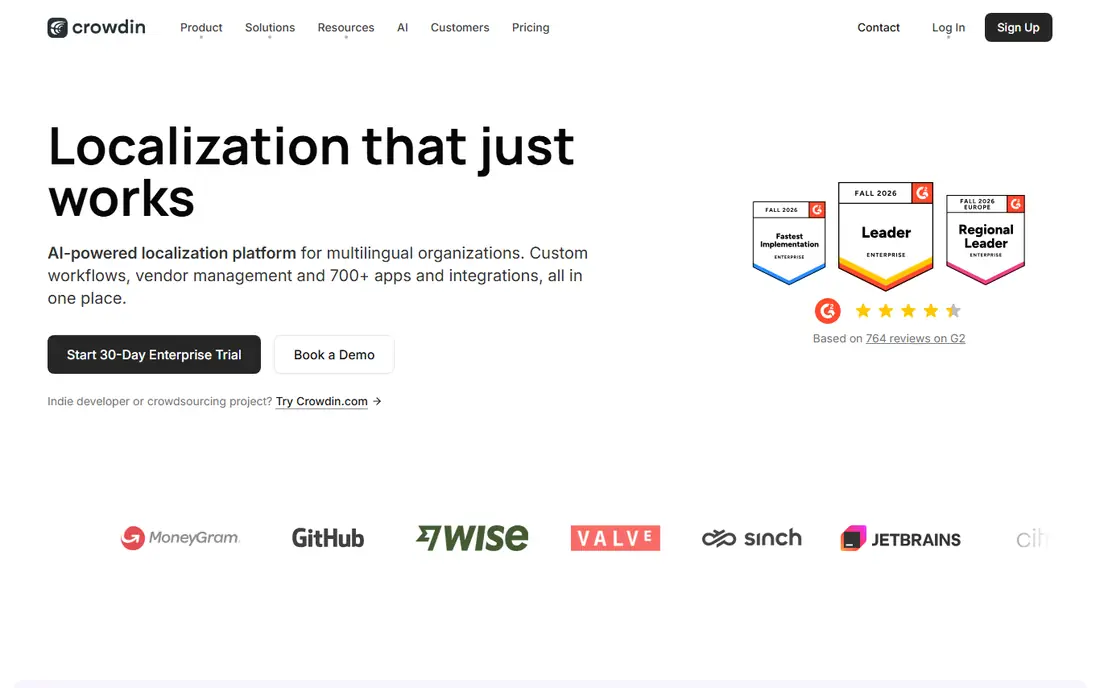
Crowdin appeals to teams that want a broad integration library and flexible translator workflows. GitHub, GitLab, Figma and many other tools connect to Crowdin, and community translation features help open-source projects and large user communities contribute translations. Automation rules, glossaries and translation memory keep quality consistent as content grows.
Complexity is the trade-off. A large project with many branches, files and workflows needs careful setup, and pricing grows with usage. Teams that want a simple string tool may prefer POEditor, while teams that need deep integrations and community support will find Crowdin strong value.
- Large integration library
- Community and crowdsourced translation support
- Automation and quality checks
- Setup takes time for complex projects
- Pricing grows with words and features
Phrase, formed from the Memsource and Phrase Strings products, suits enterprises that localize both software strings and longer content. Developers get API and command-line tools, translators get memory, glossaries and quality checks, and managers get analytics on progress and cost. That combined coverage helps firms that previously used separate tools for apps and documents.
Pricing and setup are the limits. Plans are tiered and often quoted for larger teams, and full automation needs developer effort. A small team may find Phrase heavy, while a large localization team with complex workflows will appreciate having strings and content in one system.
- Software strings and long-form content in one platform
- API and CLI tools
- Translation memory and analytics
- Pricing is complex and tiered
- Setup needs developer time for full automation
Smartling targets enterprises with large content volume and complex approval workflows. Translators see visual context from the actual page or app screen, which reduces errors from strings without context. CMS and ecommerce integrations automate content flow, and the platform supports machine translation, machine translation post-editing and human translation in the same workflow.
Enterprise pricing is custom, and onboarding for a large deployment takes planning. A small team will find Smartling heavy and expensive, while a large firm translating websites, apps and marketing content at scale will value its workflow depth and quality controls.
- Visual context for translators
- Enterprise workflows and CMS integrations
- AI and human translation options
- Custom enterprise pricing
- Onboarding takes time for large deployments
Transifex suits SaaS teams that practice continuous localization, where code changes flow into translation and back into releases automatically. The platform handles software strings well, supports many file formats, and gives translators context, memory and glossaries to keep terminology consistent. That automation suits teams that ship often and cannot pause for manual handoffs.
Long-form document translation is not its main strength, so firms that mainly translate manuals, legal documents or marketing copy may prefer Phrase or Smartling. Pricing also grows with usage, so buyers should model string and word counts before committing to a tier.
- Continuous localization through CI/CD
- Strong for SaaS apps
- Translation memory and glossaries
- Pricing rises with usage
- Less suited to long-form document translation alone
Weblate is the clearest pick for teams that want open-source control and self-hosting. The code is open, Git integration is central, and teams can run Weblate on their own servers if they need full data control. Hosted plans exist for teams that prefer a managed service, and libre projects can qualify for free hosted use.
Self-hosting is not free in effort. A team needs to maintain, update and back up its instance, and support depends on the plan chosen. Teams without technical staff should compare hosted Weblate against Crowdin or Lokalise, while open-source projects and privacy-focused teams will value Weblate's transparency and control.
- Open-source code
- Self-hosting option
- Free for libre projects on hosted tiers
- Git integration
- Self-hosting needs technical maintenance
- Hosted pricing rises for larger projects
Smartcat combines a translation management system with a marketplace of freelance translators, which helps teams that need both software and people in one place. Upload files, assign translators, track progress and reuse translation memory, without managing a separate vendor list. The platform supports many file formats and languages, which suits firms with varied content.
Marketplace quality depends on the individual linguist, so teams should vet translators, use glossaries and review workflows, and keep preferred linguists for brand-sensitive work. Pricing for larger use is quoted, so small teams should start on the free or lower tiers and test quality before scaling.
- TMS plus freelancer marketplace
- Translation memory and workflows
- Many file formats
- Marketplace quality varies by linguist
- Enterprise pricing needs a quote for larger use
POEditor suits small teams that need to manage app and website strings without enterprise complexity. The interface is straightforward, pricing starts low, and a free tier covers a limited number of strings. A startup localizing a small app into a few languages can get started quickly and keep costs down.
Enterprise workflows, advanced automation and long-form document tools are thinner than on Phrase, Smartling or Lokalise. A team that grows into many languages, complex approvals or high volume will likely outgrow POEditor, but as a first TMS for a small product, it is hard to beat on simplicity and price.
- Simple and cheap string management
- Easy for small teams
- Free tier for limited strings
- Fewer enterprise workflows
- Limited long-form content tools
LingoHub suits midsize teams that live in Git and want translation automation without enterprise sales calls. Code repositories sync with translation projects, translators work with context and memory, and reviewed translations return to the codebase. That workflow helps product teams that release often but do not need a full enterprise suite.
The integration library is smaller than Crowdin's, so teams with unusual tools should check compatibility first. Pricing also varies, so buyers should get a current quote for their string count and team size. For a Git-centered midsize team, LingoHub offers a clean balance of automation and cost.
- Git-based automation
- Translator workflows and quality checks
- Good for midsize product teams
- Pricing varies by plan and usage
- Smaller integration library than Crowdin
Weglot suits brands that need a translated website quickly, without a developer team. Add the integration, let Weglot detect site content, review or edit translations, and publish translated pages with SEO support. That speed helps small businesses, Shopify stores and marketing sites that want multilingual traffic without building a localization pipeline.
Software string localization is not its main job. Teams localizing mobile apps or complex software should pick Lokalise, Crowdin or Phrase instead. Pricing also rises with translated words and traffic, so a large site should model word count and page views before choosing a tier.
- Fast website setup with no code
- Automatic content detection
- SEO features for translated pages
- Website-focused, not a full software string TMS
- Pricing rises with words and page views
How we picked these
We compared official pricing and feature pages, app store listings and public reviews for translation management tools operating in October 2026. We kept tools that manage source content, translations, memory, glossaries and review workflows, and we excluded raw machine translation APIs with no management workflow. We marked pricing as See website where vendors quote or tier pricing in a way that makes a single starting price misleading.
We weighed developer integration, translator workflow and reuse of past translations heavily, because those decide long-term cost and quality. A tool that looks cheap but lacks memory and glossary controls will cost more over time through retranslation and inconsistent terminology.
How to choose for your content type
Start with content type, not price. App and software teams should compare Lokalise, Crowdin, Transifex and Weblate. Website teams should compare Weglot, Smartling and Phrase. Document-heavy teams should compare Phrase, Smartling and Smartcat. That choice narrows the field to two or three tools, which makes trials manageable.
Next, trial with real content. Import a sample of strings or pages, add a glossary term, run machine translation, assign a review step and export the result. Check how the tool handles updates, context and quality checks, and confirm pricing for your actual word or string count. A trial with demo content hides the workflow problems that real content reveals.
Frequently asked questions
What is the best software for translation management?
Lokalise and Crowdin lead for software localization, Phrase and Smartling lead for enterprise teams, and Weglot leads for fast website translation. The best pick depends on whether you localize apps, websites, documents or all three.
How much does translation management software cost?
Entry prices on this list run from free for Weblate self-hosted and POEditor's free tier, through $17 per month for POEditor and Weglot, $59 for Crowdin, $139 for Transifex and $149 for Lokalise, up to custom enterprise pricing for Phrase and Smartling.
What is translation memory and why does it matter?
Translation memory stores past translations and reuses them for matching or similar text, which saves time and money and keeps wording consistent. A strong memory, paired with a glossary, is one of the main reasons to use a TMS instead of translating from scratch each time.
Do I still need human translators if I use machine translation?
For customer-facing, legal, medical or brand-sensitive content, yes. Machine translation speeds drafts, but human review catches tone, terminology and context errors that a machine misses. Many TMS tools support machine translation post-editing, which combines speed with human quality control.
Can translation management software handle websites and apps together?
Some tools can, including Phrase and Smartling, while others specialize in one area. Weglot focuses on websites, while Lokalise and Crowdin focus on software strings, so buyers should match the tool to their main content type.
Is open-source translation management software a good choice?
Weblate suits teams that want control, self-hosting and open code, especially open-source projects. Teams without technical maintenance capacity should prefer a hosted TMS, because self-hosting adds update, backup and support work.
Sources
See where you really rank - block by block
ProMapRanker scans Google Maps across a grid of your service area. Simple monthly plans from $19, white-label on every plan.
Start freeKeep reading
 wpforms alternatives
Best WPForms Alternatives in 2026
We compare 9 wpforms alternatives for WordPress forms, with free and paid options, current pricing notes, and honest limits for small business sites in 2026.
Read → windows task scheduler alternatives
Best Windows Task Scheduler Alternatives in 2026
Looking for Windows Task Scheduler alternatives? We compare 9 schedulers for Windows and cross-platform work, from free tools to enterprise automation.
Read → which ai video service is best
Which AI Video Service Is Best in 2026
which ai video service is best? We compare 10 legitimate AI video services on price, avatars, editing and output quality to help you pick the right tool.
Read →