 ProMapRanker
Best Translation App in 2026: 7 Apps Compared

Widest language coverage and travel · Pricing starts at: Free
Key takeaways
- Google Translate remains the best translation app for most people, thanks to its huge language range plus camera, voice and conversation modes.
- DeepL is the best translation tool for natural-sounding European language text, especially for documents and professional writing.
- Microsoft Translator suits people who live in Office, Teams or Edge and need group conversation translation.
- Apple Translate is the best free translation app for iPhone users who value on-device processing.
- No machine translation is safe for legal, medical or contract text without a human check, so match the tool to the stakes.
Quick comparison
| Pick | Great for | Pricing starts at | Free tier | |
|---|---|---|---|---|
| Google Translate | Widest language coverage and travel | Free | Yes | Visit |
 DeepL DeepL | Natural-sounding European language text | Free | Yes | Visit |
 Microsoft Translator Microsoft Translator | Office users and group conversations | Free | Yes | Visit |
 Apple Translate Apple Translate | iPhone users who value on-device privacy | Free | Yes | Visit |
 Reverso Reverso | Context examples and language learning | Free | Yes | Visit |
 Papago Papago | Korean, Japanese and Chinese translation | Free | Yes | Visit |
 iTranslate iTranslate | Travel phrases and camera translation | Free | Yes | Visit |
The best translation apps
We compared official feature pages, pricing pages, app store listings and public reviews for the leading translation tools. The best translation software for you depends on your languages, whether you translate text, speech, images or documents, and how much privacy matters. All eight tools below have a free tier, with paid plans for heavier or professional use.
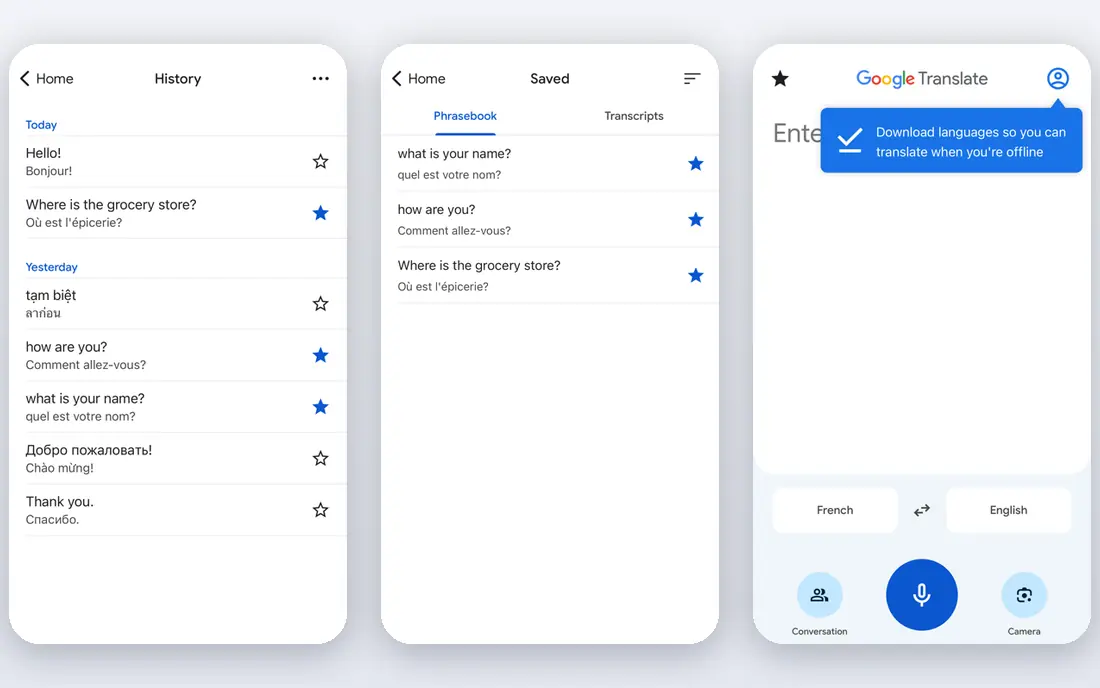
Google Translate is the default for a reason. It covers more languages than any rival, and its camera mode reads signs and menus while conversation mode handles two-way speech. Integration with Chrome, Gmail and Docs means translated text is often one tap away, and offline language packs help when you have no signal.
The honest catch is uneven quality. Common pairs such as English and Spanish are strong, but rarer languages and nuanced writing can come out flat or wrong. Document translation also risks losing formatting, so check the output before you share it. For everyday travel, messages and quick understanding, Google Translate is still the best translation app to keep on your phone.
- More than 240 languages
- Camera, voice and conversation modes
- Offline packs on mobile
- Quality varies for low-resource languages
- Document formatting can shift in translation
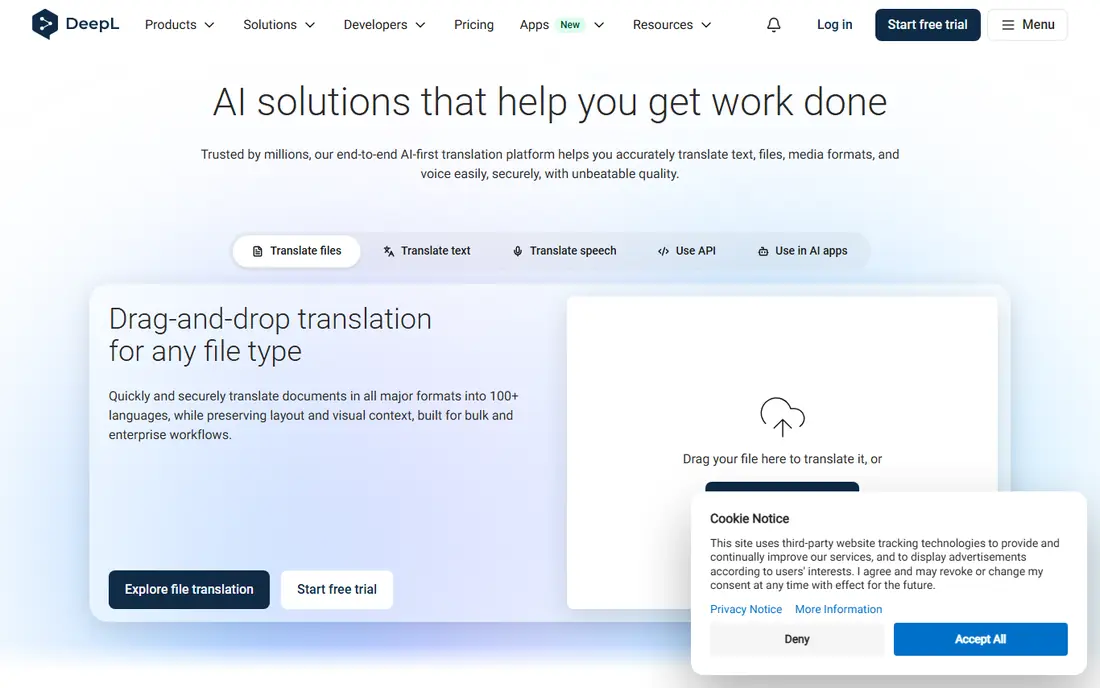
DeepL earns its place by sounding human. For French, German, Spanish, Italian, Dutch and other European languages, its output often reads more naturally than Google, with better handling of tone and formality. Document translation preserves much of the original layout, and paid plans add glossaries that keep brand terms consistent.
The limits are range and free-tier caps. DeepL covers far fewer languages than Google, and free requests are capped in length, so long documents need a paid plan or splitting. Asian language quality is also less of a DeepL strength. If you translate European business or academic text regularly, DeepL is the best translation tool to pair with a human review.
- Natural tone for European languages
- Document translation
- Glossaries on paid plans
- Fewer languages than Google
- Free tier has character limits per request
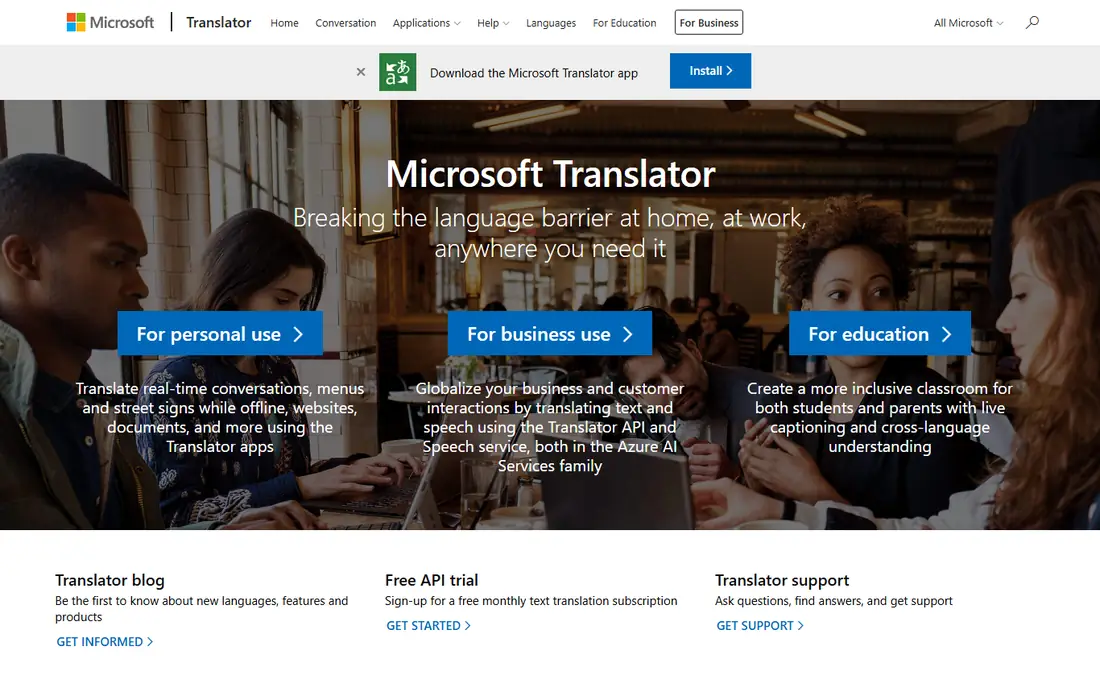
Microsoft Translator is the practical pick inside a Microsoft workplace. It is built into Office apps, Teams meetings and Edge, so translation appears where documents and calls already happen. Its conversation mode lets many people join one session and read translations in their own language, which is useful for meetings and classrooms.
Text quality is good but not class-leading for polished European prose, where DeepL usually wins. Some features also work best with a Microsoft account, which may not suit everyone. If your team already uses Microsoft 365, Translator adds real value without a new subscription, and that integration is its strongest argument.
- Built into Office, Teams and Edge
- Multi-device conversation mode
- Broad language support
- Text quality can trail DeepL for European prose
- Some features need a Microsoft account
Apple Translate is the quiet, private option for iPhone and iPad users. Downloaded languages can be translated on the device, which keeps everyday phrases off a server, and the app is built into iOS with a clean conversation mode. It also translates text in photos and web pages through system features.
The trade-off is scope. Apple Translate supports fewer languages than Google or Microsoft, and it is limited to Apple devices, so Android users and Windows users need another tool. Document translation is also less developed than DeepL. For Apple users who translate short text and conversations, and who care about privacy, it is the best free translation app in the Apple world.
- On-device processing for downloaded languages
- Built into iOS
- Simple conversation mode
- Fewer languages than Google
- Apple devices only
- Document translation is limited
Reverso suits people who want to understand a translation, not just receive one. Its context search shows how a word or phrase appears in real translated sentences, which helps you pick the right meaning when a word has several senses. Conjugation tables and grammar notes make it a strong companion for language learners.
The downside is breadth. Reverso covers fewer languages than Google, and its free tier limits longer translations. It is not the tool for translating a whole document or holding a live conversation. Pair Reverso with Google Translate or DeepL: use the big tool for bulk text, and Reverso when a single phrase needs checking.
- Real example sentences in context
- Conjugation and grammar tools
- Useful for learners
- Fewer languages than the big platforms
- Free tier has limits
Papago, from Naver, is the best translator app for Korean, Japanese and Chinese. Its handling of honorifics, sentence structure and idiom in those languages often beats general tools, and it offers text, voice and image translation plus a phrasebook for travel. For anyone learning Korean or doing business in East Asia, Papago is worth installing alongside Google Translate.
Outside Asian languages, Papago is less compelling, and its smaller user base means fewer community resources in English. It is a specialist, not a generalist. Use Papago for its strengths, and keep Google Translate for everything else.
- Strong for Korean, Japanese and Chinese pairs
- Image and voice modes
- Phrasebook features
- Weaker outside Asian languages
- Less known outside Asia
iTranslate is built for travellers. It combines text, voice and camera translation with a phrasebook of common travel expressions, and offline language packs are available on paid plans. The interface is friendly, and switching languages mid-conversation is quick.
The catch is paywall placement. Offline mode, unlimited camera use and some advanced features sit behind iTranslate Pro, so the free app is best for occasional use. Quality also varies by language, as with every machine tool. If you travel often and want a dedicated travel app rather than a general tool, iTranslate is a solid choice, but check the Pro price before you commit.
- Camera and voice modes
- Phrasebook for travel
- Offline packs on paid plans
- Best features need a paid Pro plan
- Translation quality varies by language
How we picked these
We compared official feature pages, pricing pages, app store listings and public reviews for leading translation apps and platforms. We favoured tools that are still maintained, work on current phones, and cover a clear use case: breadth, European prose, office work, privacy, learning, Asian languages, voice or travel. We treated vendor claims about accuracy with caution, since accuracy depends on language pair and text type, and we preferred tools with clear free tiers so readers can test them before paying.
How to choose a translation app for your situation
Start with languages, not brand. If you need a rare language, Google Translate is usually the only practical choice. If you work in European languages, test DeepL on your own text and compare it with Google, since the difference in tone is easy to see. If you work in Korean, Japanese or Chinese, add Papago to the test.
Next, match the mode to the job. Camera mode matters for signs and menus, conversation mode matters for spoken exchanges, and document mode matters for files. Offline packs matter if you travel without reliable data. Finally, respect the stakes: machine translation is fine for understanding a menu or a message, but contracts, medical instructions and published marketing copy need a human translator or at least a bilingual review. Never paste confidential or sensitive text into a free tool without checking its privacy terms.
Frequently asked questions
What is the best translation app overall?
Google Translate is the best translation app for most people, because it covers the most languages and offers camera, voice and conversation modes for free. DeepL is better for polished European language text, so many people keep both apps.
What is the best free translation app?
Google Translate is the best free translation app for breadth, since its core features cost nothing. Apple Translate is the best free option for iPhone users who prefer on-device processing, and Microsoft Translator is free for Office users.
What is the best translation software for documents?
DeepL is the strongest choice for document translation in supported European languages, thanks to its natural tone and layout handling. Microsoft Translator suits Office documents, while Google Translate handles the widest range of languages for quick document checks.
Which translator app is best for travel?
Google Translate leads for travel, with camera translation for signs, offline packs and conversation mode. iTranslate is a good travel-focused alternative, and Papago is best if your trip involves Korea, Japan or China.
Are translation apps accurate enough for business?
Machine translation is good for internal messages and understanding, but business, legal and marketing text should be reviewed by a human who knows both languages. Use glossaries in DeepL or Microsoft Translator to keep terms consistent, then have a bilingual colleague check the final version.
What is the best translation platform for teams?
Microsoft Translator suits teams already using Office and Teams, while DeepL Pro and Phrase suit teams that need glossaries, document workflows and consistent terminology. Small teams can start free and upgrade only when volume or glossary needs justify it.
Sources
See where you really rank - block by block
ProMapRanker scans Google Maps across a grid of your service area. Simple monthly plans from $19, white-label on every plan.
Start freeKeep reading
 zoom alternatives
Best Zoom Alternatives in 2026
Compare Zoom alternatives in 2026, with free meeting limits and prices, so you can pick the best alternative to Zoom for your team, class, or community.
Read → which software is best for remote work
Which Software Is Best for Remote Work in 2026
Answering which software is best for remote work, we compare Slack, Zoom, Asana, Notion, Teams and more, with pricing and honest tradeoffs in 2026 now.
Read → which ai tool is best for content writing
Which AI Tool Is Best for Content Writing in 2026
Wondering which ai tool is best for content writing? We compare ChatGPT, Claude, Jasper, Grammarly, and more on price, quality, and best use in 2026 now.
Read →