 ProMapRanker
Best Transcription Software in 2026


Live meeting transcription and summaries · Pricing starts at: $16.99 per month
Key takeaways
- Otter.ai is our pick for most meeting-heavy teams because it transcribes live and produces searchable summaries.
- Rev is the choice when accuracy matters most, thanks to optional human transcription.
- Descript suits podcasters and video creators who edit media by editing text.
- Happy Scribe and Sonix lead for multilingual transcripts and subtitles.
- Test any tool with your own noisy, multi-speaker audio before you pay, because accuracy varies by recording.
Quick comparison
| Pick | Great for | Pricing starts at | Free tier | |
|---|---|---|---|---|
| Otter.ai | Live meeting transcription and summaries | $16.99 per month | Yes | Visit |
 Rev Rev | Transcripts where accuracy cannot slip | See website | No | Visit |
 Descript Descript | Podcast and video creators who edit by text | See website | Yes | Visit |
 Sonix Sonix | Subtitles, captions, and multilingual transcripts | See website | Free trial | Visit |
 Happy Scribe Happy Scribe | Multilingual transcripts and subtitles with human review | See website | Free trial | Visit |
 Trint Trint | Journalists and editorial teams | See website | Free trial | Visit |
 Notta Notta | Cross-platform and mobile transcription | See website | Yes | Visit |
 Fireflies.ai Fireflies.ai | Meeting intelligence and CRM-linked notes | See website | Yes | Visit |
The best transcription software
Transcription software turns speech into searchable text, but the best tool depends on the job. Meeting tools join calls live, file tools handle uploads, video tools sync text to timecodes, and human services verify every word. The eight tools below cover those jobs without pretending one app fits them all.
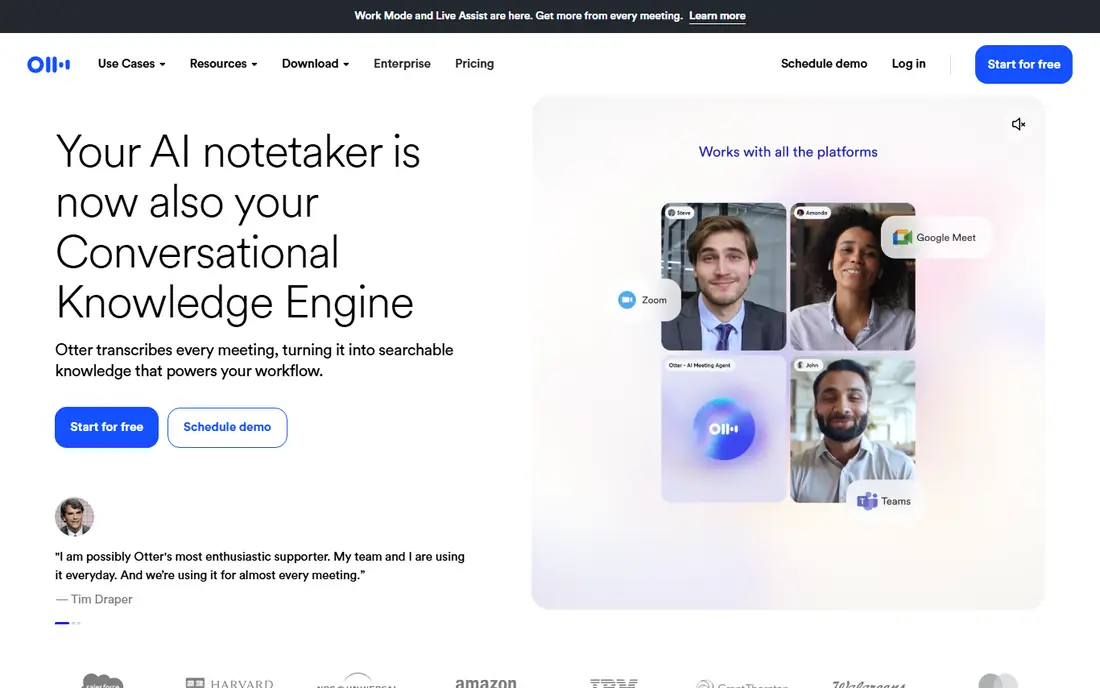
Otter.ai is the most practical choice for teams that spend their week in meetings. It can join calls, transcribe live, label speakers, and produce a summary with action points that you can search later. That searchability is the real benefit, because finding one decision from a two-hour call becomes a keyword search instead of a replay.
The free plan is useful for light use but limits minutes, so heavy meeting users will need a paid plan. Accuracy also depends on audio quality, and fast crosstalk will still need a quick edit. For everyday meeting notes, though, Otter.ai is the easiest tool to adopt across a team.
- Joins Zoom, Meet, and Teams calls
- Live transcripts with speaker labels
- Searchable summaries
- Free plan limits monthly minutes
- Accuracy drops on crosstalk and noisy audio
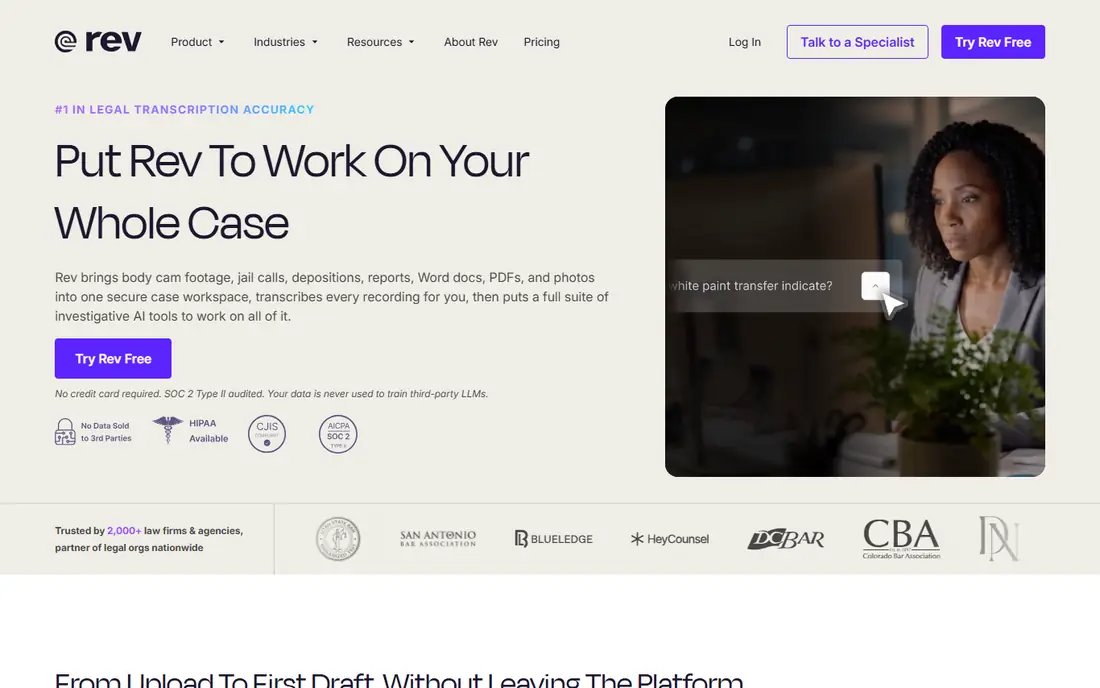
Rev is the tool to use when the transcript itself is the deliverable, such as a legal interview, a published quote, or a medical record. Its human transcription service is built for that standard, while its AI option gives a fast, cheaper draft for internal notes. Captions and subtitles round out the service for video teams that need accessible output.
The honest catch is price and time. Human transcription costs much more per minute than AI, and it takes longer to return. Use AI for rough notes and reserve human transcription for material that will be quoted, filed, or published. That split keeps costs down without risking accuracy where it counts.
- Human transcription option
- AI transcription for fast drafts
- Captions and subtitles
- Human transcription is priced per minute and costs far more than AI
- Turnaround is slower
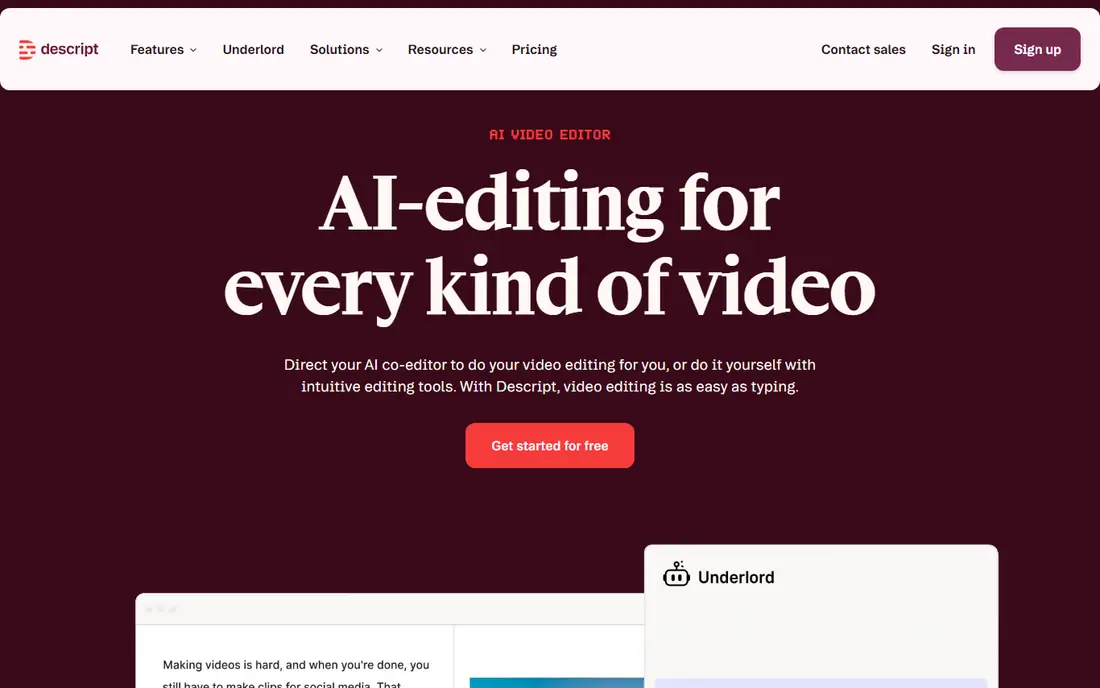
Descript changes the job from transcription to editing. Once it transcribes your recording, you cut audio and video by deleting or moving text, which is far faster than scrubbing a timeline for most podcasters. It also handles filler words, overdub-style fixes, and publishing steps that a plain transcription app does not try to do.
That power comes with a learning curve and a creator-focused price structure. If you only need meeting notes, Descript is more tool than you need. If you produce podcasts or video regularly, the text-based editing workflow can save hours each week, and the transcript becomes part of production rather than an afterthought.
- Edit audio and video by editing the transcript
- Strong creator workflow
- Filler-word removal
- More than a simple transcription tool
- Pricing and features suit creators more than note-takers
Sonix is built for teams that need transcripts in many languages and subtitles that match video timing. Its editor lets you search, correct, and export text with timecodes, which suits researchers, media teams, and global organizations. Language coverage is broad, and subtitle workflows are more complete here than in a meeting-only tool.
As with most AI transcription, quality varies by language, accent, and audio quality, so test your own recordings first. Regular volume also requires a paid plan, and the free trial is best used to check accuracy on your hardest audio, not your cleanest. For multilingual and subtitle work, Sonix is a strong, focused choice.
- Wide language support
- Subtitle and caption exports
- Searchable transcript editor
- Paid plans are needed for regular volume
- Accuracy varies by language and accent
Happy Scribe
Great for: Multilingual transcripts and subtitles with human review
Happy Scribe appeals to global teams because it combines AI transcription in many languages with subtitle tools and optional human proofreading. That combination matters when a transcript will be published or shared with clients in another language, since a raw AI draft may miss nuance. The platform also handles file uploads cleanly, which suits interviews and recorded content.
The trade-off is cost at volume. AI transcription is affordable, but human proofreading and large credit purchases add up, so budget for the accuracy level you actually need. For occasional multilingual work, the trial and pay-as-you-go options make it easy to test before committing.
- Transcription in many languages
- Subtitle creation
- Optional human proofreading
- Human review adds cost and time
- Heavy users need a subscription or credit plan
Trint is designed for newsrooms and editorial teams that turn interviews into stories under deadline. It transcribes quickly, lets multiple editors search and highlight quotes, and helps teams pull quotes from several transcripts into one narrative. That workflow is different from a meeting notetaker, and it shows in how the editor is built around verification and quote selection.
The price reflects that professional focus, so casual users may find cheaper meeting tools a better fit. For journalists, researchers, and content teams that live in transcripts, Trint saves time where it matters most, which is finding the right quote fast and checking it against the audio.
- Fast AI transcription
- Collaborative editing
- Story-building tools for quotes
- Priced for professional teams
- Less suited to casual meeting notes
Notta is a good fit if you transcribe on the move and across devices. It handles live recording and uploaded files, syncs between phone and web, and gives a free plan that covers occasional use. For students, freelancers, and field interviewers, that flexibility matters more than deep meeting integrations.
The free plan has minute limits, so regular users will need to pay, and the most useful features, such as longer transcription and advanced exports, sit on paid tiers. Still, Notta is easy to start with and practical for people who record in different places and want one transcript library everywhere.
- Works across web and mobile
- Live and file transcription
- Free plan for light use
- Free plan limits minutes
- Advanced features sit behind paid plans
Fireflies.ai goes past transcription into meeting intelligence. It joins calls, transcribes, summarizes decisions, and can push notes into CRMs and workflow tools, which helps sales and support teams keep records without manual typing. A searchable library of past meetings also makes it easier to check what was promised on an earlier call.
The free plan covers light use, but teams that rely on integrations and higher limits will need a paid plan. If you only need a personal transcript, a simpler tool may be enough. If meeting notes must flow into your CRM and follow-up tasks, Fireflies.ai is built for that job.
- Joins meetings and summarizes
- CRM and workflow integrations
- Searchable meeting library
- Free plan has limits
- Best value comes when connected to sales or support tools
How we picked these
We compared tools that convert audio or video speech into text and that are available now, using vendor feature and pricing pages plus recent vendor-linked comparisons. We favored tools with distinct strengths, meetings, accuracy, video editing, subtitles, and editorial work, rather than listing eight near-identical apps. Where pricing varied by billing period or source, we wrote See website instead of publishing a disputed figure.
How to choose transcription software for your work
Match the tool to the output you need. Choose a live meeting tool for calls, a file tool for interviews, a video tool for podcasts, and human transcription for quoted or legal material. Check language support, speaker labeling, export formats, and whether transcripts stay searchable after the call. Always test with a noisy, multi-speaker recording from your own work, and check consent rules before recording any meeting, since recording laws vary by location and many tools announce the assistant when it joins.
Frequently asked questions
What is the best transcription software?
Otter.ai is the best overall pick for meetings, Rev is best when accuracy must be verified by a human, and Descript is best for podcast and video editing. The right choice depends on whether you need live notes, a publishable transcript, or an editing workflow.
What is the best transcription app for meetings?
Otter.ai and Fireflies.ai are the strongest meeting apps. Both join calls, transcribe live, and produce summaries, while Fireflies.ai adds stronger CRM and workflow connections for sales teams.
What is the best audio transcription software for files?
Happy Scribe, Sonix, and Trint handle uploaded audio well, with editors for correction and export. Rev also suits file work when you need human transcription for accuracy.
What is the best video transcription software?
Descript is the best video transcription choice for creators because you edit video by editing text. Sonix and Happy Scribe are better when the main output is subtitles or captions with accurate timing.
What is the best AI transcription service for many languages?
Happy Scribe and Sonix offer the widest language coverage on this list. Test both with your own recordings in each language you need, because accuracy varies by language and accent.
Sources
See where you really rank - block by block
ProMapRanker scans Google Maps across a grid of your service area. Simple monthly plans from $19, white-label on every plan.
Start freeKeep reading
 zoom alternatives
Best Zoom Alternatives in 2026
Compare Zoom alternatives in 2026, with free meeting limits and prices, so you can pick the best alternative to Zoom for your team, class, or community.
Read → which software is best for remote work
Which Software Is Best for Remote Work in 2026
Answering which software is best for remote work, we compare Slack, Zoom, Asana, Notion, Teams and more, with pricing and honest tradeoffs in 2026 now.
Read → which ai tool is best for content writing
Which AI Tool Is Best for Content Writing in 2026
Wondering which ai tool is best for content writing? We compare ChatGPT, Claude, Jasper, Grammarly, and more on price, quality, and best use in 2026 now.
Read →