 ProMapRanker
Best Tools for Virtual Tutoring in 2026


Live online tutoring classrooms · Pricing starts at: See website
Key takeaways
- Live classroom tools and tutor management tools solve different problems, and most tutoring businesses eventually need one of each.
- Lessonspace, LearnCube, and Bramble focus on the lesson itself, while TutorCruncher, Teachworks, and TutorBird focus on running the business.
- Pricing models differ widely, from per lesson to per student to per tutor, so price a normal month before you choose.
- A trial lesson with a real student tells you more than any feature list, especially for whiteboard, audio, and recording quality.
Quick comparison
| Pick | Great for | Pricing starts at | Free tier | |
|---|---|---|---|---|
| Lessonspace | Live online tutoring classrooms | See website | Free trial | Visit |
 LearnCube LearnCube | Branded virtual classrooms | Free | Yes | Visit |
 Bramble Bramble | Recorded and searchable lessons | See website | Yes | Visit |
 WizIQ WizIQ | All-in-one virtual classroom and courses | See website | Free trial | Visit |
 TutorCruncher TutorCruncher | Tutoring agency management | $30 per month | Free trial | Visit |
 Teachworks Teachworks | Scheduling and payroll for agencies | $16.49 per month | Free trial | Visit |
 TutorBird TutorBird | Budget tutor management | $14.95 per month | Free trial | Visit |
 VEDAMO VEDAMO | Virtual classroom and learning management | See website | Free trial | Visit |
The best tools for virtual tutoring
We compared official feature pages, pricing pages, and public documentation for tools that support live online lessons, scheduling, billing, and tutor management.
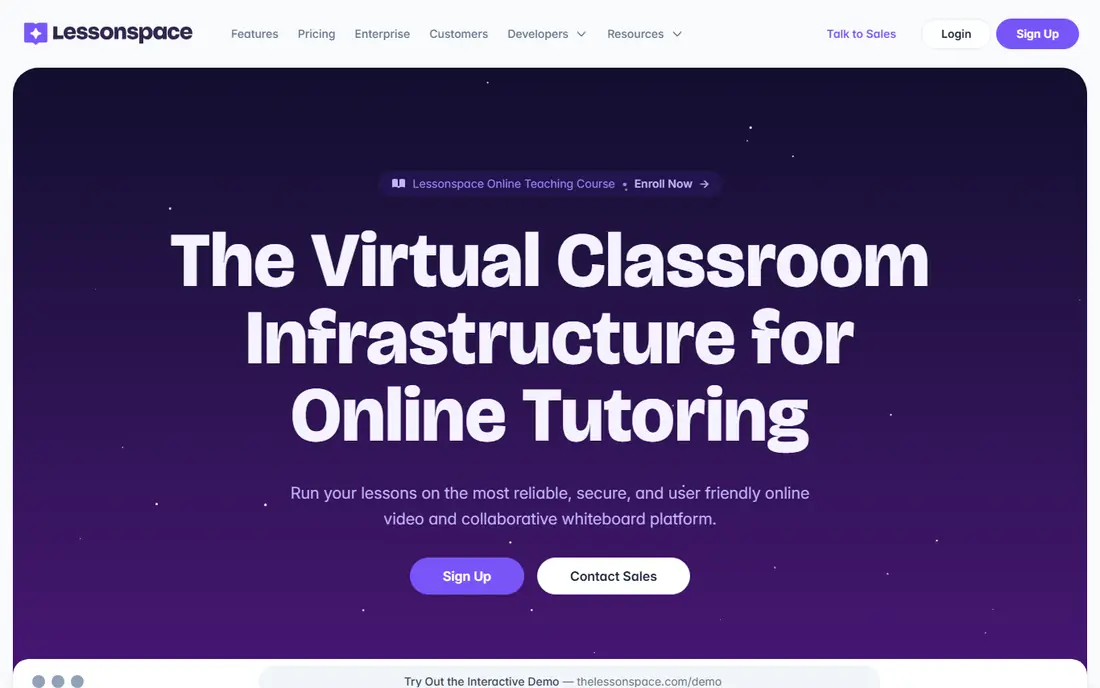
Lessonspace provides live tutoring spaces with video, a collaborative whiteboard, document sharing, and tools built for one to one and small group lessons. Session recording and transcripts help students revise, and they give tutors a record to review for quality and safeguarding. Its API and CRM integrations mean an agency can link lessons to its existing scheduling system rather than running a separate classroom login.
The catch is that Lessonspace is a classroom, not a full business system. You still need scheduling, invoicing, and payroll elsewhere, unless you pair it with a tool such as TutorCruncher or Teachworks. Usage based pricing also means a busy month costs more than a quiet one, so model a peak month before committing. For lesson quality alone, it is a strong pick.
- Collaborative whiteboard and documents
- Session recording and transcripts
- Integrations with tutor CRMs
- Usage based pricing can vary
- Needs a management tool for billing and payroll
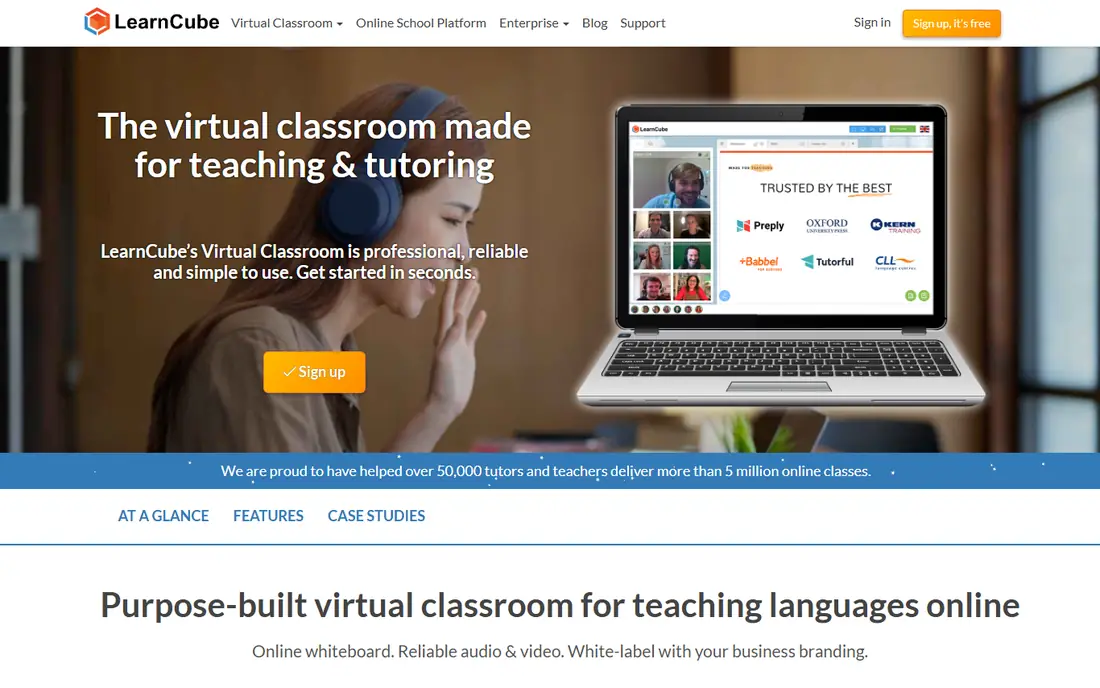
LearnCube offers a virtual classroom and whiteboard built for tutors, with a free tier that includes one teacher account, unlimited classes, and up to four students. Paid Whiteboard Pro starts at $7 per month, while Virtual Classroom Pro starts at $14 per month, adding larger classes, branding, homework features, and attendance reporting. That free start makes it easy for a solo tutor to test live teaching without a subscription.
The limits appear as you grow. Larger classes, your own branding, and premium ESL content sit on paid tiers, and an online school setup is a separate paid service. Still, for a tutor who wants a stable, education focused classroom with a genuine free tier, LearnCube is one of the most approachable options in this list.
- Free whiteboard tier
- Branded classrooms
- Tutoring specific tools and breakout rooms
- Paid tiers needed for larger classes
- ESL content is a separate paid add-on
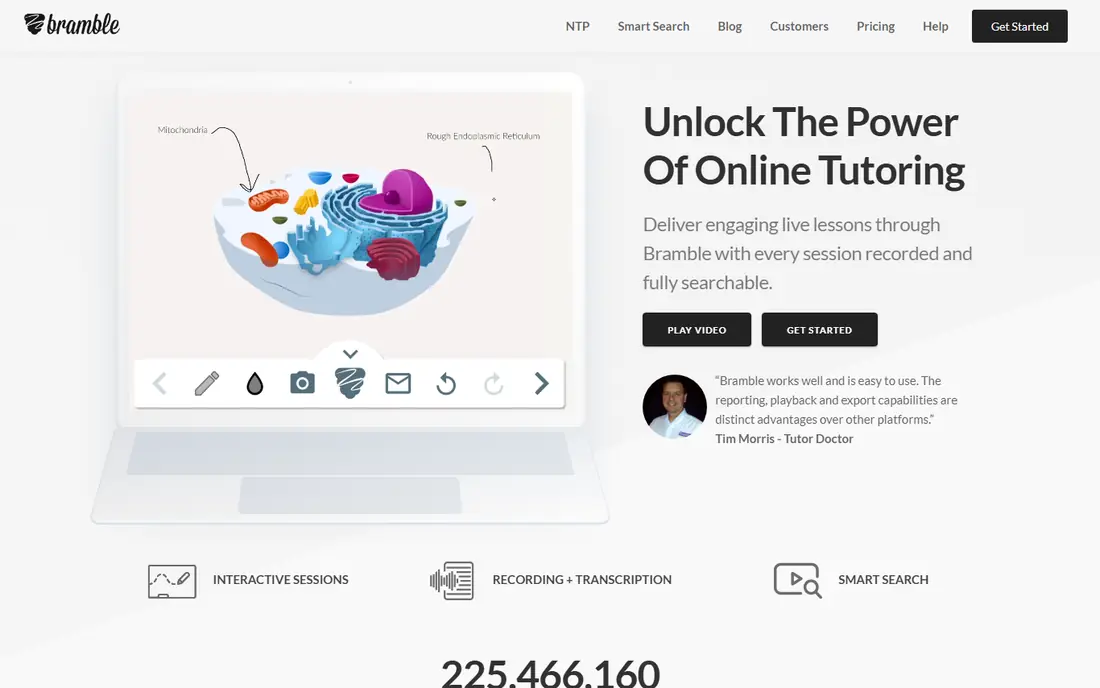
Bramble focuses on what happens after the lesson as much as during it. Lessons are recorded, transcribed, and made searchable, so a student can find the moment a concept was explained, and a tutor can review teaching quality. An AI synopsis helps with revision notes, and PDF export gives students a record they can keep. That focus suits tutors who care about safeguarding, quality checks, and student revision.
Bramble is not a scheduling or billing system, so agencies will pair it with a management tool. Its free tier covers one to one lessons, while paid Pro adds group features. If your priority is a lesson record that students actually revisit, Bramble stands out from generic video tools.
- Unlimited recording
- Searchable transcripts
- Lesson summaries for revision
- Less of a full business system
- Group features sit on paid plans
WizIQ combines a virtual classroom with course management, so tutors and schools can run live classes, sell or share courses, set tests, and track assignments in one platform. That breadth suits a tutor who is moving from one to one lessons toward group courses, or a small school that wants live teaching and course records together. It supports whiteboards, screen sharing, and attendance tracking.
The trade-off is scope. A tutor who only needs a clean one to one classroom may find WizIQ broader and heavier than Lessonspace or LearnCube, and pricing is arranged rather than listed as a simple plan. For a tutor or school building a course business, though, that all-in-one shape can save juggling several tools.
- Virtual classroom plus course creation
- Tests and assignments
- Works for schools and tutors
- Pricing is by arrangement
- Interface is broader than a pure tutoring classroom
TutorCruncher is a back office system for tutoring businesses, covering scheduling, tutor matching, CRM, invoicing, payroll, and reporting, with an online whiteboard for lessons. Its pay as you go plan starts at $30 per month plus a percentage of revenue, while Startup starts at $80 per month with a lower percentage, and Enterprise is custom. That model suits agencies that want one system for operations and payments.
Read the full cost before you sign. Card transaction fees and offline payment fees apply on top of the subscription, and those percentages matter at volume. Still, for an agency managing several tutors, automated split payments and business reporting save real administrative time. A two week trial is the right way to test it with your own tutors and parents.
- Scheduling, CRM, invoicing, and payroll in one system
- Tutor matching
- Business reporting
- Card and offline payment fees add to the subscription
- Setup takes time for larger agencies
Teachworks focuses on administration: scheduling, invoicing, payroll, package tracking, and staff records, with integrations for accounting and for classrooms such as Lessonspace. Its Starter plan starts at $16.49 per month plus $0.32 per student lesson, with Growth and Premium tiers lowering the per lesson rate as volume rises. That model rewards agencies that can predict lesson volume.
The variable cost is also the warning. A busy month, or a month with many group lessons where each student counts separately, will cost more than a quiet month, so price a normal and a peak month before choosing. For an agency that already likes its classroom tool and needs a flexible admin centre, Teachworks is a strong, configurable choice.
- Configurable scheduling and invoicing
- Package balance alerts
- QuickBooks integration
- Per student lesson fees make monthly cost variable
- Classroom is via integrations
TutorBird keeps pricing simple: $14.95 per month for the base account, plus $4.95 per month for each additional tutor or staff member, with all features included at every level. It covers scheduling, attendance, invoicing, payments through Stripe and PayPal, calendar sync, and a simple website builder. A 30 day trial and a money back period make it low risk to test.
Larger agencies may want the deeper payroll and reporting of TutorCruncher or Teachworks, and per tutor fees do add up as a team grows. But for a solo tutor or a small centre, TutorBird is one of the clearest value options in this list, because there are no hidden fees for reminders, hosting, or student limits to discover later.
- Low flat pricing
- All features included
- Calendar sync and payment integrations
- Per tutor fees add up for larger teams
- Less depth for large agencies
VEDAMO provides an interactive virtual classroom alongside learning management tools, so educators can run live classes and manage courses, materials, and student progress in one place. It suits schools, language schools, and tutoring centres that need more structure than a standalone whiteboard, including breakout rooms, assignments, and session management.
Pricing is arranged rather than published as a simple plan, and the platform is geared more to organisations than to a single tutor. For a centre that wants a branded, structured teaching environment with course management included, VEDAMO is worth a demo. For a solo tutor, a free tier tool such as LearnCube may be the faster start.
- Interactive virtual classroom
- Learning management features
- Good for schools and language teaching
- Pricing is by arrangement
- May be more than a solo tutor needs
How we picked these
We compared official feature pages, pricing pages, and public documentation, and we favoured tools that are actively available for virtual tutoring, cover either the live lesson or the business side well, and explain their pricing model clearly or honestly note where pricing is by arrangement. We mixed classroom tools with management tools because a tutoring business usually needs both kinds of tool, and we noted where a tool needs a partner product for the other half. We did not claim hands-on testing.
How to choose a virtual tutoring tool for your work
First, decide which half you are buying: the lesson or the business. If your lessons already work on a generic video tool but scheduling, invoicing, and tutor pay eat your week, start with TutorCruncher, Teachworks, or TutorBird. If your admin is fine but lessons feel flat, start with Lessonspace, LearnCube, or Bramble and test whiteboard, audio, and recording quality with a real student.
Then price a real month. Per lesson, per student, per tutor, and usage based models all look cheap until you apply your own numbers, so run your last normal month through each pricing page. Finally, check safeguarding and access: recording controls, waiting rooms, and how students join without an account all matter for younger learners, and a tool that parents trust is easier to sell than a tool with a longer feature list.
Frequently asked questions
What is the best tool for virtual tutoring?
The best tool depends on whether you need a classroom or a business system. For live lessons, Lessonspace and LearnCube are strong picks, while TutorCruncher and Teachworks are stronger for running an agency. Many tutoring businesses use a classroom tool plus a management tool together, rather than expecting one product to do both jobs well.
Is there a free virtual tutoring tool?
Yes, LearnCube offers a free whiteboard and virtual classroom tier, and Bramble offers a free tier for one to one lessons. Lessonspace, TutorCruncher, Teachworks, and TutorBird offer free trials rather than permanent free plans. Free tiers usually limit class size or features, so check those limits against your actual lessons.
What do virtual tutoring tools cost?
Costs vary by model. TutorBird starts at $14.95 per month, Teachworks at $16.49 per month plus per lesson fees, and TutorCruncher at $30 per month plus payment percentages. Classroom tools such as LearnCube start free, with paid tiers from $7 per month, while larger platforms such as VEDAMO and WizIQ price by arrangement.
Do I need a virtual classroom or a tutor management system?
A solo tutor often needs only a classroom tool at first, while an agency with several tutors usually needs a management system for scheduling, billing, and payroll as well. If you teach groups, record lessons, or manage many students, you will likely need both: a classroom for the lesson and a management system for the business around it.
Sources
See where you really rank - block by block
ProMapRanker scans Google Maps across a grid of your service area. Simple monthly plans from $19, white-label on every plan.
Start freeKeep reading
 zoom alternatives
Best Zoom Alternatives in 2026
Compare Zoom alternatives in 2026, with free meeting limits and prices, so you can pick the best alternative to Zoom for your team, class, or community.
Read → which software is best for remote work
Which Software Is Best for Remote Work in 2026
Answering which software is best for remote work, we compare Slack, Zoom, Asana, Notion, Teams and more, with pricing and honest tradeoffs in 2026 now.
Read → which ai tool is best for content writing
Which AI Tool Is Best for Content Writing in 2026
Wondering which ai tool is best for content writing? We compare ChatGPT, Claude, Jasper, Grammarly, and more on price, quality, and best use in 2026 now.
Read →