 ProMapRanker
Best Tools for Vector Design in 2026


Professional print and branding · Pricing starts at: $22.99 per month
Key takeaways
- Adobe Illustrator remains the industry standard for professional print and branding work.
- Affinity is now free, which makes it the strongest no cost option for serious vector design.
- Inkscape is the best free open source vector editor, with strong SVG support and no subscription.
- Figma and Sketch suit interface design and team collaboration more than print production.
- Vector files scale without losing sharpness, which is why logos and icons should be built as vectors.
Quick comparison
| Pick | Great for | Pricing starts at | Free tier | |
|---|---|---|---|---|
| Adobe Illustrator | Professional print and branding | $22.99 per month | Free trial | Visit |
 Affinity Affinity | Pro vector design at no cost | Free | Yes | Visit |
 Inkscape Inkscape | Free open source vector editing | Free | Yes | Visit |
 CorelDRAW Graphics Suite CorelDRAW Graphics Suite | Print shops and sign makers | $269 per year | Free trial | Visit |
 Figma Figma | Interface design and collaboration | $16 per editor per month | Yes | Visit |
 Sketch Sketch | Mac interface design teams | $10 per editor per month | Free trial | Visit |
 Linearity Curve Linearity Curve | Vector design on Apple devices | Free | Yes | Visit |
 Vectr Vectr | Simple beginner vector editing | Free | Yes | Visit |
The best tools for vector design
We compared the best vector graphics software on drawing tools, typography, colour control, file format support, collaboration and price. The best vector design software for you depends on whether you design for print, screens or both.
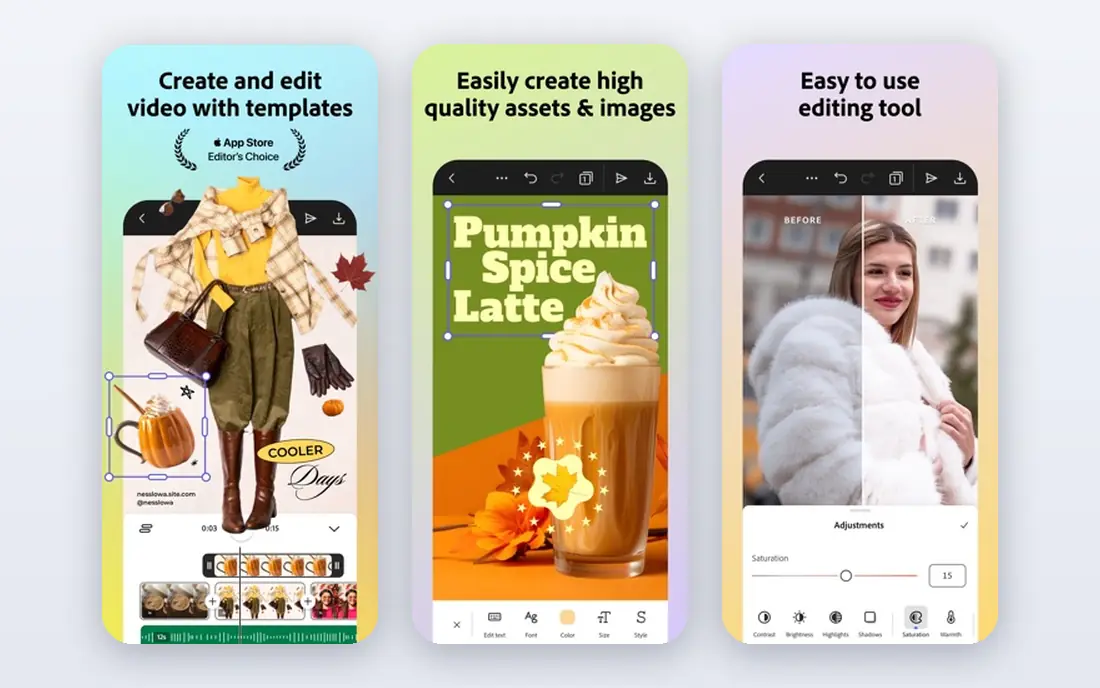
Adobe Illustrator is the best software for vector graphics for professional designers, because it handles logos, packaging, illustration and print production with precision. Its pen tools, shape builder, typography controls and colour management are built for work that must print accurately, including CMYK and spot colour workflows. Integration with Photoshop, InDesign and Adobe Fonts helps agencies hand files to printers and clients without conversion trouble.
The price is the main drawback. At 22.99 dollars per month on an annual plan billed monthly, it costs far more over a year than a free tool, and beginners can feel overwhelmed by the number of panels and options. A 7 day free trial lets you test the core workflow first. If clients expect Illustrator files, or print accuracy is critical, it remains the safest choice.
- Industry standard vector tools
- Strong typography and colour control
- Deep Creative Cloud integration
- Subscription cost adds up
- Steep learning curve for beginners
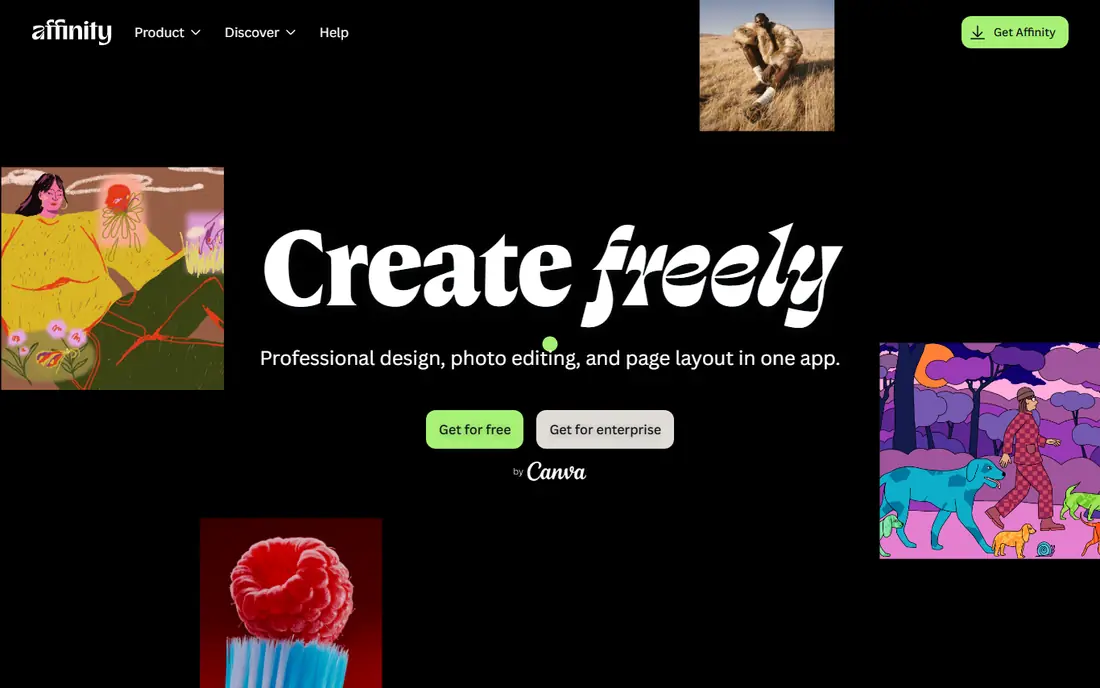
Affinity, now free after its acquisition by Canva, is the best free vector software for serious work. Its Designer app offers precision pen tools, unlimited artboards, strong typography and CMYK support, plus PDF, EPS and SVG export for print and client handoff. Performance is fast even on large files, and the interface feels modern without hiding core tools behind menus.
The tradeoff is ecosystem. Affinity has fewer third party plugins, templates and stock integrations than Illustrator, and real time team collaboration is weaker, because work is mostly shared as files. For solo designers, freelancers and small studios, that rarely matters. If you want pro vector tools without a subscription, start here before you pay for anything else.
- Professional vector tools at no cost
- Fast performance
- Strong CMYK and print export options
- Smaller plugin and template ecosystem than Illustrator
- Collaboration is mostly file based
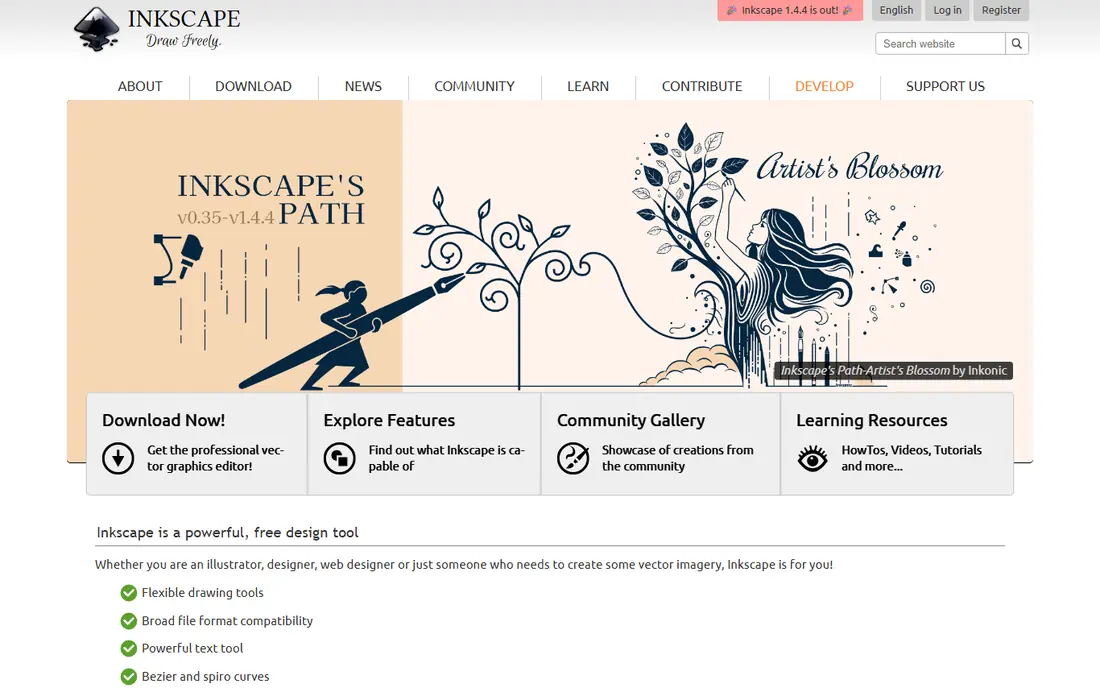
Inkscape is the best vector graphic software for users who want full control without paying anything. It runs on Windows, Mac and Linux, and its native SVG format makes it ideal for web graphics, icons and logos that will be used online. Drawing tools, node editing, text on a path and boolean operations cover most vector tasks, and extensions add tracing, effects and export options.
The interface looks older than Affinity or Illustrator, and very complex files can feel slower. Commercial print workflows may need extra checks for colour and font handling, because Inkscape is not built around a print shop pipeline. For students, hobbyists and freelancers who work mainly for screens, it is a genuinely capable free editor, not a limited demo.
- Free and open source
- Strong SVG support
- Extensions add extra features
- Interface feels dated
- Performance can slow on very complex files
CorelDRAW Graphics Suite suits print shops, sign makers and Windows based design teams that want vector design, page layout and photo editing in one package. It handles multi page documents, large format signage and production workflows that Illustrator users often split across several apps. A one time purchase option, alongside subscription pricing, appeals to buyers who refuse to rent software forever.
The cost is high, at 269 dollars per year for a subscription or a larger one time payment, and the Mac version is less central to the product than the Windows version. A 15 day free trial helps you test production features before you commit. For general logo design, Affinity or Illustrator will be simpler, but for production focused shops CorelDRAW earns its price.
- Vector design plus layout and photo editing in one suite
- One time purchase option
- Strong for signage and print
- Subscription and purchase prices are high
- Mac support is thinner than Windows
Figma is the best vector design software for interface design, because it was built for teams designing apps and websites together. Multiple designers can edit the same file in real time, components and variables keep a design system consistent, and developers can inspect specs and export assets from the browser. The free Starter plan covers solo projects and small teams well.
It is not a print tool. Colour management, CMYK output and print preflight are not its strengths, so do not choose Figma for packaging or signage. Paid plans start at 16 dollars per editor per month billed annually, with higher month to month pricing. For screen design and team workflows, Figma is the clear leader on this list.
- Real time team collaboration
- Strong component and design system tools
- Browser based
- Weaker for print production
- Needs internet for full collaboration features
Sketch is a focused interface design tool for Mac teams, with symbols, shared libraries and a plugin community that has grown around product design. It feels fast and purposeful for app and web layouts, and its file format is widely supported by developer handoff tools. Pricing starts at 10 dollars per editor per month, with an annual option that lowers the effective cost.
The limits are platform and scope. Sketch runs only on Mac, and it is not the right tool for detailed illustration or print production. Teams that mix Mac and Windows, or that need real time browser collaboration, should look at Figma instead. For a Mac only product team that values a clean, focused editor, Sketch remains a strong choice.
- Focused interface design tools
- Strong symbol and library system
- Large plugin community
- Mac only
- Weaker for illustration and print than Illustrator
Linearity Curve, formerly Vectornator, brings vector design to Apple devices with a modern interface and good Apple Pencil support on iPad. You can draw logos, icons and illustrations on a tablet, then continue on a Mac, with cloud sync keeping files together. Auto trace turns sketches or images into editable vectors, and newer AI tools help generate assets for a project.
The free plan covers core vector work, while Pro adds unlimited files, extra exports and local file options, with annual pricing reported around 119.90 dollars. Check the current Pro price on the vendor site before you subscribe, because Linearity pricing has changed with its product lineup. For Apple focused designers who sketch on iPad, it is a pleasant middle ground between Vectr and Illustrator.
- Vector design across Mac, iPad and iPhone
- Auto trace and AI asset tools
- Clean modern interface
- Export depth and print features vary by plan
- Smaller community than Illustrator or Figma
Vectr is the best vectorizing software starting point for beginners who find Illustrator intimidating. It runs in the browser, offers simple shape, pen and text tools, and lets collaborators work on the same file in real time. That simplicity suits classroom use, quick social graphics and first logo sketches, where speed matters more than advanced features.
The tradeoff is depth. Vectr lacks the advanced typography, colour management and path tools that professional work often needs, and print controls are limited. Treat it as a learning tool and a quick sketchpad, then move a finished logo to Affinity or Inkscape for polish and proper export. For a first taste of vector design at no cost, it is hard to beat.
- Free and very easy to learn
- Real time collaboration
- Runs in the browser
- Fewer advanced tools than Affinity or Inkscape
- Limited print and colour controls
How we picked these
We compared official feature pages, pricing pages and documentation for vector editors, and we kept only tools that work in October 2026. We weighed drawing precision, typography, colour and export support, collaboration, platform availability and price. We favoured tools with a free tier or trial, because vector design has a learning curve and you should test the pen tools before you pay.
We did not claim hands on testing that did not happen, and we did not invent performance figures or feature counts. Where pricing varies by plan, platform or billing term, we wrote See website or gave the figure from the vendor comparison we reviewed, so you can confirm it at checkout. Always export a test file and check it in the program or printer that will use it, because format support varies between tools.
How to choose the right vector design tool
Start with the output. For print, logos and branding, shortlist Illustrator, Affinity, CorelDRAW and Inkscape, and compare colour control and export formats. For app and web interfaces, shortlist Figma and Sketch, and compare collaboration and developer handoff. For learning or quick graphics, Vectr and Linearity Curve offer low cost starting points.
Check file compatibility next. If clients send Illustrator files, you need a tool that opens them cleanly, which favours Illustrator itself or Affinity. If your work lives on the web, SVG support matters most, which favours Inkscape and Figma. Finally, test the pen tool and node editing on a real logo sketch, because comfort with those controls matters more than a long feature list.
Frequently asked questions
What is the best vector graphics software for beginners?
Vectr is the easiest starting point, because it runs in the browser and keeps tools simple, while Affinity is the best free step up once you want professional controls. Inkscape is also free and more powerful, but its interface takes longer to learn. Start with Vectr for a week, then move to Affinity or Inkscape for finished work.
What is the best free vector software?
Affinity is our pick for free professional vector design, because it combines pro tools, CMYK support and fast performance at no cost. Inkscape is the best free open source alternative, with stronger SVG focus and extensions. Both beat paid tools for most solo designers, so only pay for Illustrator if client files or print workflows demand it.
What is the best vector art software for logos?
Adobe Illustrator remains the standard for logo work that must print accurately and hand off cleanly to clients and printers. Affinity is a strong free alternative for most logo projects, with good export options and colour control. Build logos as vectors from the start, so they scale from a business card to a sign without losing sharpness.
Is Figma good for vector design?
Figma is excellent for vector based interface design, icons and design systems, with real time collaboration that rivals cannot match. It is weaker for print production, detailed illustration and CMYK workflows, so it should not replace Illustrator or Affinity for branding work. Use Figma for screens and a dedicated vector editor for print.
What is the best software for vector graphics on iPad?
Linearity Curve is the strongest iPad focused pick here, with Apple Pencil support, auto trace and sync across Apple devices. Affinity also offers a capable iPad app, and Vectr runs in the browser on tablets. Choose Linearity Curve for sketch to vector work on iPad, and Affinity for more print focused projects.
Can I convert a photo to a vector?
Yes, tracing tools in Inkscape, Linearity Curve and Illustrator can convert a raster image into editable vector paths, though results vary by image quality. Simple logos and line art trace cleanly, while detailed photos need manual cleanup and often look better redrawn by hand. Always check the traced result at large size before you use it.
Sources
See where you really rank - block by block
ProMapRanker scans Google Maps across a grid of your service area. Simple monthly plans from $19, white-label on every plan.
Start freeKeep reading
 zoom alternatives
Best Zoom Alternatives in 2026
Compare Zoom alternatives in 2026, with free meeting limits and prices, so you can pick the best alternative to Zoom for your team, class, or community.
Read → which software is best for remote work
Which Software Is Best for Remote Work in 2026
Answering which software is best for remote work, we compare Slack, Zoom, Asana, Notion, Teams and more, with pricing and honest tradeoffs in 2026 now.
Read → which ai tool is best for content writing
Which AI Tool Is Best for Content Writing in 2026
Wondering which ai tool is best for content writing? We compare ChatGPT, Claude, Jasper, Grammarly, and more on price, quality, and best use in 2026 now.
Read →