 ProMapRanker
Best Tools for Reducing Support Response Time in 2026


large teams with several support tiers · Pricing starts at: $55 per agent per month
Key takeaways
- The fastest gains usually come from instant answers and triage, not from hiring more agents for the same queue.
- AI pricing is now a second bill on several platforms, so model resolutions and seats together before choosing.
- Help Scout, Zoho Desk and HubSpot still offer free tiers that suit small teams with a modest ticket volume.
- Measure first response time and resolution time separately, since a fast first reply can hide a slow fix.
Quick comparison
| Pick | Great for | Pricing starts at | Free tier | |
|---|---|---|---|---|
| Zendesk | large teams with several support tiers | $55 per agent per month | No | Visit |
 Freshdesk | mid-size teams that want a lower seat price | $19 per agent per month | No | Visit |
 Intercom | SaaS teams that support users inside the product | $29 per seat per month | No | Visit |
 Help Scout | email first small teams | $25 per user per month | Yes | Visit |
 Zoho Desk | budget teams and Zoho users | $7 per user per month | Yes | Visit |
 HubSpot Service Hub | teams already running HubSpot CRM | See website | Yes | Visit |
 Front | operations teams working a shared queue | $25 per seat per month | No | Visit |
 LiveChat | chat first sales and support teams | $19 per agent per month | No | Visit |
 Tidio | small online stores that need chat plus AI | $29 per month | Yes | Visit |
 Crisp | small teams that want flat workspace pricing | $45 per month | Yes | Visit |
The best tools for reducing support response time
We compared official feature pages, pricing pages and public documentation for 10 tools that fit this topic, and we kept only products that exist and work today. Our pick for most readers is in the list below, but the right choice depends on your budget, your team size and the job you need done first.
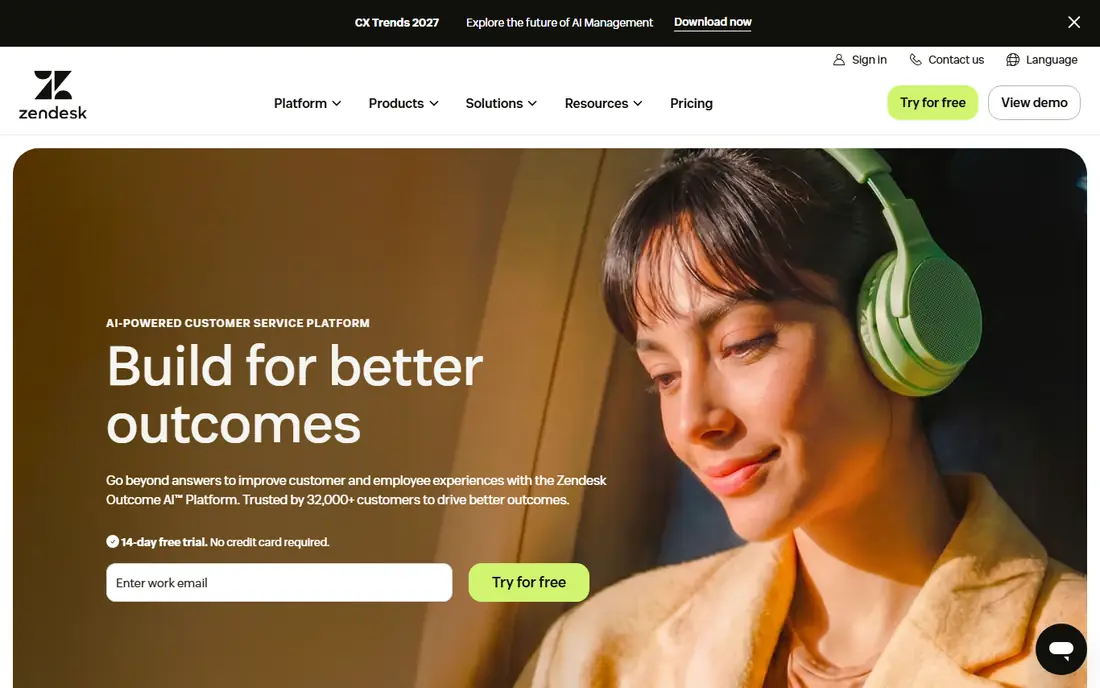
For teams that need this, large teams with several support tiers, Zendesk deserves a close look. Zendesk is the heavyweight option when support spans email, chat, phone and social, and when routing rules need to reflect several product tiers. The strengths that stood out in its official pages are full omnichannel ticketing; ai agents and copilot; deep reporting and workflows.
The trade-off is seat price plus ai resolution fees add up; setup takes real admin time. Before you pay, check the AI resolution allowance and Copilot cost on your plan on the vendor site, and run the tool on one real project or campaign for at least a week. A short trial on real work tells you more than any feature page.
- Full omnichannel ticketing
- AI agents and Copilot
- Deep reporting and workflows
- Seat price plus AI resolution fees add up
- Setup takes real admin time
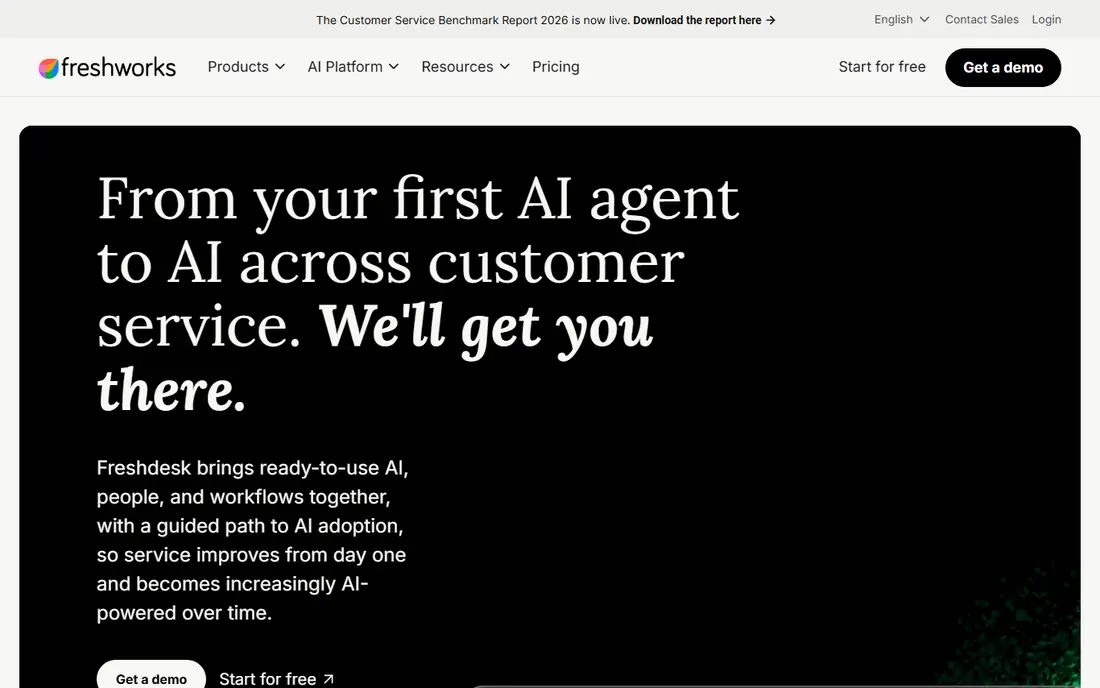
If your main job is this, mid-size teams that want a lower seat price, Freshdesk deserves a close look. Freshdesk gives a familiar help desk shape at a lower seat price than Zendesk, with AI help that can answer routine tickets before an agent touches them. The strengths that stood out in its official pages are ticketing, knowledge base and automations; freddy ai agent and copilot; broad integrations.
The trade-off is no permanent free plan, only a trial and a limited programme; ai sessions are metered. Before you pay, check the AI session allowance and what counts as a session on the vendor site, and run the tool on one real project or campaign for at least a week. A short trial on real work tells you more than any feature page.
- Ticketing, knowledge base and automations
- Freddy AI agent and Copilot
- Broad integrations
- No permanent free plan, only a trial and a limited programme
- AI sessions are metered
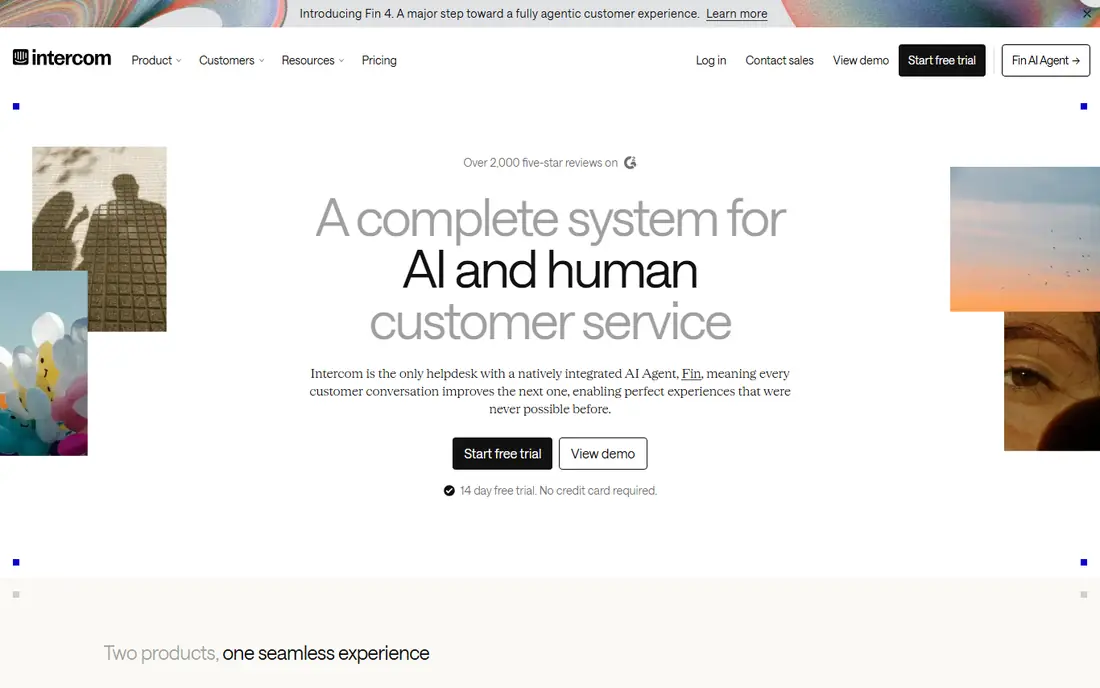
Start here when SaaS teams that support users inside the product, Intercom deserves a close look. Intercom is strongest when support lives inside the product itself, because users can ask for help without leaving the screen where the problem happened. The strengths that stood out in its official pages are in product messenger; fin ai agent; tickets and help centre in one place.
The trade-off is seats and fin outcomes are billed separately; costs grow on both sides. Before you pay, check the Fin outcome price and how an outcome is counted on the vendor site, and run the tool on one real project or campaign for at least a week. A short trial on real work tells you more than any feature page.
- In product messenger
- Fin AI agent
- Tickets and help centre in one place
- Seats and Fin outcomes are billed separately
- Costs grow on both sides
A practical choice for email first small teams, Help Scout deserves a close look. Help Scout keeps support close to email, which is where many small teams already work, and its shared inbox makes handoffs visible without a complex setup. The strengths that stood out in its official pages are clean shared inbox; help centre; ai answers with a spending cap.
The trade-off is built around email and chat rather than phone first work; advanced reporting sits higher. Before you pay, check the free plan limits on users, inboxes and contacts on the vendor site, and run the tool on one real project or campaign for at least a week. A short trial on real work tells you more than any feature page.
- Clean shared inbox
- Help centre
- AI Answers with a spending cap
- Built around email and chat rather than phone first work
- Advanced reporting sits higher
For a team that wants this, budget teams and Zoho users, Zoho Desk deserves a close look. Zoho Desk is the cheapest credible entry point in this list, and it is a natural fit when a business already runs other Zoho apps. The strengths that stood out in its official pages are free plan for small teams; ticketing, chat and knowledge base; zia ai assistance.
The trade-off is the most useful ai features sit on higher plans; interface can feel dense. Before you pay, check which AI features are included on the Express and Standard plans on the vendor site, and run the tool on one real project or campaign for at least a week. A short trial on real work tells you more than any feature page.
- Free plan for small teams
- Ticketing, chat and knowledge base
- Zia AI assistance
- The most useful AI features sit on higher plans
- Interface can feel dense
When the brief is this, teams already running HubSpot CRM, HubSpot Service Hub deserves a close look. HubSpot Service Hub makes sense when support context already lives in HubSpot, because an agent can see deals, tickets and past chats on one record. The strengths that stood out in its official pages are tickets beside crm records; live chat and ai customer agent; shared inbox.
The trade-off is higher plans carry onboarding fees; ai use is credit based. Before you pay, check the onboarding fee and AI credit allowance on your plan on the vendor site, and run the tool on one real project or campaign for at least a week. A short trial on real work tells you more than any feature page.
- Tickets beside CRM records
- Live chat and AI customer agent
- Shared inbox
- Higher plans carry onboarding fees
- AI use is credit based
This one earns a place for operations teams working a shared queue, Front deserves a close look. Front suits teams that treat support as a shared queue rather than a set of private inboxes, since assignments and internal notes keep work visible. The strengths that stood out in its official pages are shared inbox with assignments and internal comments; automation rules; broad channel support.
The trade-off is no free plan; pricing rises with seats and add-ons. Before you pay, check the seat price and which automation features your plan includes on the vendor site, and run the tool on one real project or campaign for at least a week. A short trial on real work tells you more than any feature page.
- Shared inbox with assignments and internal comments
- Automation rules
- Broad channel support
- No free plan
- Pricing rises with seats and add-ons
For buyers focused on this, chat first sales and support teams, LiveChat deserves a close look. LiveChat is the purest chat tool here, and that focus shows in routing, canned replies and chat reporting that help desks often treat as an afterthought. The strengths that stood out in its official pages are mature live chat widget; canned responses and routing; marketplace integrations.
The trade-off is chat focused, so full ticketing needs another tool; ai resolutions are an extra cost. Before you pay, check the per agent price and the AI add-on terms on the vendor site, and run the tool on one real project or campaign for at least a week. A short trial on real work tells you more than any feature page.
- Mature live chat widget
- Canned responses and routing
- Marketplace integrations
- Chat focused, so full ticketing needs another tool
- AI resolutions are an extra cost
A solid option when small online stores that need chat plus AI, Tidio deserves a close look. Tidio fits small stores because chat, bots and automation arrive in one package that a non-technical owner can set up in an afternoon. The strengths that stood out in its official pages are live chat and lyro ai assistant; automation flows; ecommerce integrations.
The trade-off is free plan limits billable conversations; ai allowances are separate from chat limits. Before you pay, check the billable conversation limit and the Lyro allowance on your plan on the vendor site, and run the tool on one real project or campaign for at least a week. A short trial on real work tells you more than any feature page.
- Live chat and Lyro AI assistant
- Automation flows
- Ecommerce integrations
- Free plan limits billable conversations
- AI allowances are separate from chat limits
Close the shortlist with small teams that want flat workspace pricing, Crisp deserves a close look. Crisp stands out on pricing shape, since one workspace price covers the team rather than charging per seat, which helps as a team grows. The strengths that stood out in its official pages are flat price per workspace; live chat, knowledge base and crm features; free plan.
The trade-off is free plan covers two seats and excludes ai credits; higher features cost more. Before you pay, check the seat and AI credit limits on the plan you choose on the vendor site, and run the tool on one real project or campaign for at least a week. A short trial on real work tells you more than any feature page.
- Flat price per workspace
- Live chat, knowledge base and CRM features
- Free plan
- Free plan covers two seats and excludes AI credits
- Higher features cost more
How we picked these
We compared official feature pages, pricing pages, app store listings and public documentation, and we removed products that had shut down, changed direction, or no longer fit the topic. We did not claim hands-on testing that did not happen, and we wrote See website wherever a current price could not be confirmed from the vendor.
We also weighed fit over fame. A well known tool that misses the core job for this topic did not make the list, while a smaller tool that does that job well did. Prices change often, so confirm the current plan terms before you buy.
How to cut response time without burning out the team
Start by sorting tickets by topic, not by arrival time. The top five repeat questions usually account for a large share of volume, and those are the ones worth answering with help centre articles, canned replies or an AI assistant. Everything else can wait for a human without harming the overall numbers.
Then set triage rules that a new agent can follow on day one. Urgent billing and outage tickets go first, simple how to questions go to the help centre or AI, and complex cases go to the right specialist with full context. Clear rules cut the time tickets spend waiting for someone to decide what they are.
Finally, watch the second bill. Seats are easy to budget, while AI resolutions, conversation caps and add-ons are where costs surprise teams. Review usage monthly, raise the cap only when resolution quality holds, and keep a human path open for customers who need one.
Frequently asked questions
What actually cuts response time fastest?
Instant answers for repeat questions, clear triage rules and a help centre that customers can search before writing in. Those three changes usually beat adding headcount, because they remove tickets from the queue entirely.
Should every reply be instant?
No. A fast acknowledgement helps, but customers judge the time to a real fix more than the time to a first reply. Track both numbers, and do not let a bot acknowledgement hide a slow resolution.
How do AI resolution fees work?
Several platforms charge per AI resolved conversation on top of seat prices, so a busy month costs more than a quiet one. Set a spending cap where the tool allows it, and review which questions the AI actually resolves.
Do I need live chat to be fast?
Live chat helps for urgent, simple questions, but it also creates pressure for instant staffing. Email with good triage and a strong help centre can beat a badly staffed chat widget.
What should a small team measure first?
First response time, resolution time, ticket volume by topic and the share of tickets the help centre or AI resolves. Those four numbers show whether a new tool is helping or only moving work around.
Sources
See where you really rank - block by block
ProMapRanker scans Google Maps across a grid of your service area. Simple monthly plans from $19, white-label on every plan.
Start freeKeep reading
 wpforms alternatives
Best WPForms Alternatives in 2026
We compare 9 wpforms alternatives for WordPress forms, with free and paid options, current pricing notes, and honest limits for small business sites in 2026.
Read → windows task scheduler alternatives
Best Windows Task Scheduler Alternatives in 2026
Looking for Windows Task Scheduler alternatives? We compare 9 schedulers for Windows and cross-platform work, from free tools to enterprise automation.
Read → which ai video service is best
Which AI Video Service Is Best in 2026
which ai video service is best? We compare 10 legitimate AI video services on price, avatars, editing and output quality to help you pick the right tool.
Read →